Thx very much Peter for your fast answer.
I use ethernet.
Actually its running, I had so much problems today:
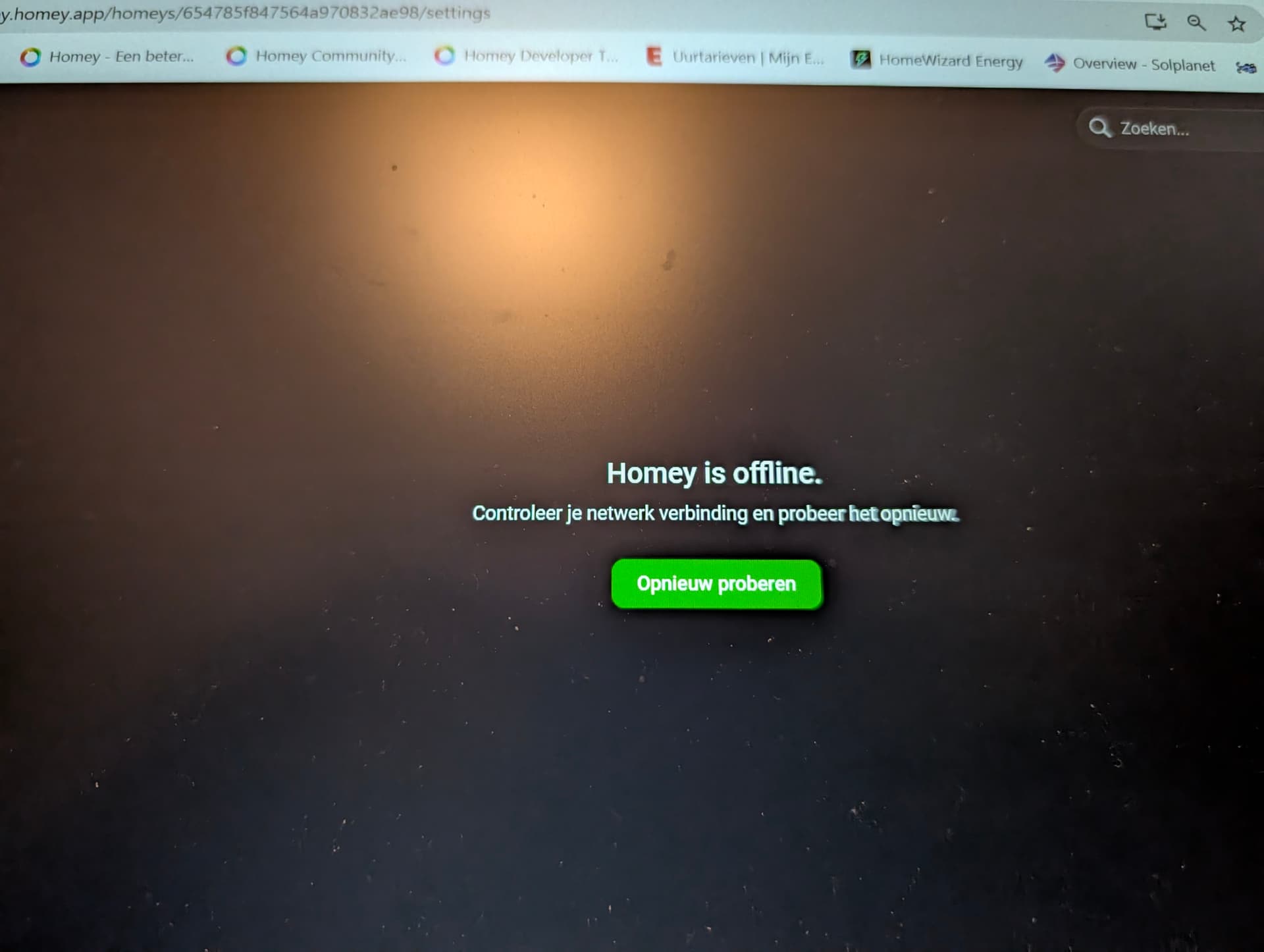
A lot of “Homey is offline” in the app and web. After unplug and plug Homey it was running, but virtual devices were on (not last state).
433 Mhz devices did not work…
Sounds like there might be more wrong than just a bad network connection.
…but without changing anything 
Now it works - hope for longer… 

Just a thought: I see in your screenshot that your Homey is connected to both WiFi and Ethernet. Should that not only be one of both?
As far as I know, NO.
Homey can use one of both, where ehternet is first priority and WIFI is “back up”
I was able to reproduce the problem but couldn’t solve it. Switching a Shelly Dimmer 2 multiple times, the Homey will go offline. The problem occurs even if the dimmer is not added as a device in Homey and is switched via the Shelly app. Firmware update and factory reset of the dimmer were unsuccessful. There are many setting options in the Shelly app, does anyone know a solution?
Sounds like a possible IP conflict.
Are you sure every network device has a unique IP address?
`I had different fix IP-adresses. Now I changed manually the adress of the shelly to another fix IP. Adding in Homey functioned (not automatically found but with IP). A few tests and Homey getting offline
…
I saw that now I had 2 devices in Homey (old and new IP). After deleting old device the tests were ok - but not for long 
Thank you anyway Peter!
…
After Reset of Homey and an Update of the Shelly-App in Homey (fortunatly yesterday) now its working 
Since a couple of days my Homey Pro 2023 has been off line a lot. After a restart it works again for a couple of minutes and then it goes back off line. My Homey is connected via WiFi and has run properly for more than a year. Has there been any changes in the firmware last days? My other devices in house don’t have issues with the WiFi-connection.
Exact same issue here. Did you find anything already?
Unfortunately not. I’ve ordered the Ethernet adapter to try if that solves my connection problem. I has worked without any problems for more than a year and as far as I know, nothing has changed in my set-up.
I’ve had intermittent offline problems for the last few weeks.
Tried rebooting the Homey Pro 2023 a few times.
It’s kind of frustrating, as my setup has been working well for a long time, just like many others in this thread have experienced.
//Hasse
Does the app say so, or is it actually not connected to (W)LAN?
Ergens is dit Nederlandse topic “gemuteerd” naar Engels… 
The app says I’m offline, though everything else works. Ping to the assigned wifi IP is disrupted, though. lost 2 of 4 packets. Tried to assign another IP and it was OK for a short while.
This morning, the phone app worked and the web app on my PC did not, despite being on the same network and wifi.
Did several reboots of the Homey Pro yesterday.
It’s a weird problem. I’ll find a long IP cable and will attach the ethernet dongle and see if that does anything different.
Do you use 2.4GHz or 5GHz network?
Some time ago I faced similar issues. At that time my Homey was using only 2.4GHz wifi (from the day one…) and before that I haven’t have any problems. However, in that location Homey wasn’t able to connect to router via 5GHz network. I changed Homey to different place and configured router so that it will use only 5GHz network. Since then Homey has not been offline, not even once.
At least in my case, Homey’s signal has been too weak or Homey is not fully compatible with TP-link router when using 2.4GHz network. I also noticed that when my Homey was offline, it was not connected to router (and this confirms to me that signal wasn’t stable enough and Homey was disconnected from the network totally).
Very interesting, indeed. I do have a TP-Link router (mesh system), too.
The wired ethernet might be a better solution, but it’s inconvenient and I’ll check wether it’s on 5 GHz or 2.4.
//Hasse
Just checked, and mine is on 5GHz.
