The same here this morning. I had a 5 sec. (before it was 10) poll frequency. After app restart and Homey restart there were updates for a short period of time.
I have a Homewizard display and use Homewizard Android app. Maybe too much combined with Homewizard Homey app with 5 seconds on Homey 2023. After setting back the frequency to 10 seconds, it seems to work again as expected.
Strange, seems not the case. Maybe the interval was to short or temporary cpu spike for the app to run. I’ve added an extra check during polling process to see if the interval is still active (case where p1 stopped), if so it will start a new one.
Thanks for the fast fix! Here it looks like the issue is gone. It is now updating for around 30 minutes. (5 sec updates)
Maybe helpful; a diag report: 4f588252-e667-468d-878a-05e06bce738d
Hi Jeroen! I withdrew my post below, because the poll interval was set to 2s. But the “HW unavailable” notifications didn’t go away after I reverted back to 10s (app was not restarted after that).
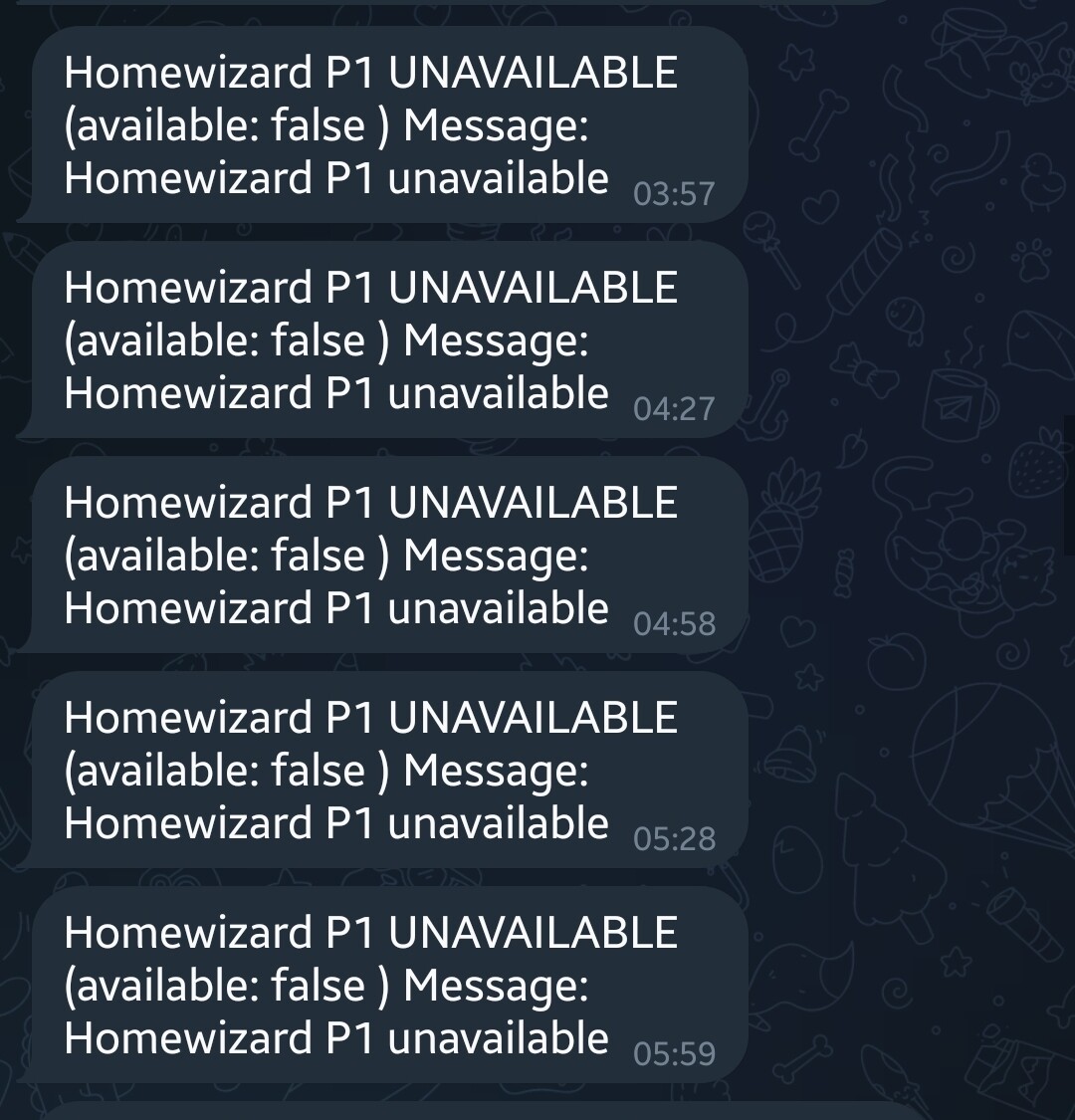
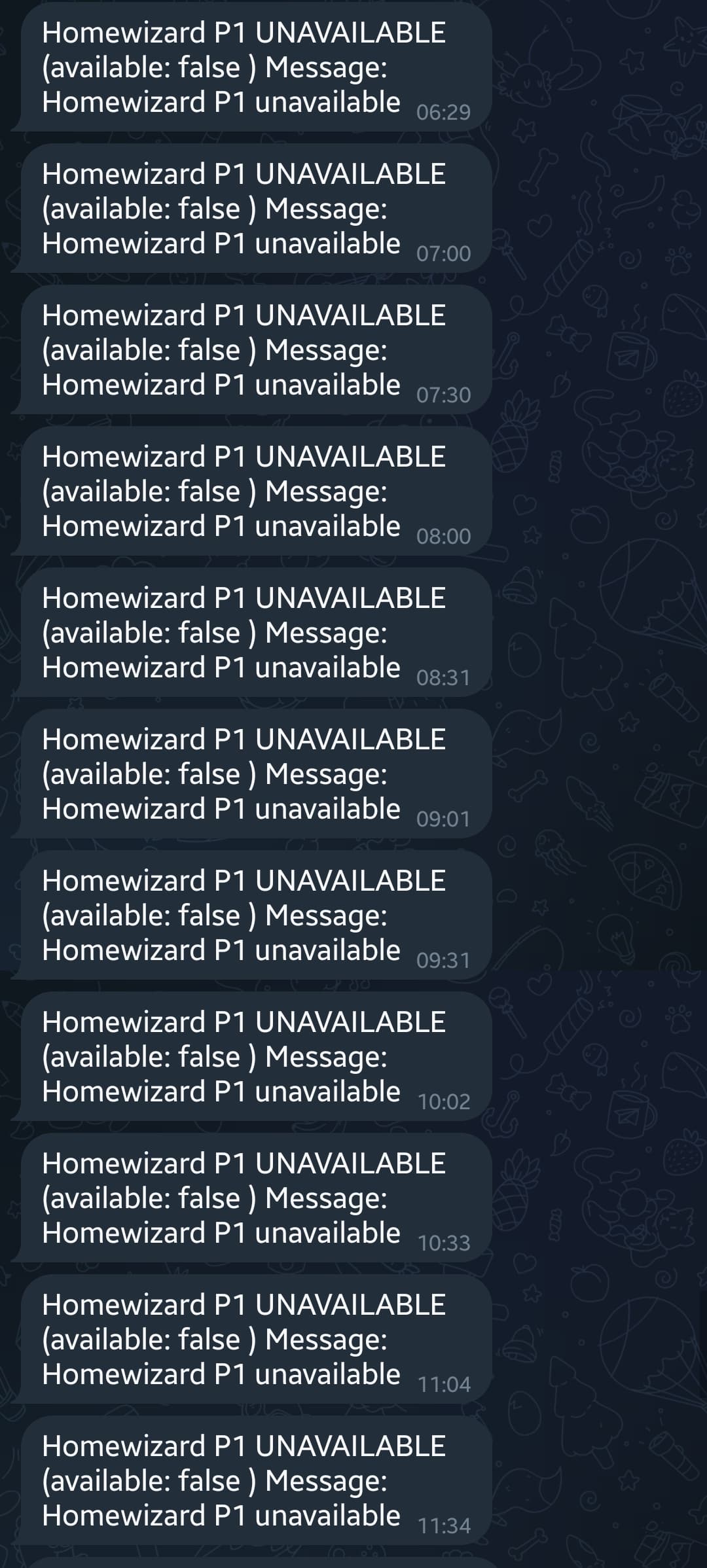
Just FYI: test app v3.6.1 works well with my P1, but now I receive offline/unavailable messages quite often.
It appears to be offline very briefly.
This didn’t ever occurred before.
The insighst graphs don’t show interruptions.
I’ll send a diag if you like.
---- stdout ----
HomeWizard app ready!
HomeWizard EnergyLink has been inited
HomeWizard Heatlink has been inited
HomeWizard has been inited
HomeWizard Kakusensors has been inited
HomeWizard Rainmeter has been inited
HomeWizard Thermometer has been inited
HomeWizard Wattcher has been inited
HomeWizard Windmeter has been inited
Settings for P1 apiv1:  10
2025-05-05T17:43:10.149Z [log] [ManagerDrivers] [Driver:energy] [Device:2e3027e3-5ffa-41c4-8001-363f8bd3c6f6] URL: http://192.168.x.x:80/api/v1
2025-05-05T17:43:10.206Z [log] [ManagerDrivers] [Driver:energy] [Device:2e3027e3-5ffa-41c4-8001-363f8bd3c6f6] Polling interval is not running, starting now...

---- stderr ----
Problem, no. But there will be two P1 tracking your household energy consumption (double the amount) for energy tab.
Token is internal stored in Homey for allowance to communicate.