@Jeroen_Tebbens Maybe you can compare the diagnostics with my diagnostics.
60819d66-10f0-45e7-b3ad-06f8c98618e8
I am on V3.2.0 Homey 2023 is on 10.0.0-rc.110.
With Temp sensor, Homewizard, P1 meter, Watermeter and the Energylink.
I have no problems at this moment.
The devices are also still in Homey Pro 2019.
Yup different but still major network issues, but again I dont own a Homey2023 so unable to test.
Your old Homewizard cant be reached:
Error Homewizard Request - CONNECTION PROBLEM
Error Homewizard Request - CONNECTION PROBLEM
Error Homewizard Request - CONNECTION PROBLEM
Error Homewizard Request - CONNECTION PROBLEM
Your watermeter (ENETUNREACH means no route was found to your device).
2023-05-26T22:44:45.031Z [err] [ManagerDrivers] [Driver:watermeter] [Device:baf6ad02-cb08-4fb5-8964-a761fc3bb41b] FetchError: request to http://192.168.0.44/api/v1/data failed, reason: connect ENETUNREACH 192.168.0.44:80 - Local (0.0.0.0:0)
at ClientRequest. (/app/node_modules/node-fetch/lib/index.js:1491:11)
at ClientRequest.emit (node:events:513:28)
at Socket.socketErrorListener (node:_http_client:502:9)
at Socket.emit (node:events:513:28)
at emitErrorNT (node:internal/streams/destroy:151:8)
at emitErrorCloseNT (node:internal/streams/destroy:116:3)
at process.processTicksAndRejections (node:internal/process/task_queues:82:21) {
type: ‘system’,
errno: ‘ENETUNREACH’,
code: ‘ENETUNREACH’
}
Thank you for this info.
Till now I have still no problems with the devices.
When I request the Watermeter api i get for the wifi:“wifi_strength”:100
So I don’t know if there is a problem.
Maybe it is because of the use with the HP23.
Don’t know if the old Homewizard has a problem because the Energylink has no problems as far as I know. Every time I take a look the value of the power it is the same as the P1 meter.
And the Energylink is only working with the Homewizard.
I will let you know if something is changing with connection problems or other things.
Thanks for your feedback on your issue. Yes sometimes its hard to track the real cause if issues where an assumed change/update in software doesn’t automatically means that is the real problem.
My router is about 3 meters from my HP23. So wifi problems shouldn’t come from that.
But he is not yet at his final location. Play around with it a bit before I start migrating everything.
The Homewizard is on the ground floor near another router and Homey is on the first floor.
Hi Jeroen,
First of all a big thank for the expertise and the hard work.
Would it be possible to implement the peak value of the month?
This value is in W(att) and is the average measured over a quarter of an hour.
Thank you in advance!
I can confirm that "P1 - monthly peak watt (Belgium specific P1 meter value) " works, but the naming is slightly confusing: It is now just called “Vermogen” and caused some confusion with “Huidig vermogen” for me (sorry my Homey is in dutch).
So perhaps I would suggest to rename it to “maandelijks piekvermogen” or something? That might make the distinction between them a bit more clear?
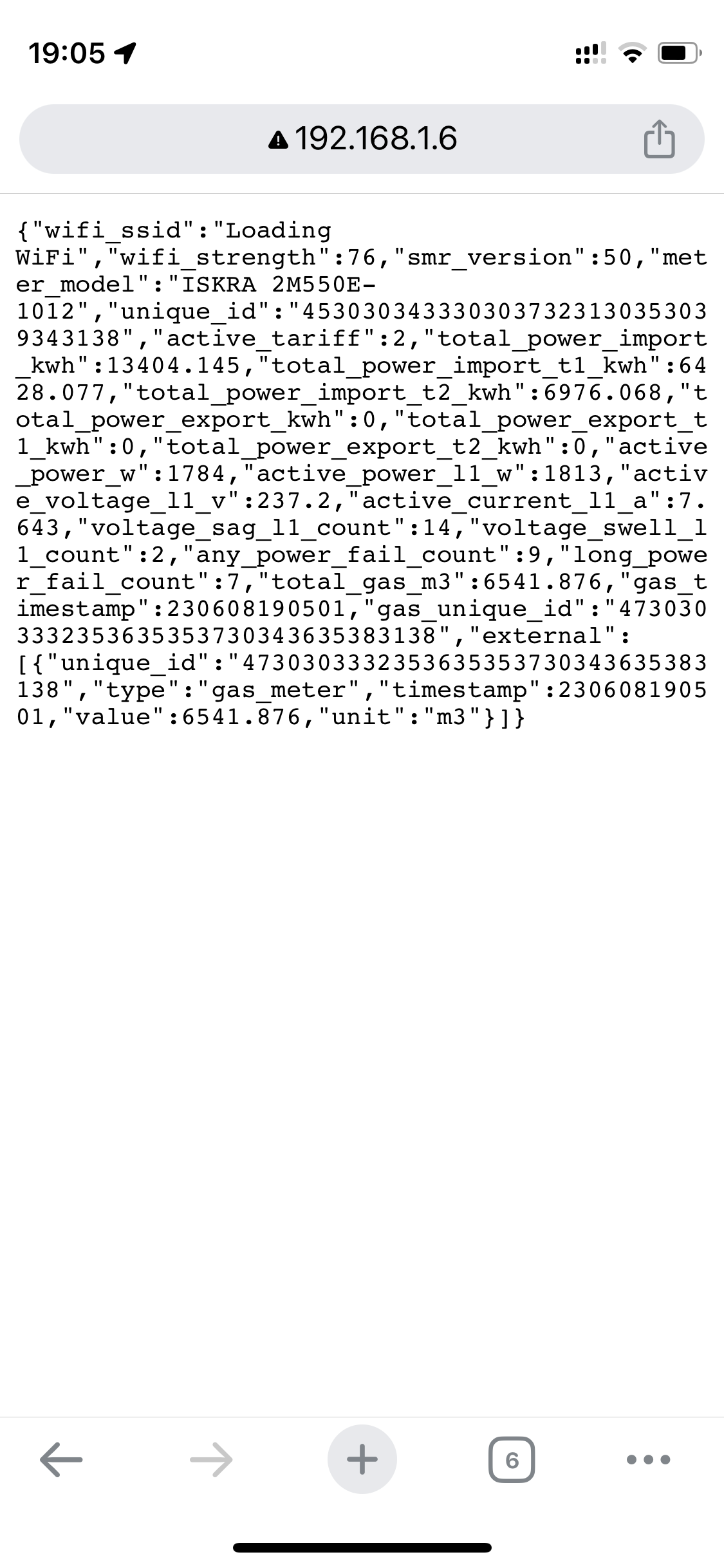
In the Homey app of Homewizard (P1) I do not see the current voltage.
When i go directly in (via IP) i can see the current voltage.
I hear from other users that they can see the current voltage in Homey, how come that I do not see the current voltage?