Thanks, I will have a look.
I think I found the problem, please try test version v3.6.35
@Jeroen_Tebbens
I run the new experiment app. It is about the day use electricity. It still does not work.

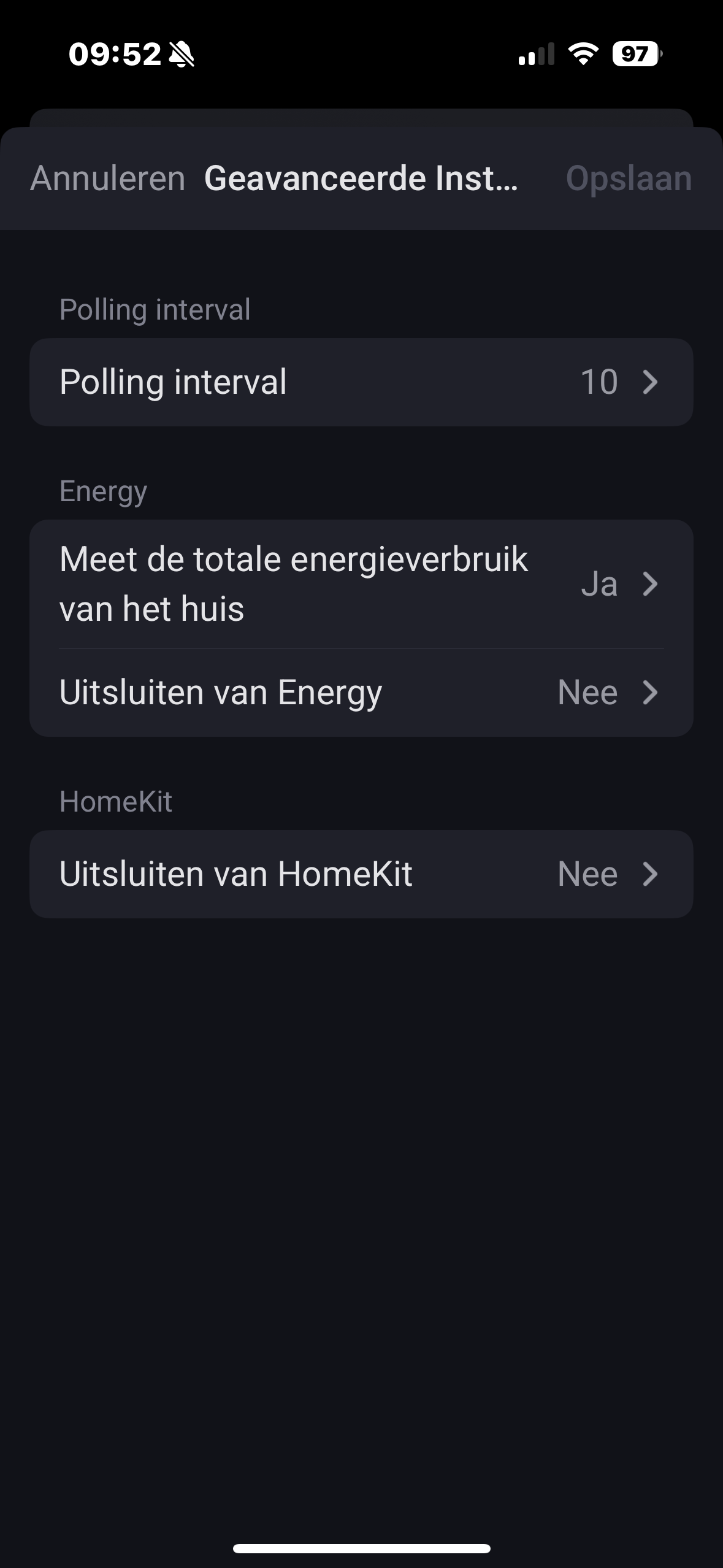

Can you also share me your P1 local api data?


Were can I find this?
Your log says:
→ http://192.168.2.21:80/api/v1
You have enough information now?
If you can share me the output of that link as well I can see why it doesnt take the values. I guess it might still be an older firmware for your P1, but that is an assumption at this moment.

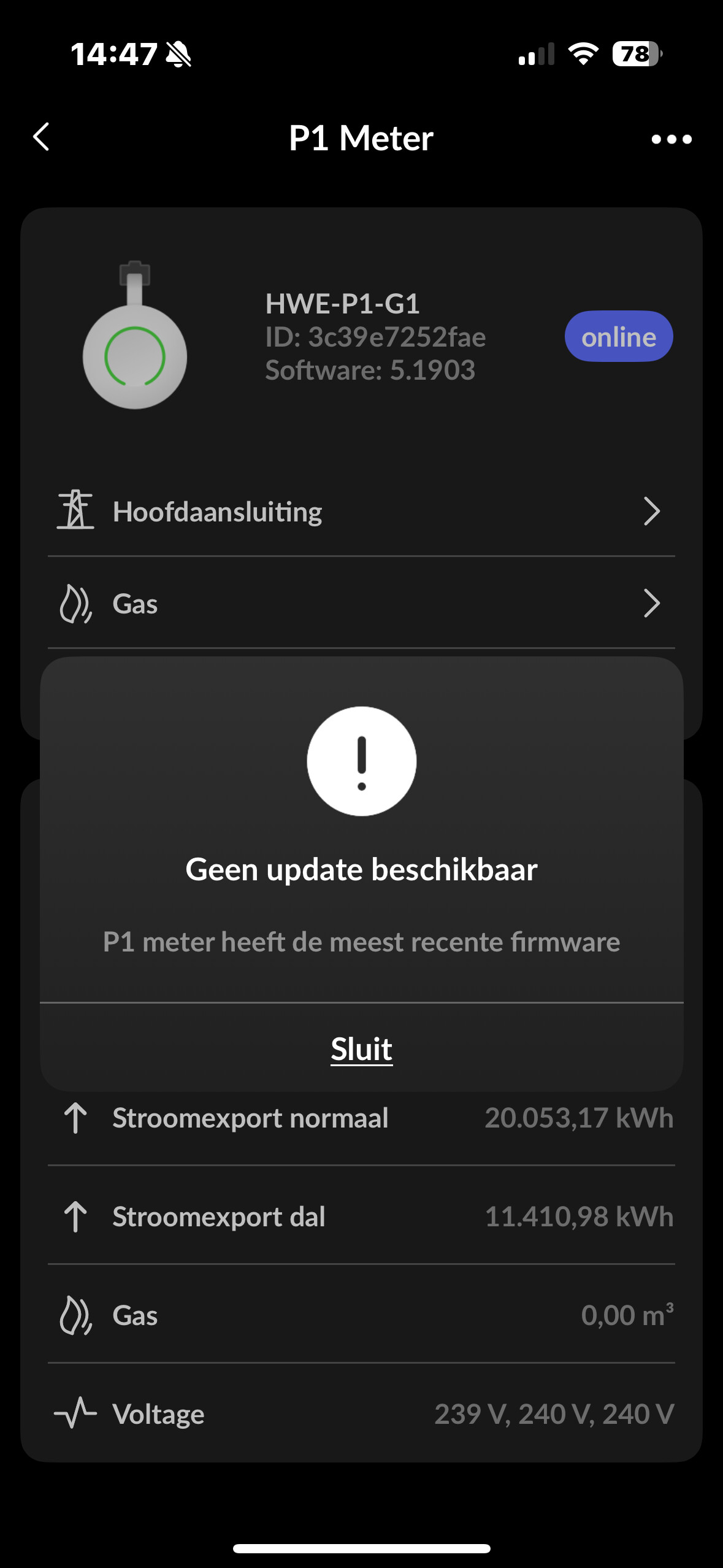
Seems your P1 is wandering/swapping IP else you would have get output from that link. Fine let me find what it should be then. This “new” value is a calculated value from only your total imported energy and gets reset at night time.
I see my error, you have no gas and that blocks out some code that caters also the daily energy tracking.
New test version going in.
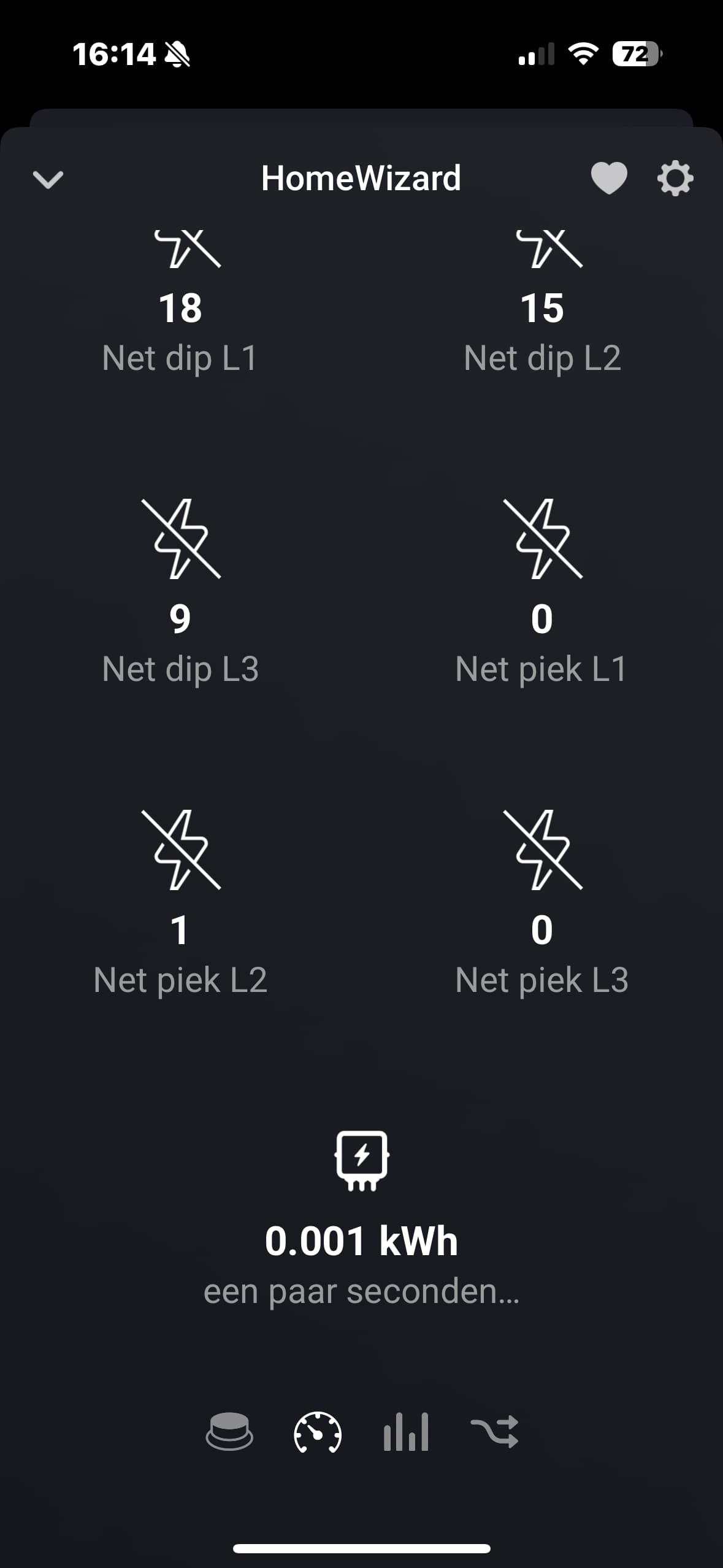
Found one more issue, pushed fix to test but yes this should be resolved now.
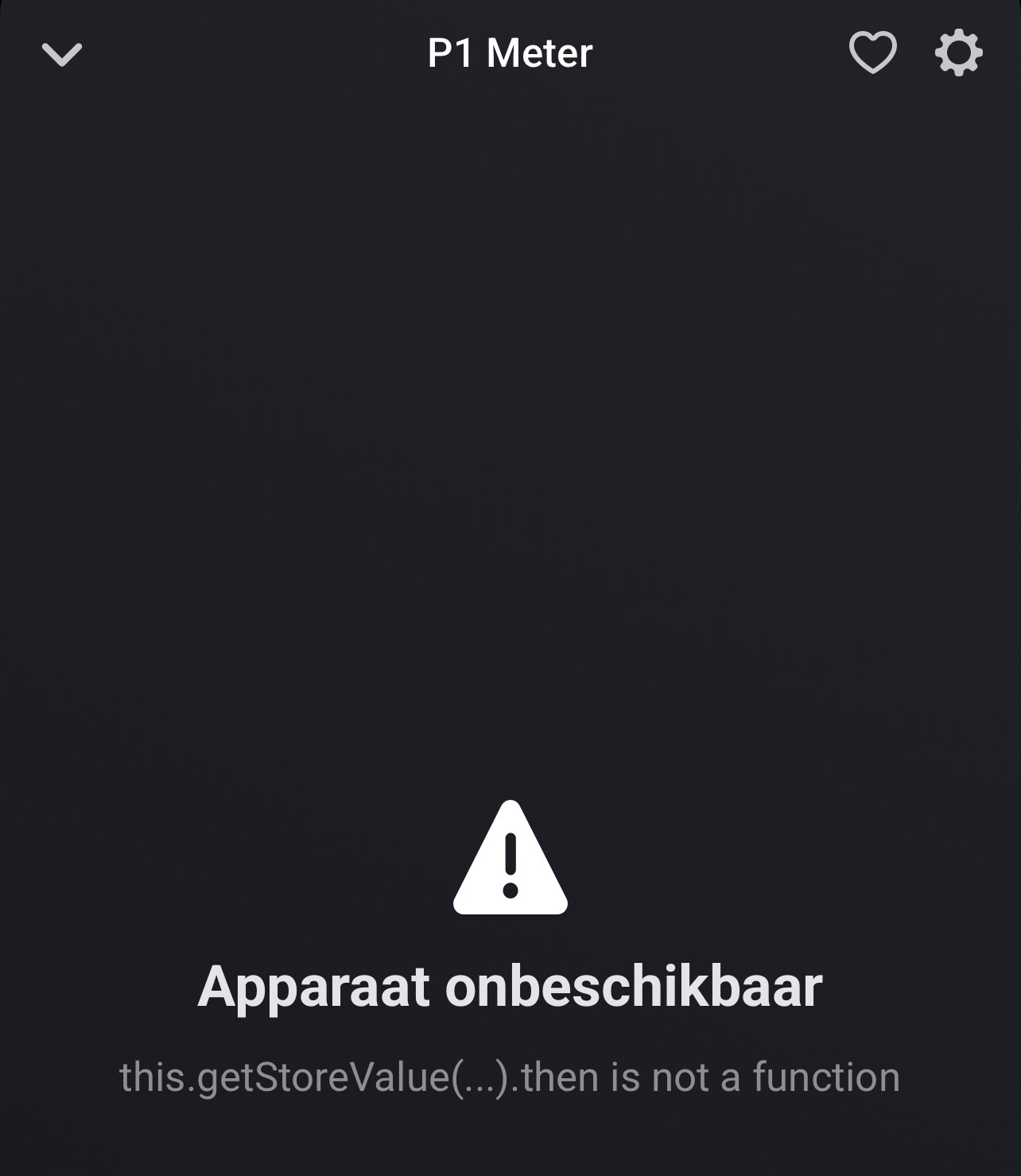

Can’t it be that your router has given a different IP-address to your P1-meter after the power outage?
That is very possible, but how do I solve this? Logging in again on Homey Pro does not work either. It sees it, can add it again, but when I have changed the name, or finished adding the P1 meter, I immediately get this message and an exclamation mark.
Is it also possible that the new update is throwing a spanner in the works? I see that there was a new update an hour ago (3.6. 36). Maybe that has something to do with it at the same time?
