v.3.6.34 went live.
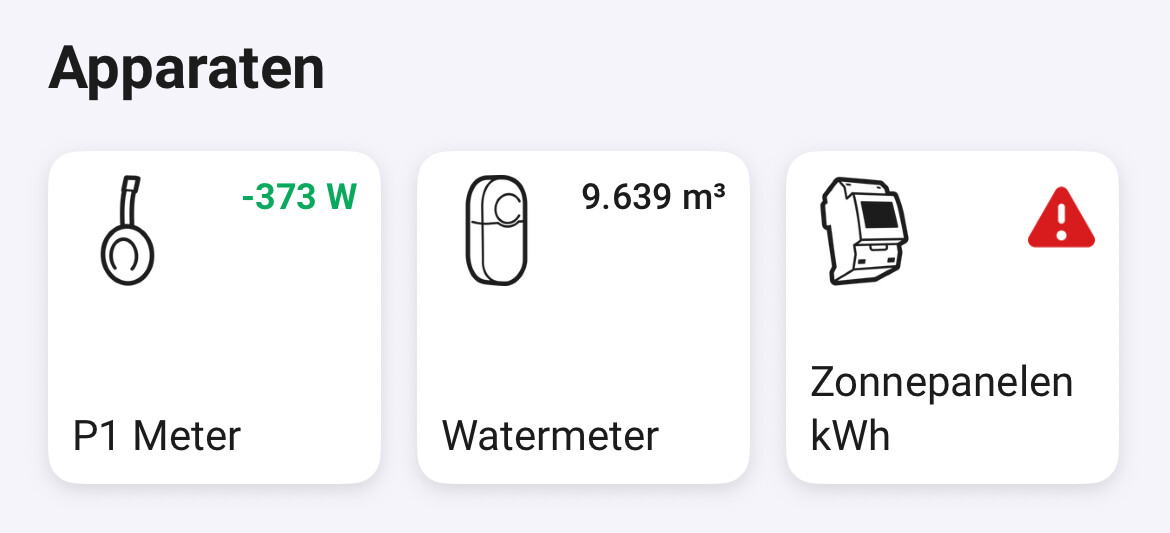
Last couple of weeks, the P1 stops working every couple of days in Homey, while it is still fully working in the Homewizard Energy app. Restarting the Homey app or even rebooting Homey doen’t solve the issue. Only way to get it working again is unplugging the P1 meter from power and then power it back on.
Sounds like mDNS problem, see first post in this topic for steps.
Nothing in the log, try to restart your Access Point that kwh meter is/should be connected to.
That worked for me.
Thank you!
I got a problem. If i put my hw battery in standby mode , homey cant change it to zero mode. Also through the hw app i cannot reach te battery. However in homey i can change the p1 meter to fullload. Then i can change the batterystatus in the hw app. Is this a common problem?
Which firmware are your P1 and Battery?
Batterry 1.0108
P1 6.0203
Ok attempt the same steps again that you feel are failing. Then drop me a diag report from my app. Do not restart the app else this info is lost.

Well it didn t work as i noticed before. In the p1 it says that is is in zero mode. Changing this to full charge triggers the battery to start charging. After that i can change it to zero mode again
Diagnostic report
580be2d7-22ab-425a-8e8e-82e92763c00f
Sorry cant find your report, which app version are you? Seems not my latest else I would see it there.
Version V 3.6.34
Please be sure you hit diag report in my app settings not homey generic.
Will try again:
8b5791ca-f71e-4ba5-be1d-6fa4ef7554a9
This working?
No nothing.
I think your homey has issues, please reboot it.
@Jeroen_Tebbens since 11 days I don’t have a “day” value. What can be the reason?

Strange, works fine here. Drop me a diag report from the app and let me see if I can find an error.
d5031e65-dd7e-44f1-bfa4-c738a24aaa37
Thanks for your quick respons.
