Yes there was a getStoreValue error. So you are running test version. This should be resolved in v3.6.37.
I have solved my problem. Reset my Homey Pro and it is working again.
Haha, the same time you have give a new update. Sorry, I have not solved it. 

I fixed other user problem and introduced a new error, my bad. Was a rush job and forgot to test it.
Latest test version is ok.
Hi everyone,
In my Homey setup I see that there are two different apps available for the P1 Meter: one is just called “P1 Meter” and the other is “P1 Meter (apiv2)”.
My P1 device works fine, but I noticed that the “apiv2” version offers significantly more Flow cards than the standard one.
How can I know for sure which version I should be using for my device? I’d like to use the version that supports more Flow cards.
Any advice would be appreciated — thanks!
The extra flowcards you might see for the P1 APIv2 are related to the plugin battery. As the change of mode is done via de P1.
If you only need the P1 you are fine with APIv1.
Hi, thank you very much for the clarification!
We’re only using the P1 smart meter for monitoring electricity usage (like EV charging, daily/monthly summaries etc.), so it’s good to know that APIv1 is perfectly sufficient for our use case.
The extra flow cards related to battery mode in APIv2 had us a bit confused, but now it’s clear that those are meant for additional battery-related plugins, which we’re not using.
Thanks again for the fast and helpful support!
Best regards, David
v.3.6.37 now live
- Bug fix daily tracking Energy usage (only imported from net) (wasnt working for gas-less households)
- Bug fix daily tracking gas usage
Hello,
after app has been updated, Watermeter is unavailable in the Homey. Repair function does not appear in the device settings. Anything special I should do to make it work again? In original homewizard app everything works well.
Thanks in advance.
As referred several times in this topic start with rebooting your access point the watermeter connects to.
@Jeroen_Tebbens
I use serveral homewizzard hardware.
P1, water, plug-ins, 1fase meter, 3fase meter(s)
But my second 3fase meter i cannot add it to Homey
With mdns i find the meter(s).
But cannot install it
Any idea?
Sure local api is enabled on the second?
Yes.
But meantime i solved it.
Restarted the wifi-ap at that room where the 3fase meter was connected.
But tnx and sorry for disturbing 
Same here… update immediately caused the P1 and water dongles to stop functioning in Homey… will reset router now, but it’s slightly weird that this happens 
Mdns issue, cant help it.
But when i search with mdns from a other ap i find the meter and showed the ip .
Very strange.
I use mikrotik and had never issues with it, only reboot after firmware update.
But glad i find it and helpful for others
And what do you know from Homey then on mDNS?

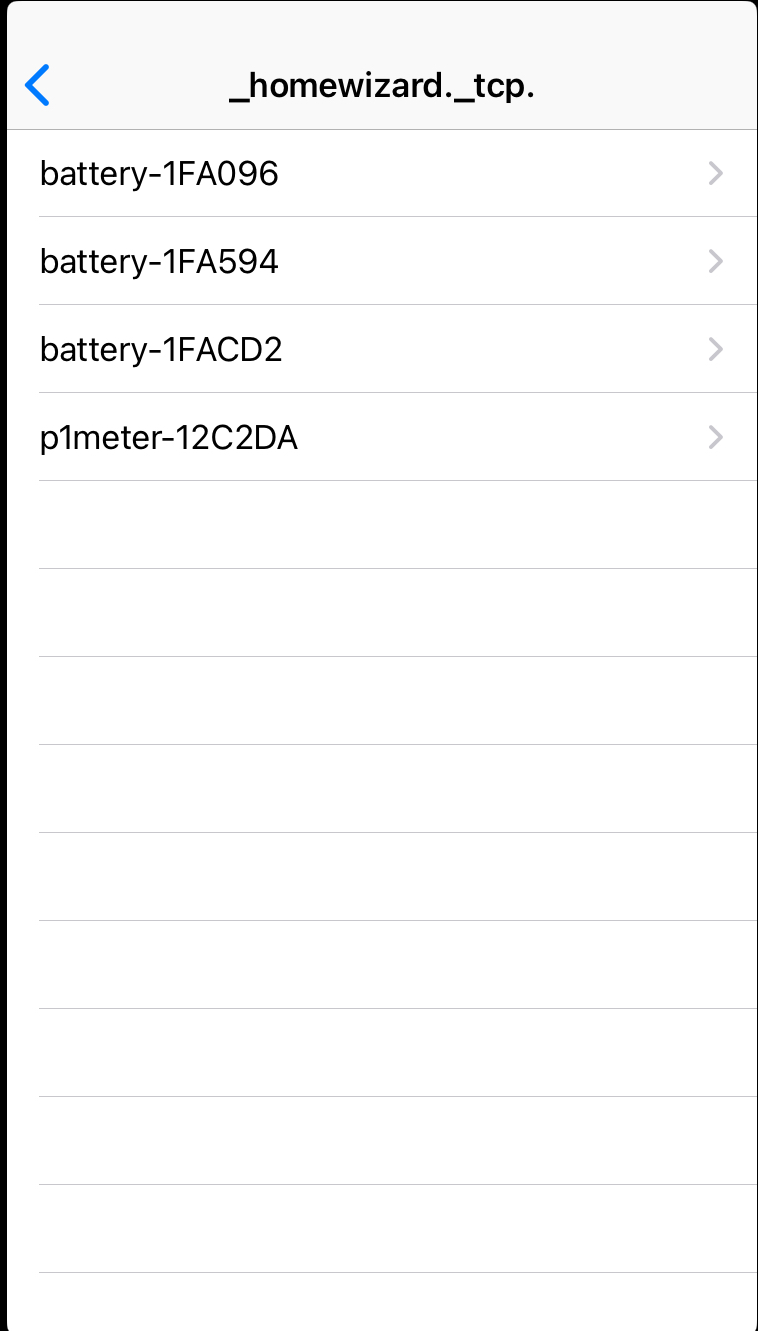
My app relies on mdns of homey as well, which isnt great/perfect either.
Hence I ask to reboot AP’s, Homey etc when there are issues (see first post in this topic).
My app does a:
const discoveryResults = discoveryStrategy.getDiscoveryResults();
Basically asking via Homey SDK to provide me the result of the mDNS discovery that it finds.
So having no answer on your question. If you dont like it, raise a ticket with Athom support.
Hi, after last update (before 1 day) my watermeter not working (power plug, API enabled), via official android Energy apps everything works fine. Thank you
Try this:
