Diagnose report
6dd5183d-47b3-473b-9dcd-be046f2e3627
Yes same problem, you dont have firmware 6.0201 on your P1.
Code I added should bypass it but fails, sorry need to find a way to fix it.
beta/test
v3.6.17
- Removed version check for battery mode, using API query to verify if data is there, only then condition and action cards should show.
@Ed_2403 @Johan_Bruyn hope this helps.
Jeroen, Sorry didn’t work. The P1 is available for a second
Diagnose report
5922b809-ccac-464b-808e-429931fd471c
Should be resolved now (v3.6.18) currently in test/beta
Ik heb al een tijdje 2 Homewizard thuisbatterijen. Deze werken perfect en ik ben er zeer tevreden over.
Aanmelden op de Homey 2023 werkt ook en in het energie tabblad kan ik ook alle informatie zien. Echter na ongeveer een 15 minuten blijft het energy tabblad hangen en dan moet ik de app (Android) hard stoppen en opnieuw opstarten. Heeft iemand hetzelfde probleem en heeft iemand suggesties ?
Nadat ik beide thuisbatterijen ontkoppeld heb van de Homey werkt alles weer stabiel.
Bedankt, Idso.
PS: met 1 batterij toegvoegd blijft alles gewoon werken in de Homey app, maar zodra ik een tweede toevoeg dan hangt alles. Nogmaals: in de web app blijft alles gewoon werken.
English please
This has nothing todo with my app, please raise a ticket with Athom support.
Thx. The P1 apiv2 is available and my battery is working fine.
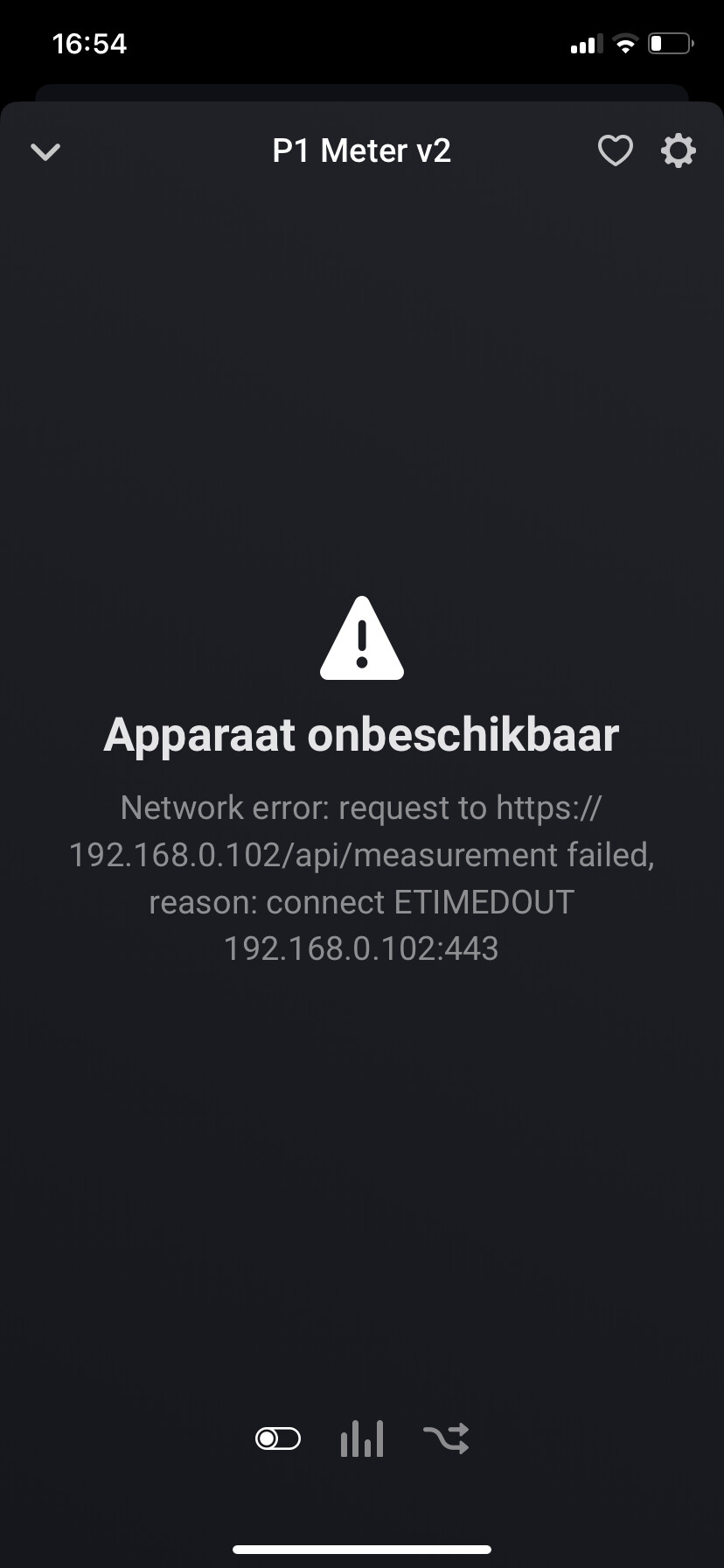
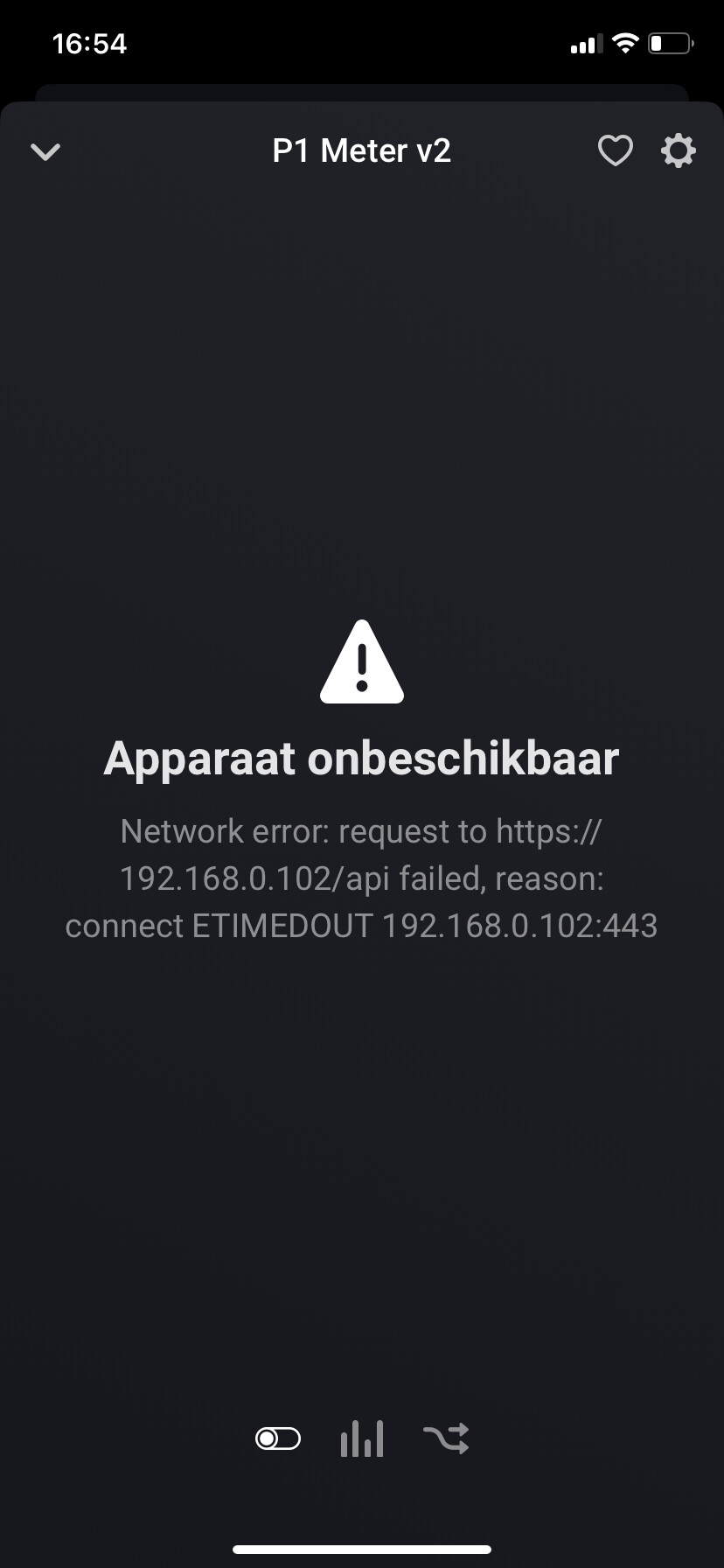
Yeah so I think you are hitting the polling cycle problem that 1sec is to hard for your Homey.
Maybe after you changed it back to 10sec and restart the app (just to be on the safe side).
2025-05-14T14:45:02.372Z [log] [ManagerDrivers] [Driver:energy_v2] [Device:8d68dcd4-dd59-47ee-aae6-97a64e6e1d5e] Settings updated
2025-05-14T14:45:02.373Z [log] [ManagerDrivers] [Driver:energy_v2] [Device:8d68dcd4-dd59-47ee-aae6-97a64e6e1d5e] Settings: {
oldSettings: { mode: ‘zero’, polling_interval: 2 },
changedKeys: [ ‘polling_interval’ ],
newSettings: { mode: ‘zero’, polling_interval: 1 }
}
2025-05-14T14:45:02.381Z [log] [ManagerDrivers] [Driver:energy_v2] [Device:8d68dcd4-dd59-47ee-aae6-97a64e6e1d5e] Polling_interval for P1 changed to: 1
2025-05-14T14:45:37.395Z [log] [ManagerDrivers] [Driver:energy_v2] [Device:8d68dcd4-dd59-47ee-aae6-97a64e6e1d5e] Settings updated
2025-05-14T14:45:37.396Z [log] [ManagerDrivers] [Driver:energy_v2] [Device:8d68dcd4-dd59-47ee-aae6-97a64e6e1d5e] Settings: {
oldSettings: { mode: ‘zero’, polling_interval: 1 },
changedKeys: [ ‘polling_interval’ ],
newSettings: { mode: ‘zero’, polling_interval: 2 }
}
2025-05-14T14:45:37.397Z [log] [ManagerDrivers] [Driver:energy_v2] [Device:8d68dcd4-dd59-47ee-aae6-97a64e6e1d5e] Polling_interval for P1 changed to: 2
2025-05-14T14:51:56.253Z [log] [ManagerDrivers] [Driver:energy_v2] [Device:8d68dcd4-dd59-47ee-aae6-97a64e6e1d5e] Settings updated
2025-05-14T14:51:56.253Z [log] [ManagerDrivers] [Driver:energy_v2] [Device:8d68dcd4-dd59-47ee-aae6-97a64e6e1d5e] Settings: {
oldSettings: { mode: ‘zero’, polling_interval: 2 },
changedKeys: [ ‘polling_interval’ ],
newSettings: { mode: ‘zero’, polling_interval: 5 }
}
2025-05-14T14:51:56.254Z [log] [ManagerDrivers] [Driver:energy_v2] [Device:8d68dcd4-dd59-47ee-aae6-97a64e6e1d5e] Polling_interval for P1 changed to: 5
2025-05-14T14:53:00.997Z [log] [ManagerDrivers] [Driver:energy_v2] [Device:8d68dcd4-dd59-47ee-aae6-97a64e6e1d5e] Settings updated
2025-05-14T14:53:00.998Z [log] [ManagerDrivers] [Driver:energy_v2] [Device:8d68dcd4-dd59-47ee-aae6-97a64e6e1d5e] Settings: {
oldSettings: { mode: ‘zero’, polling_interval: 5 },
changedKeys: [ ‘polling_interval’ ],
newSettings: { mode: ‘zero’, polling_interval: 10 }
}
Polling of P1 v2 & battery set to 5 sec. Plug and kilowatt hour meter (PV) left at 10 sec. Restarted app. This seems to work.
Perhaps advice for other Homey users, do not set the polling lower than 5 seconds.
Another question, the WiFi RSSI on the P1 v2 and battery is now in the dBm scale instead of a percentage like the other meters? (dbm is better)
I really don’t know, apiv1 has it as percentage and now APIv2 seems dBm, already have code in to calculate dBm to pct.
It really vary per user. It was a request pushed to me often which I couldn’t ignore anymore. But now you can see the downside / side effect.
Some users only have a P1 or a kWh meter. But I also know users that have 30+ sockets which makes Homey struggle to get all done.
Well, now we know the limits of Homey. And the conclusion is don’t push the envelope too far. After all, it is consumer electronics, not an industrial PLC system with a cycle time of 1 millisecond.
Hi Jeroen
52b15669-a8eb-4082-ba7e-7571047a7585
Switch g to stand-by order zero in the meter only works via advanced setting.
Via a flow cart i get a error in the battery.
Aaah great, so I can focus on the cards. Thx!
Question. I am still on firmware 5. How can I active upgrade the firmware of the P1 meter?
Thanks for your advise and support!
Regards,
Steven
Nothing wrong with v5.x imho 
From what I’ve read it’ll upgrade to v6.x when you connect a HW battery, or, you can upgrade to v6.x when you’ve connected a HW battery
Mine says, v5.x is the most recent version (no batteries here):

To manually check for updates:
Open the mobile HW app:
- tap cog wheel @ top-right
- tap ‘meters’
- tap your meter
- tap the three dots @ top-right
Correct 5.x still the normal/stable firmware for P1 dongle. Anything 6.x is still beta and only used for Plugin Battery. For beta you need to sign up with Homewizard. But if you have no reason or don’t want to mess up stick to 5.x.
I think 6.x will be “final” in next month or so.
