Hoi Martin,
Ik heb mijn Nest Doorbell gekoppeld via de Google Nest DSM maar al maanden krijg ik geen meldingen meer. Heb je enig idee hoe ik dit weer aan de praat krijg? Ik heb misschien hetzelfde probleem als ca. een maand eerder door iemand gemeld. Ik kan helaas geen oplossing vinden in dit topic. Mijn Nest thermostaat werkt wel goed.
Kan je me misschien helpen?

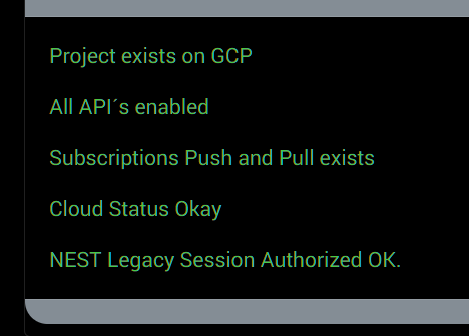
could you go to app settings of Google Nest SDM and after a 10 seconds or so paste a screenshot?
looks good, could you trigger an event (stand in front of your doorbell) and pm me the log (same app settings, log) (and make sure debug is OFF before the event is triggered…)

this?
no, click the last tab on the settings, you will see the log

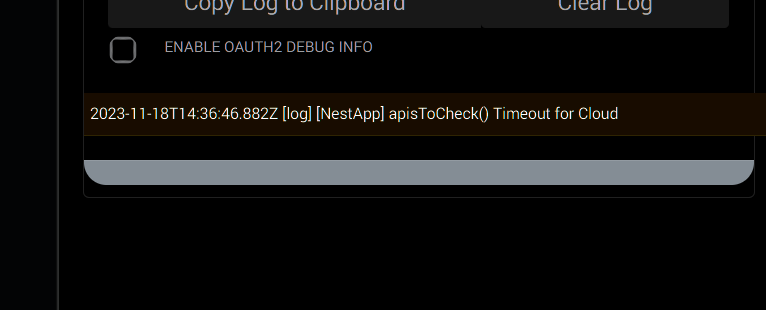
I’ve tried to follow this tread by not sure if I’ve done things right since much has taken place.
I may have installed it via the homeycommunity-desktop-Setup-0.2.1 program?
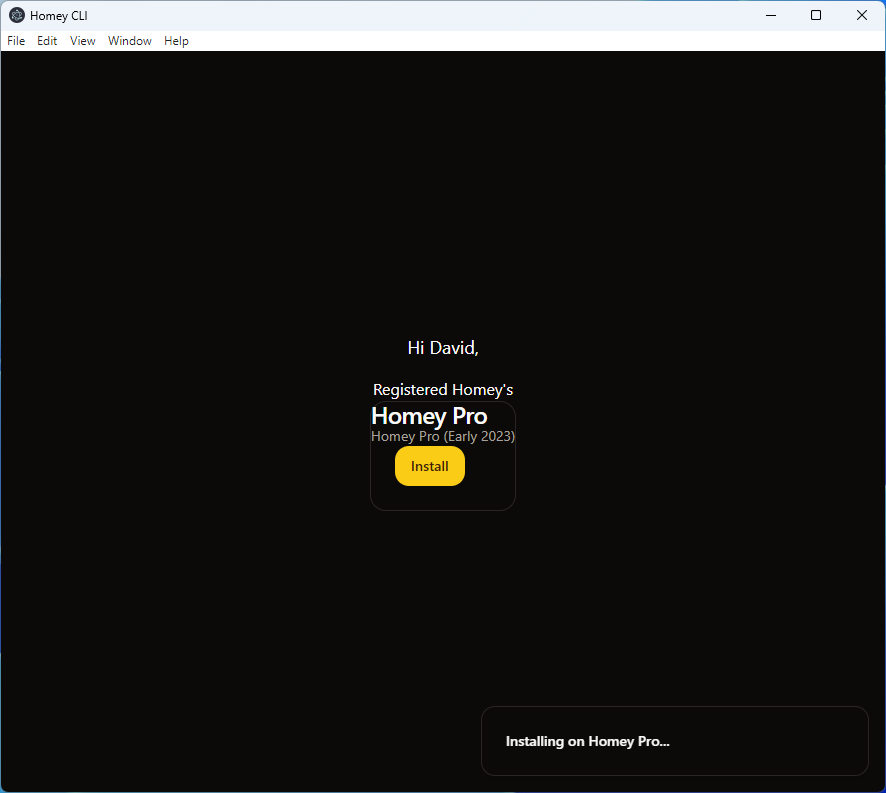
But I don’t see the app in Homey:
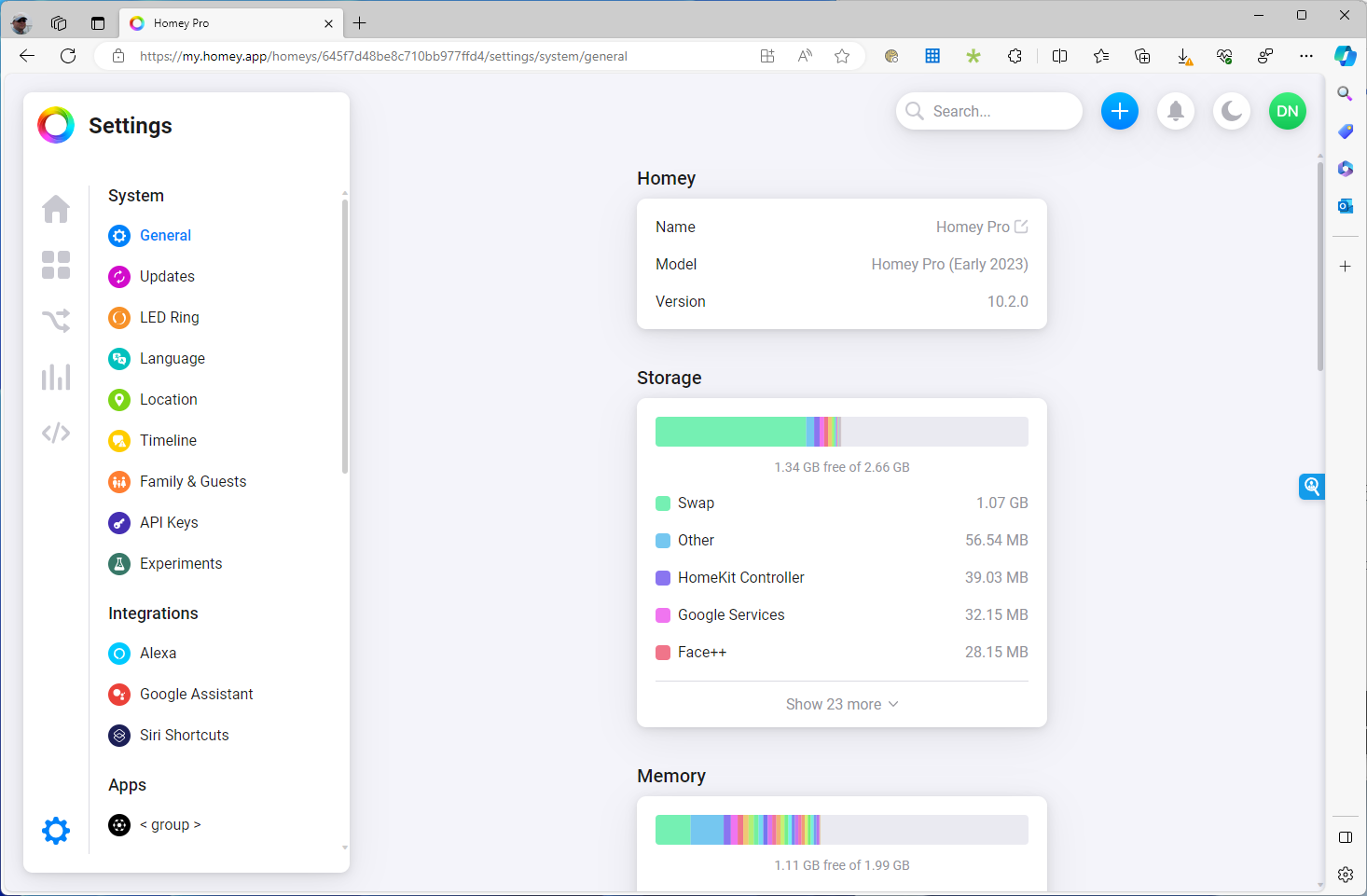
I’ve also tried via this method:

after I paste it here:

I’m not sure what I’m doing wrong and would appreciate any guidance.
Thank You!
HCS is no longer maintained by the dev.
Homey community Space is the new one:


You have installed the desktop installer as well…??
@DominicVonk can you help out?
Desktop installer didn’t work or finish, the Homey Community Space app doesn’t show between your apps.
You can’t install the apps from the HCS store yet.

Here the HCS app installed, see my app list:

.

This doesn’t mean anything.
I miss the message like “Install complete” or “Succesfully installed” and such.
How did it finish?

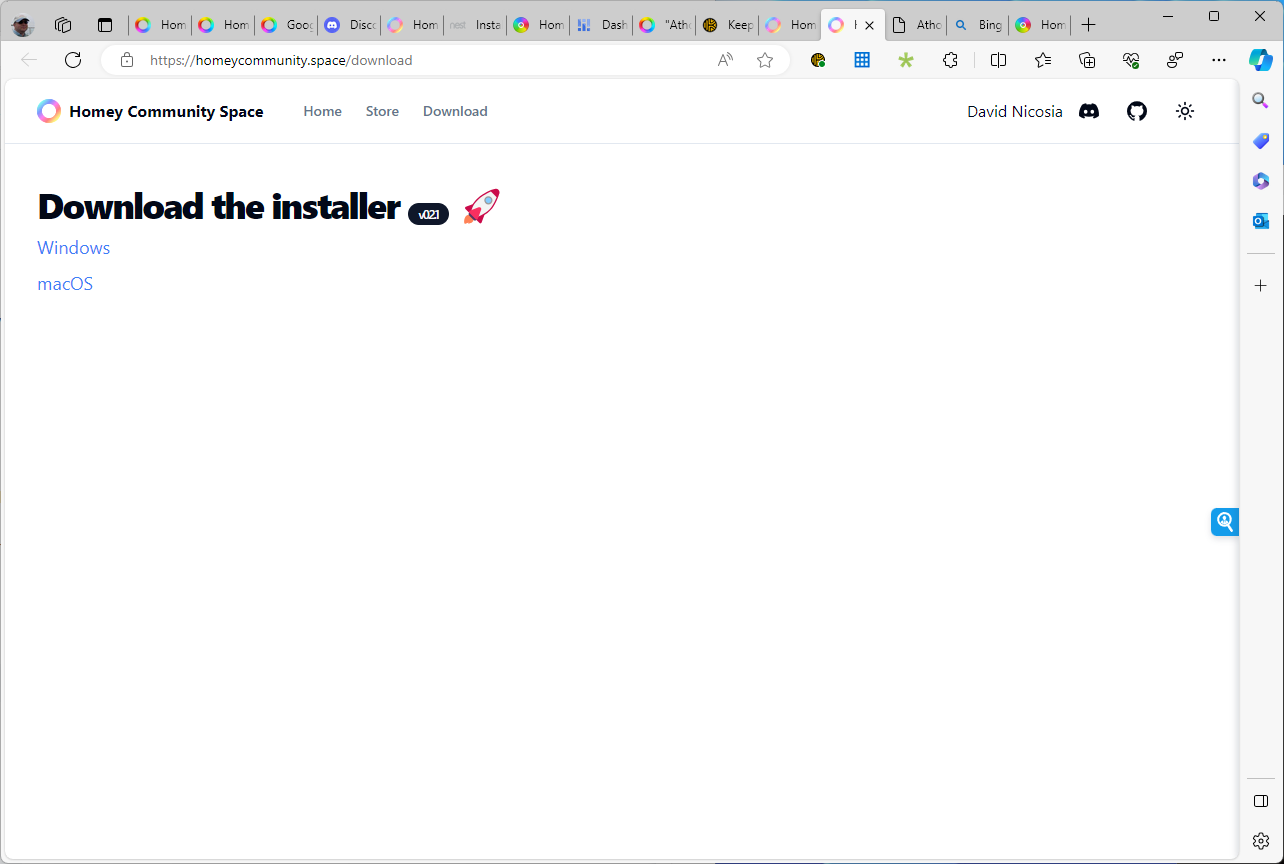


This is the one.
Homey Community Space
The other one is crippled and not usable anymore.
You seem to use the Windows installer (not the Mac version, right?):
Possible party poopers:
- Did you temporary disable the firewall? Your pc / mac must be able to reach your Homey on your network, right?
- Did you temporary disable all viruscheckers and the like?
- Temporary disable any pihole, adblocker, anything like that, which can influence your network
- Longshot, but maybe CGNAT should have to be disabled
THANK YOU, PETER!!! You cracked it for me.
I use a SASE (kind of like a fire wall) on my PC for work which isolates my PC from talking to anything on the network and anything on my network talking with me unless I add an exception. It didn’t occur to me that this could be the issue because I can run the Homey web app and install things - DUH!
Thanks again - I learned!!
Does anyone know what ports need to be open so I can lock things down a bit?
You’re very welcome, David!
My Homey has these open ports:
22 SSH
53 DNS
80 HTTP
443 HTTPS
When you could manage Homey @ your PC from my.homey.app, without opening additional ports, I’d say just leave it.
It’s very rare you’ll need a direct PC < > Homey connection.
But the opening (one of) the mentioned ports should be sufficient when you’re having troubles reaching Homey.
