Effortlessly connect and manage your TP-Link Tapo devices with Homey and enhance your Smart Home experience. The Tapo App allows you to control and monitor your Tapo devices directly from Homey, including smart plugs, switches and lights. Enjoy features like switching devices on/off, measuring power usage and adjusting lighting - unlocking the full potential of your smart home.
Do note that currently not all Tapo devices are available through the Tapo API, e.g. camera’s, vacuums and sensors. We are working together with TP-Link to add support for these devices in the future.
Note: We’ve improved the app’s stability by adding a new system that keeps everything up-to-date automatically (webhooks).
To continue using the app, please log in again by repairing the device. (Device → Details → Settings [cogwheel] → Maintenance → Try to Repair).
The test version v2.0.0 of the Tapo app is now live and available for testing! This release introduces local API support, allowing your Homey to communicate directly with your Tapo devices without relying on the cloud.
Bedankt voor jouw snelle reactie en het doorsturen van de informatie en scherm afbeeldingen via het developers tools
We zien dat dit device een " customized " capabilty ID “meter_power_today”. Dit ID wordt door Homey zelf niet herkend. Homey gebruikt hiervoor een andere standaard namelijk: " meter_power"
Je zult contact moeten opnemen met de App ontwikkelaar van dit apparaat om deze te laten aanpassen. Dan pas zie je de waardes ook in Homey terug.
i did install the test version 2.1.3, re-entered my credentials and checked the local option but still has the error. my p100 plug works fine in homey.
i unticked/disabled the ‘enable local api connection’ and my p110 smart plugs are functioning in homey. i suspect something must of changed on tapo/tp-link’s side @Koktail? i assume that the readings such as energy usage wont be as frequent to keep it stable?
I had been using a mix of this Tapo app with a Home Assistant provided device for each plug, using one for on/off commands and the other for the monitoring,
I noticed today that local auth was now available, so I switched to using that and then replaced all my previous devices with these. The good news is I can now have on/off control with the energy monitoring, which is much neater.
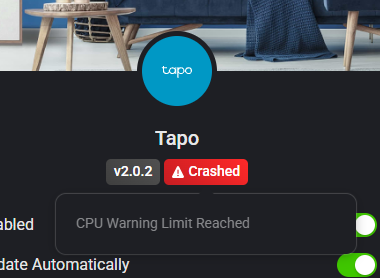
The problem I am having is the app is crashing pretty regularly. The app screen gives me the tooltip ‘CPU Warning Limit Reached’. The app then restarts, works for a while, then crashes again.
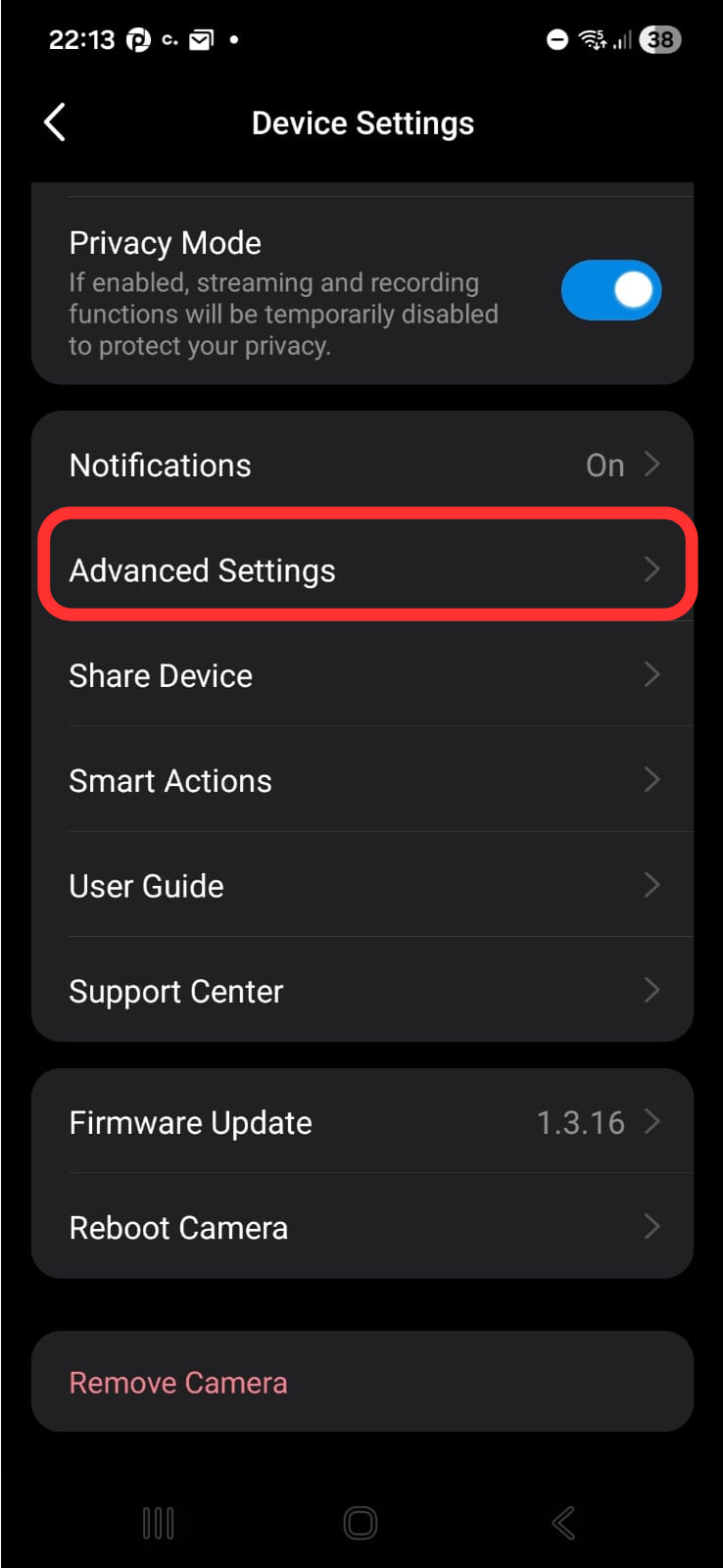
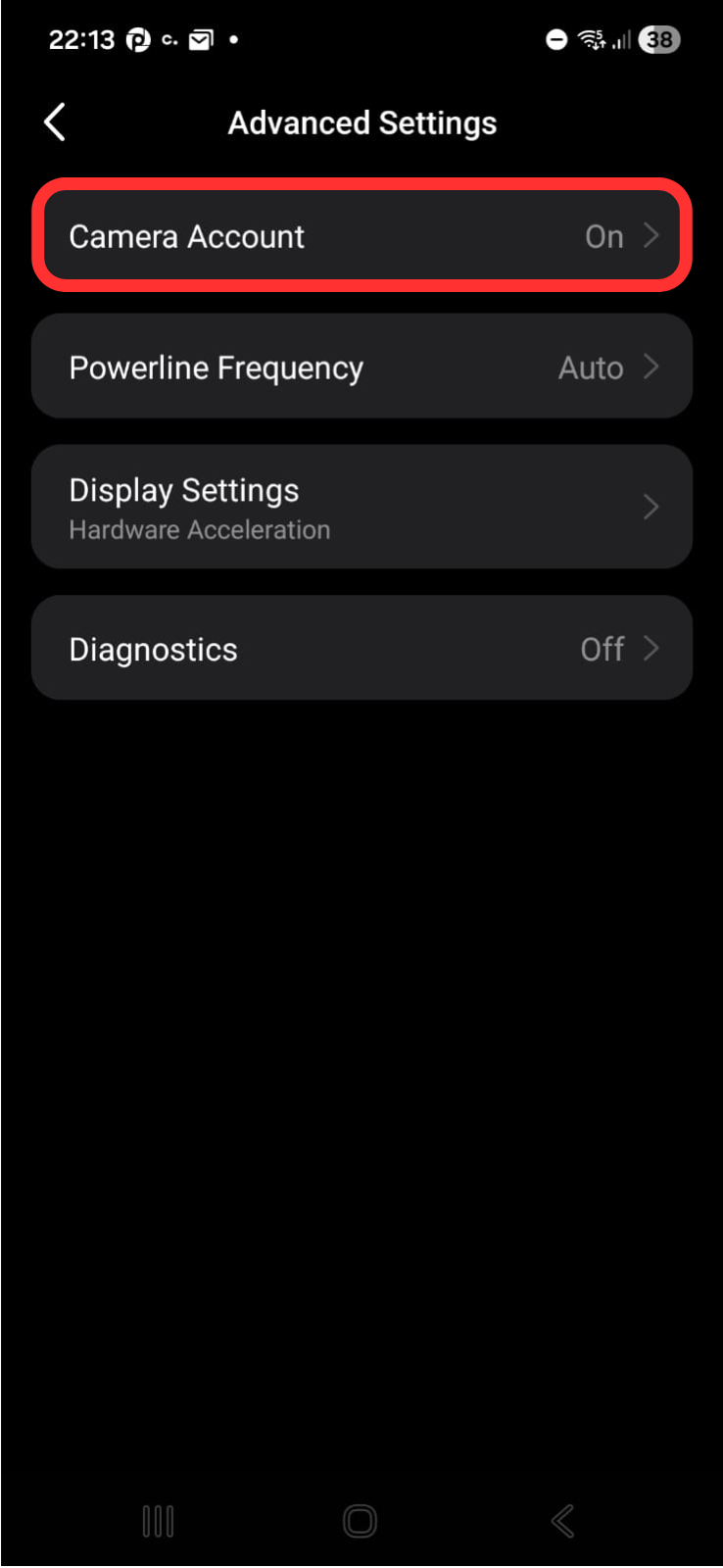
I did notice this message as I wanted to add another Tapo device to homey. I don’t see this on the Tapo homey app page unless I misunderstood something there.
I did enable this on the Tapo app and was able to enable local connection now. Seems to be working fine since last night. Will keep monitor this for now. Hopefully this is it so I can have more frequent updates on power monitoring.
Hi Meax, Thanks for your message and diagnostic report. It looks like the device session is expired all devices want to re-auth at once. I will have a look at.
Do you have experimental build enabled? Then you can try to install version v2.1.5. In this build the app spreads the reconnection logic with random delay to prevent CPU spike.
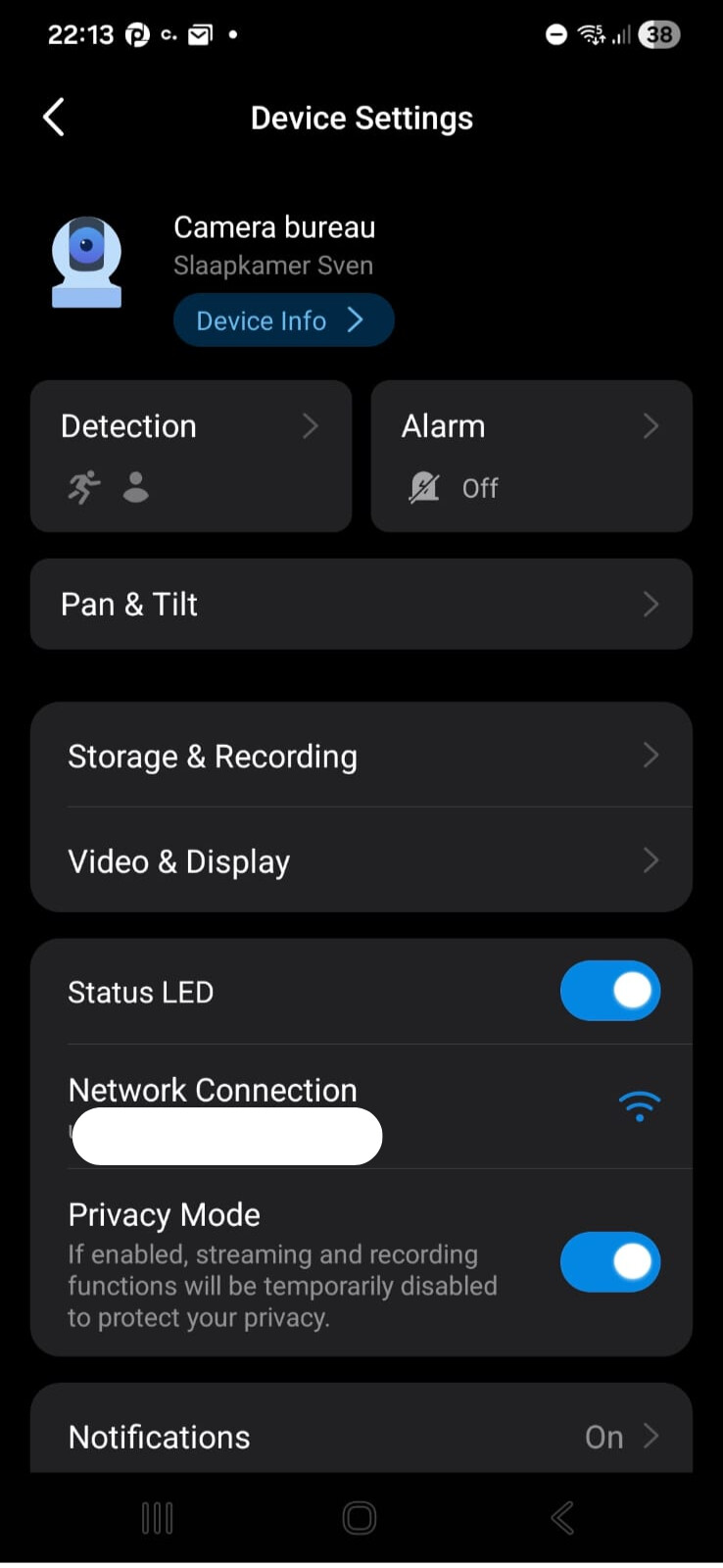
It’s great that the official Tapo app now supports Tapo cameras, but at the moment there’s not much you can do with the cameras in Homey.
Will it be possible in the future to, for example, activate and deactivate cameras via Homey? Simply that THEN cards are made available?
Edit: I can activate and deactivate the cameras (privacy mode on/off) via IFTTT, but it would be neat to have Homey to do that instead of being forced to use an external service between Homey and Tapo.
ik zag het mailtje van Athom en was helemaal blij dat Tapo toegevoegd is want ik heb al meer dan een jaar een camera (C320WS) hangen waar ik in Homey niets mee kon. zojuist getracht te installeren maar ik krijg de foutmelding: Player is unable to open the MRL en dan mijn inloggegevens inclusief wachtwoord!, (ook een beetje vreemd) is hier wat aan te doen of wordt mijn camera simpelweg niet ondersteund? ik heb eerst de stable version geinstalleerd, daarna testversie apparaat verwijderd en opnieuw toegevoegd maar blijf dezelfde foutmelding krijgen
Thanks for your quick reply. I have no idea what changed, but this morning it suddenly worked! It’s great that after a year, old devices are suddenly usable within Homey. Greetings from a happy user.
Tapo app version 2.1.6. Yesterday was my P115’s firmwares automatically updated (now 1.4.0 Build 251020 Rel 16559. Then I got KLAP auth error (I can see previously reported for other devices in this forum P110).
My workaround was to enable third party integration in Tapo (not sure if this was necessary). Disabled “Enable local API connection”. Restarted app. Enabled “Enable local API connection”. Restarted app. Now is it working fine.
 Note: We’ve improved the app’s stability by adding a new system that keeps everything up-to-date automatically (webhooks).