Easiest would be that both are a sensor and skip the socket part  it makes to me the most sense, compared to other products of homewizard.
I understand now the situation, but have no solution unfortunately.
Easiest would be that both are a sensor and skip the socket part it makes to me the most sense, compared to other products of homewizard.
I understand now the situation, but have no solution unfortunately.
Hi Jeroen,
Probably to soon to ask. HOMEWIZARD just recently added support for Enphase data. It’s perfect, logged in with account and data flowed right in.
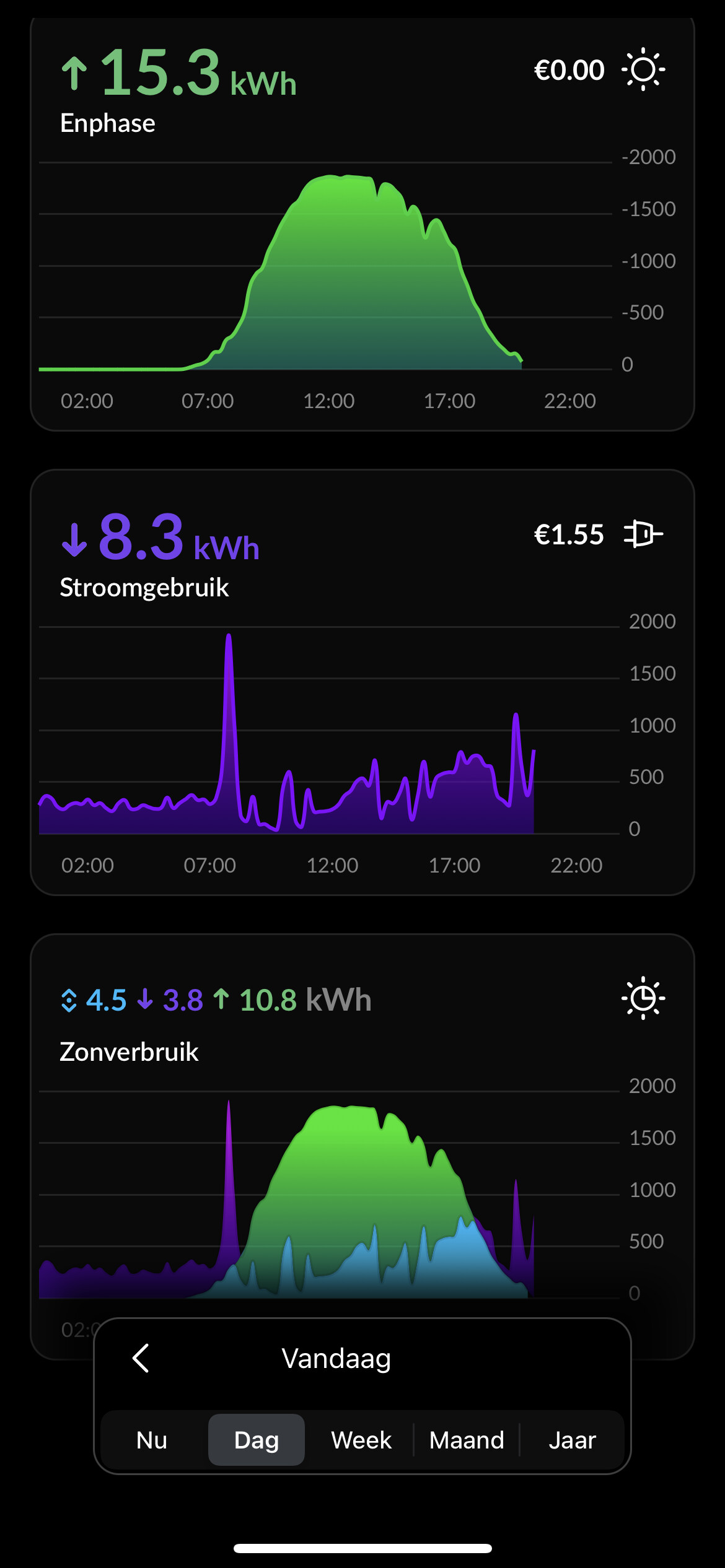
Is it possible to make the solarpanel (Enphase) data available as variables? This feature from Homewizard would give me something ‘solar panels’ is still working on, total insight in energy consuption (as well as energy from net, directly used from solar panels and returned energy).
Do understand that it’s really new and maybe not even possible.
Kind regards,
Eric
Hi Eric, I had this question before as a PM, sadly I cant do this.
The data resides on the Homewizard cloud and is not avaiable from the P1. You could look at Enphase app for Homey and pull that data in Homey directly.
Hi Jeroen,
Thanks for the clear reply. Tour app so easy that hoped homewizard could give you the option. Will look for other solution. I’ve had mezsage theat ‘solr panel’ may be port apiv4 of enohase in september. So maybe wait a littel.
No hurry and still a very happy user of your app! Works great!
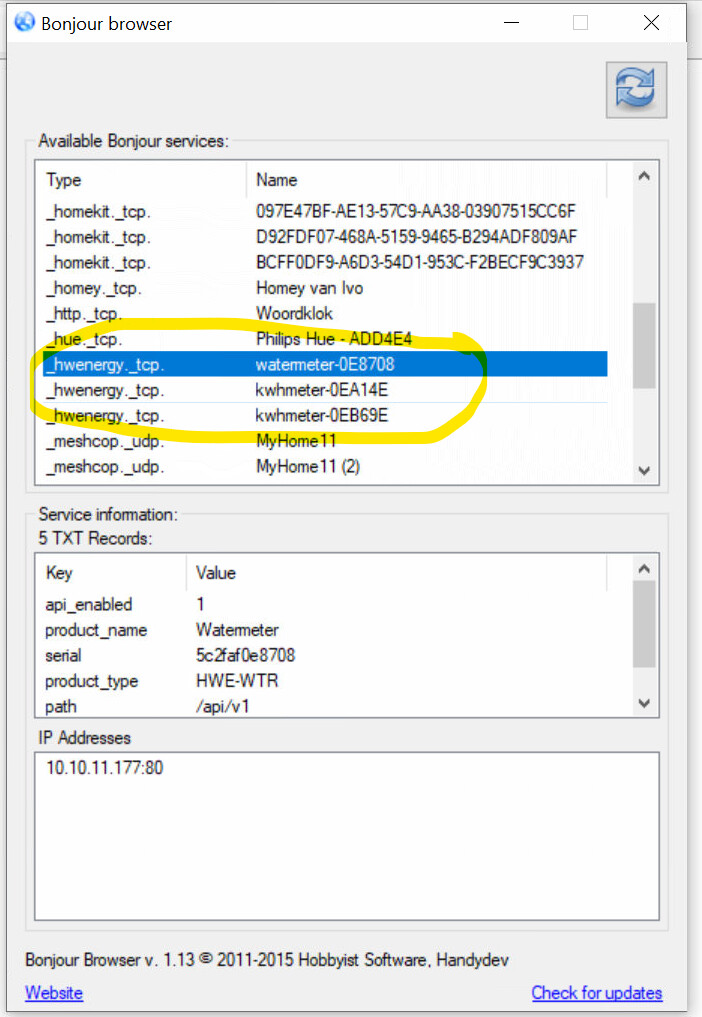
Check the mdns discovery browser apps to see if the kWh devices show up there.
@Jeroen_Tebbens Correctie. Ik zie nu dat de wetermeter nu ook niet meer bereikbaar is. (zie onderstaande).
Ik zie wel de 3 Homewizard hardware devices in mijn netwerk (zie onderstaande)
Then your Homey can’t communicate with the devices as it clearly says: EHOSTUNREACH.
Did you change your wifi?
Do you move devices around?
Are wifi clients allowed to communicate with each other?
Is Homey in the same SSID as the Homewizard devices?
Beta/test:
v3.2.9
@Jeroen_Tebbens Very very weird. Now i can add the powermeters  .
.
This is my overview (not all Wifi devices) You can see all the devices in the same network.
ps. I will install test version 3.2.9 Keep you up2date
@Jeroen_Tebbens ‘helees pindakees’. I installed the most recent test version.
And I try to install the watermeter. No succes 
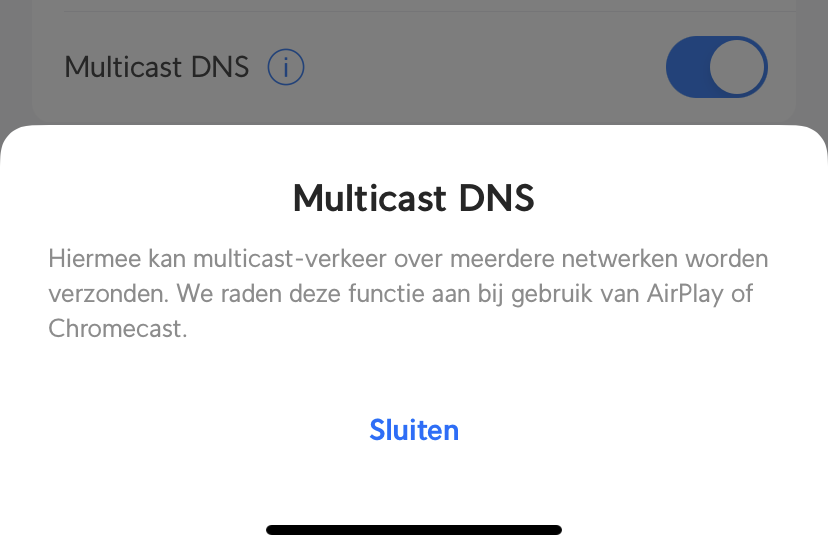
Check your multicast settings for Unifi. It’s a difficult world for sure.
I have Unifi myself but with a Opnsense firewall that has mdns repeater/proxy for VLAN support as my IoT devices like Homewizard live here and my Homey doesn’t.
Watermeter is usb or battery powered?
USB powered.
Reboot/powercycle the watermeter to see if that inits the mDNS process of the watermeter again.
Op Homey Pro 2023 wordt watermeter niet ontdekt bij apparaat toevoegen.
Ik heb ook een P1 smartmeter dongle en die wordt wel herkend succesvol.
voor diagnotics zie: e0a991b2-8bcd-4330-87f7-b91285bd3ed9
Local api is turned off
2023-06-30T08:09:24.777Z [err] [ManagerDrivers] [Driver:watermeter] 5c2faf14b920 Error: Forbidden
at /app/drivers/watermeter/driver.js:20:19
Jup daar kwam ik ook achter. Even nog de driver herstarten en de local api aanzetten en hij deed het.