Hi Jeroen,
In HomeWizard app all sockets are connected and functioning
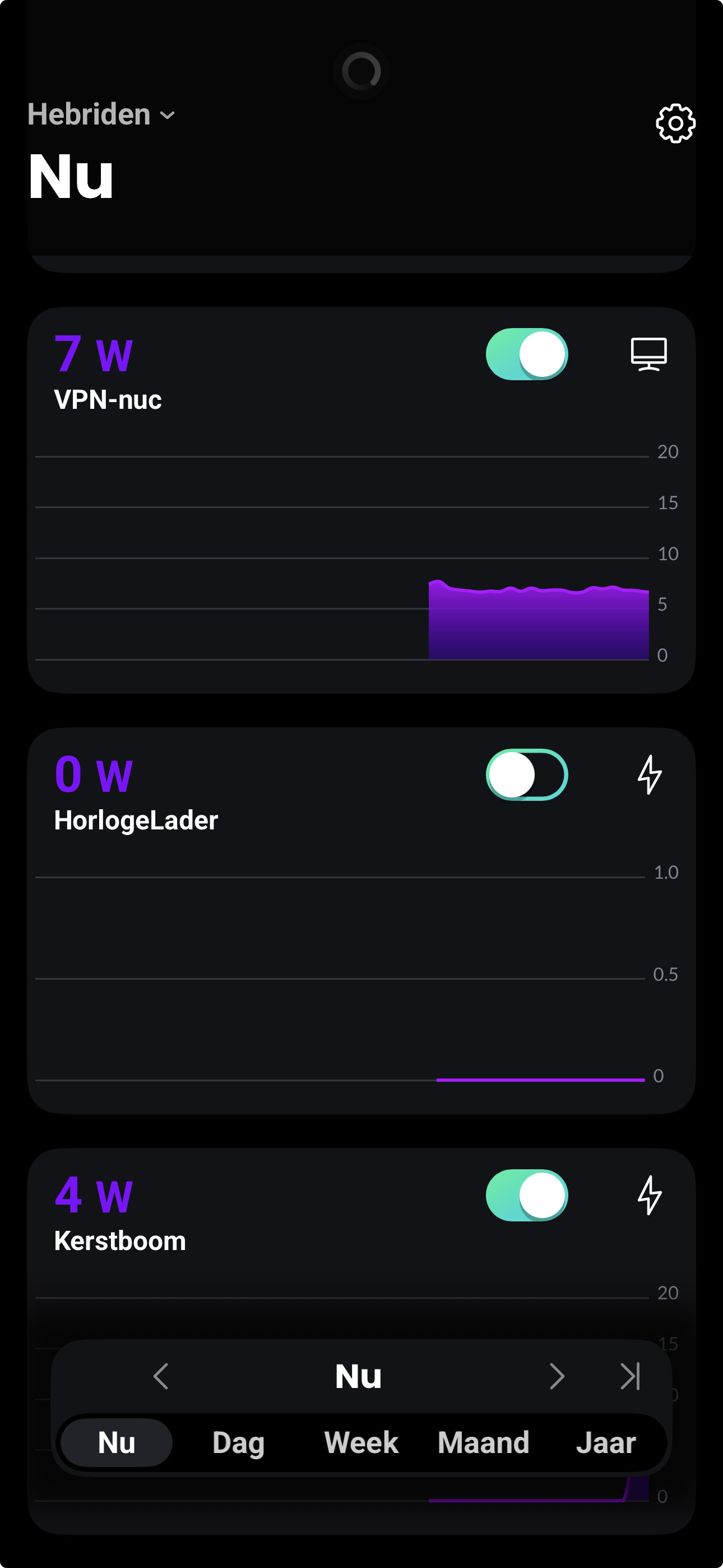
My homey is wired
Homewizard energy app is cloud based so your sockets push their data to the Homewizard cloud platform. My app is all local and directly.
So Homey is LAN, good. Then its mDNS. Try to restart your accesspoint(s) that connects your sockets.
Restart AP’s did not work, remove from homey (one device) and add it back in homey did work. But then I have to redo the flows.
If my dns did give devices other IP’s,.. does that mess up things?
Drop me a diagnostic report. No you should not remove/add them. Something is messing up with your mDNS internally.
6f69a594-4bda-4f65-843a-0f489aa8ffdf
Thnx
Seems like your sockets never had an update in their capabilities before (connection_state).
Ok solved this in test version v3.9.9
2025-12-17T10:24:13.860Z [err] [ManagerDrivers] [Driver:energy_socket] Error: Invalid Capability: connection_error
    at Remote Process
    at HomeyClient.emit (/node_modules/@athombv/homey-local/lib/AppProcess/node_modules/@athombv/homey-apps-sdk-v3/lib/HomeyClient.js:44:23)
    at Object.emit (/node_modules/@athombv/homey-local/lib/AppProcess/node_modules/@athombv/homey-apps-sdk-v3/manager/drivers.js:78:54)
    at Object.emit (/node_modules/@athombv/homey-local/lib/AppProcess/node_modules/@athombv/homey-apps-sdk-v3/lib/Driver.js:126:50)
    at /node_modules/@athombv/homey-local/lib/AppProcess/node_modules/@athombv/homey-apps-sdk-v3/lib/Device.js:592:10
    at process.processTicksAndRejections (node:internal/process/task_queues:105:5)
    at HomeWizardEnergySocketDevice.setCapabilityValue (/node_modules/@athombv/homey-local/lib/AppProcess/node_modules/@athombv/homey-apps-sdk-v3/lib/Device.js:574:23)
    at HomeWizardEnergySocketDevice.onInit (/app/drivers/energy_socket/device.js:40:16)
    at HomeWizardEnergySocketDevice._onInit (/node_modules/@athombv/homey-local/lib/AppProcess/node_modules/@athombv/homey-apps-sdk-v3/lib/Device.js:156:18)
    at /node_modules/@athombv/homey-local/lib/AppProcess/node_modules/@athombv/homey-apps-sdk-v3/lib/Driver.js:180:34
    at process.processTicksAndRejections (node:internal/process/task_queues:105:5) {
  statusCode: 404
}
Werkt  ,
,
Is Paypal je enige manier om je te ‘supporteren’?
Vriendelijke groet
Ferry
Perhaps this works
Hi! Wil je me supporten voor Homewizard app? Betalen kan via Betalen Betaalverzoek SNS Deze link is geldig t/m 16 januari 2026. Dank je wel!
Hello Jeroen.
Do you have plans to add “and” cards for the 3 & 1 phase kWh meters?
Example: and voltage fase 1 is lower then 208V.

Thanks, I’ve never used Logic this way before. 
I received 2 donations, thank you very much. 
“Degenaar” and “ten Den”
Hi, I try to connect the devices to a SHS. But only the p1 and socket is recognized. But not the 3p kwh meter. Mdns is on in unifi. All devices are connected to the same network and AP.
Also when removing the kwh meter from the old homey and trying to reconnect it there. This is also not working.
any idea what the problem is with the KWH meter connections? Is there an option to add the ip hardcoded. Because the API is working fine.
There are many examples in this topic that have similar issues.
And no I will not add ip hardcode as that is impossible for me to support.
This app has nearly 19000 users I am not looking forward to all the ip changes (dhcp) problems that people forget and interrupt their HW wifi exposure.
Unable to add P1-meter. Self-hosted Homey server, checked everything.
mDNS, Ad-block, pi-hole. Unifi setup here, restarted AP’s etc.
v3.8.22, local API enabled.
In case a developer can check logs;
491d7487-f7e0-4c7f-8353-03affc516b78
Thanks!
mDNS problem
Stack trace
Note: this log has been manually submitted by a user.
    Log ID: 491d7487-f7e0-4c7f-8353-03affc516b78

    User Message:
    Not able to add P1-meter


    stdout:
    2025-12-18T21:33:34.681Z [log] [HomeWizardApp] HomeWizard app ready!
Discovered devices: {}
Discovered devices: {}
Discovered devices: {}

    stderr:
    n/a
Thank you for the quick reply!
That is wierd, I enabled mdns and even created a seperate network for homey and the homewizard P1.
Can this be a problem related to ubiquiti? Because above I saw more issues regarding ubiquiti and this add-on.
I will try tomorrow with a dedicated Non-ubiquiti AP, because all settings in unifi are correct iirc.
Pretty sure its ubiquiti settings.
with my iphone I did an mDNS scan, found homewizard instantly. Can it still be an ubiquiti setting?
You’d do that on your DHCP server. Assigning IP"s to MAC addresses makes devices always have the same IP, and you avoid getting the same IP on multiple devices.
https://duckduckgo.com/?q=how+to+bind+ip+addresses+to+MAC+addresses

