A little spelling error it should be
We have both IT and TN
Sendt fra Outlook for Android
A little spelling error it should be
We have both IT and TN
Sendt fra Outlook for Android
No worries I understand. But it confirms why some data is not shown in my app for your grid P1.
If you have IT Grid type .i have never seen any meters giving Out l2 amps on the p1/Han port.
so if you Get l2 amps in homeassistant they have probably added some coding that figures out how many amps l2 should given out.
At Home i have P1 on Tn All 3phases show
At the Cabin i have P1 on IT only l1 -l3 showing. (Kamstrup meter) if i remember correctly
Point is, I check if power is there for different phases so if L2 is empty, no reason to check for L3 either which is not true for you guys in Norway.
But fine I need to restructure it differently and have to check this all now instead of checking per phase.
Hallo,
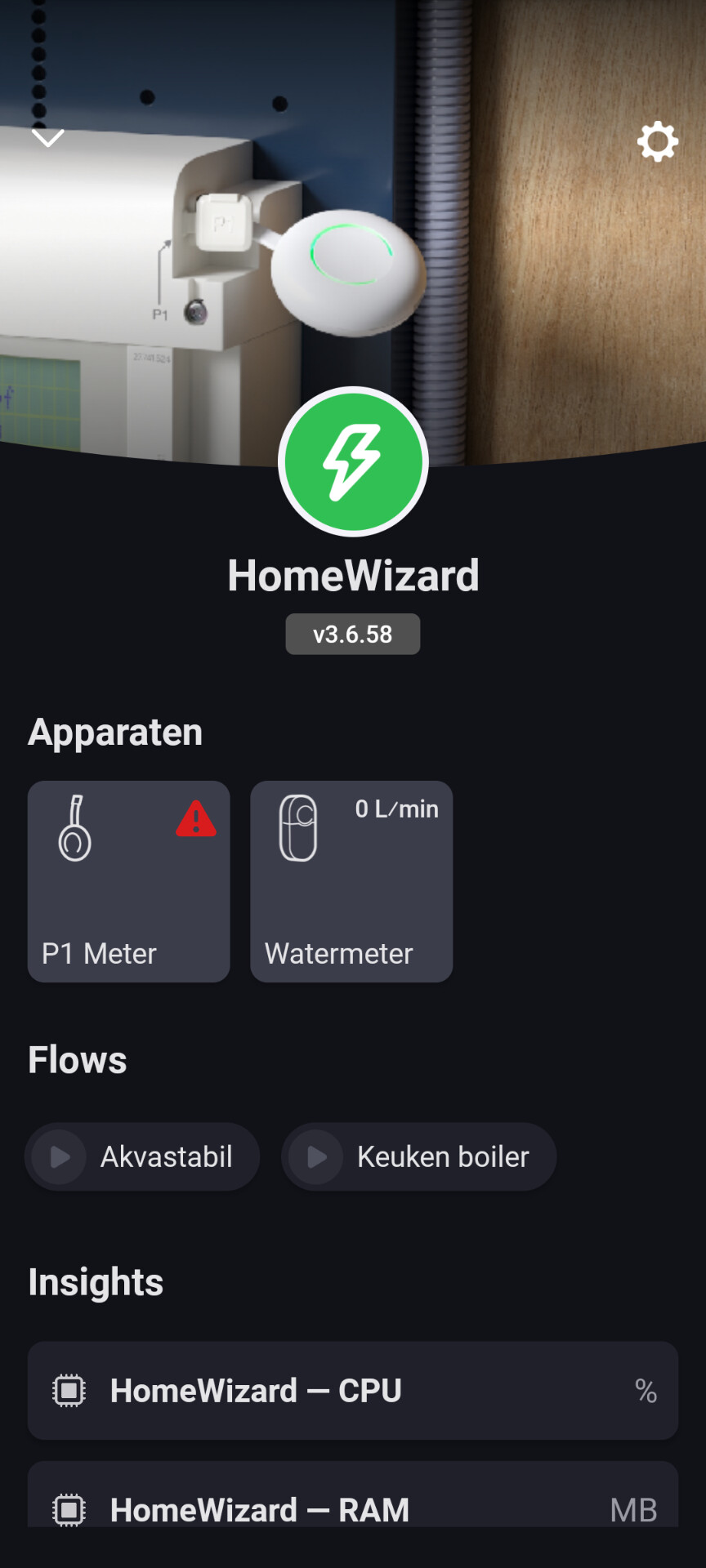
Hoe krijg ik de homewizard p1 op api v2 ingesteld? Momenteel is dit via api v1 maar het is niet zo stabiel
(Sorry english here)
If your P1 isnt stable (wifi) then you have to venture into your own wifi network configuration/ setup.
Either your Homey or your P1 has wifi connection issues that need to be resolved first. I cannot do that for you. I receive many complaints from users with the same problem.
People assume their wifi at home is ok but in reality its not. Just imagine I have 6 accesspoints in my new build home to cover it (concrete and steelbars have huge impact). Further the signal/noise from neighbors their wifi networks impact as well. Homewizard devices can only use 2.4Ghz wifi band which is the most crowded frequency. Sure it has more distance reaching compared to the 5Ghz band but if you just discover around your neighborhood it answers the problems we face.
Suggestions:
Investigate what is around (knowledge gain)
Move/switch channels to the least crowded portion if the 2.4Ghz channel 1,6 or 11).
Move your Homey if that doesnt help…..
Add more accesspoints
Strange, none of my applications which are using wifi are having any issues.
Will a diagnostic report after a failure give any useful info?
Sure, if you haven’t restarted my app it should be still in the log of the app. But am 100% sure it proofs my concern.
test/beta @Morten_Moxnes @ijchanes @Omnipollo @eovermeer
v3.6.59
* SDM230 (p1 mode added)
* P1apiv2 - added daily usage kwh (resets at nightime) (does not cater for directly consumed solar-used energy as this does not pass the smart meter at all)
* Adjustment for P1 to look at Amp datapoints to detect 3-Phased devices in Norway
Jeroen, Confirmed working Single Phase KWm (SDM230) in energy tab, thank you.
Hi Jeroen. I have tried several changes as you suggested to be able to change the mode of the batteries via a flow, no succes.
I have looked at the Homey forum, there are some problems with Homey when having multiple HW Batteries (I have 3). It also affects the Energy tab. The app freezes or gets slow also when opening flows. I contacted the team and they were already looking into this.
One thing I can try is removing 2 or 3 batteries form Homey. As I remember, 2 batteries worked fine changing the mode via a flow. I will try this week.
Frozen energy tab due to more than 1 battery has nothing to do with my app.
Unable to change the mode of your batteries is a connectivity problem with your P1.
Either unreachable or connection reset that makes Homey unable to get the request in.
Perhaps you can try an advanced flow that where the card that executes the change mode, at the bottom (error state) you can put a wait state and then another action card to change the mode (and perhaps another).
Sorry but I really have no control over wifi stability and quality of the connections between Homey and/or the P1. I can only suggest what to check but there are so many brands, different access points and or settings that impact stability of wifi clients.
test/beta
v3.6.61
* HTTP - keepalive agent added to P1, sockets, APIv2 devices
* KeepAlive timeout increased from default 1000ms
I received my second PiB yesterday, which raises a new question: when using the flow card ‘Set battery to standby mode’, do both batteries go into standby?
Battery mode is set per battery group so yes, it will act on both.
Sounds logical too, thanks.
Your homey is unable to reach your P1 that is what the error in your screenshot hints (ehostunreach).
Not sure what polling interval is set? Some users changed it from 10s to 1s which in some cases is to rough on the Homey and/or P1 as it is direct connection between your Homey and P1 and no cloud (internet) is involved.
You can perhaps try the test version as that currently has a different method of keeping session between Homey and P1 alive rather than connect/disconnect. Still in testing with the aim to lower the stress on both Homey and P1.
If there would be app bugs / issues then this would turn red as well. Using unifi network at the moment.
The polling interval is on the basic 10 seconds.
I just installed the test version and will check if there will be any difference.
Will keep you posted about the results. Thanks for your reply!