A general tip: You can also remove obsolete Insight items via the web app:
If a capability provides insights and you (accidentally) removed it, it will be recreated by the app. You might need to restart it.
A general tip: You can also remove obsolete Insight items via the web app:
If a capability provides insights and you (accidentally) removed it, it will be recreated by the app. You might need to restart it.
Thanks for pointing that out. I think it is also relevant that I recall Johan using the beta/test version of my app which hadv some glitches with capabilities ealier so (my error but part of the job/risk of beta).
Test/beta
v3.6.56
Is it recommended to “update” to the new api for everyone, or just the ‘battery users’?
AFAIK it’s only useful for HW battery owners.
I did some beta testing for the P1 API V2. It’s a risk, indeed. I’ve overlooked it all along. But now, to make sure no glitches remain, I removed battery 1 and reinstalled it. It wasn’t much work to restore my flows. Both are now the same. (Battery 2 was installed a week later.)
Only for the P1 firmware beta testers right?
Well anyone that dares to play / work with my beta/test versions. But yeah this update is more to fix the latest crash of my app that was caused by the beta P1 firmware released yesterday.
I think you fell victim with your two batteries and a in between update of my test versions that I’ve been juggling with capabilities for the battery.
If you dont have a plugin battery you can stick to the apiv1.
The apiv2 offers options to control the battery behavior.
Hi Jeroen,
Is it possible to add the energy display for the temperature and humidity
Also i saw that the kwh meters 1 and 3 fase also support apiv2, is it nessesary to use these?
Hi @SpikeHome , display sadly has no API yet but is still planned. I have no control over this and rely on Homewizard when they have time to make this available.
APIv2 for kWh1 and kwh3 are optional and would for now only cater for the plugin battery mode adjustment. This is still under beta with Homewizard but I made this possible to at least add this in Homey. I think this makes more sense for Belgium and rare cases where there is no P1 (slimme meter) in the house hold and yet still need the possibility to control the batteries.
If all of this has match for you then you can stick to APIv1.
| Device | Device type | API v1 | API v2 |
|---|---|---|---|
| P1 Meter | HWE-P1 |
Supportedv1 | Requires Firmware 6.002.0.0 |
| Energy Socket | HWE-SKT |
Supportedv1 | In development |
| Watermeter (Only when powered over USB) | HWE-WTR |
Supportedv1 | In development |
| kWh Meter (1 phase and 3-phase) | HWE-KWH1, HWE-KWH3, SDM230-wifi and SDM630-wifi |
Supportedv1 | In beta2.1.0 |
| Energy Display | HWE-DSP |
Not planned | In development |
| Plug-In Battery | HWE-BAT |
Not planned | Supported2.0.1 |
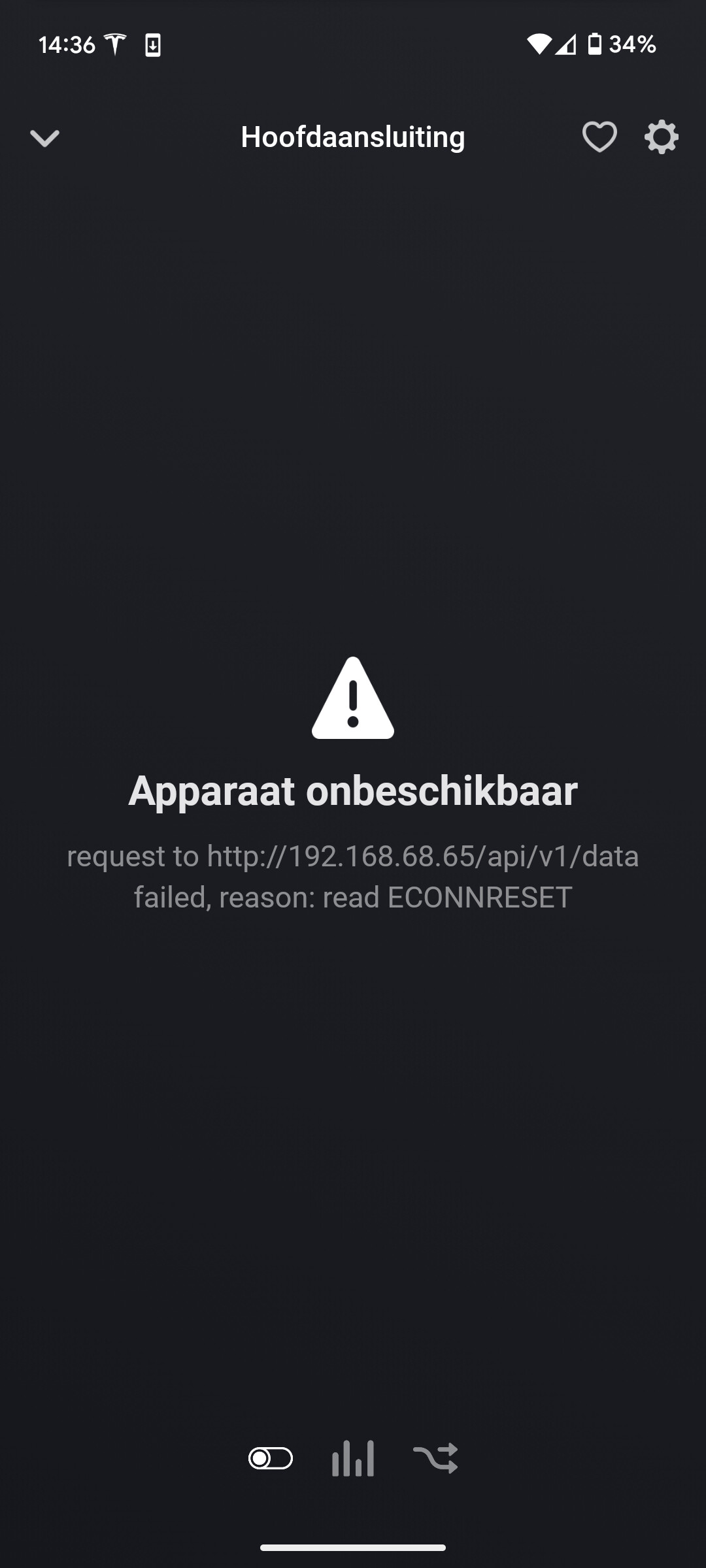
Goedemiddag, ik krijg laatste 2 dagen constant een error op mijn p1 meter in de Homey app.
P1 meter is in HW app gewoon werkend. Dacht wellicht dat het downloaden van de test versie van de HW Homey app het zou oplossen maar helaas blijft het probleem.
Een restart van HW Homey app lost het probleem telkens maar kortstondig op.
Sorry English in this section of forum. Please follow steps in first post. My first tip is restart your access point that connect both Homey and/or your Homewizard device. 95% of these problems are wifi issues.
Sorry didnt know about speaking English here.
Did all the steps, wifi network already have been restart en did I Wifi opimilization. Didnt solve it.
Don’t have a problem with any other devices, even HW kWH meters working properly. Only P1 meter on Homey side giving problems since a few days.
Please drop a diagnostic report so I can see what log tells.
d804b6ed-ea8a-4607-9fac-c5efc4dbde46
Is that the diagnostic report of my app? As I received nothing. There is a Homey diagnostic report (don’t sent that). But in the app list you can select Homewizard app and then sent diagnostic report.
Or did you sent it 5 hours ago?
I indeed send one a few hours ago.