Just a small update since my last post. Went 8 days ago to experimental version and since then no more issues. I did not change my wifi setup/settings. Don’t know if information updates like this helps you?
Thank you, yes sort of. I added energy load tracking per phase but that seems a headache. I removed the sliders in the GUI as I can’t compete with Homey’s Dongle graphical view. I stick to the capabilities.
Hi Jeroen,
Just FYI, the v3.6.49 test version crashes @ Pro 2019. APIv1 / 3-Phase mains.
If I can do anything to check
or test, just ask 
v3.6.37 is running fine.
Sorry to hear I have one update pending so will push it later when I get home.
try v3.6.50 (just pushed to test/beta)
Thank you, Jeroen! v3.6.50 runs fine.
Thx for checking, was still surprised v3.6.49 crashing. But will push it to production. Next week holiday so no updates or support till I am back.
Edit: v3.6.50 awaiting certification
Thanks, and enjoy your holiday!
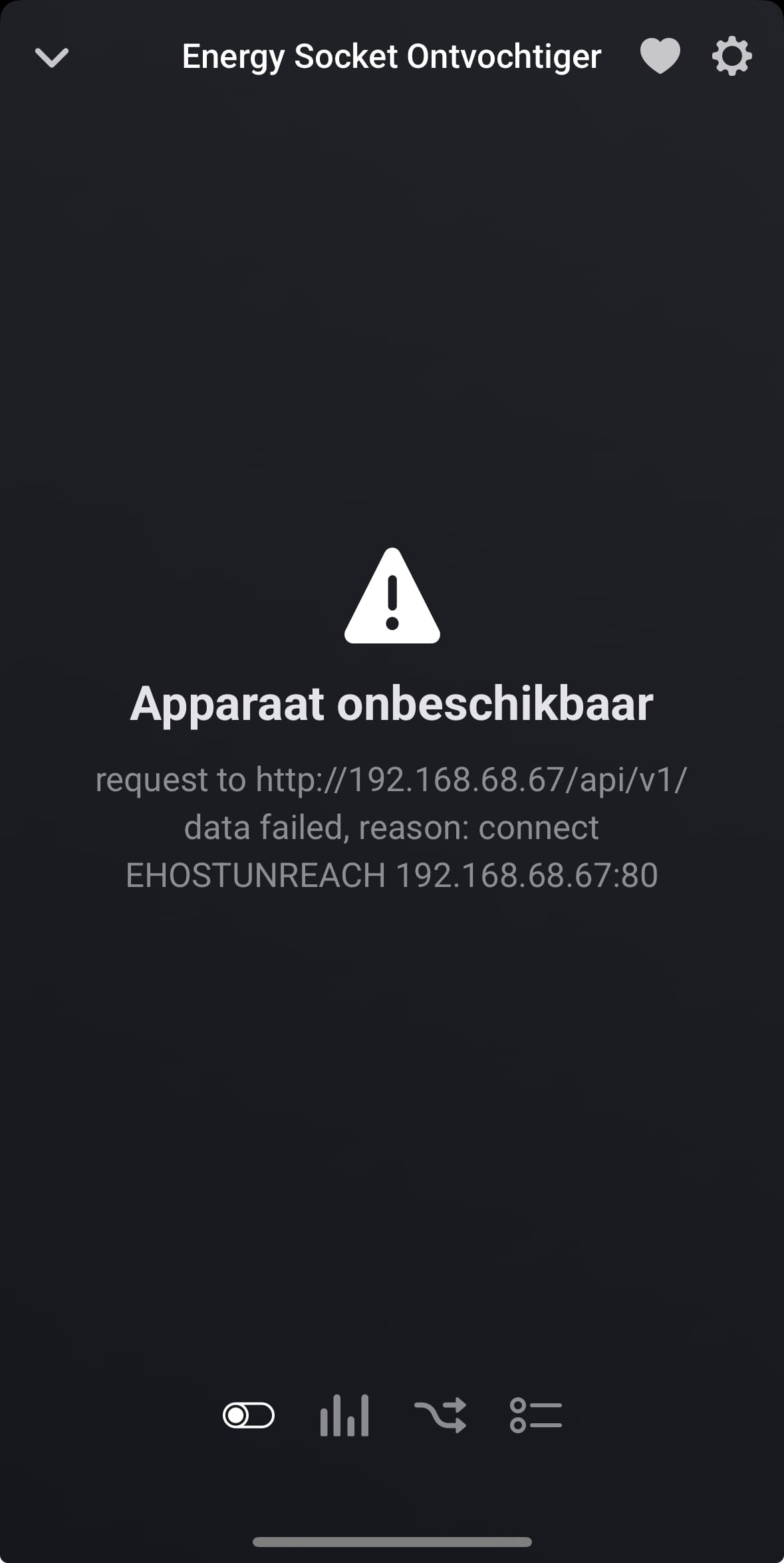
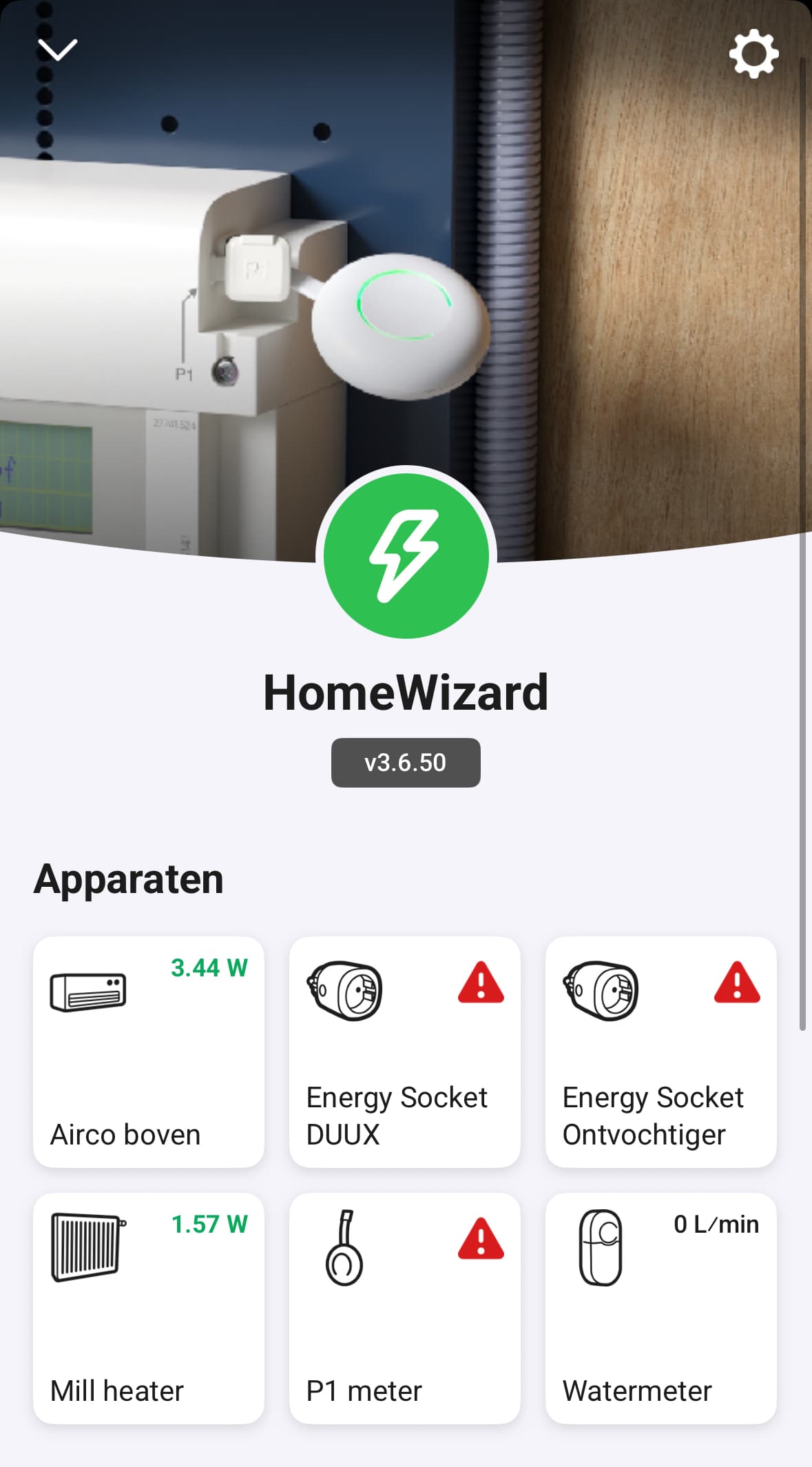
For the past two weeks, several of my HomeWizard devices have lost connection with Homey. Everything works fine in the HomeWizard app. However, when I remove a device and try to reconnect it, Homey can no longer find the HomeWizard device.
What’s going on here, and how can I fix this? The local API is enabled on all devices, and since everything works well in the HomeWizard app, I suspect the issue lies with the Homey app.
Can you help me?
See first post in this topic on troubleshooting tips.
I am 95% sure it’s related to bad WiFi coverage.
First tip from me: restart your access point(s).
Hi Jeroen, Thanks. I dont think that’s the case. In fact, it seems impossible to me. The P1 meter is located in the same place, just 1 meter away from the first mesh Wi-Fi point. I’ve been using a 2.4 GHz IoT network for years, which works perfectly. The Signal in the Homewizard app is alwasy above 50%. Most of the devices have 80%.
I have the same issue since this morning after the update to 3.6.50 for the fase 1 and fase 3 meters with v1. I can access the meters with a JavaScript from Homey so no access problem.
Fine drop me a diag report please.
Drop me a diag report please.
Done 03f52dcb-5253-4035-b897-b9d591ae3c97
Harm, a hint from me: Jeroen really knows what he’s talking about.
Can you restart the app and your accesspoint, I see nothing in the log about errors. Other than you disabled cloud connection.
2025-07-21T10:22:07.115Z [log] [ManagerDrivers] [Driver:SDM230] [Device:b2261830-589c-4882-8357-993749c62270] Cloud connection in advanced settings changed to: 0
2025-07-21T10:22:35.993Z [log] [ManagerDrivers] [Driver:SDM630] [Device:fb7f5d68-c451-4a8b-bc9c-c094b6ba181e] Settings updated
2025-07-21T10:22:35.993Z [log] [ManagerDrivers] [Driver:SDM630] [Device:fb7f5d68-c451-4a8b-bc9c-c094b6ba181e] Settings: {
  oldSettings: { energy_exclude: true, polling_interval: 10, cloud: 1 },
  changedKeys: [ 'cloud' ],
  newSettings: { energy_exclude: true, polling_interval: 10, cloud: 0 }
}
2025-07-21T10:22:35.995Z [log] [ManagerDrivers] [Driver:SDM630] [Device:fb7f5d68-c451-4a8b-bc9c-c094b6ba181e] Cloud connection in advanced settings changed to: 0
2025-07-21T10:23:05.634Z [log] [ManagerDrivers] [Driver:SDM630] [Device:21edab41-4e0a-4368-9094-59fcfd02d34f] Settings updated
2025-07-21T10:23:05.636Z [log] [ManagerDrivers] [Driver:SDM630] [Device:21edab41-4e0a-4368-9094-59fcfd02d34f] Settings: {
  oldSettings: { energy_exclude: false, polling_interval: 10, cloud: 1 },
  changedKeys: [ 'cloud' ],
  newSettings: { energy_exclude: false, polling_interval: 10, cloud: 0 }
}
2025-07-21T10:23:05.639Z [log] [ManagerDrivers] [Driver:SDM630] [Device:21edab41-4e0a-4368-9094-59fcfd02d34f] Cloud connection in advanced settings changed to: 0
HomeWizard app ready!
HomeWizard EnergyLink has been inited
HomeWizard Heatlink has been inited
HomeWizard has been inited
HomeWizard Kakusensors has been inited
HomeWizard Rainmeter has been inited
HomeWizard Thermometer has been inited
HomeWizard Wattcher has been inited
HomeWizard Windmeter has been inited
Settings for SDM230:  10
Settings for SDM630:  10
Settings for SDM630:  10
Settings for SDM630:  10

    stderr:
    n/a
The odd thing here is my 1 phase kwh meter is fine:

After restart app 57db580c-a2a5-47ca-ada8-874e532c6f01
I don’t quite understand what this comment adds. Let’s try to avoid putting each other in an uncomfortable position with comments like that. I do know Jeroen knows what he’s talking about. I can see he’s been very helpful in this topic. What I’m saying is that my Wi-Fi coverage isn’t the issue, based on the signal results shown in the HomeWizard app, as I described in my message. I’m just trying to figure out how we can move toward a solution.
Still the same, restart the access point(s) that handle your kwh’s and your Homey connection. My thoughts are that mDNS is totally lost in your network so somehow we need to get that started again. Check if you can find your kwh meters in one of those 2 apps that show/browse mDNS. I shared 2 examples in the first topic that allow you to search mDNS devices.
