Homekit controller app === homekit , if the device is wifi and homekit capable (8 digit code available!) then goto the first post and follow the steps 
Its probably me but i added the controller app. The device is setup over the original aqara app. When i add i can add a homekit ip. Then no devices found. 
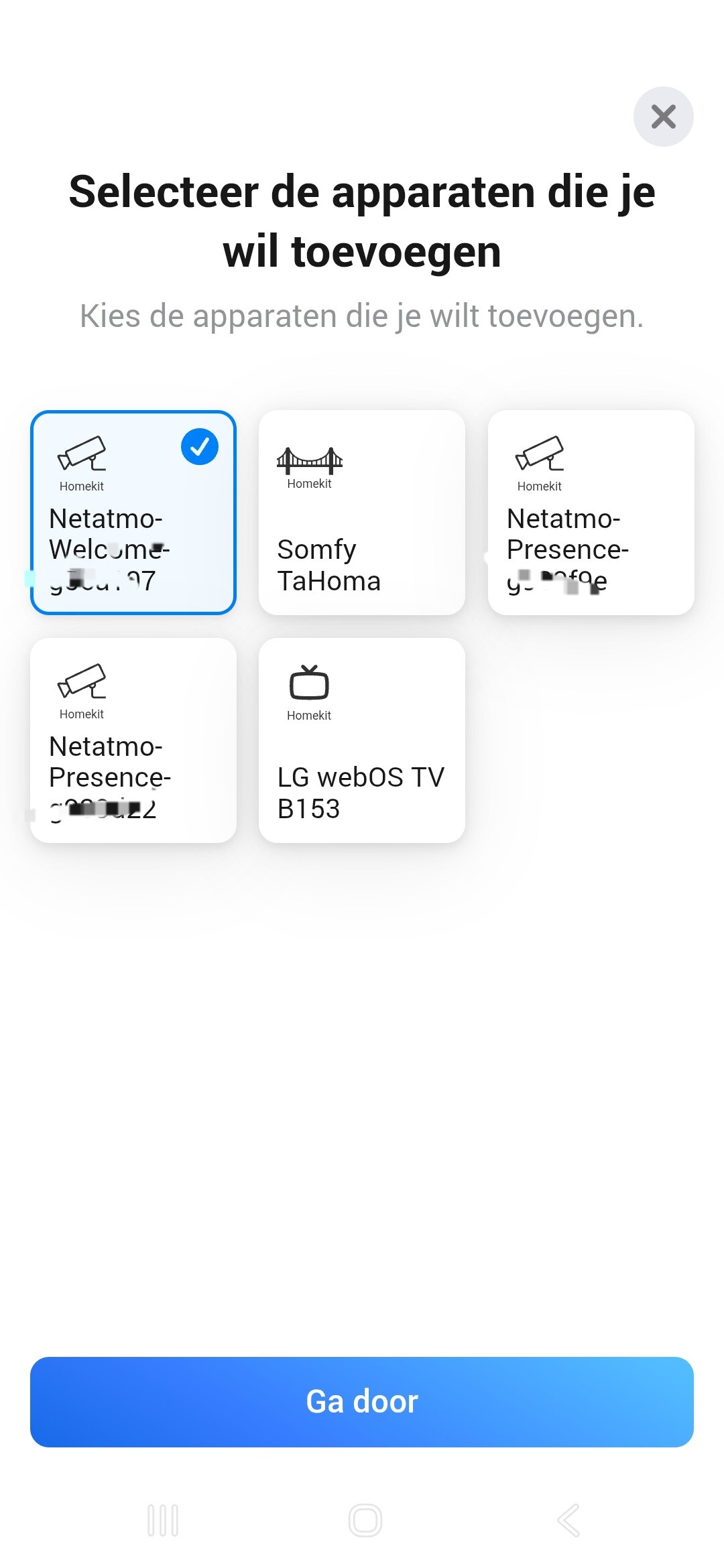
And then if i could find the device… where would be the 8 digit code for the aqara fp2 sensor  and does it need to be on the same Wi-Fi network?
Followig the instruction. Installed Aqara app. Made zones. Removed from Homekit on i phone. Installed the Homey app. At adding device Aqarq FP2 is shown and aks for device pin. But end with error: cannot destructure property port of service as it is undefined? What went wrong.?
Thanks for and advice.

I’ve also run into some issues with the app. Trying to add 4 Aqara FP2 devices to my Homey Pro (early 2023), non of them show up after selecting Homekit IP in the add device flow. All of them have been added to Aqara app and Apple Home, and then removed from Apple Home. I’ve reset and re-added the devices multiple times over the last 2 weeks and no difference.
Additional information:
- Homey is connected with ethernet.
- Two of the devices were added before, when they were on a separate VLAN, I tried to change IP in the device JSON but it did not work so I removed the devices.
- Two devices are brand new and have never been added to Homey.
- All FP2 devices and my Homey are on the same network (no VLAN) and the same IP number range.
- All IP numbers are fixed
- Using Ubiquity Dream Machine Pro as a router.
- There is a firewall rule to give Homey and all FP2 full access internally and out to the internet.
- Using the app Flame on my iPhone, I can see all 4 devices on the Bonjour Network
- Homekit Controller 1.5.3, but same issue on 1.5.2
- Homey Version v12.8.1, but I’ve upgraded Homey at least twice and during the time I’ve had the issue.
Log ID: 27fceb9c-1ac2-4696-bef7-a716cc82e799
This morning I woke up to “missing capability listener” when trying to control any of these devices, like lights or security system. Is this a know issue? Or something I probably broke?
I had similar experience with Hue app. Restart the app, should solve it.
Can I connect to an iOS home with this app, or do I need an Homey 2023 to connect matter devices?
Yes, but only homekit Wifi based devices. Matter can be connected directly to Homey.
Anyone have any advice for getting my FP2’s to be recognised after removing them from Homey (Uninstalling device fromfrom Homekit Controller), removing them from Aqara too then re-installing to Aqara (removing from Homekit). I can see them working in the Aqara app but Homekit controller isn’t offering me the choice of re-adding them despite the logs showing them.
Thought it’d be there but it says it can’t find any new devices 
Only removed as was having issues with something showing in Homekit that i thought was from Homekit Controller but turned out to be the new Matter plugin instead so caused myself no end of problems now.
I’ve tried uninstalling the app, is there some sort of device cache that needs clearing to see the new/old FP2’s?
Update: Appears that its not showing as available in the list of devices in the log but is only paired in Aqara, not in Homekit after being reinstalled to Aqara. Why wouldn’t it show in the logs?
When you uninstalled the controller app, it loses the homekit pairdata.
Reinstall the app.
On the FP2 remove the homekit and network settings by pressing the button until it starts to flash.
Then readd the device to Aqara, remove from iOS Home app if needed.
Then wait for a few minutes and add them again to Homey.

Since a day one of my FP2’s stopped working. The one I set-up as sleep sensor still does work. But I have one set-up in my living which detects several zones. This device stopped working suddenly and also a repair via HomeKit Controller gives errors. It still works perfect on the native Aqara app. So the only thing left to do is remove it from Homey and add it again I guess?
Restart the app and after restart, power cycle the fp2
Is HomeKit over Thread going to be supported? And/or are there any plans to make this app open source?
Have looked at Thread in the past, will have a second peek at it.
With Homey now supporting video, is there any chance cameras like the AQARA Smart Video Doorbell G4 will get live view support?
G4 not sure. G410 has live rtsp feed when it is wired.
You can plug the rtsp url in the g410 device settings in the HK controller app when okay it will add the live feed into the device.
Only in the test version at the moment.
