Has anyone been able to figure out how to fix the issue?

I have done numerous deletes and adds of a couple of FP2 to try and get the error you have. No luck so far. Can you you use the below to give it one more shot ..
Start by deleting it from Homey and by doing a network reset of the fp2 (never do a real factory reset) by pressing the fp2 until the yellow lights flash. NW add it to aqara. Remove from Apple Home if you use iOS. Now wait a number of minutes to allow the Fp2 to make itself known on the network and add to Homey. Is this what you were doing?
Yes, but I would remove from apple home before adding to homey or never adding to apple home in the first place
From what I understand if you use iOS and add it to aqara it will get added to apple home automatically. But I have no iOS, so correct me if I am wrong.
I add it to aqara with my android phone.
Hee, just found your app and I’m trying to add a eufy indoorcam.
I removed it from iOS HomeKit to add in HomeKit controller but the camera says that it can’t connect directly to HomeKit. Neither iOS or homey.
I have to use the eufy security app to pair it with HomeKit. Ones there I see the iOS HomeKit but not the HomeKit controller app.
is there a way to make the HomeKit controller visible to the eufy app?
Thanks
No clue on how to do that. But will check it out, probably needs my app to expose itself on the network in a specific way.. But that is only the “can be found” part, what does the Eafy Homebase expects after the connection??


I have a Meross MRS100 (shutterswitch) with homekit possibility. First i have installed it in homekit then i have delete it in homekit and have installed it in Homey.
The strange thing that happened: it is an shutter whiteout the possibility to use it whit the tile. How is this possible and what can i do? 2 shutterswitches i already had are “normally” installed.
Not ok:
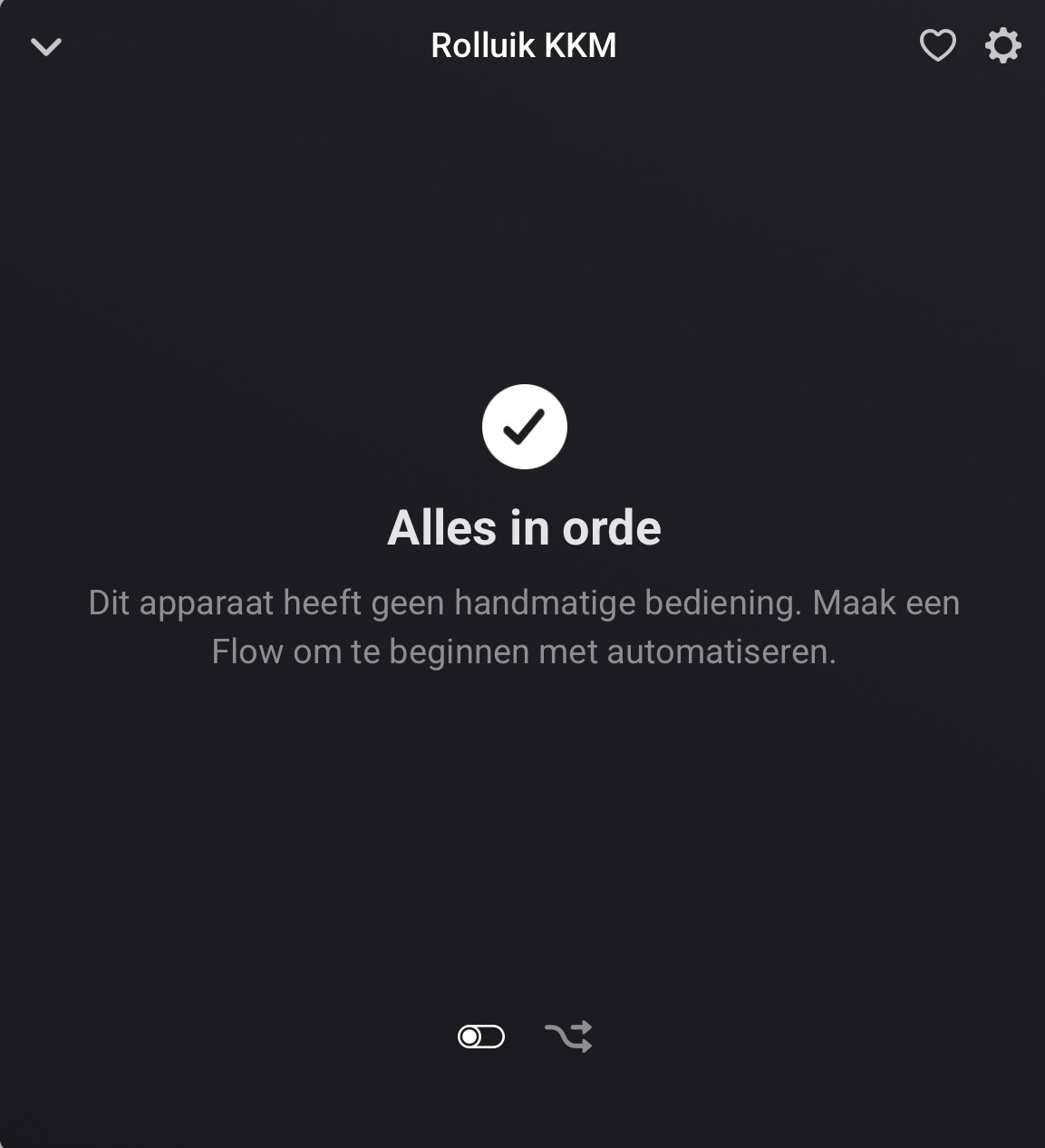
OK:

New start from Homey and the app did the trick, thanks Martin!
Where do you get the PIN from?
First of all, thank you for this app.
I’m having a weird issue. I’m trying to integrate bridged devices via homebridge. I have several GE Cync lights and there are several steps, which might complicate this, but here’s the configuration:
GE Cync lights and switches in the GE Cync app in 2 groups “Laundry Room” and “Bathroom”
4-5 devices per group, at least 1 switch in each group.
Those are then exposed to Alexa. I’m then using the “Homebridge Alexa Smarthome” plugin to bring those devices from Alexa into Homebridge. This successfully shows each device as its intended, with every parameter available in Apple Home (I’ve since removed the child bridge from apple home to bring it into Homey.)
So my issue is- when I try to expose these child devices to Homey, it shows 1 device “Laundry Switch” and only on/off and dim….. and then, it’s not even controlling the Laundry lights (haha) it’s controlling the bathroom lights. I’m trying to figure out where the mismatch is happening:
Original Location: GE Cync app (where all the devices are grouped)
Alexa: Which seems to see them as the individual devices that they are, ignoring any groups in the GE Cync app.
Homebridge: Again, sees them all as individuals
Homey: Laundry switch.
side note: the homebridge plugin allows you to include only certain devices or exclude certain devices. I thought this had something to do with it as I was using the “include” feature and was selecting about a dozen devices (which excluded like 50 devices.) I realized I wasn’t using alexa anymore for anything anyway, so I went through and manually deleted all the devices I was excluding, except for the ones I was trying to integrate (the ge cync devices) and 1 amazon echo. So I could remove the include/exclude situation entirely. And what’d it do? it exposed the echo temperature sensor to Homey. I can’t understand why it’s picking seemingly random devices and mismatching things. So technically now- it’s Laundry Switch and echo temperature sensor.
thank you in advance
EDIT: Worked with Martin to provide as much info as I could on my devices to update the app and allow these all to come in as individual devices. Works like a charm now.
I installed the homekit app, and connect the fp2 sensor to the aqara app. When i want to add the device to homey i only get the option Homekit IP, and it does not find anything. Am i missing something?
I assume you clicked the Homekit IP option 
It sometimes takes a while for the FP2 to show up. Check again after a while.
Did you follow the instructions as in post #1 [APP][Pro] HomeKit Controller - for a better Homey
Especially when added on an iOS device. If still issues. goto Homekit Controller app settings and copy log. PM me the result.
I have had the Aqara FP2 sensors ( three of them ) since the homekit app was released, two weeks ago they stopped working in homey, i removed them factory default and re added to aqara app but it wont show up when adding in homey….
anyone else with his problem?
Log output below seems that himkit controlelr finds it!?!?
undefined2025-10-19T07:37:05.869Z [log] [ManagerDrivers] [Driver:hapIP] updateDeviceList foundDevices 1
2025-10-19T07:37:05.868Z [log] [ManagerDrivers] [Driver:hapIP] updateDeviceList found existing device Viken ._hap._tcp.local
2025-10-19T07:22:57.604Z [log] [ManagerDrivers] [Driver:hapIP] updateDeviceList foundDevices 1
2025-10-19T07:22:57.603Z [log] [ManagerDrivers] [Driver:hapIP] updateDeviceList found existing device Viken ._hap._tcp.local
2025-10-19T07:20:19.321Z [log] [ManagerDrivers] [Driver:hapIP] updateDeviceList foundDevices 1
2025-10-19T07:20:19.320Z [log] [ManagerDrivers] [Driver:hapIP] updateDeviceList found existing device Viken ._hap._tcp.local
2025-10-19T07:19:56.391Z [log] [ManagerDrivers] [Driver:hapIP] updateDeviceList foundDevices 1
2025-10-19T07:19:56.390Z [log] [ManagerDrivers] [Driver:hapIP] updateDeviceList found existing device Viken ._hap._tcp.local
2025-10-19T07:19:50.672Z [log] [ManagerDrivers] [Driver:hapIP] updateDeviceList foundDevices 1
2025-10-19T07:19:50.672Z [log] [ManagerDrivers] [Driver:hapIP] updateDeviceList found existing device Viken ._hap._tcp.local
2025-10-19T07:19:38.395Z [log] [ManagerDrivers] [Driver:hapIP] updateDeviceList foundDevices 1
2025-10-19T07:19:38.394Z [log] [ManagerDrivers] [Driver:hapIP] updateDeviceList found existing device Viken ._hap._tcp.local
2025-10-19T07:19:23.818Z [log] [ManagerDrivers] [Driver:hapIP] updateDeviceList foundDevices 1
2025-10-19T07:19:23.816Z [log] [ManagerDrivers] [Driver:hapIP] updateDeviceList found existing device Viken ._hap._tcp.local
2025-10-19T07:18:48.684Z [log] [ManagerDrivers] [Driver:hapIP] updateDeviceList foundDevices 1
2025-10-19T07:18:48.683Z [log] [ManagerDrivers] [Driver:hapIP] updateDeviceList found existing device Viken ._hap._tcp.local
2025-10-19T07:16:35.502Z [log] [ManagerDrivers] [Driver:hapIP] updateDeviceList foundDevices 1
2025-10-19T07:16:35.501Z [log] [ManagerDrivers] [Driver:hapIP] updateDeviceList found new device Viken ._hap._tcp.local
2025-10-19T07:16:04.621Z [log] [ManagerDrivers] [Driver:hapIP] UP for Viken ._hap._tcp.local service count is 1 {“addresses”:[“127.0.0.1”,“::1”],“subtypes”:,“name”:“Viken “,“fqdn”:“Viken ._hap._tcp.local”,“host”:“Viken-.local”,“referer”:{“address”:“127.0.0.1”,“family”:“IPv4”,“port”:5353,“size”:321},“port”:51826,“type”:“hap”,“protocol”:“tcp”,“rawTxt”:[{“type”:“Buffer”,“data”:[99,35,61,51]},{“type”:“Buffer”,“data”:[102,102,61,48]},{“type”:“Buffer”,“data”:[105,100,61,49,52,58,49,51,58,67,54,58,69,66,58,68,56,58,48,69]},{“type”:“Buffer”,“data”:[109,100,61,72,111,109,101,121,32,80,114,111]},{“type”:“Buffer”,“data”:[112,118,61,49,46,49]},{“type”:“Buffer”,“data”:[115,35,61,49]},{“type”:“Buffer”,“data”:[115,102,61,49]},{“type”:“Buffer”,“data”:[99,105,61,50]},{“type”:“Buffer”,“data”:[115,104,61,43,121,47,81,57,81,61,61]}],“txt”:{“c#”:“3”,“ff”:“0”,“id”:“14:13:C6:EB:D8:0E”,“md”:“Homey Pro”,“pv”:“1.1”,“s#”:“1”,“sf”:“1”,“ci”:“2”,“sh”:”+y/Q9Q==”}}
2025-10-19T06:51:41.882Z [log] [ManagerDrivers] [Driver:hapIP] discoveredHapBonjour Devices Ready start browsing your network
2025-10-19T06:51:41.850Z [log] [ManagerDrivers] [Driver:hapIP] discoverDevicesBonjour
2025-10-19T06:51:36.846Z [log] [ManagerDrivers] [Driver:hapIP] hapIP driver has been initialized
2025-10-19T06:51:35.664Z [log] [MyApp] Homekit Controller 1.5.2 has been initialized
2025-10-19T06:51:35.664Z [log] capturing stderr
2025-10-19T06:51:35.658Z [log] capturing stdout
2025-10-19T06:49:34.735Z [log] [MyApp] app unload called
2025-10-19T06:48:58.574Z [log] [MyApp] cpu warning
2025-10-19T06:48:53.838Z [log] [ManagerDrivers] [Driver:hapIP] discoveredHapBonjour Devices Ready start browsing your network
2025-10-19T06:48:53.835Z [log] [ManagerDrivers] [Driver:hapIP] discoverDevicesBonjour
2025-10-19T06:48:48.834Z [log] [ManagerDrivers] [Driver:hapIP] hapIP driver has been initialized
2025-10-19T06:48:48.581Z [log] [MyApp] Homekit Controller 1.5.2 has been initialized
2025-10-19T06:48:48.581Z [log] capturing stderr
2025-10-19T06:48:48.580Z [log] capturing stdout
2025-10-19T06:48:47.305Z [log] [MyApp] app unload called
2025-10-19T06:48:43.307Z [log] [MyApp] cpu warning
2025-10-19T06:48:38.586Z [log] [ManagerDrivers] [Driver:hapIP] discoveredHapBonjour Devices Ready start browsing your network
2025-10-19T06:48:38.579Z [log] [ManagerDrivers] [Driver:hapIP] discoverDevicesBonjour
2025-10-19T06:48:33.571Z [log] [ManagerDrivers] [Driver:hapIP] hapIP driver has been initialized
2025-10-19T06:48:33.316Z [log] [MyApp] Homekit Controller 1.5.2 has been initialized
2025-10-19T06:48:33.315Z [log] capturing stderr
2025-10-19T06:48:33.314Z [log] capturing stdout
2025-10-19T06:48:31.961Z [log] [MyApp] app unload called
Not an FP2 that it finds.
Hi
Ok, any ideas of what’s wrong? It has been working great up until two weeks ago..
And if you dont have ios but Android? 
There is no dependancy on iOS, with Android there is no removing from Apple home, so simpler
How do i get it connected to homekit then? Thanks for your quick response.
