Sorry, not working. I use cloud and bridge…

You cannot restart the Hue app in Homey Cloud, only create a diagnostic report of uninstall the app.
I believe that restart is only possible if you got the 23 pro unit.
Sorry, I just learned this as well!
You can simply open the Homey App Store and reinstall the Hue App on your Homey Cloud instance without uninstalling it first. That should do the trick!
Hahaha, I’ve done that every morning for 3 days now. It works… for 5 minutes tops. So it doesn’t work.
Exactly now my philips he lights suddenly started to flash and turn on. Let’s see how long it works now. According to the app, they have contact again. 
All my light sources are now registered again, it took a few attempts to get then all in…
Now it’s time to give it a day or two to see if it stays.
Is everything working properly again for everyone? We just received a message from Signify that it likely wasn’t related to rate limits, but rather to a backend rollout they implemented. They’ve now applied a fix for it.
It works for me now,!
It has worked well for me since they fixed it on Signify.
Thanks for the help Abe 
All my light sources are present in the app, but they are not updating on status on/off etc. might be related…
Are you changing your lights from Homey? If not (like using a remote, or using the non-Homey Hue app), it can take up to an hour before the status is updated in Homey.
I am, all have been build around iConnectHue and I’m currently just “playing” with Homey to see if I like the way the interface works. Got lots of different things that need a “central” management platform for automation
Everything works again! Thank you!
Yes! Thanks!
 I’ve tried reinstalling the app, restarting the bridge etc…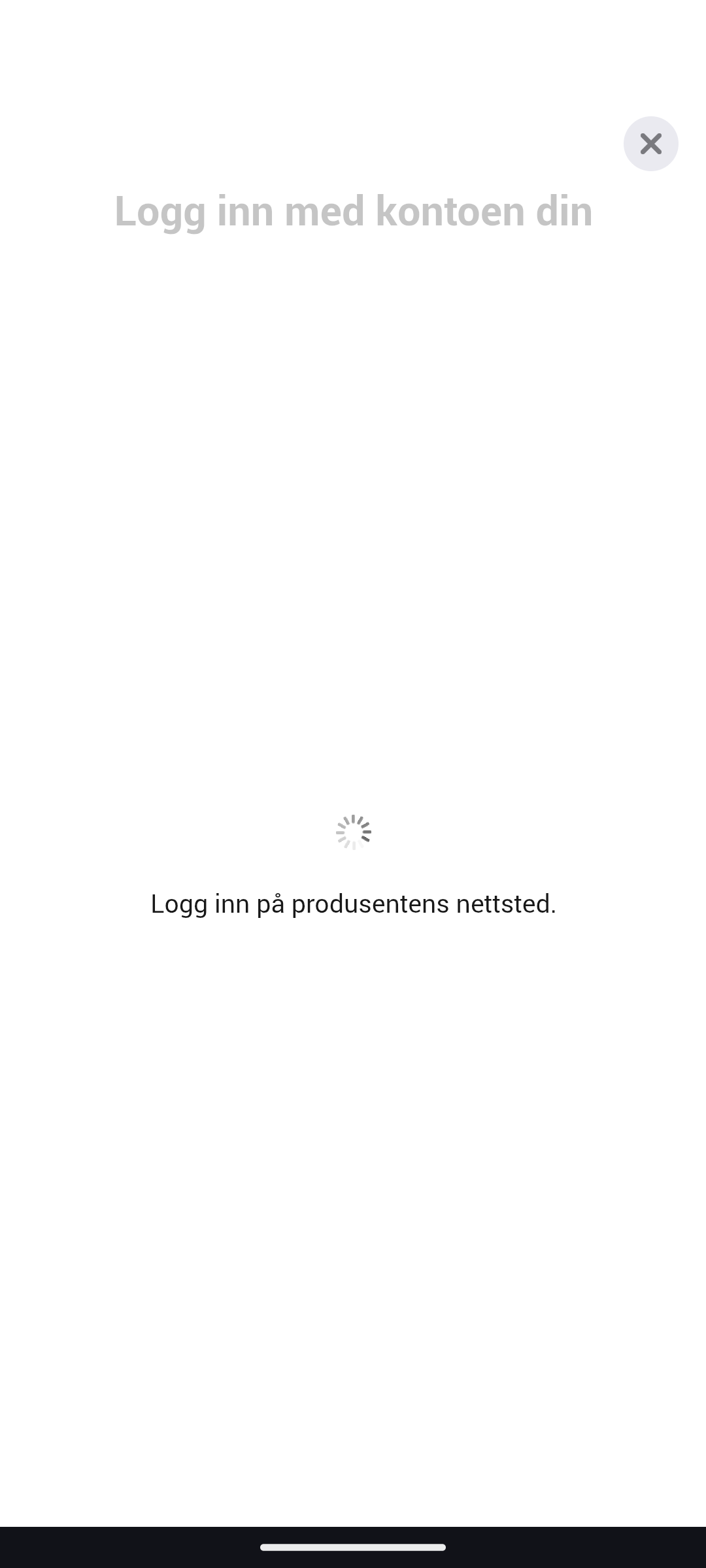
All good here. Things are back to normal
Look like you need to check if you’re using the correct username and password for the Hue access.
Need to be the same as you’re using for hue.
Seems like a logon problem with Hue, check here to see if you can logon
Using your Hue username and password
Very strange. It is the same account, the same password and everything. But always stuck in the same place after login.
If it works with hue own account acces page, then yes that’s strange. When I did it, it logged me into the hue logon page for me to grant access to Homey.
Have you tried with other products that can controller your Hue setup?
