That’s quite possibly your problem… running a release candidate of Homey OS. A possibly unstable test version. And once you’ve enabled that option, I think the only way to disable it and have stable release updates only is to do a factory reset of your Homey (which if memory serves me it has a warning message about possible unpredictable results and the factory reset needed to undo the enabling of that option).
Also, the Reolink app version 1.1.1 is labelled a Test version, with a large amber warning box just below the version number in the Homey app store, that it is not a tested release, and some issues may arise. So a test version app running on release candidate OS.
That means the camera is not responding on ONVIF port 8000. This usually means ONVIF is disabled, blocked, or not properly supported by this device/firmware.
The problem wasn’t with the Homey firmware 13.2.0-rc.2, but with the Reolink TEST version. I installed the official version and the flows are working again. I won’t be installing any more Reolink test versions.
It’s more likely to be a problem with the interaction between the Reolink test version and the Homey release candidate version. As I’m running the Reolink app test version without any problems on advanced flows and person detection.
But yes, installing test/release candidate versions of any software are quite likely to produce bugs or unpredictable behaviour. That’s not the developers fault though, as that’s the whole reason for testing, to find bugs and issues.
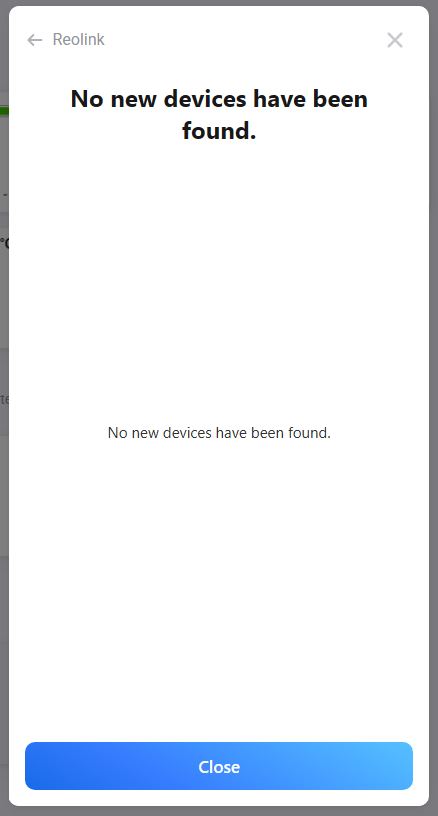
Hello all. I’m trying to connect my Reolink Video Doorbell PoE to Homey Pro (Early 2023), using the Reolink app. I (think) I have enabled the needed server settings but still I get “no device found”.
It works when I capture the stream in e.g VLC Player.
I would really appreciate some pointers if you have them.
Don’t do that, it’s very risky to disable the firewall (especially on WAN side) since anyone can remotely access your devices with firewall disabled. It also won’t fix your LAN/local network issues, since firewall is usually for WAN only.
I understand. I only did it for like 30s while trying with no firewall. Unfortunately it did not fix the problem. Still “No new devices found”. (firewall back on )
I don’t think it does. The mobile app likely uses a P2P connection (like almost every other camera manufacturer). This allows you to view the camera remotely. Homey uses the direct IP/ONVIF/RTSP connection, which works differently. While I have no experience with Reolink products myself, I’m almost 100% certain that the mobile app uses a P2P connection instead of ONVIF (since P2P has been the default for remote video streams for years now, and every camera manufacturer that I know of uses it).



 )
)