I just finished developing a new Homey app for HikVision cameras, nvrs and doorbells and I’m looking for testers!
If you use Homey and have HikVision devices, your feedback would be extremely valuable to help me improve the app and fix any bugs before the official release.
Feel free to reach out if you’re interested in testing or have any questions. I really appreciate your help!
Hello, first of all! You are my hero! I’ve been waiting for this app for more than 2 years. I am going to test it as much as possible.
Would it be possible to add support also for doorbells, indoor stations etc.?
My wish would be if somebody rings the outdoor bell on the gate then my Sonos speakers would play a specific sound to let me know, that somebody is ringing the bell!
The app I’ve been waiting for. Shame there’s no NVR support. My cameras are connected direct to the NVR’s POE ports. Could this be added in the future or not possible? Thanks
I have eight Hikvision cameras around the house. They’re 4K models from a few years ago, so they don’t support RTSP, only ONVIF. I’ve already added them to Homey using the ONVIF Camera app.
When I tap the device tile in Homey, I get a static snapshot, but when I add the camera as a widget, it shows a live stream.
I have two questions:
Does this app support ONVIF?
Does it offer any additional features compared to what I’m already getting (snapshots in device tiles and live streaming in widgets)?
I’m asking because I don’t want to remove my existing devices or risk “breaking” anything just to try this app.
To my knowledge, ONVIF uses RTSP. And no, this app does not support ONVIF; it uses Hikvision’s ISAPI. For the moment,
all types of events are grouped together in the motion alarm.
you hav access to snapshot and liveview via RTSP
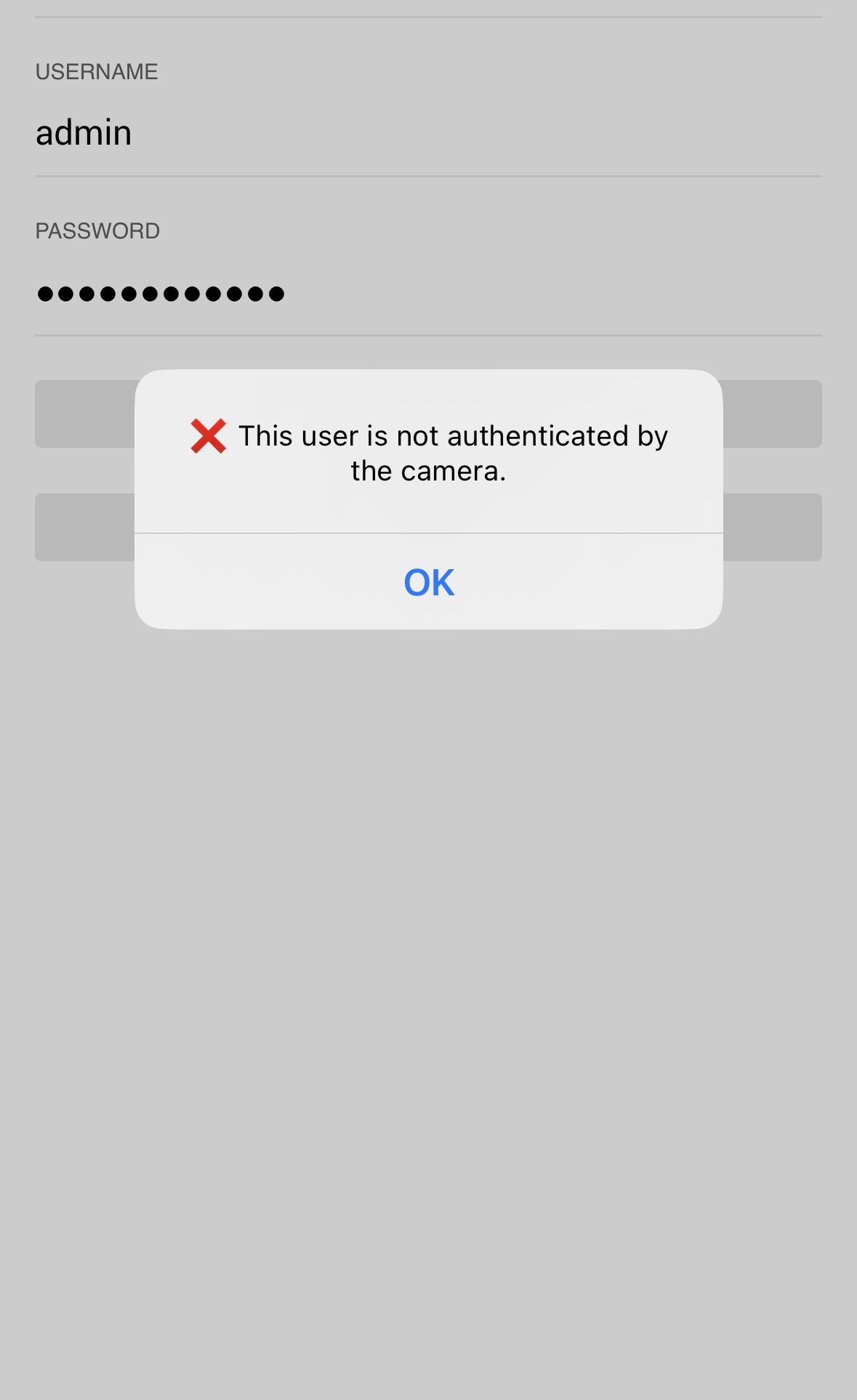
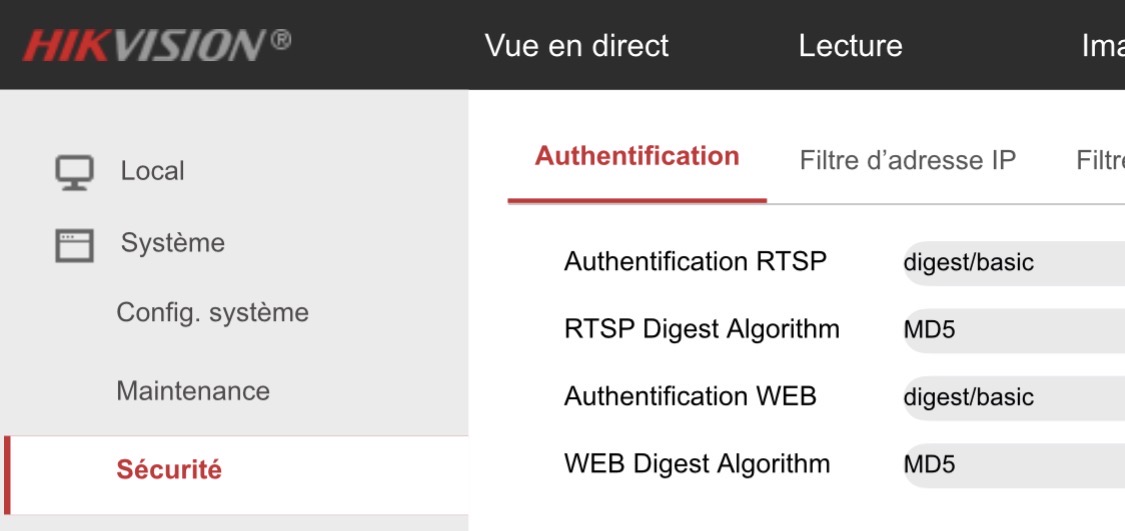
If you do not see RTSP, it is probably because basic authentication is not enabled on your camera. See above. I will look into supporting digest authentication later.
For me also trigger with doorbell from hikvision ds-kv6113-wpe1 would be nice.
Hikvision doorbells do not expose a simple REST endpoint like /button/status.
Instead, button presses are delivered as events via a persistent HTTP event stream.
To detect when the doorbell button is pressed, your app must subscribe to the Hikvision alert stream and listen for CallButtonPress events.
The recommended and most reliable method is:
ISAPI Event Notification Alert Stream
Supported Event Mechanism
Alert Stream (Recommended)
Long-lived HTTP connection
Server pushes XML events in real time
Low latency
Used by Hikvision official software
Endpoint
/ISAPI/Event/notification/alertStream
Authentication
HTTP Digest Authentication
Basic authentication will not work
Requires an admin or sufficiently privileged user
Example: Testing with curl
Use this to verify that the device is sending events.
Because… why not? I have HikVision cameras connected to NVR and a HikVision video doorbell. A native HiKVision app with ONVIF support might give me more options/flow capabilities compared to a generic ONVIF app that I’m using now. More is better, right?
Well, you’re asking community app building enthousiasts to do double work, that was the thought behind my question: if such an app already exists, why not use it?
And when you miss features / functionality, you can always discuss it with Adrian, the Onvif Camera app developer