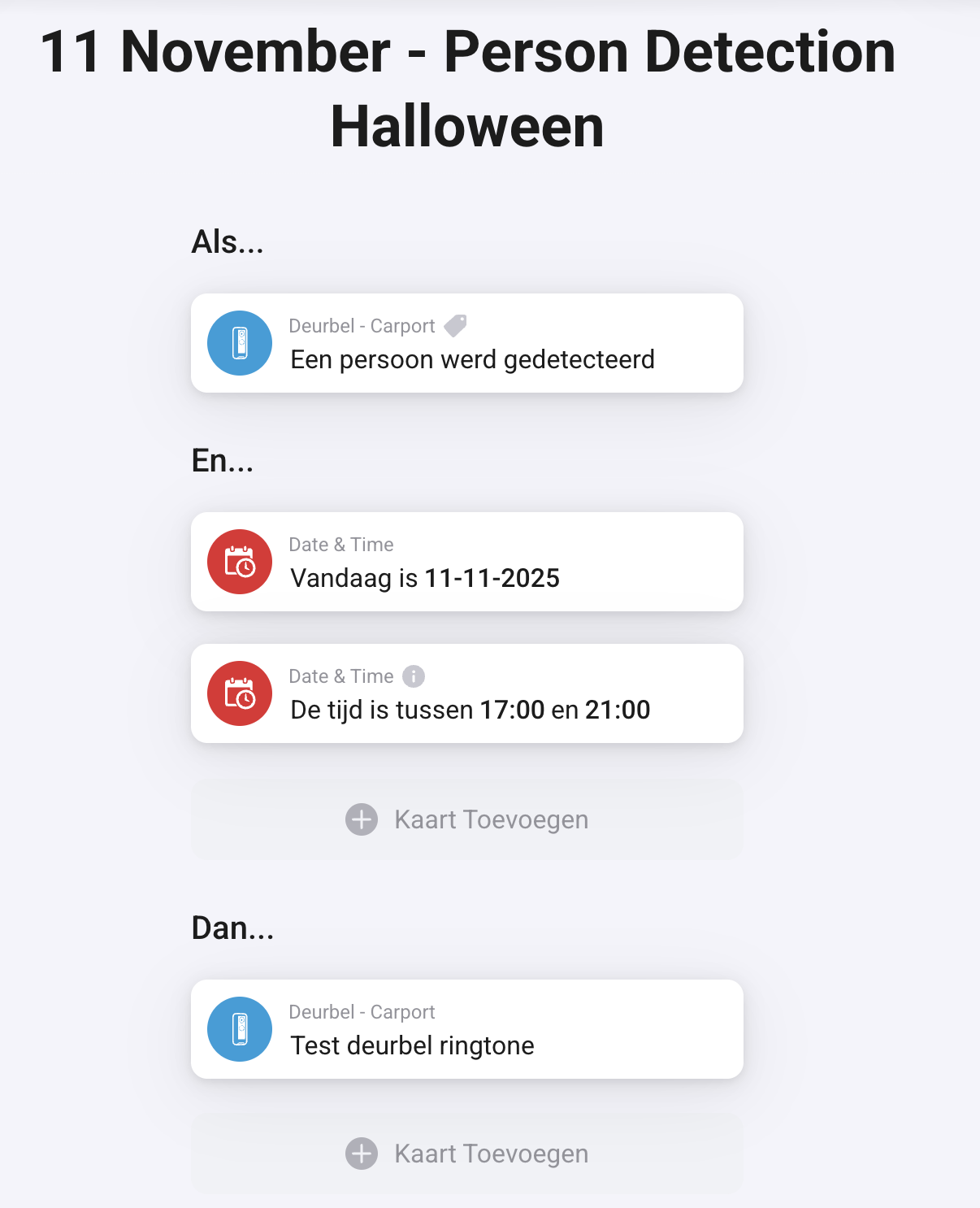
Not all functionality is available yet in the new UniFi Protect Integration API, but I’ve already started building support for it in the Protect App. For now, you can add your API token, and the doorbell press will be handled via the new API.
Unfortunately, UniFi hasn’t implemented all features yet, so things like fingerprint scanning and reading NFC cards are not yet supported through the new API.
Version 1.8.4 is currently in testing. We’re checking whether the doorbell press now triggers a single event instead of repeating 20 times.
i have the UA-Hub-Gate where i use in my double garage , is there any planed for adding all the inpusts so we are able to control them separately, or like all the inputs, Gate1, gate 2, aux, side door , door position sensor etc.
I’m struggling to get my G6 Bullet streaming video to Homey. What I’ve tried:
Successfully added the G6 to the Unifi Protect app on Homey and can get the camera snapshot within Homey just fine
Enabled Secure RTSPS output within the camera settings in Unifi Protect app (there doesn’t appear to be a plain RTSP option)
copied the RTSPS URL from here and entered it into the RTSP stream URL setting on the G6 device in Homey → no joy, just permanently says “Loading stream”
Tried the above with all 3 different resolutions of RTSP stream offered by Unifi
Tried the above but converting the RTSPS url to a RTSP one by changing the protocol to RTSP and the port to 7447 and removing the ?enableSrtsp bit from the end
Confirmed that the RTSPS and my converted RTSP stream URLs are correct and working by pasting them into VLC player on my Mac and successfully streaming video
Still all I can get in Homey is permanent “Loading stream” message. Anything else I can try?
The RTSP url setting is only needed when you want to use MediaMTX or an other proxy layer to make your camera stream also working outside your local network or VPN.
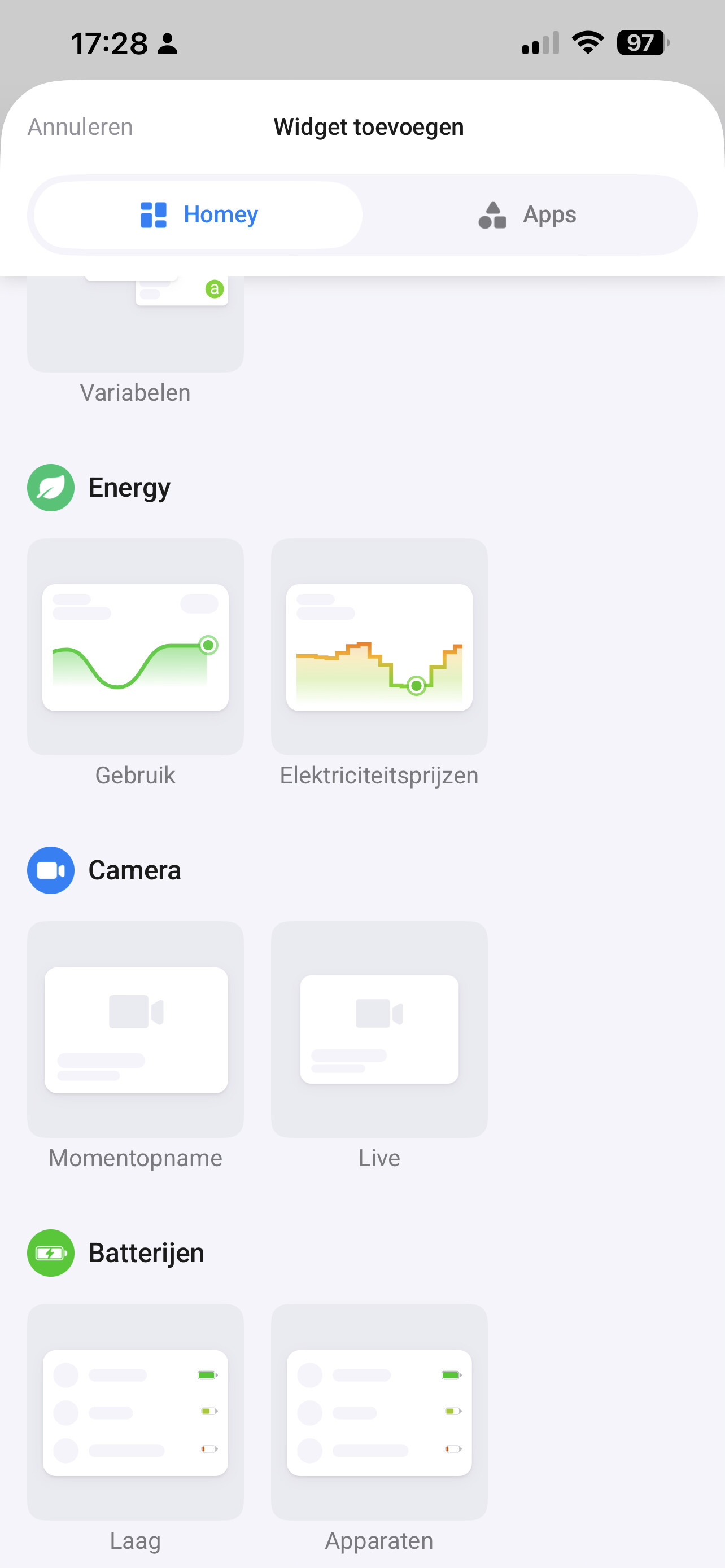
Will it be possibile, in the future, to live-stream the video to Dashboards you think?
I don’t know how to solve this myself - see you discussing the RTSPS features above.
I GUESS the feature they are introducing is targeted Dashboard.
Okay, thought I would give the possibility to livestream the video to dashboard. Instead its streaming an image in interval of seconds - is that correct? I’ve just tested it.
I love the new API Integration for Access, but i noticed a Problem, if the Controller made an Update in the Night:
The Protect Access works Perfect, but the access API doesn’t work and the App needs a restart. Is there a Chance to fix this?
Or to integrate a Information of an Update was Made to use it in a Flow to restart the App.