So it is still in the test version? Then I will look at it.
Please try Ubiquiti UniFi Protect | Homey
I have a very simply flow: if a doorbell rings, send a message to user. It’s not working anymore since this morning… In Protect I can see the local user was active 7 hours ago. In the Homey app it says the user credentials are invalid. I didn’t change them. Could that also be the update?
Protect version: 6.1.65
Unifi app on Homey version: v1.7.9
Homey version: 12.6.1
Change your password to an more difficult password and longer then 12 chars and read message above about interval or create seperate accounts for each integration.
I changed the password, even though it was already longer than 12 characters. Still get the invalid credentials message. I had issues a few months ago, and a clean instal helped my back then. So I tried to reinstal the Unifi app on Homey. But I can’t add any deviced now… What am I overlooking? 
For some reason I had to create a completely new local user… Now it works again. So strange!
IS there an updat re adding a trigger for line crossing?
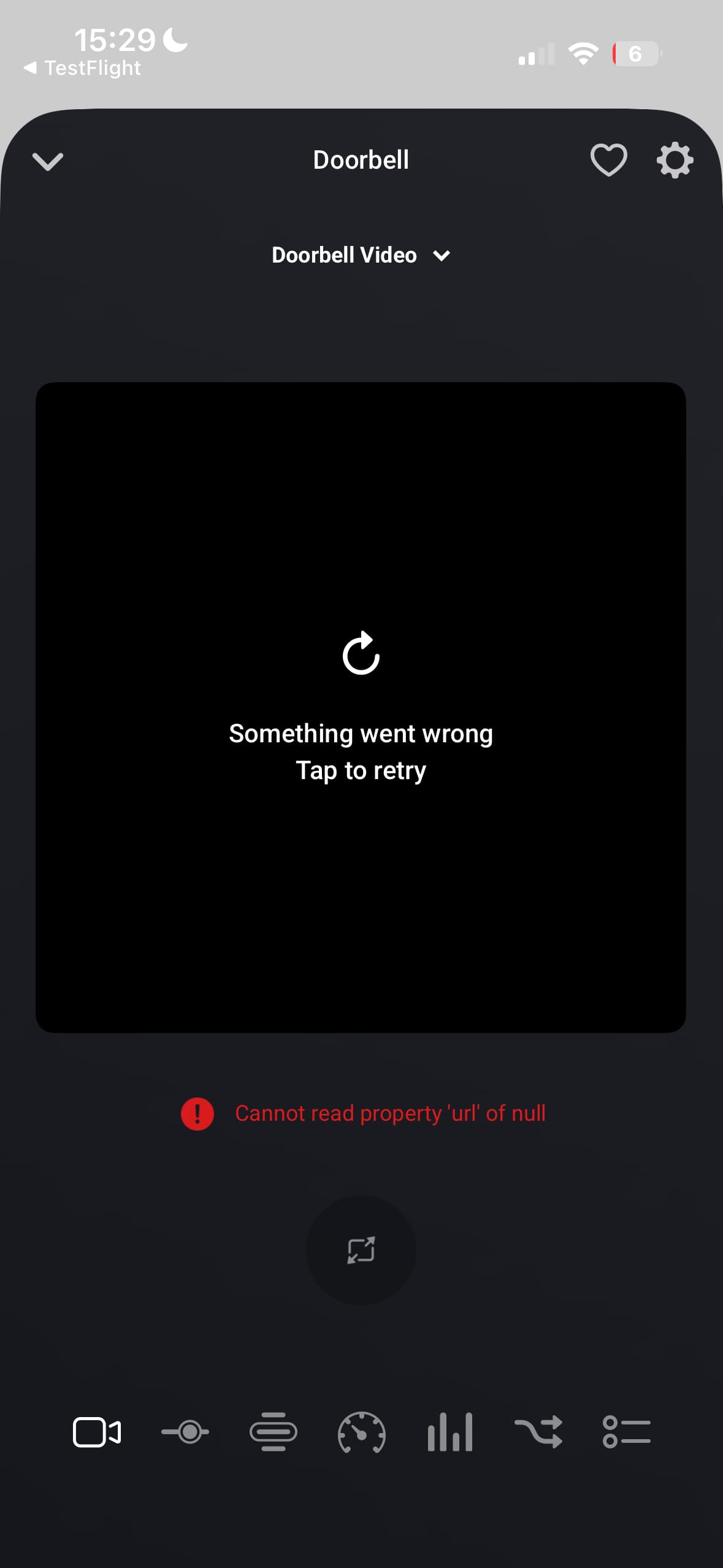

Will be fixed in 1.8.2 later this week! I am also looking to add support for MediaMTX | ready-to-use, open source, live media router so you can view the video stream from outside your network with password protection.
Since my UDM-Pro crashed I had to factory reset everything which means also the connection to Homey. Since the camera’s and doorbell were already added before, I removed them and tried to re-add. But unfortunately when I try to add them again I get the notification: “Er zijn geen nieuwe apparaten gevonden.“
Also removed and re-installed the whole app from Homey.
The connection to UDM-Pro althrough works since I was able to add the controller (for the first time).
What am I overseeing here?
Ps. tried the normal and current test version
Unifi OS: 4.4.0
Protect: 6.1.68
Got an idea of when we can expect the new test version to be live?
Its live now
Yes, it’s working for me now 
Have a beer or coffee on me!
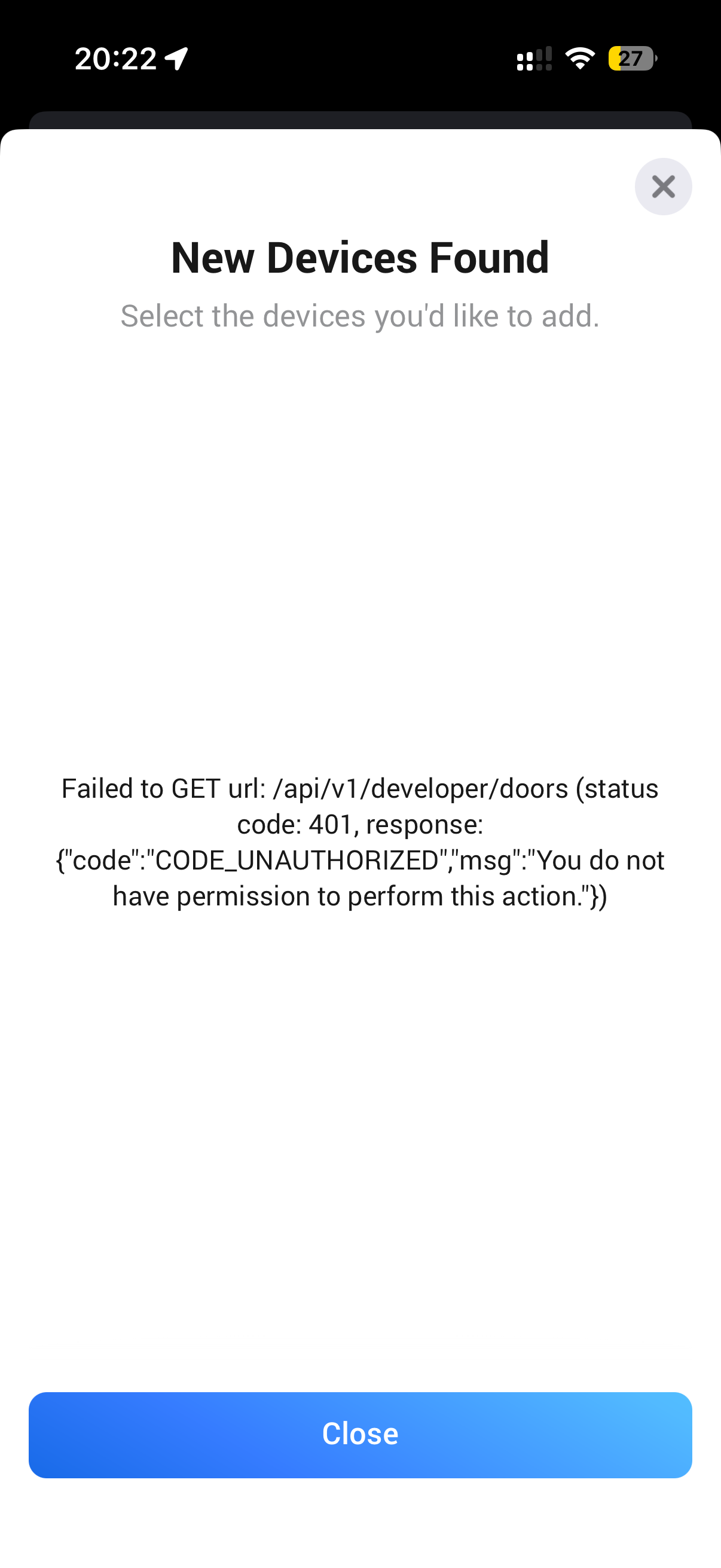
Access - Settings - General - API
Please generate there a new API token and set it in the settings. Don’t use the api from the control plane!
I am using the latest test version, I have deleted the device and added it again.
The stream is stuck in a constant loading spinner. Old refresh image does work though.
6a172f82-dae2-4f02-bca2-20f224509571
Any advice on what I should try to get the stream working?
Is your camera on the same vlan (network) as your mobile? There is no proxy so you mobile must have a direct connection to the camera. When you have a seperate vlan for your cameras or you are outside your home it does not work.
With MediaMTX | ready-to-use, open source, live media router you can setup a RTSP proxy and set the new url in the camera settings.
The security cameras are in their own vlan, for security.
Thanks for the link to the proxy, I’ll set it up and have a play tonight to see if I can get it working.
There must be some sort of proxy already available given they work through the UniFi app, putty they don’t share.
You think it would be possible with just port forwarding?
Works! Ty
You can also use port forwarding and setting the right ip address in the device settings (rtsp stream url) only there is no security at all on the streams. With the proxy you can add some security layer on it.
