Did you enable the snapshot camera function?
No I haven’t. And I didn’t change anything, it worked before and just the doorbell snapshot isn’t working anymore, both bullet cameras snapshot is working.
I just tried to use the snapshot camera function, and then all the camera’s don’t work anymore.
Ik heb een g5 pro is het mogelijk om een dan flow te maken als er aan gebeld wordt dat de camera beeld de beelden vernieuwd worden op het dashboard?
had the same issue, rebooting the doorbell solved it for me.
That was the first thing I tried, and just rebooted the doorbell again. No luck, snapshot still not working.
Edit: fixed the issue for now: deleted the doorbell device in homey and added it again. And restarted homey. Suddenly the snapshot of the doorbell is working again.
Hello, do you know why could be a problem with empty snapshot from Doorbell g4 pro? I test flow with sending snapshot from main camera and its no photo
Same here, HTTP500 error code in console on fetching snapshots.
Sent in a report: d80b670d-34cf-4e70-9f7b-8fe3f3c56ad3
Not only doorbell but bullet cams as wel (G4 and G5).
Running on Dream Machine SE (latest firmware).
I so gratefull for the app… But i found a bug im having two unvr pros running in stacked mode and all cameras that is on the secondary unvr pro isnt shown when adding new cameras in the app. I have made a diag rapport 21fb9866-133c-4e1d-a466-52e530b135b8 and @ObelixNL if there is anything other i can provide in logging just say the word and i will send it over.
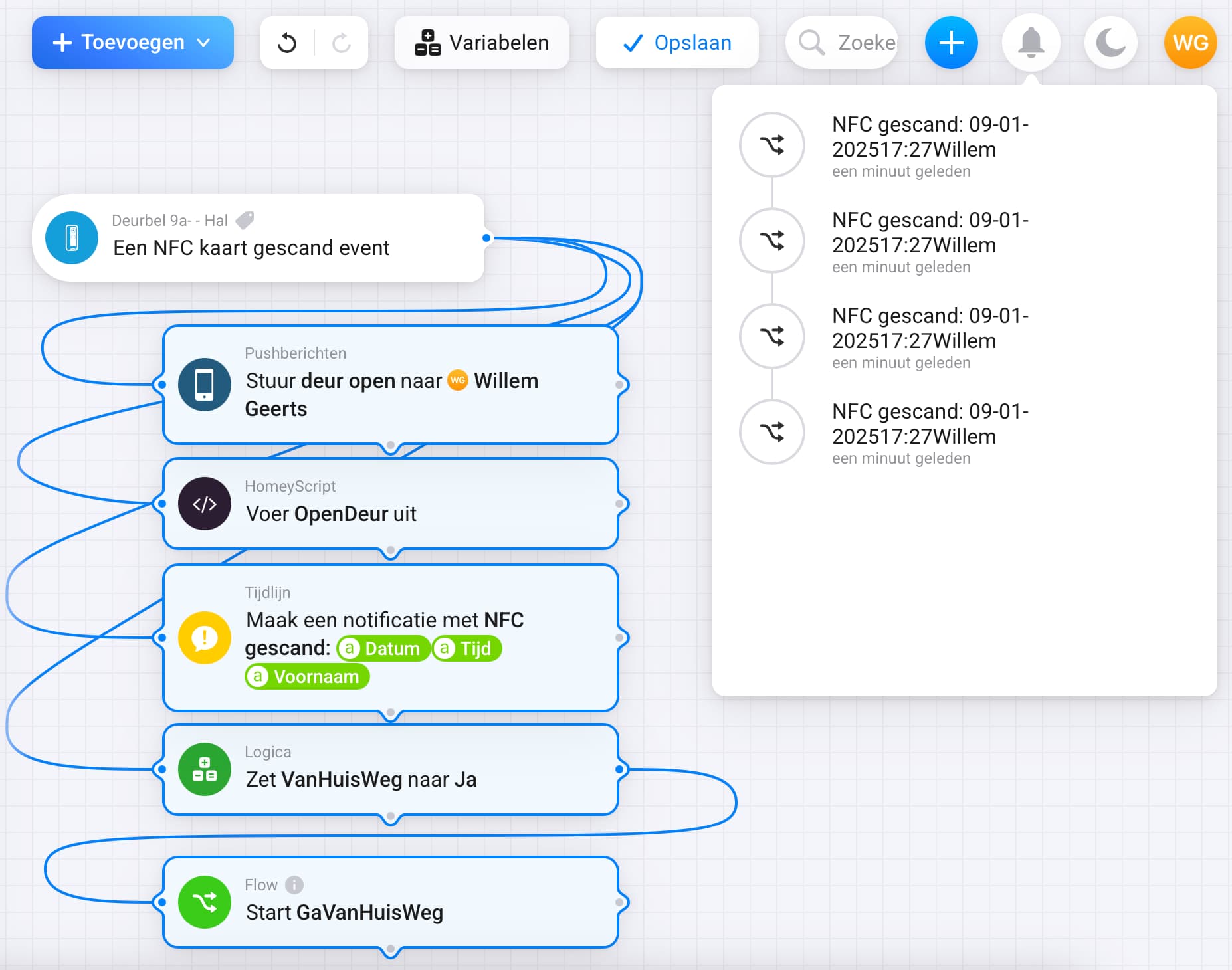
I am trying to get NFC to work but unfortunately the events don’t come through.
- Dreammachine Pro
- G4 Doorbell Pro added as Doorbel (not as camera)
- Added an NFC tag in the web interface of unifi
- Homey local user has full read write acces to all applications (incl. protect)
- Simple flow that triggers when NFC card is scanned, and send the card ID to push notification.
Any idea what might be the issue? Am I doing something wrong?
Diag report says that the cameras are not found, I think you must enter its IP adres from the primary controller. If you like I can look with you with AnyDesk to solve this issue?
I see more errors from Dreammachine Pro machines, it says to many requests. Can I look with you sometime with AnyDesk? and debuging whats are going wrong?
Of course! Let me know what suits you? I’ll be able to have a session tomorrow for example.
So, maybe it’s just a RTFM thing, but I have solved it by going to the dev settings of my Homey.
When checking out the app and saving it showed:

It says that you need to enable the Anonymous snapshots in the LOCAL CAMERA settings (so not the controler).
After going to the camera IP and logging in it showed:

As soon as I had turned on the snapshots it worked.
As said, It might be an RTFM on my part, maybe @ObelixNL can verify that it’s in the setup guide (I could not find it when reading trough it (quickly)).
Anyways hope this might help someone else!
@ObelixNL
Hi,
I have just installed a UA-Intercom used at my private property. Would it be possible to include this device?
Thanks in advance!
Devices:
UDM SE
UA-hub-door
UA-Intercom
Turret Ultra x3
Switch etc…
What do you want to do? It is possible to get Access events (doors open, etc) into this app. Opening doors is not possible for Unifi Access.
Hi,
I would like to create a flow when someone presses the doorbell button it will play a song through spotify/sonos.
Now I cant find the UA-Intercom anf therefore not add this device.

Hello,
I’m looking for a simple method to activate privacy mode on my Protect camera’s when I arrive home and disable the mode when I leave. Is Homey a good solution for that? It seems Home Assistant can do it but I would like to have an out-of-the-box solution.
Thanks,
Jiri
You need to setup an ALARM in Unifi Protect