Can you contact me in my DM?
Version 18 has also support for NFC Cards and events from NFC Cards read by Unifi Access and linked with Protect.
Noticed interesting thing… whenever your app updates, it broke my cameras FPS setting… When homey update Protect app, all cameras start recording at max speed FPS.
I was in discussion with ubiquiti on that matter, and since i disabled this app, this issue never occured again, but have no idea, why or how this could happend… 
Are you using an custom FPS setting? What are your flows for the App? Can you contact me by DM? I have read your comment on the unifi forum this morning.
Camera’s has no storage so this is not possible. cb is an current timestamp to say to the browser that get the cached image but get a fresh one.
@tonybau I have created action cards in the test version to change the status led and sound.
Hi @ObelixNL thanks so much for implementing this, works great!!
Thank you a lot !
@ObelixNL thanks for the great app, I’m going to test the version 1.7.2 with my G4 Doorbell Pro to trigger the Nuki lock with my fingerprint.
hi, few suggestions for the app
- Implement setting of the LCD picture in addition to the message text
- add in the duration setting for both the lcd message and picture, eg display for X seconds
- Implement supported cameras as media/speakers to be able to play a sound to
I also noticed this behavior while experimenting with a simple flow that pushed me a message whenever there is activity detected while nobody is at home. Camera detecting movement triggered activity flow as expected. When opening the app to look what caused the detection only the activity button on the main ‘devices’ screen showed as active. When ticking on that button al zones showed as last active serveral hours ago (when motion or door sensors had triggered). Cameras are not shown in the zone activity overview. No idea why Homey does not list them there…
I don’t receive triggers for fingerprints and NFC…
- Unifi OS 4.1.9
- Protect 5.1.56
- Homey Protect app 1.7.4
In protect I have a local admin, called Homey, that account is also used to login into the Homey Protect app. Motion from camera’s and ringing from the doorbell (Pro) do receive triggers, but fingerprint and NFC won’t.
I have been searching in Protect for (alarm)settings, but Homey isn’t listed for notifications…but it isn’t also for ringing or motion…so that doesn’t seem the problem.
Do I have to change some setting in Protect? Or in Homey?
How did you add the doorbell?
In the Homey app, you can add the doorbell as a camera, but then you won’t receive notifications for the fingerprint or NFC.
I initially made this mistake too.
After re-adding the doorbell as a doorbell, it worked perfectly!
Thnx @NickvanderGraaf ! That was the solution!
Looking at my devices I was very sure I added it as a camera 

First added the doorbell, than changed the flows, after that removed the “camera”
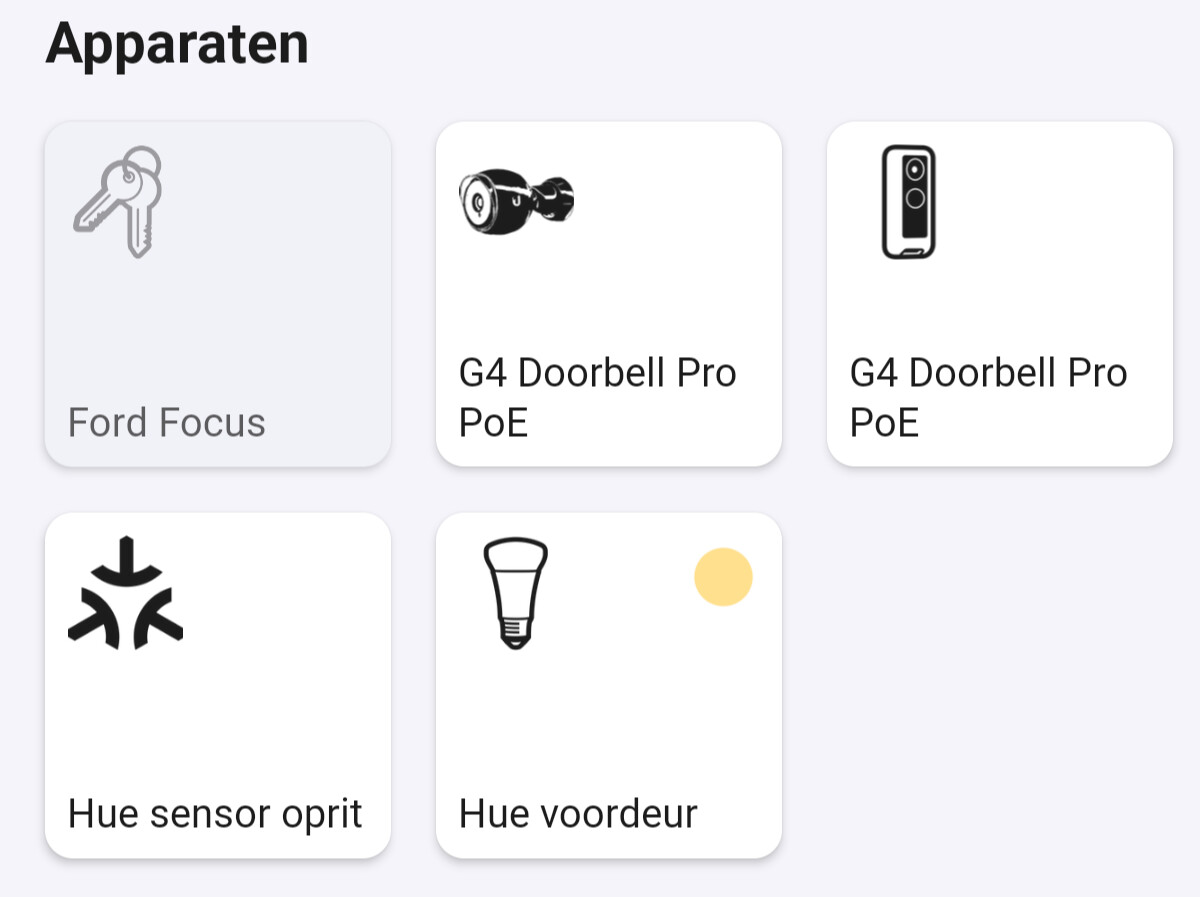
Now I get triggers for fingerprint, but NFC stil doesn’t work…
Does NFC work with your doorbell? Tried to add my phone, but scanning after adding says “no permissions” and doesn’t trigger anything. Read something about Unifi Access, but there I can’t use the doorbell as a scanner.
i get the “no permissions” error too , but only when i have not connected the nfc (or fingerprint) to the user account
I have added the doorbell as doorbell but I still do not have the option to use the fingerprint scanner

Checked everything for updates, finger is also registered in Unifi
FIXED: I was stupid. Apparently you need to download the experimental version of this app.
Ubiquiti UniFi Protect | Homey
Hello,
My G4 Pro Doorbell stopped sending fingerprint detected events to homey after the latest update. (1.7.4).
Device removed and re-added. App removed and reinstalled. Flows removed and re-installed.
No change sadly.
Any ideas?
Edit: The same with 1.7.5.
That is correct! I have submitted 1.7.5 for review yesterday.
Do you have an local user? with rights to protect?
Thanks for your answer.
Yes, I got a local user with full access to Protect. Camera feeds and more are stable to Homey.
The interesting part is that it worked previously.
