[APP][Pro] Itho Daalderop - Make ventilation smart with Homey and NRG.Watch

I’m excited to share a project I’ve been working on: a Homey app designed to integrate Itho Daalderop ventilation systems with the NRG.Watch Wi-Fi module.

I originally built this app for my own setup, but I’ve decided to share it with the community in case it helps others too.

Why did I build this?

  • Homey Pro 2019 Support: Full compatibility with older Homey Pro models.

  • Missing Features: Added functionality that wasn’t available in existing solutions.

  • No MQTT Required: For some installations, I prefer to keep things simple and avoid MQTT. This app communicates directly, making setup easier and cleaner.

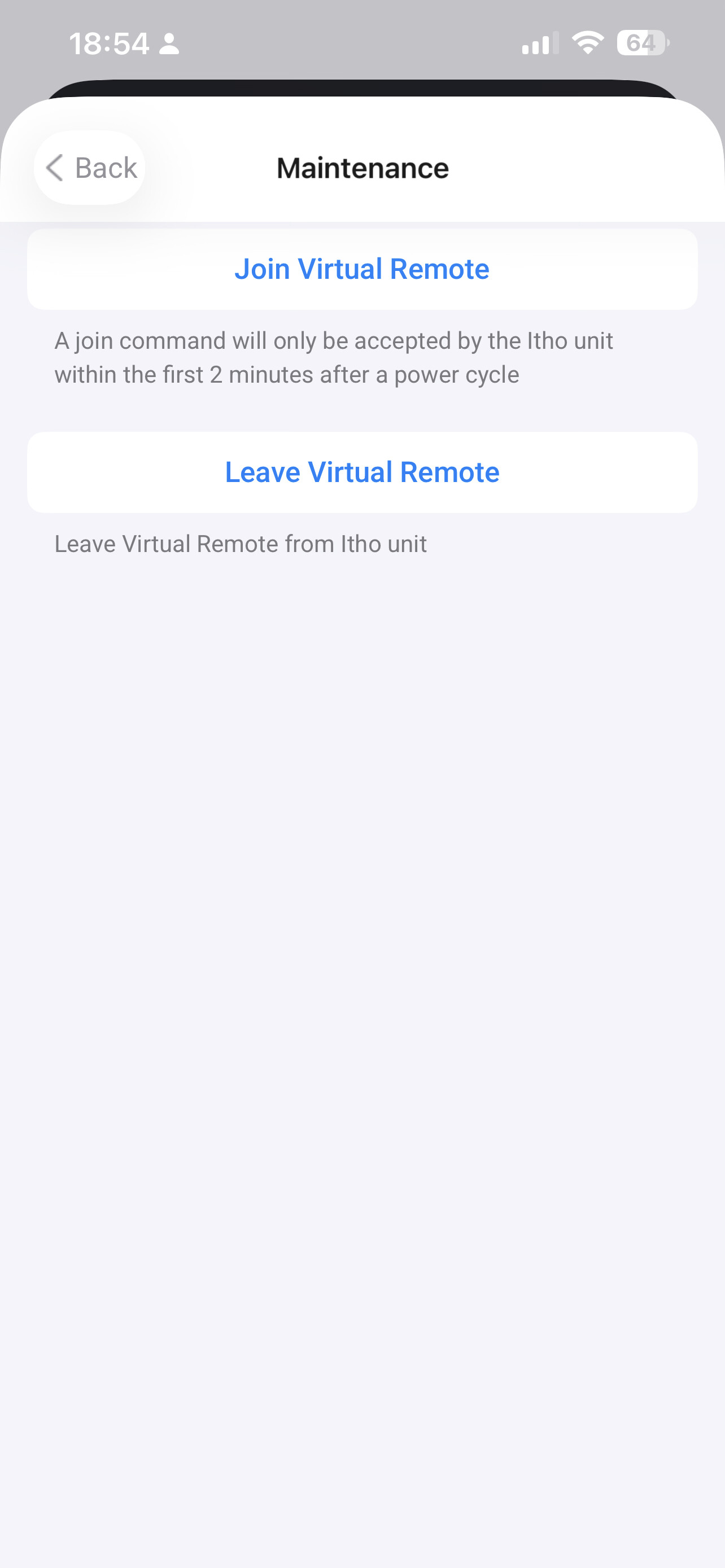
  • Virtual Remote: Added Virtual Remote support for devices with a CO2 module

  • Auto Discovery: On Homey Pro 2023 you can find the NRG.Watch module automaticly

Download & Test

You can find the production version here:
:backhand_index_pointing_right: Itho Daalderop | Homey
You can find the test version here:
:backhand_index_pointing_right: https://homey.app/nl-nl/app/nl.monkeysoft.nrgwatch/Itho-Daalderop/test/

If you’re using Itho Daalderop systems and want a straightforward integration with Homey, this app might be exactly what you need.

I’d love your feedback, ideas, or feature requests!

Changelog

  • 1.0.16 27 sep 2025
    Fixing rounding with fan speed
  • 1.0.15 27 sep 2025
    Fixing percentage for fan speed
  • 1.0.14 25 sep 2025
    Fixing incorrect setting message with pairing
  • 1.0.13 24 sep 2025
    Add fan speed slider for all users
  • 1.0.12 24 sep 2025
    Add fan speed sensor and prepare version for Basic Auth
  • 1.0.11 22 sep 2025
    Add virtual remote index setting
  • 1.0.10 22 sep 2025
    Change icons and readme
  • 1.0.9 20 sep 2025
    Fixing manual adding device with username and password authentication
  • 1.0.8 19 sep 2025
    Add support for WebAPI v2 (Beta firmware)
  • 1.0.7 19 sep 2025
    Bugfix: You can now use authentication webapi
  • 1.0.6 18 sep 2025
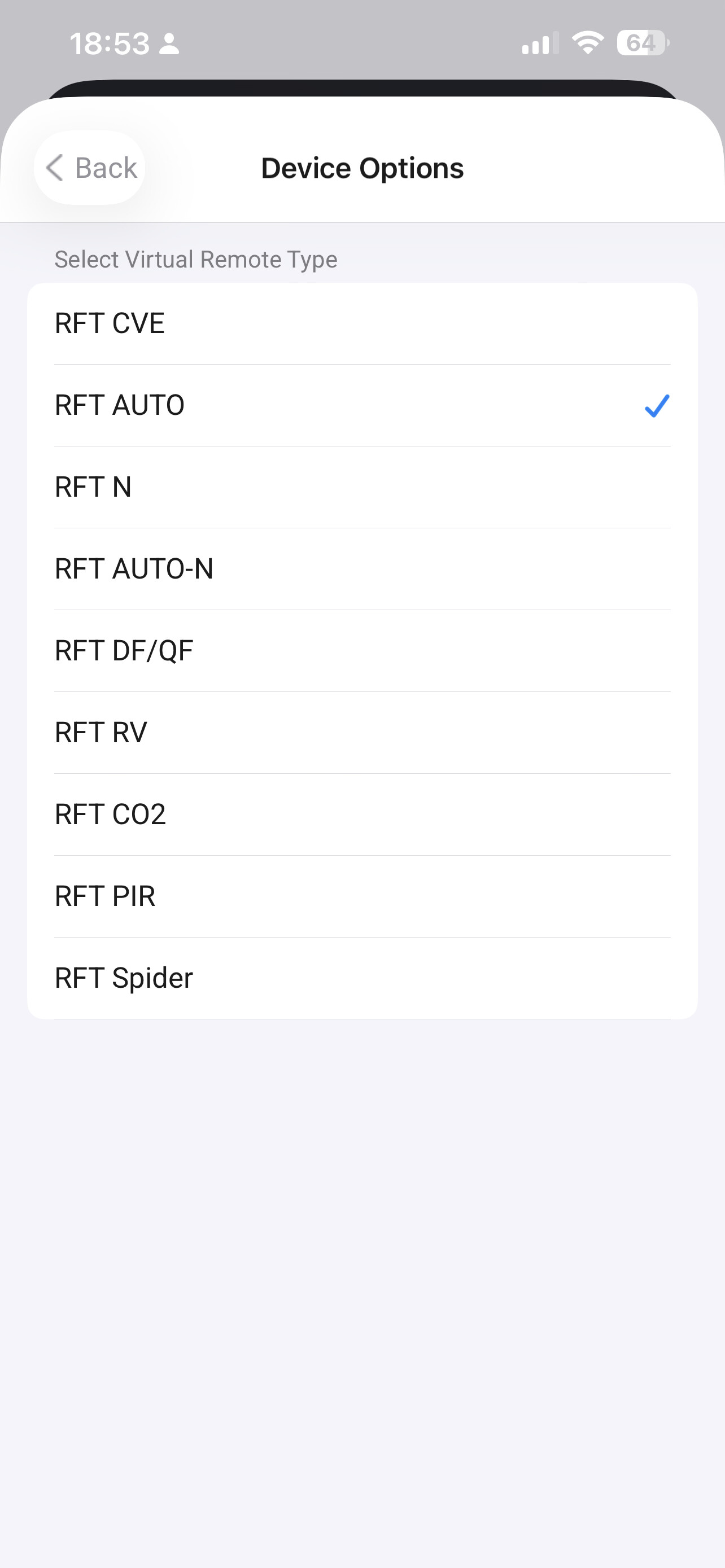
    Add new setting Virtual Remote Type and based on model you get the right Fan Modus options
  • 1.0.5 14 sep 2025
    Add tooltips and description in settings and pairing
  • 1.0.4 14 sep 2025
    Add support for Normalize keys
  • 1.0.3 14 sep 2025
    Add support for Homey Pro 2019 and manual pairing
  • 1.0.2 13 sep 2025
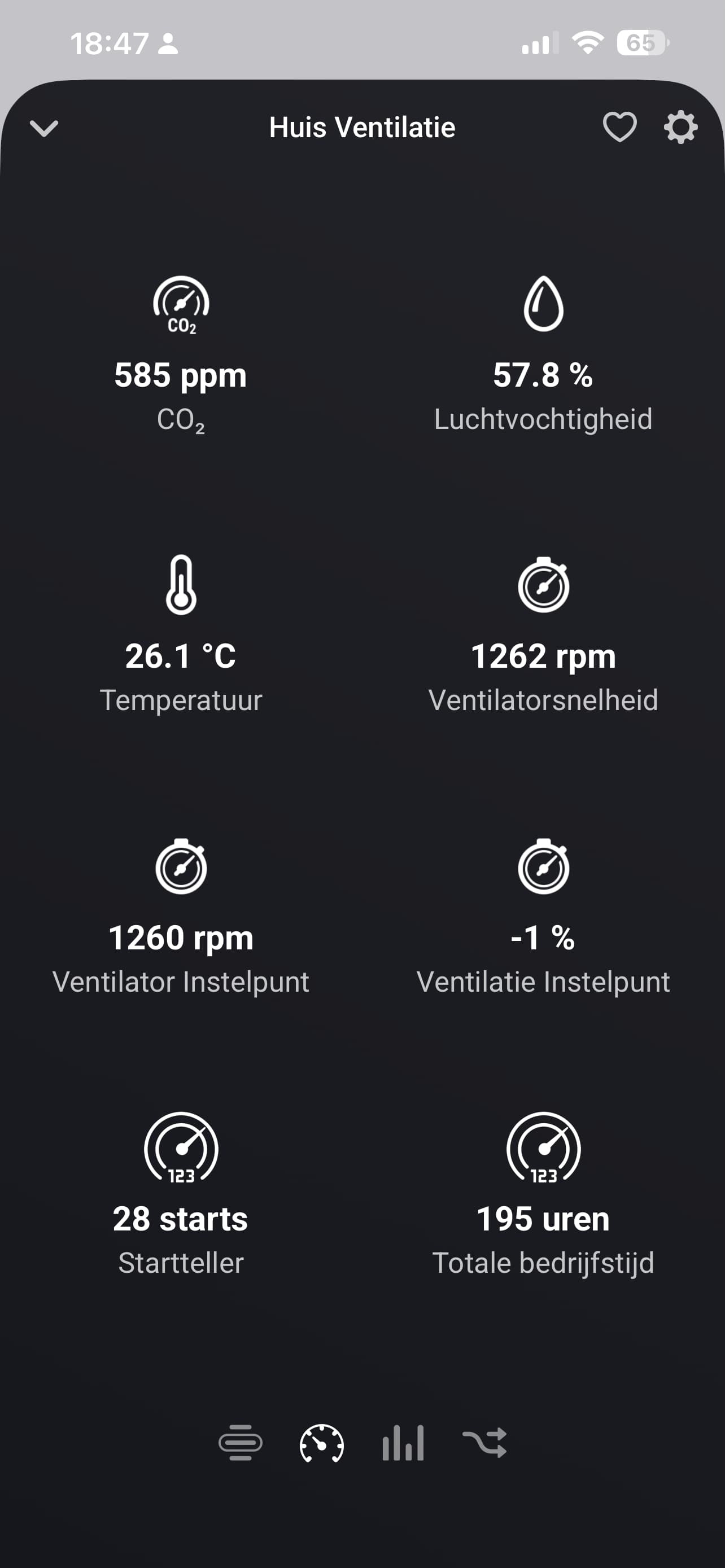
    Add more info like start-up counter and remove fan_speed when using virtual remotes
  • 1.0.1 13 sep 2025
    Add nicer images and beter description
  • 1.0.0 13 sep 2025
    First version!

Example Flow (Sorry Dutch!)

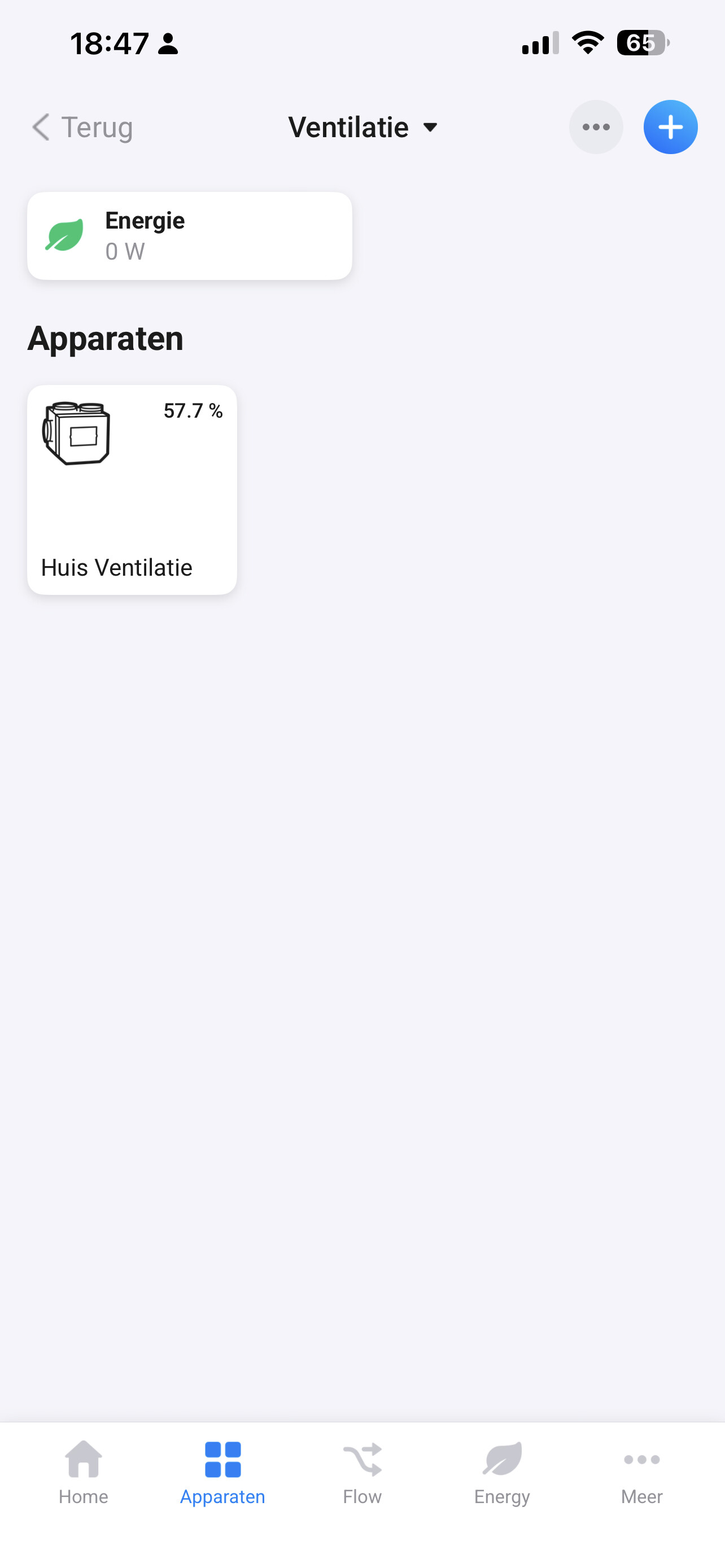
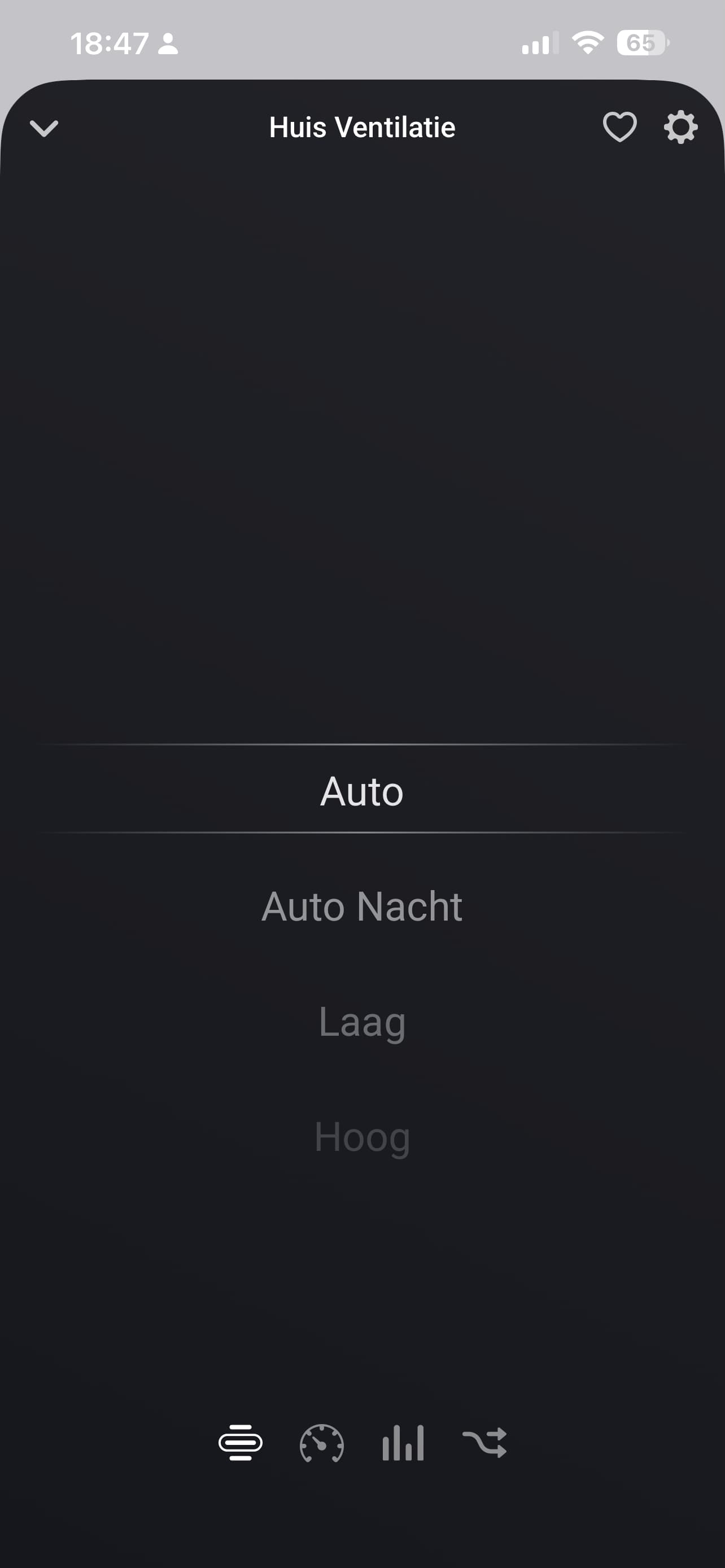
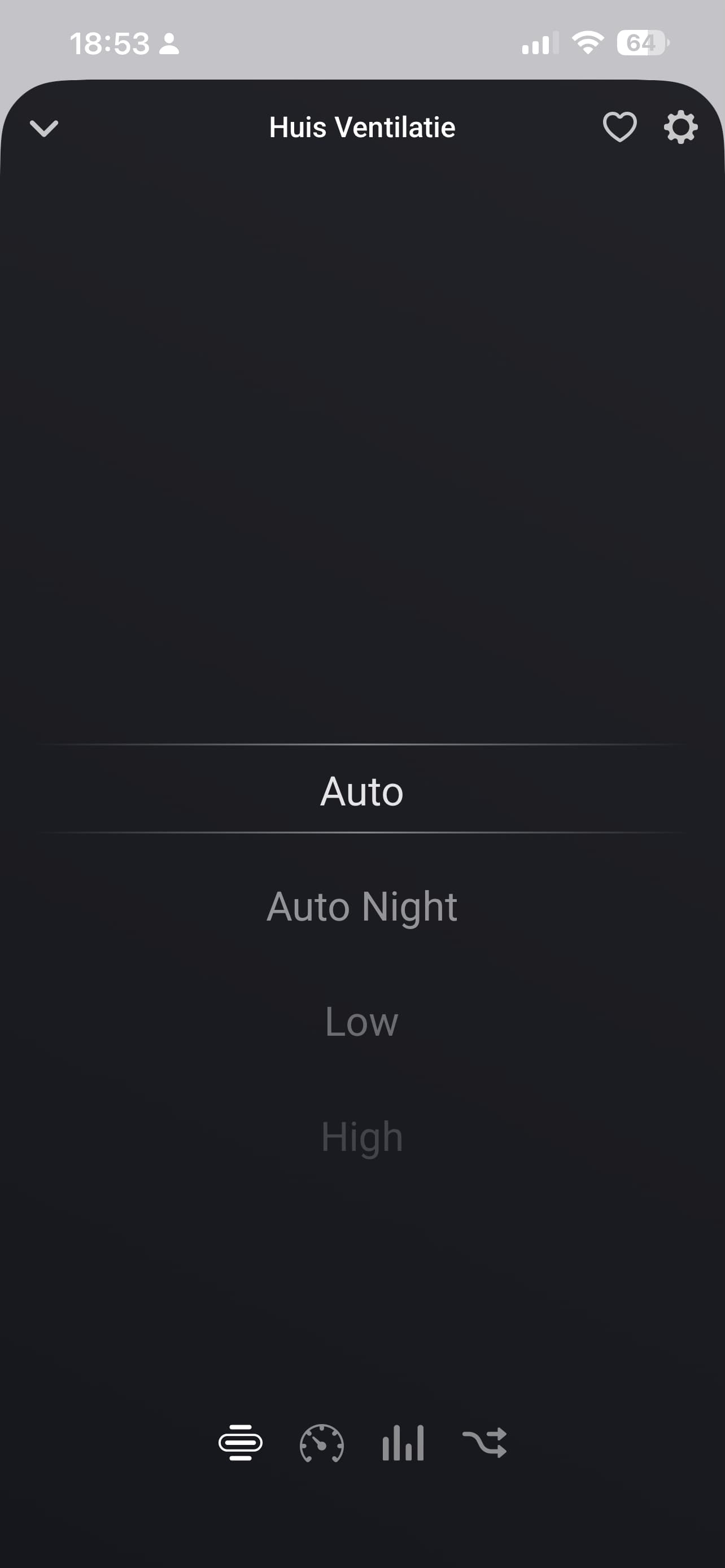
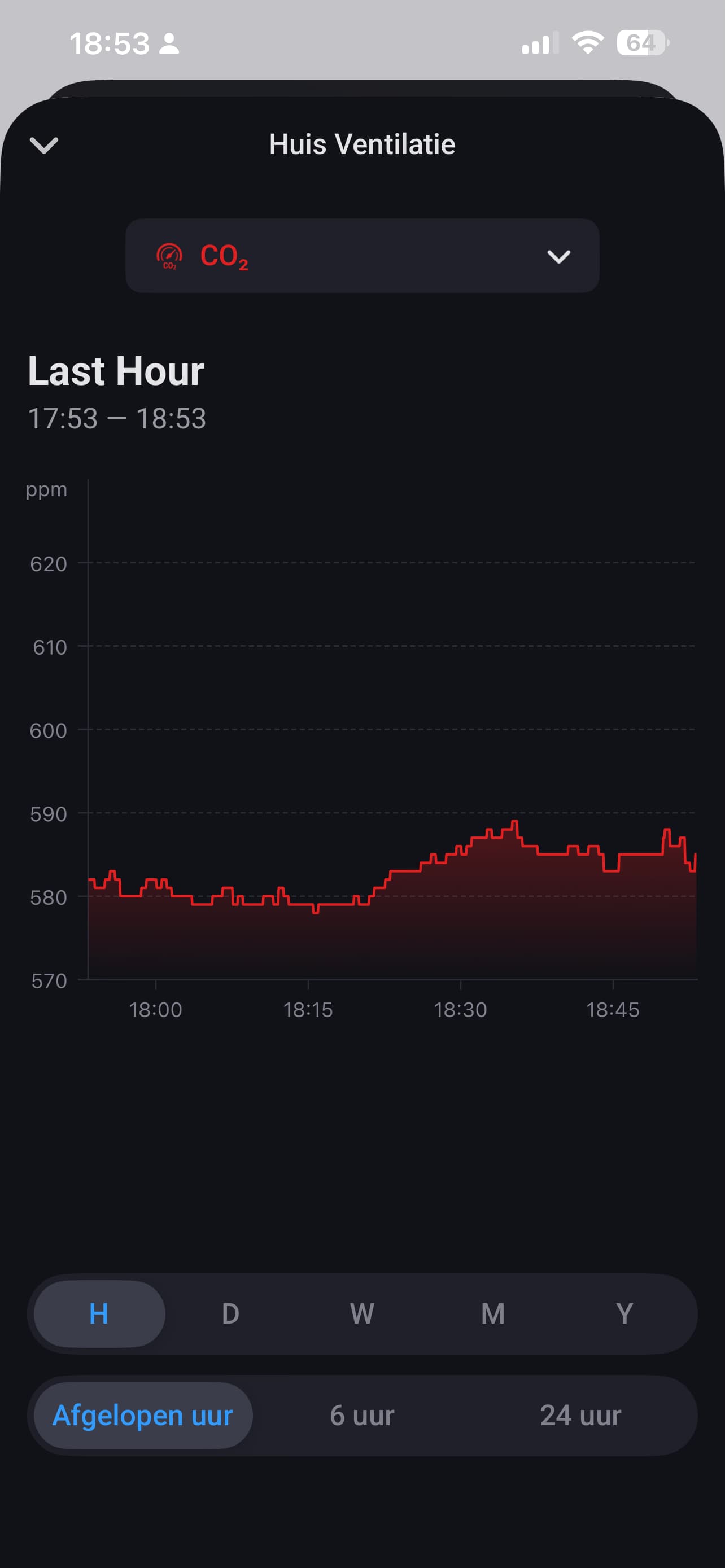
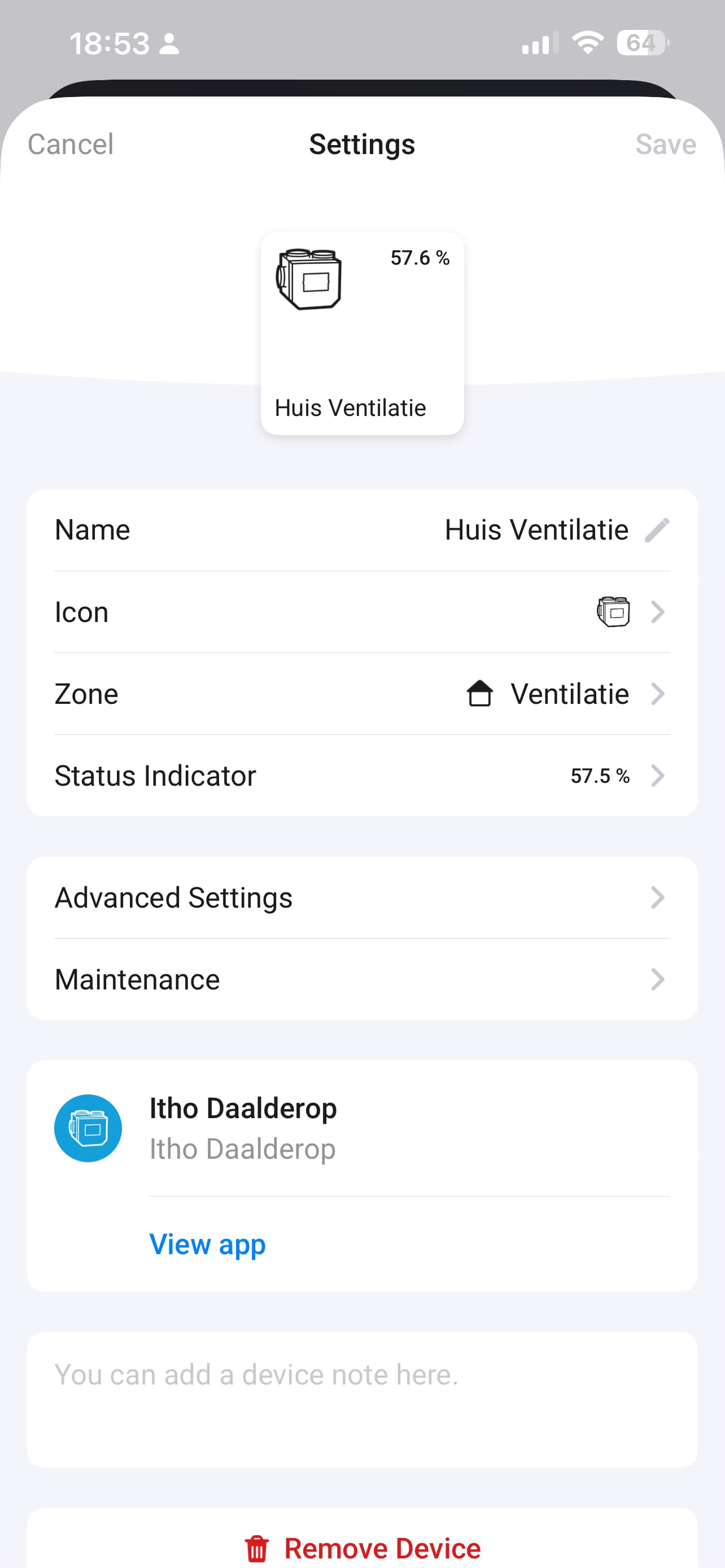
Screenshots

6 Likes

Cool! What is different from the nrg app?

1 Like

The nrg.watch app is not able to add the nrg add-on to Homey for some users, me included.
The support request to (hopefully) solve it is now 11 months old.

Nice! Installing as we speak.
It shows temp & humid correctly, but the commands from the Homey device aren’t received yet by the nrg unit. Pro 2019.
Just let me know what I can do to help.
Note: I have a virtual MQTT device running for nrg as well.

The other app has fewer sensors and does not support devices with a CO₂ sensor. It also doesn’t work on 2019 models.

Initially, I tried fixing the current app, but it turned out to be much more work than rebuilding it from scratch in plain JavaScript.

1 Like

Thank you for your help. The issue was caused by the ‘Normalize keys’ option being enabled. In version 1.0.4, I’ve implemented a fallback mechanism that automatically normalizes keys when the non-normalized ones are not found.

1 Like

No problem, Stèphan. And thank you!

Some possible improvement ideas:
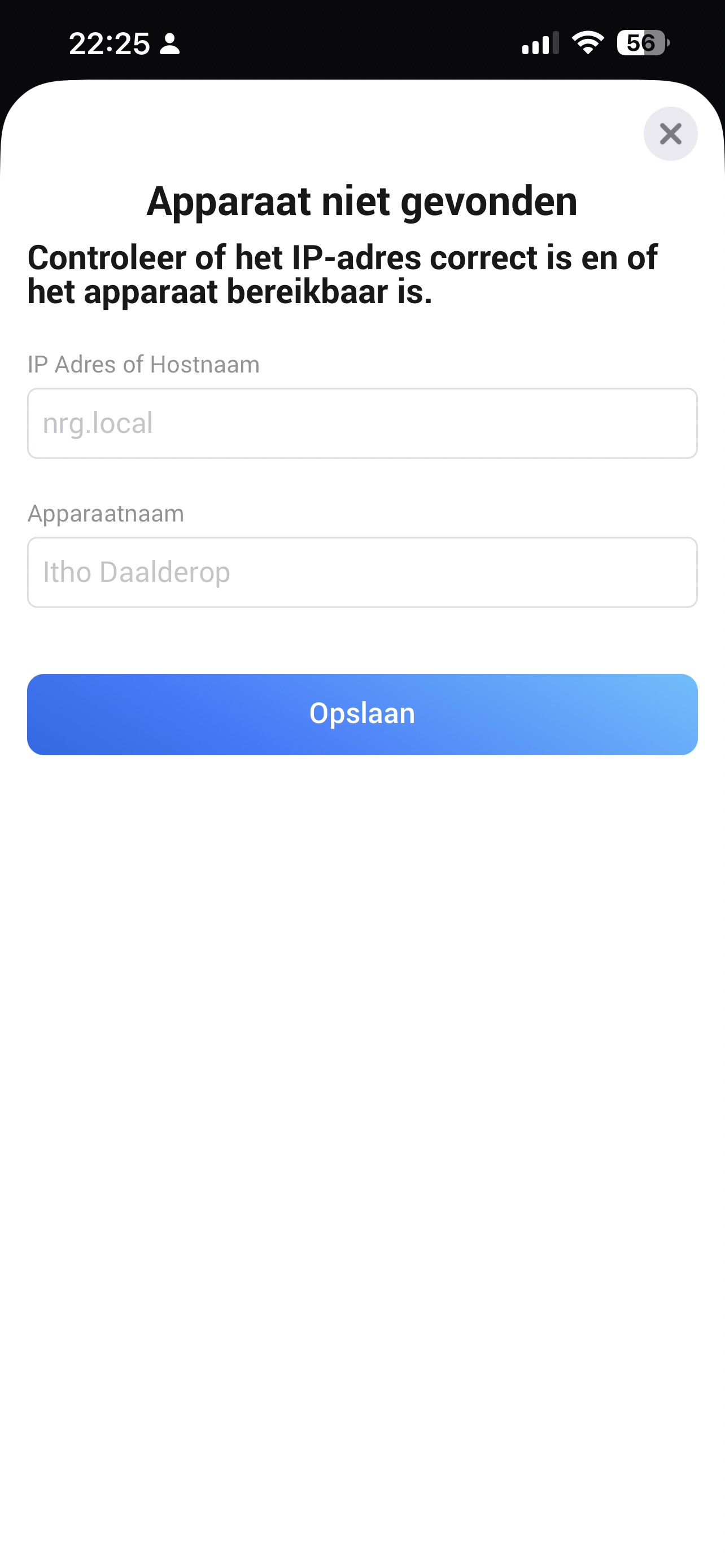
1..When adding the device, login fields are presented.
But they’re not mandatory as I discovered by leaving them empty. But it got me confused a bit.
Maybe it’s more clear when you add “Only if API needs authentication” or a tickbox near the input field.

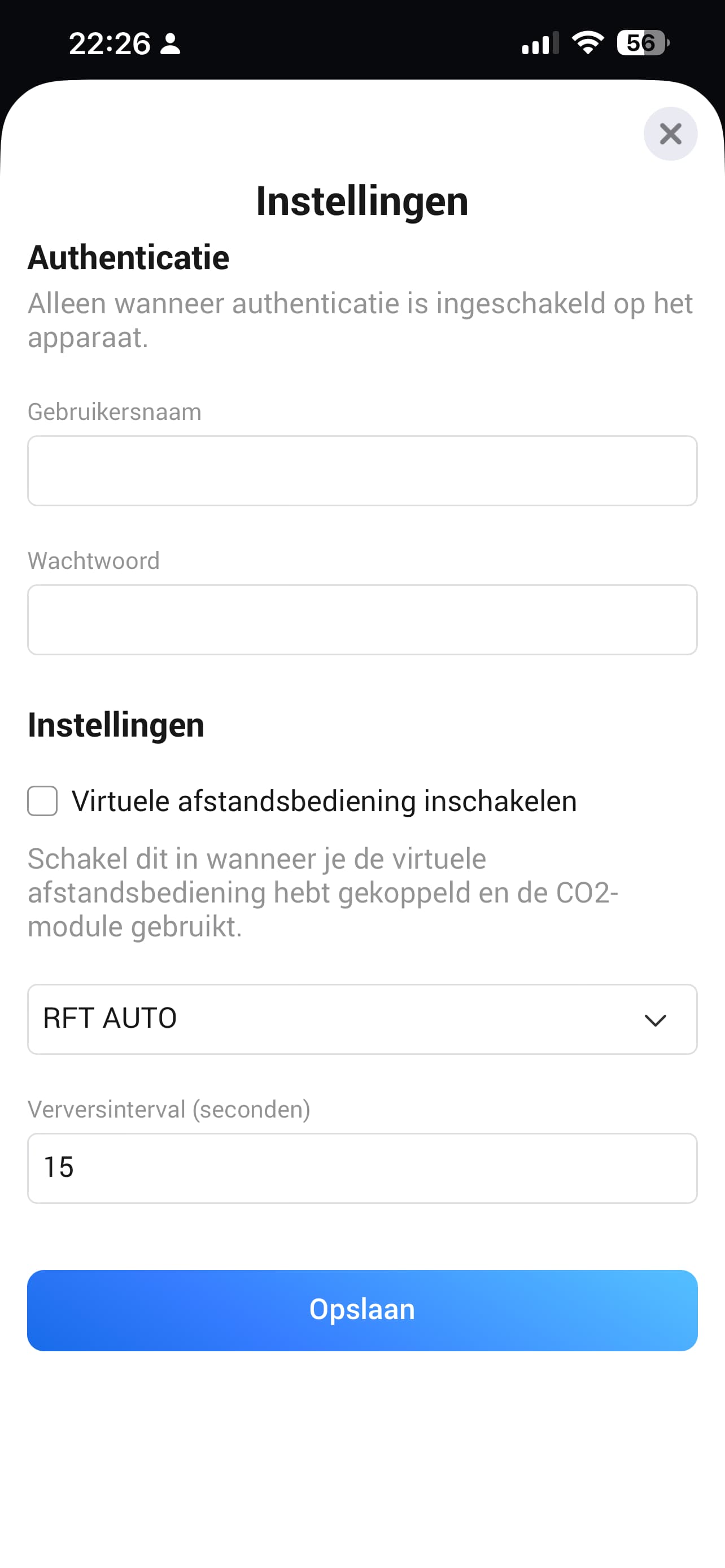
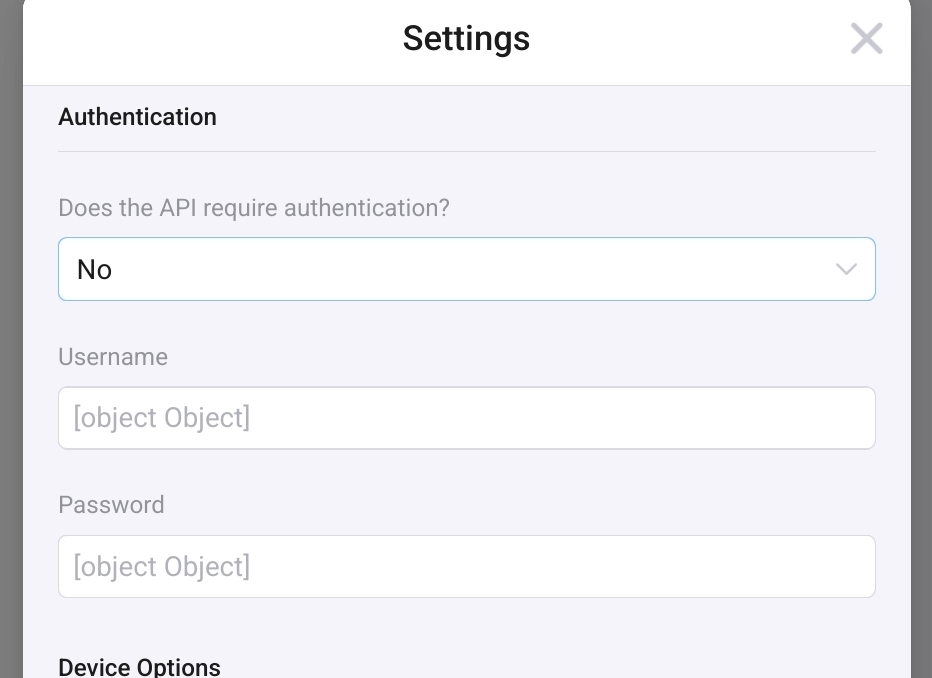
It is present, in device settings:

2..The IP address field also takes nrg.local at my Pro 2019 and it works. Cool!
Is it worth mentioning as tip? Or will it just generate lots of “it doesn’t work” posts? :thinking:

3..The “Enable Virtual remote” tickbox is unclear to me. Can you add a tooltip at the setup screen in which situation one needs to tick that box?

Cheers🍻

Version 1.0.5 has descriptions and tooltips in pairing mode and settings mode.

1 Like

How can I add the vorituel remote on on my itho ?

You must order first a NRG.Watch module (https://www.nrgwatch.nl/shop/) and install this module in your ventilation.

1 Like

Hi,

Thanks for the app, I was using a VD in combination with HTTP request but this is much more nice.

I’m having the built-in CO2 sensor so I have to use the virtual remote. If I select the Automatic mode the unit is not picking it up and continues in the previous mode (the mode selector is also jumping back to the previous mode after a couple of seconds). I’m also missing “Away“ as possible mode.

I hope you can fix it,

kind regards Mattijs

nvm, i was using a wrong virtual remote( without the auto function) and the away mode is not possible via the remote (only via HTTP request)

@Mattijs_Brunink Version 1.0.6 - Add new setting Virtual Remote Type and based on model you get the right Fan Modus options

1 Like

one more thing,

when I tuned on the API authentication (In the Homey is was already authentication) I get errors when clanging the mode of the fan in the Homey

kr mattijs

Fixed in 1.0.7 you can now use authentication

1 Like

Great app - thanks for the time and effort put into this.

All seems to connect properly, but I am missing some features, like the Automatic modus option (that I use with a RFT auto remote).

I am also missing the “Ventilatormodus is not” card as used in the example flow.

Do I need to change settings in the web UI f the Ito box itself for this?

@ObelixNL Can you also add also the option vorituele device and a switch / slider to adjust speeds ?

Both conditions are present:
The top ‘nipple’ outputs if true;
The lower ‘nipple’ outputs if false

.

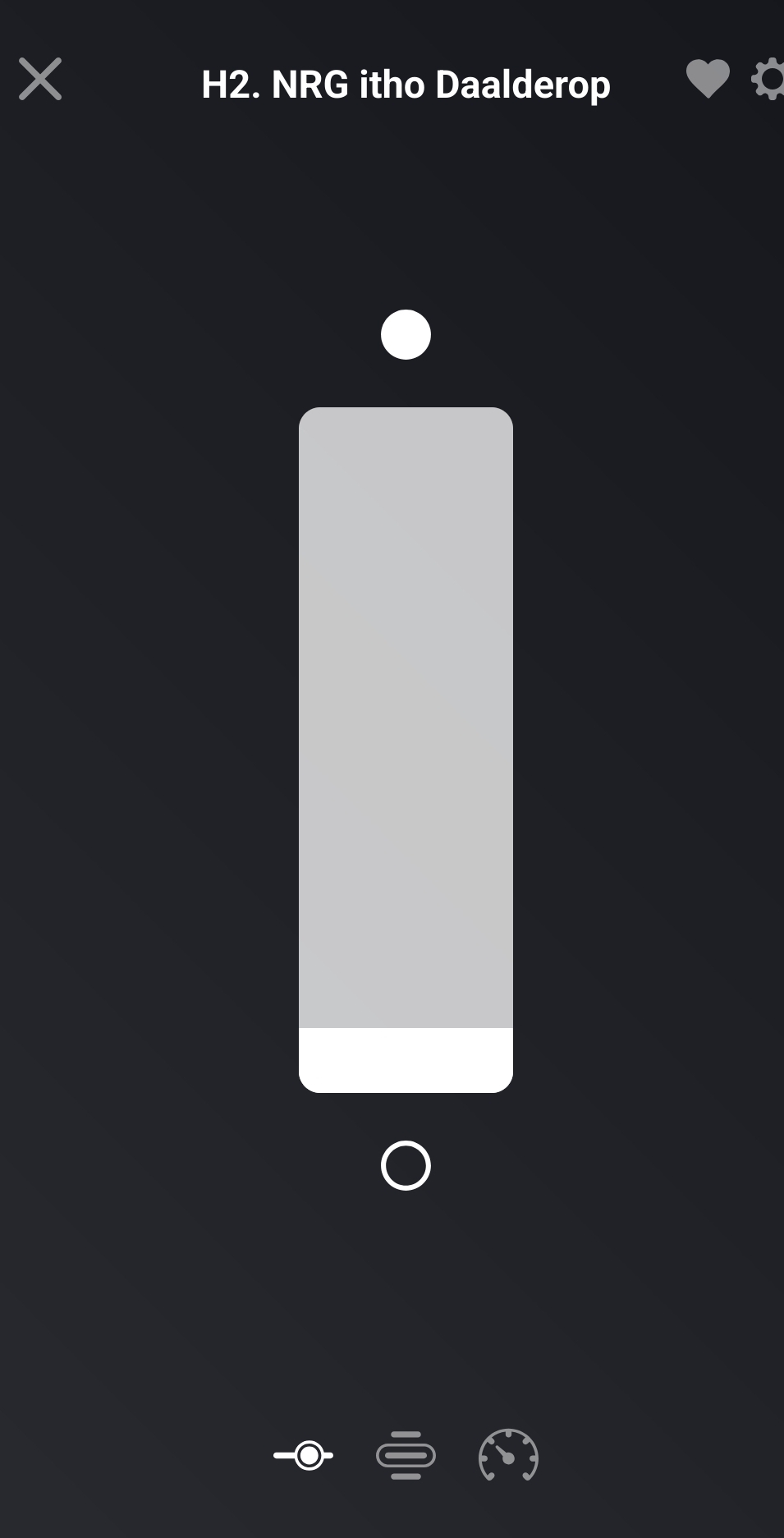
@Mark1541 I don’t quite understand your request, but a slider is present when virtual device is set to “no”.

I want both

Use the AND card, then you can switch, or use what Peter says.