@Daan_Sauer These type of trigger cards are indeed not avaliable for Homey 2016-2019 models!
But, no worries, you can use this Device Capabilities app card instead:
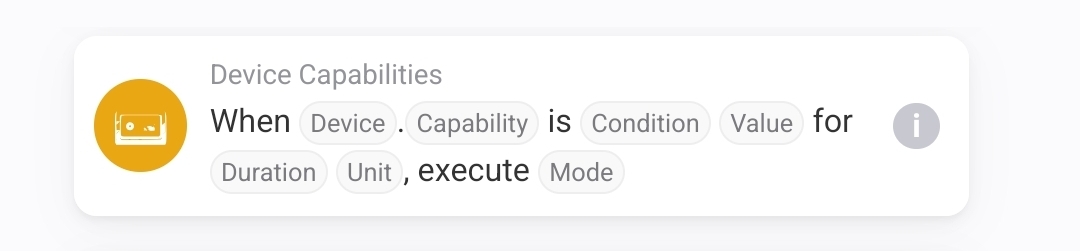
With the water example by Jeroen, it looks like:
@Daan_Sauer These type of trigger cards are indeed not avaliable for Homey 2016-2019 models!
But, no worries, you can use this Device Capabilities app card instead:
With the water example by Jeroen, it looks like:
Hello,
I don’t know if this is a good place to ask.
I have since 30th December a notification in Homey Pro early 2023 that says: Fallback baseload. It is since than every day at 06:00 am.
As I understand it comes from Homewizard.
On the 30th of December there was another notification: “Baseload night invalid: sustained high consumption, strong consumption oscillation’.
On the 31st of December also: Baseload night invalid: strong consumption oscillation
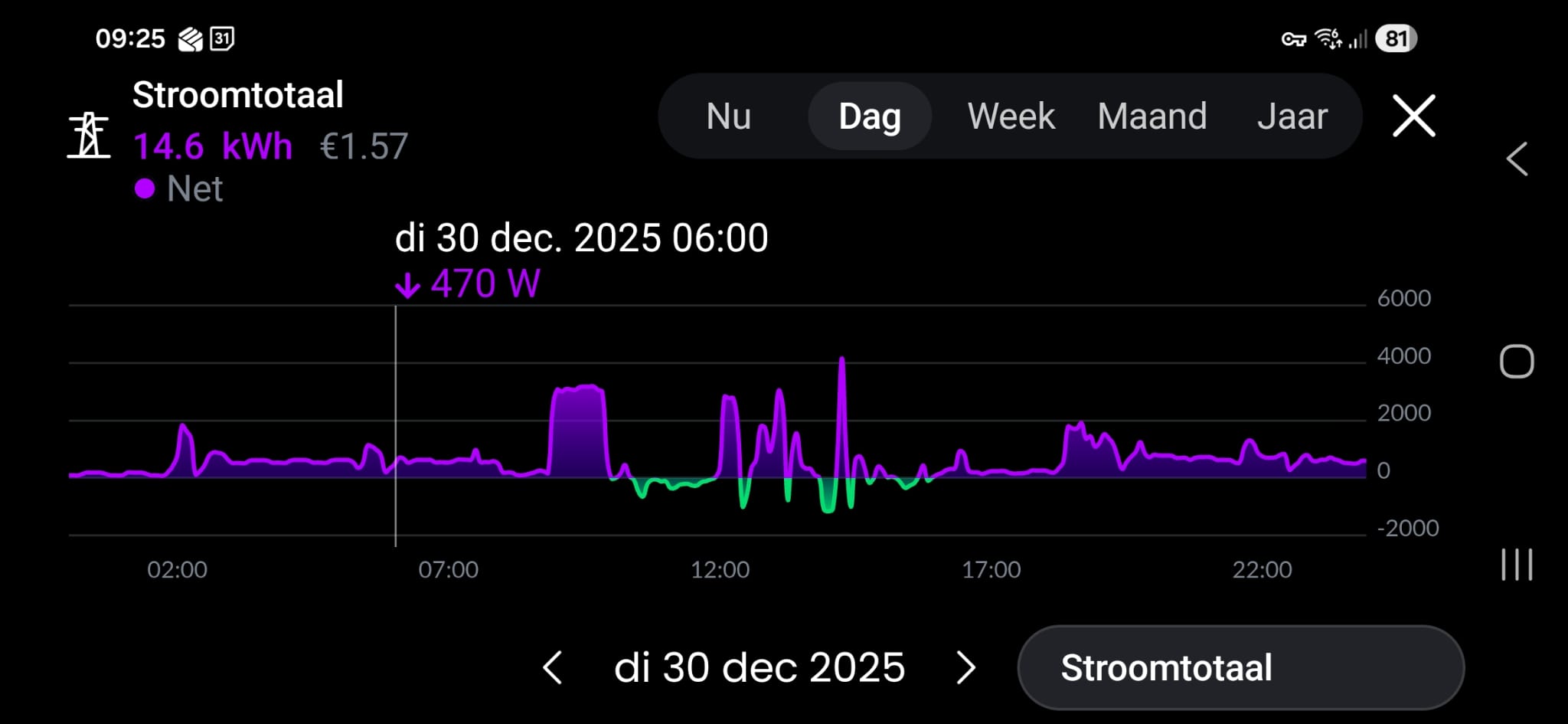
But, in my energie graphic there is no high consumption of immense consumption drop.
Does anyone have a clue?
Thnx in advance,
That is Homewizard app. This is about Homey not? So check Homewizard app for Homey app settings.
Yes, there is a new version currently being pushed so that should improve.
Ok, thank you. 
No problem, it’s not perfect (yet) but it is a start. Some like it, some don’t.
Idea is when samples are there to add more analysis or triggers/flow cards based on that.
But need some datasamples first before I add more features.
Did you check the debug feature I added in the app settings?
Problem found, will try to fix later tonight
Thank you! Great that you can find and want to solve problems so quickly! Thanks again for the good app!
Try this test version v3.10.3
Following, having the same issue and now installed the beta version as well. Thanks for quick response!
Good to hear, its scheduled for stable hopefully today.
EDIT v3.10.4 now live
I’m running 3.10.4 but also this one gives “app unavailable” unfortunately. Homewizard own app is all fine.
I understand your problem. What do you mean with “app unavailable”? Screenshot?
Sounds more a Homey/Athom thing.
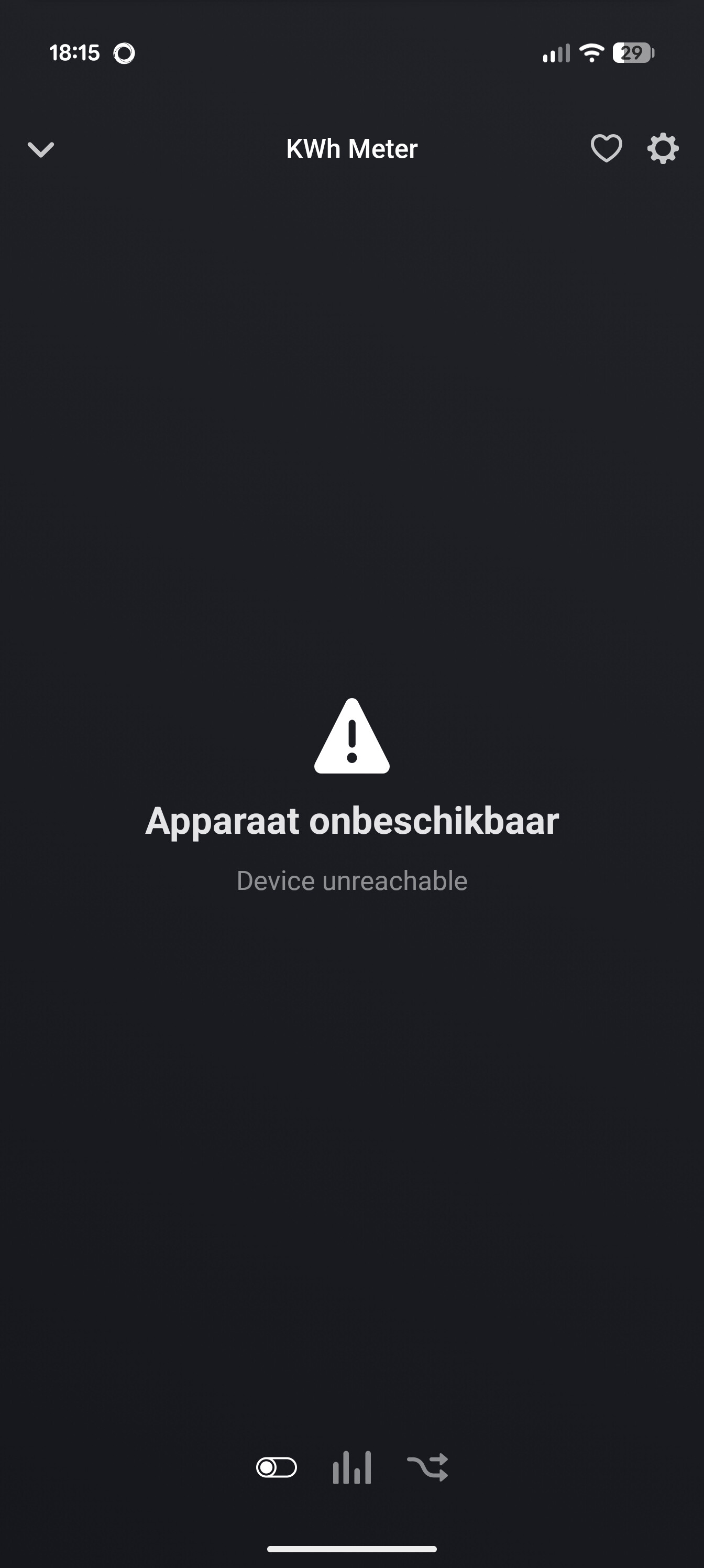
Since a few days my kwh and water meters are now and then unreachable.
restarting the app helps for some minutes and then they become 1 by 1 unreachable.
I dont know if this is related to the new appversion, because i had this problem also last week.
i have made a diagnostic report 3fde8a84-97a0-4151-8434-fb993baaff70