Sinds last homey 2019 update. Lamps hue do nothing. I have make a new group same issue. Why it dont work? I have to lamps in flows al apart its nice with your group app. Phillips Hue bridge app is on the homey.
I recently discovered the fused group feature which is really nice! So I started to combine my wall thermostats with my air conditioner. But I had to realize that new the devices got the capabilities dim, color, hue… No one of the original devices has such a capability. How can I remove them?
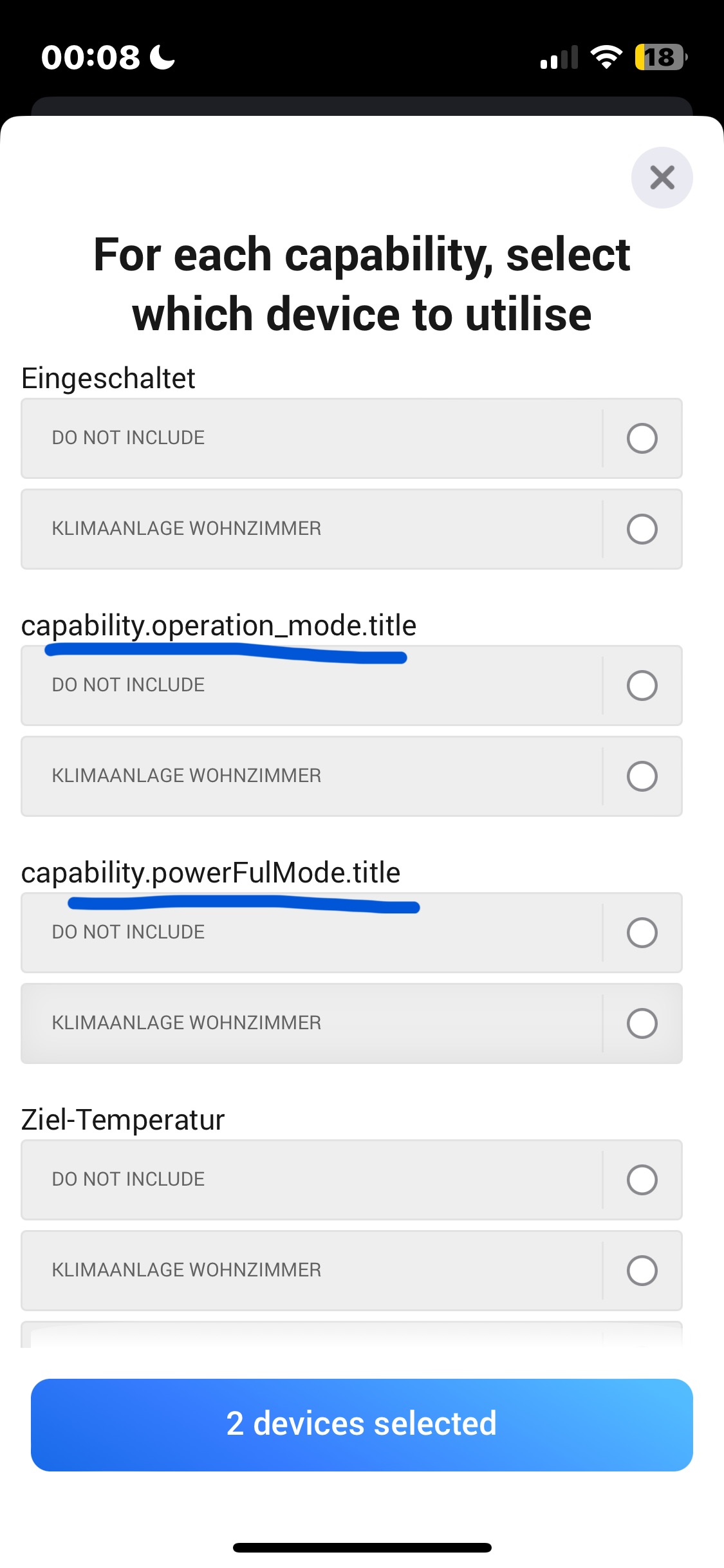
Furthermore my air conditioner devices have a couple of “unknown” capabilities. They are only shown by their id while creating a new group, which leads in an error when I want to save the group.



I installed the group app on my Homey Pro (2023 version), which it seems to support in the app notes, but I don’t see a “group” option when I tap on the + sign to add. Still only Device and Zone showing. Is there something else I need to do to make it show up?
Add a Group Device…
.
Ah! Got it. Thanks!!
848bf5df-2004-4167-8876-6421df0e9e9e
Wrote which group and devices in there. Hope that’s enough for you to check. Been working a long time until today
Suddenly having som problems, started a few weeks ago! @Jamie
95700454-0344-403a-b1b5-4752c81d3519
I wish I could add my custom icons, because it’s quite limited at the moment with just different light bulbs for grouping lights 
edit: oh, I can change icon in the app but not in the web app?
Or Chronograph transitions if you already use it
I’m using <group> for controlling my lights in a room. Now I switched some Hue light bulbs from Hue app to Matter integration. When I choose repair the group, only active lights are shown. The old ones are still in the group and can not be removed.
Is there any way to remove old objects from groups, if the object doesn’t exist in Homey anymore? I would expect the repair/configuration dialog shows the stale objects too and I can unselect it. Or I can remove it in a second dialog - some kind of auto cleanup.
d09a24af-e7b8-4c2b-a031-95d4f7ce4465
Failed again
Any update on this? Keeps happening 
Thanks for your work on this app
I have some problems with my Hue lights and the group app for a few months now.
Some lights are not working when using it in the group (lights working fine when use directly). After creating a new group it works fine for a few days/weeks.
@MRK : Same here for one very old Philips Hue lamp which I have to connect via the official “Philips Hue” app and a old Hue Bridge. All my other newer Hue Lamps are connected using the bridge-less App “Philips Hue, without the bridge” are working fine within groups.
I’ve not done any testing on hue matter as it crashes out when I try … until I figure out how to move matter - consider it unsupported but it “should” work.
I wonder if the issue is that the same is is being used …… not sure
Sorry I’m not sure why a small number of people are experiencing issues, code doesn’t just break like that for such a small number of people ….
The only way I can fix the issue is if you figure out what you have in common with each other.
If you do that then I’ll update the code -
It would be great to have the option to locally read/download some logs. This allows us to carry out some tests and get to the bottom of the problem without bothering you unnecessarily.
Log management is a whole other thing, and Athom give no control over them …
But you may find this useful -
I think it will come down to your configurations or situation, what type of group device is it, how many devices, is it always hue devices? Do you restart your honey daily or weekly - hue devices actually all go offline when either the hue app crashes or it updates.when did it last update / crash? Is everyone using a bridge? Like I said - find all the things you have in common (and different.) matter? Everyone on a Ho23 or does it affect all versions ….
The logs will tell you whether the device is still part of the group when you do the command - and failing or if it got removed from the group .. i suspect it’s been removed.
Sorry I have nothing more to say about the topic, I’ve made many many posts about how frustrating and useless it is to get messages “it doesn’t work” - I encourage you to work together to figure out what’s causing the issue.
As I said m, if you do that then I will write the code to fix it.
@Jamie hi, I havent had any issues in a while. I had Homey restart at night, butit was normally in the morning it had failed. So I stopped the restarting during the night, and after that it hasnt failed.
Not sure if that is the issue (or why it would be an issue), but every morning when i had restart on I had to restart group app before it would work.


Try the advance groups …. Which allow you to have what ever capability you like.
Not sure what you mean by the event, can you explain?
I already use the advance groups and it works fine. The battery capability should be included in the movement group however 
I use movement/contact… groups in my alarm detection flows. Though I’d like to know which door/window/… in the group has triggered the group thus the alarm. You could perhaps provide a variable/tag corresponding to the device that triggered the group (idem for the battery level , I’d like to know which one of the 50+ device needs to be changed).
