You are completely right of course. This is not the way how you expect it to work. And I understand your frustration (though I did not mention that explicitly; fair point and my bad )!
I am lucky (knock on wood) that I did not have the extent of issues with battery powered devices as you had. Most of my battery powered devices are Aqara. Keeping battery powered devices alive (via the button) during pairing did the trick (until now).
Though I sometimes also have to apply the same procedure to pair mains powered Zigbee devices. I think that is the case when they are further away from Homey and the communication needs to cascade through the Zigbee mesh network, which seems to take longer than Homey expects.
By the way: how did you manage to activate multiple devices simultaneously when trying to pair another one; must have been quite a circus !
In my experience this is nothing like normal Homey behaviour. But it happens also with HP2023. As @SunBeech says the common factor here is where the device has been restored from a backup. When I raised a ticket on this before Christmas, Athom acknowledged that the issue has been raised by other users and that it has been passed to the development team and will be investigated. They’re aware of this thread. But to be fair there have not been many working days since then.
I only added 1 device per pairing session. During the session i would press all of the already added devices (switches in this case) to ‘wake up’ the mesh (if that is even possible).
I’ve noticed it made a big difference comparing adding a device without this ‘trick’.
It was a complete circus and i was questioning the meaning of my life at that point
I have the same issue, but I’m running the self-hosted Homey combined with a Homey Bridge.
It is very frustrating, and it only occurs on devices that are battery-powered it seems (no routers). The other thing I notice is that it works after pairing the device for around 15-20 minutes. After that, it will not work anymore, or sometimes it just starts working again, but only for 15-20 minutes again.
The strange part is that some Aqara Zigbee sensors keep working, but 90% don’t work. I tried resetting Zigbee through the developer portal but had no success there. I re-paired all Zigbee devices.
Before Homey, I had a Conbee USB stick with Home Assistant and I had no problems at all. It feels like a really strange bug or something, and I think it is on the software side of things. I also changed channels for Wi-Fi / Zigbee, but that didn’t fix it permanently.
I hope that Homey can come up with a fix. Otherwise, I will be adding all the Zigbee devices to my Conbee stick and route it through Home Assistant, for example via Zigbee2MQTT. However, that feels weird because it should be a lot more user-friendly with Homey than Home Assistant.
Not sure whether the (potential) cause is the same as the other cases in this thread: after restoring a backup Zigbee devices (a) don’t respond, (b) cannot be repaired or (c) cannot be added.
I am not familiar with Homey SHS and whether you can restore a backup. Maybe you can clarify that.
I think we should start a new topic for SHS + Bridge (zigbee) issues?
This topic is about a specific Pro 2026 zigbee / migration issue; it has a different zigbee chip, and there’s no wifi signal in-between zigbee and Homey. @moderators
The issue is being investigated by Athom. No resolution yet. Due to the holiday season, I don’t expect to hear from them very soon. If you have not already done so, please also report the issue to Athom, via Support | Homey.
My Scenario: I recently upgraded to the new Homey Pro 2025 (4GB RAM), coming from a Homey Pro Mini 2025 / Homey Pro 2023.
The Problem: After restoring my backup to the new Homey Pro 2025, I encountered a major issue with Zigbee. I was unable to pair any new devices properly. The pairing process would start, Homey would briefly recognize the device, but it would immediately drop out of the network and disappear. Stable pairing was impossible.
The Solution that worked FOR ME: I cannot say if this is the only solution, but after trying everything else, this was my path to a working system:
Factory Reset: I performed a full reset on the Homey Pro 2025.
No Backup: I set up the device as a completely “New Home” (did NOT use the restore function).
Manual Re-pairing: I re-paired every single device manually (I’ve already finished over 20 Zigbee plugs).
Result: Everything is working perfectly now. Pairing is instant and the mesh is rock solid.
My Conclusion: To be honest, it is extremely frustrating to go through the hassle of re-pairing everything and rebuilding all my Flows from scratch, especially when a backup feature exists. However, I simply didn’t want to wait days or weeks for a potential fix or response from Homey support. I wanted a system that works now—and starting fresh without the backup finally made that happen.
If you are experiencing the same pairing loops after a restore: The “hard way” might be the fastest way to get your smart home back up and running.
There’s no way I’m spending three days reinstalling everything, risking another crash and having done all that work for nothing. If I had to reinstall everything, I certainly wouldn’t do it with Homey.
I pay for a backup, and not being able to rely on it is unacceptable.
I hope Athom will reassure us soon. I’m really starting to get impatient!
@Alexandre_I Unless there’s a fix this week from Athom, I’m planning to have a go at a more minimal work-around this weekend. In my setup I have at least as many (mostly advanced and quite complex) flows and devices as you, so it’s not something to take on lightly but I don’t believe it needs to be nearly as much work as the process described by @Peet-Money above. I’ve done an audit of my devices and although I have well over 200, only 62 of these are Zigbee. I believe there’s an approach which requires re-pairing all of these devices but which leaves all my flows and other devices untouched with no further manual effort.
I’m migrating from an HP2023 (my current system) to a DIY-upgraded HP2023. But since the upgrade I’ve done is replacing the CM4 module and that’s also the difference between HP2023 and HP2026, I believe this should apply also to your situation.
Here’s what I’m planning:
Take a cloud backup and also a full device backup (just to be on the safe side) of my current Homey Pro 2023, then unplug it and set it to one side.
Restore my new HP2023 from that latest cloud backup
Verify that the restored system does indeed still exhibit all the same Zigbee issues as the previous times I attempted this (just to save myself some time in case some kind of miracle has occurred in the meantime)
Assuming no miracle: reset the Zigbee network
I expect this to break all my Zigbee devices and the flows that refer to them. But the devices will still be there and can be repaired at which point the flows will be unbroken again without me having to do any further manual steps
Then I will try to repair all my Zigbee devices one by one (by going to Maintenance > Repair for each broken Zigbee device in Homey and then following the steps on the device). I have made myself a spreadsheet and have divided the process into 3 phases
Phase 1: all powered Zigbee devices, starting with those on the same floor of the house as my Homey (ground floor) and then working up and out (to my garden room)
Phase 2: critical battery devices - the ones that it’s really annoying to live without. For me, that’s mostly my radiator TRVs as it’s not due to get above freezing for the next week or so here
Phase 3: all other battery devices
I’m budgeting an average of 10 mins per device. Some should be much quicker. No doubt some will be a pain in the arse. Phased approach means I will restore the most critical devices first so if some have to wait for another day, the world won’t end.
So even if it works as planned it’s definitely going to be a major pain, but my current HP2023 uses all its RAM and about 1GB of Swap file at the moment and I have plenty more I want to add so I hope the gain will be worth it in the long run.
I’ll update here how I get on. It won’t be until the weekend though so there’s still time for Athom to ship a miracle cure between now and then
As far as I know, a Zigbee reset will remove all the devices. So a repair (via maintenance) is not possible. But please prove me otherwise , as that would be an interesting work-around.
The CM module 4 does not contain the zigbee chip. This chip is on the carrier board. So your assumption is NOT correct. I read that Homey 2026 uses a different zigbee chip on the carrierboard.
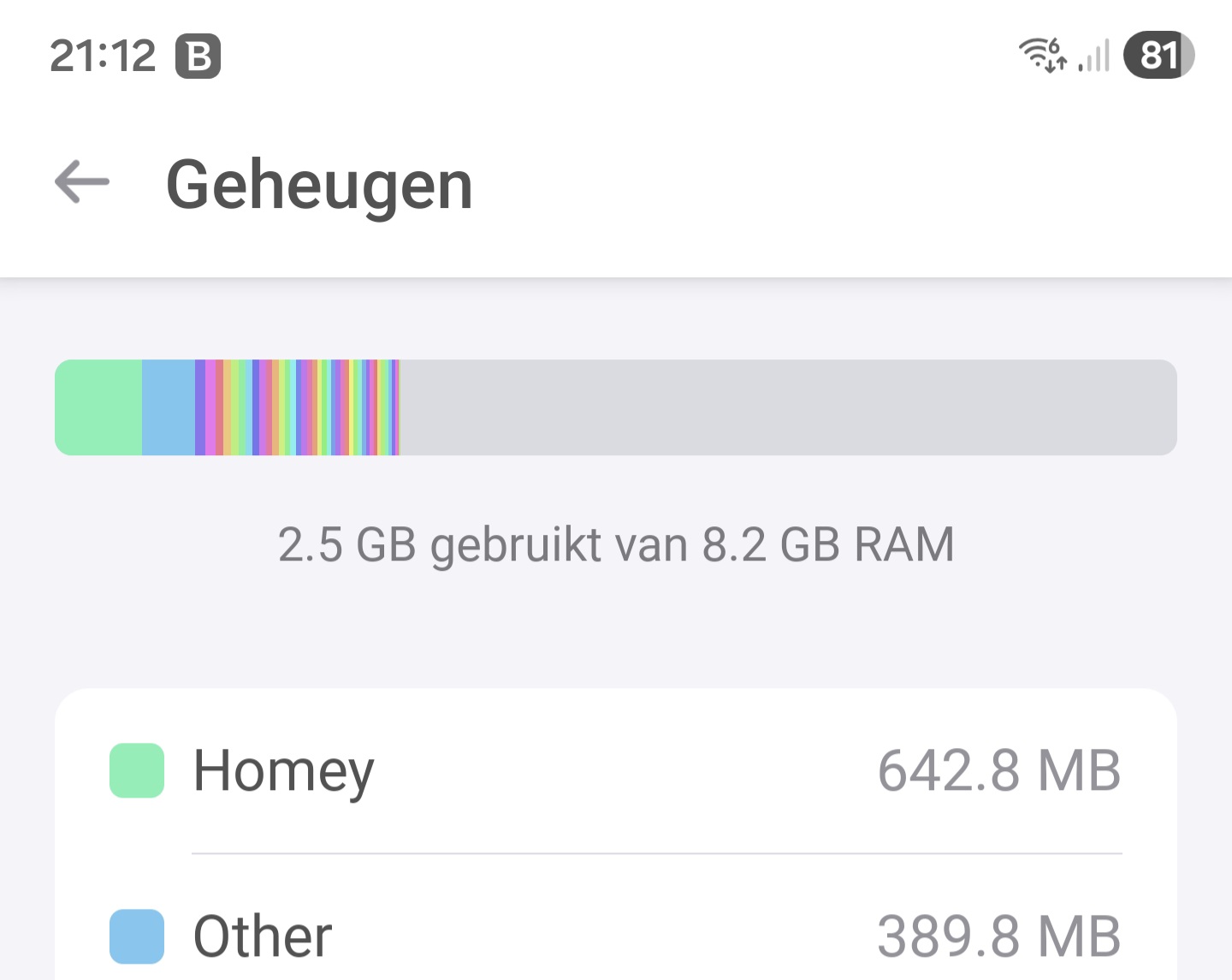
I als modded my Homey 2023 and now I have 8 Gb memory. I restored a full backup within 5 minutes. Everything is up and running and no zigbee issues.
 )!
)! !
!


 ?
?