When I ping Dirigera from tools, I get the following response. The Ipv4 IP address cannot be reached. Is that configured in Homey and if so. Should/can I update it to make it work again?

Is this actually the current IP4 adress of the Dirigera hub? If not maybe restart the hub?
Or maybe something in the network is blocking pings on IP4? At least in my setup this is working.
That’s an internal Docker address (Homey core and apps run inside a Docker container), no idea why it’s being shown.
For me the current IP4 adres of the Dirigera hub is shown in that spot. And the ping is working.
Yes that is the address. I can ping it from my computer, which is in the same network.
So your local network uses the 172.17.X.X segment?
Correct. Luckily, the lights reappeared in other rooms with names reset to default. Interesting, not really.
Hi everyone, since a couple of days ago i’m experiencing troubles with my matter linked dirigera hub. Homey reports the dirigera hub as unavailable with the message it’s been reset to factory defaults or externally removed from the network but this is not the case. In the meantime other zigbee devices and the ikea devices i added earlier keep working both from homey as well as the ikea app, but a newly added plug doesnt appear in homey and the dirigera appears unavailable.
A litte more detail:
I’m on a homey pro early 2023 12.9.0, Dirigera hub is on fw version 2.866.4.
Last weekend, i added several inspelning plugs and a gu10 light via the ikea home smart app and everything worked like a charm and appeared in homey, could be controlled etc etc.
A couple days later, around the time when i added an extra inspelning to the home smart app i noticed it didnt appear in homey like i was used to and homey reported the dirigera as unavailable with the above description.
As i mentioned the funny thing is that the other inspelning plugs and gu10 light can still be controlled via homey, also when i pull the power from the dirigera the other ikea devices become unavailable. So in other words, i just seems like homey lost sync with the dirigera or something.
What i’ve tried so far:
- Rebooted the dirigera several times
- Rebooted homey several times from the app
- Removed the last inspelning from ikea home smart
- Tried to repair the matter connection with dirigera (homey says it’s already added… doesnt seem like a repair attempt lol)
- pinged the dirigera (works, 0% loss), interviewed the dirigera (works too)
- searched the forum and didnt really find a clear solution
Can you please give me some pointers how to proceed? Thanks in advance!
I have had the same problem since last week, where I tried adding af light bulb. Have tried the same solutions as you did, without any luck.
Everything previously paired through Dirigera/Matter still works fine .
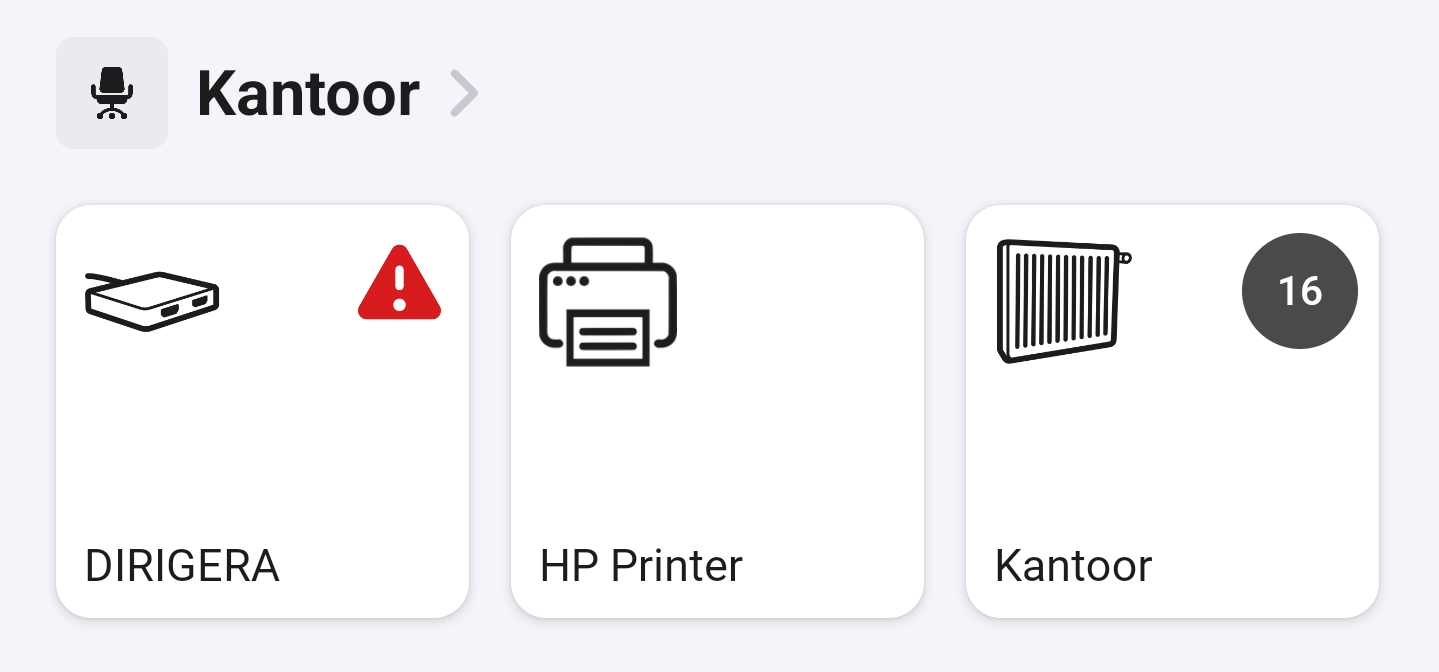
Where can I see my Diregera Hub in Homey ?
For me it showed up under devices, I think after setting up the matter connection.
One of things I’ve noticed is the ikea app seems to have had an update launching thread but tbh don’t know if it has anything to do with it. From reading other topics I’m not enthousiastic to troubleshoot more (delete and reset dirigera) as I’ve read about other hub devices not reappearing after being deleted (with a similar error saying it was alrea added).
Alternative would be to just use dirigera as an update hub for new devices and afterwards delete the device and add to homey directly. I’m still hoping on someone more technical to pitch in a magical solution though 
I also remember having Dirigera inside my Homeys as a device, but it’s gone now for some reason. The solution of using Dirigera to update and then directly in Homey (possibly via Matter) must be the solution, now that the other way to do it, doesn’t work.
I have the Dirigera hub connected to Homey using Matter and it all is working perfectly fine. So the behavior you describe is not how it should work.
Thanks for pitching in hsd. Have you added a new device recently? Could be that this triggers the problem
Yes I did. I bought some extra Ikea Rodret remotes because they are going out of production. I added them to the Dirigera hub and they all instantly showed up on Homey without me having to do anything.
Are there any changes on your side Rise? Not for me and tbh i’m a bit disappointed. I’ve found another app that provides a workaround for some Ikea devices: [APP][Pro] IKEA DIRIGERA Gateway - Simplify your smart home experience and enjoy total control over your lighting and appliances - #5 by RoyWissenburg
For me this works with new inspelning plugs: i can add them to ikea home smart, then use the dirigera app in homey to add them as a device. Then homey and dirigera are alligned on their state etc. Not perfect, but better than no sync. Two downsides are not all devices are supported (eg my somrig remote) and power usage is not working (yet).
Hi everyone,
I have a Homey SHS running in proxmox and I have a Dirigera hub. I connected the Dirigera hub to the Homey SHS. All zigbee devices showed up in Homey SHS and when adding new devices, to the dirigera hub, the also show up in Homey SHS.
I connected the new MYGGSPRAY, MYGGBETT and TIMMERFLOTTE to Homey SHS where the Dirigera hub is used as the thread border router.
The TIMMERFLOTTE (temp sensor) is working OK but the MYGGSPRAY (pir) and the MYGGBETT (door sensor) are not ok.
But they are only working OK for a short period of time and that they do not respond any more.
When I use the Identify option in Homey the led on the MYGGSPRAY and MYGGBETT start blinking.
Any one else facing the same problems with these new Ikea sensors in combination with a Homey SHS?
Hello,
I am running a Homey Pro 2023 and am having similar problems. Only the new timmerflotte sensor seems to be running without any issues, but the bilresa, myggbett and myggspray sensors are all having issues. Have tried various ways of connecting through IKEA APP, via IKEA Smart home app connected to dirigera hub, directly via matter. Some could not even get connected and if they do then they seem to fail after a couple of hours.
In my latest setup I have connected the matter devices first to the dirigera hub, generated a QR code from the IKEA smart home app connected to the hub and then added those as matter devices with the generated code to my homey pro. They show up nicely initially but again loose the connection.
When I try to identify them, they sometimes get timeout, sometimes not. Connected flows do not work and status (movement, contact open/close, etc..) do not refresh in Homey anymore.
Also have 2 a couple of zigbee devices connected via the dirigera hub and they appear correctly as does the hub itself.
My nex attempt will be to delete ALL devices from the dirigera HUB and ONLY add the matter devices. Lets see what happens.
KR
I have a question:
I have a Dirigera hub and I removed a zigbee device because ti was unresponsive. I added it back, but now I don’t know how to add it back to Homey.
Can someone help?
Thanks
Did you try rebooting both Dirigera and Homey?
Update: The timmerflotte seems to be the only device that works directly with Homey, without the dirigera hub. The rest I can only add via the dirigera and am not able to connect to my homey pro in any way directly. (yes I have tried all possible variants of connecting/wifi settings and even revived my old google pixel 7 with no other bluetooth connections to get it working.)
Devices have been added to dirigera hub which I gave a full factory reset and then connected them to Homey. They are working but sometimes there seems to be a “lag” and identification from homey is giving a time out first try and then suddenly starts to work.
One tip from Internet said to add a Lightbulb device first to the dirigera before adding other matter devices, so when the new light bulbs are back in stock at our local Ikea (in a couple of weeks), I will redo my test setup from scratch again to see if that improves responsiveness/stabillity.
