I’m switching to Homey Pro from Smartthings so I thought I would start with a simple motion sensor, bulb and flow.
I just got my Homey Pro, set it up and added the Ikea app. Took an E26 dimmable bulb right out of the box and tried to add it. There were two E26 bulbs. a dimmable and a tunable. I selected IKEA E26 dimmable but it adds a a Zigbee device. I went to settings and it showed it as a “TRADFRI bulb E26 WW globe 800lm” . I set the “plugged in” to a light.
I added an Ikea motion sensor and it was recognized as an Ikea device as expected.
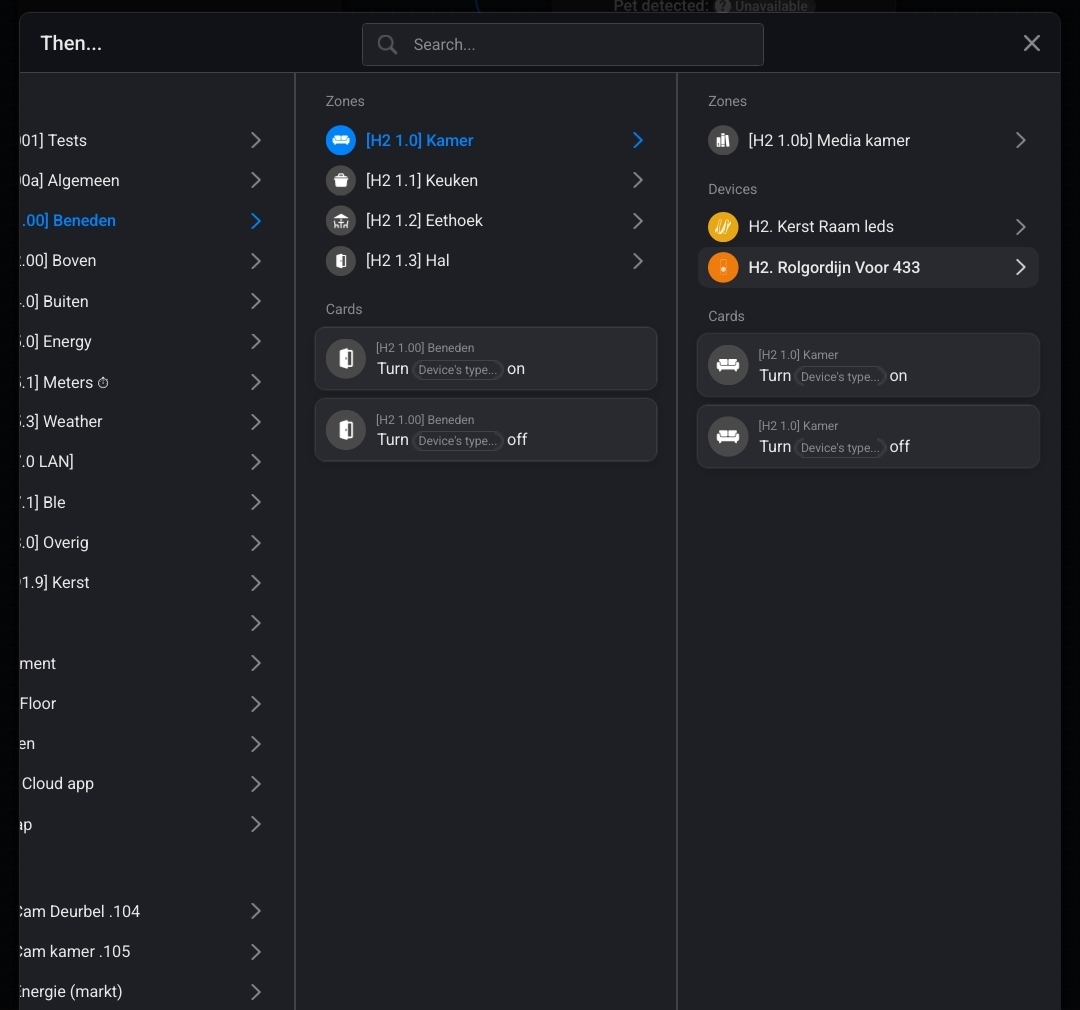
I created a simple flow but I cannot set the brightness of the bulb in the flow.
Because why? Are there any corresponding flow cards missing? Or does the bulb not respond?
Even if this IKEA Zigbee bulb is currently not officially supported by the Homey IKEA app, the bulb should work, as Homey basically supports all Zigbee bulbs, even if there is no app for this lamp.
Even though devices may look the same, they may have different internal identifiers, and that’s what Homey uses to assign an app to a device. Apparently your bulbs have different identifiers than the already-supported devices.