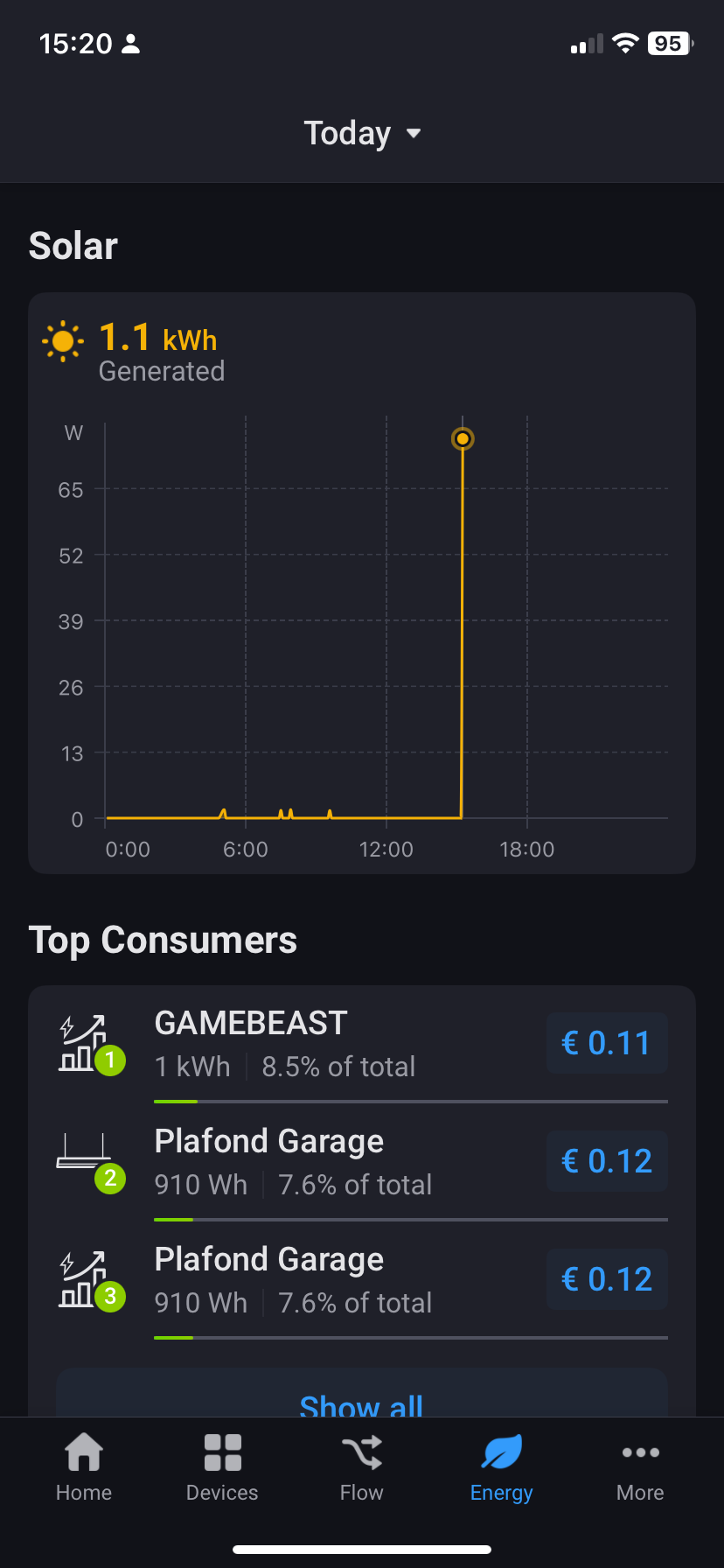
With the current probe of the EM 50 inverted I am now using “meter_power” capability correctly in Homey instead of “meter_power_returned” but as expected it gives a negative value. I can not change that in the Shelly app. If I want it to be positive I need to invert the current probe but then I am back at “meter_power_returned” which Homey can’t use, arrggghh…
I should find a way to make that value positive (e.g. “negative value” * -1), I guess through a (Advanced) Virtual Device. Any clues on how to achieve this?
That is pretty simple.
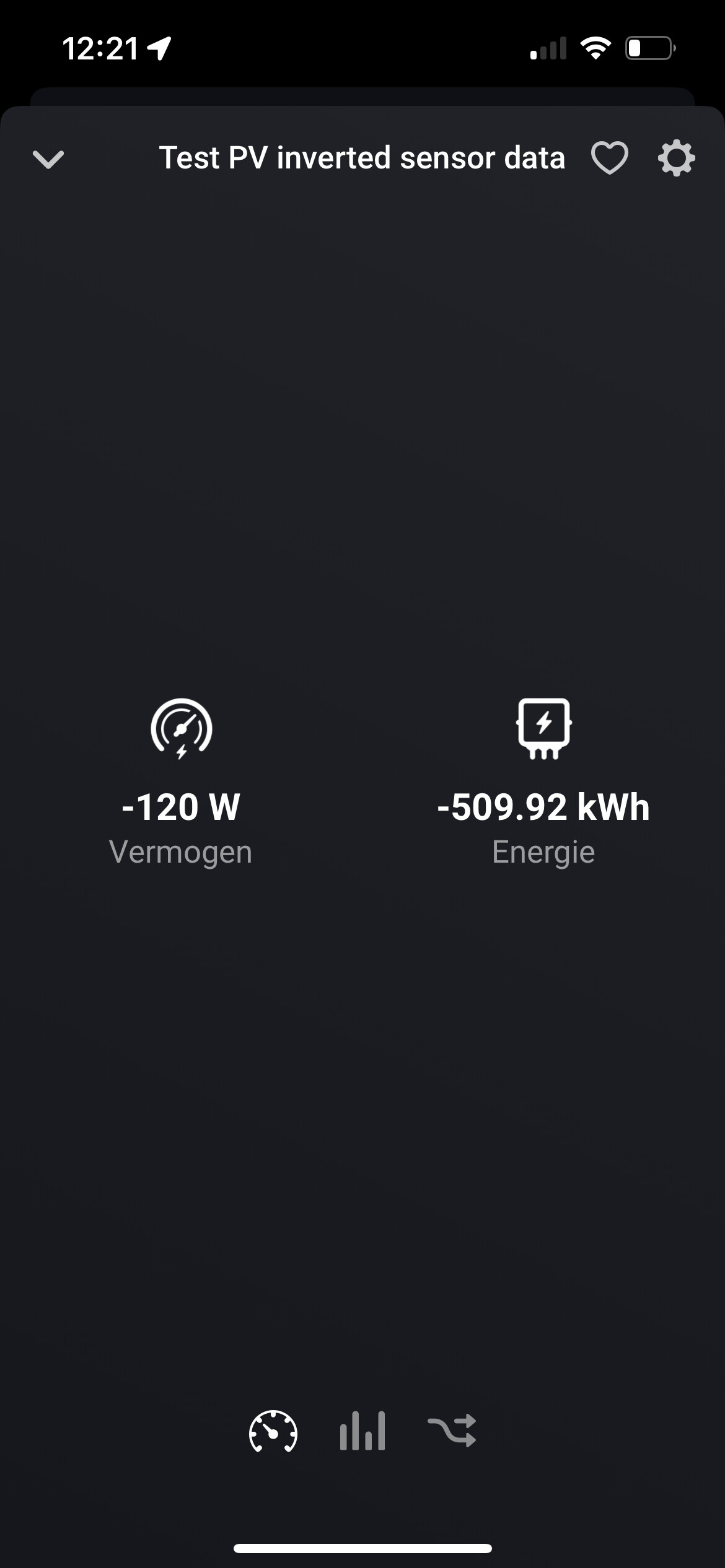
I first made a Virtual Device (I assume you have that app also installed otherwise you would need to do as first step) which I called Test PV inverted sensor data. When creating that device you can tell Homey that it is connected to Solar Panels. I selected also during the installation that this virtual sensor would incorporate energy meter and power.
I think you Shelly should then not be linked to Solar Panels type otherwise the positive and negative values from Shelly plus resp Virtual Device would lead to zero.
@Frank_van_Son Thanks a lot Frank, looks what I need. Yes, I already use Virtual Devices for other things. Will implement this and come back to you after testing!
@Frank_van_Son An update. Just implemented this. It so simple I could hit myself Lost my way in trying to do things with the “Device Capabilities” app and “Advance Virtual Devices” (because of the “meter_power_returned” thing). Lost the easy and very efficient way out of sight, yours
Hello, my Enphase solar panels via IQ Gateway report the total consumption and solar production. Do I need a power meter on top of that to access the details of the new Energy tab ?
I am using Youless as a P1 dongle for total electricity and gas consumption. On top of that I use the S0 input to the Youless to show my heatpomp consumption measured via a separate kWh-usage meter with S0 output. How does the app show the S0 input on the Youless-dongle?
On my Iphone and Ipad I found the energy tab. Where can I see this Energy-tab in the Web-app?

 Lost my way in trying to do things with the “Device Capabilities” app and “Advance Virtual Devices” (because of the “meter_power_returned” thing). Lost the easy and very efficient way out of sight, yours