I wonder if the Landis and Gyr smart meter E450 is compatible with the Homey dongle? This dongle is suppose to be connected to the P1 port of the type RJ12. However, on the description of the SM E450 I rather see a P2 port?
Here is a picture of the SM E450
many thanks for your helpful suggestions. There is one point which is not clear to me yet. Assuming that i use the GplugM dongle, I would like to monitor my energy consummation for one full day. Would I need some additional device like a computer or disk ro store all the data delivered by the Smart meter? Or I am missing some information in the use of the dongle?
your help on this would be greatly appreciated
@Gervais_Chapuis Did you finally get the gPlugM? How’s your experience?
The L+G e450 has a M-Bus which isn’t compatible to the Homey Energy Dongle. According to my energy provider the gPlugM or whatwatt are compatible (as the manufacturer sites confirm).
There’s a guide on how to connect to Homey that looks manageable…
There’s no similar description to the whatwatt but it has MQTT as well and there’s a HomeAssistant Guide for this.
12 Sep 2025
…
The Homey integration is available as a trial version. The integration was created by Homey itself and we have not yet tested it.
That’s right, you need to have a whatwatt Go and a Plus license. All customers who purchase whatwat Go before we activate the licensing (around January 10) will receive the PLUS license free of charge.
As soon as we have tested Homey ourselves, we will make an official announcement.
…
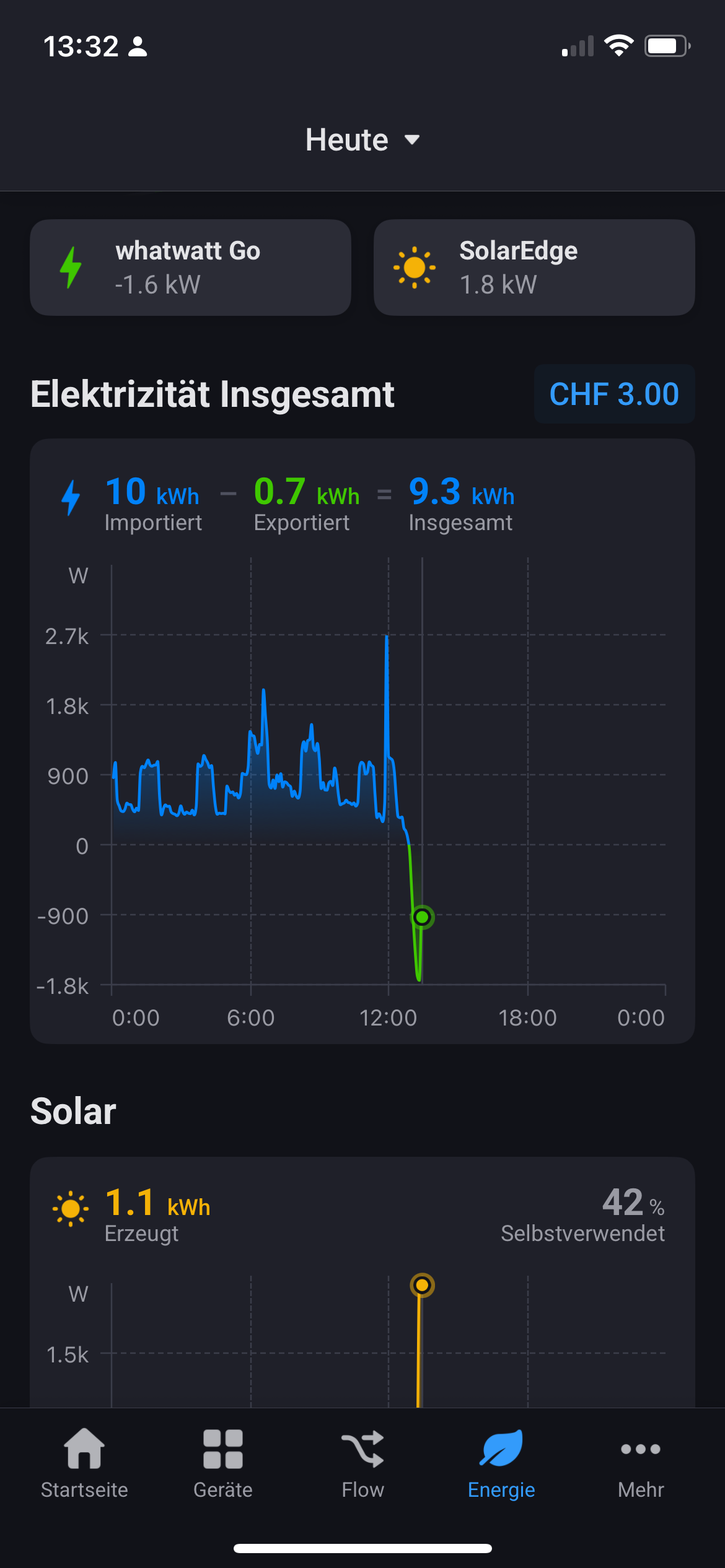
I’ll go with this one as it supports both P1 and M-Bus besides others.
I did not pursue my connection with the Mbus and the g’lug model. This see mes qui te complex for me
I am glad to hear about the new device which could be compatible with Homey. Would be ready to install this device once it has been testés for the Mbus
Many thanks for the Information on whatwatt and E450. I was less lucky with my Installation. Did install whatwatt according to the procédure. Once it was set up I did not get any information from my E450. Is it die to the fact that I don‘t have a SIM Card?
Thanks for the info concerning the SIM cars. I did receive from the Industrial services of Lausanne (SIL) the permission to access the data of the E450 including the encoding key. Apparently the whatwatt recognize the E450 but complains that no data are receive. Did send a new request to the SIL. Waiting for their answer