Hello,
I’m trying to find a reliable way to automatically open my front door when I approach with a Bluetooth locator on my keys. Currently, I’m unable to get the communication between my Bluetooth locator and Homey Pro to work. I’m new to this forum, so thank you for your patience in advance.
Goal
My goal is automatic door opening on approach with a Bluetooth locator on my keys. For a start, I’d be happy if it worked by pressing a button on the locator.
Hardware and Topology
-
Homey Pro (2023): The central unit that acts as the brain of the system and an MQTT server. It’s located at my home on the 4th floor.
-
Shelly BLU Gateway: A gateway that scans for Bluetooth signals and sends them to Homey via own script or MQTT. It’s located in the basement by the front door. It’s connected via a standard Wi-Fi router.
-
Shelly BLU Button1: A key locator that can function as a button, but also as a beacon.
What I’ve tried and where I’m stuck
-
Shelly BLE Gateway Integration with Homey:
-
First, I tried the standard Shelly integration with Homey, and that went smoothly. I initially tested the Chipolo POP locator with the Beacon app, but after a while, I realized that it’s not a suitable locator (it goes into sleep mode instead of broadcasting continuously like a beacon). More importantly, I discovered it’s not detected via the Shelly gateway, but directly via Homey’s BT. I believe this is because Homey with this gateway only detects Shelly devices, not others.
-
I tried modifying the script running on the gateway and removed the identity check for the Bluetooth device. This was supposed to allow detection of any device, but even after this modification, the gateway didn’t start detecting anything in Homey.
-
I had to test the locator in the basement, where Homey does not have direct Bluetooth range, to verify that the gateway itself was not detecting any BT signals.
-
-
Another attempt to connect via MQTT:
-
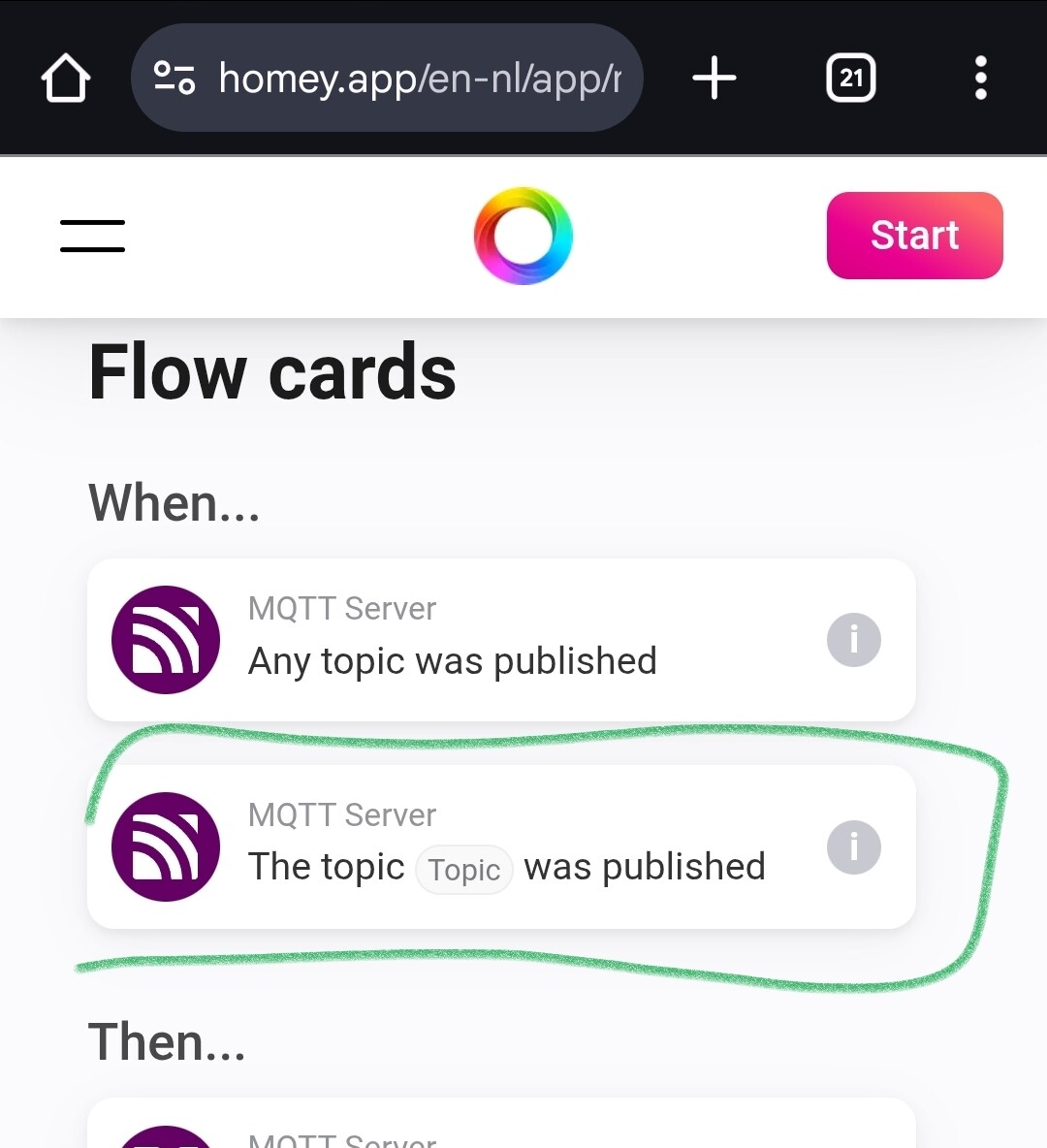
I installed MQTT Client and MQTT Server on Homey.
-
I created a simple Flow:
When-MQTT: A message was received on topicandThen-Send a mobile notification. This test worked. It confirmed that the Shelly gateway is indeed sending data to Homey and that Homey is receiving it. -
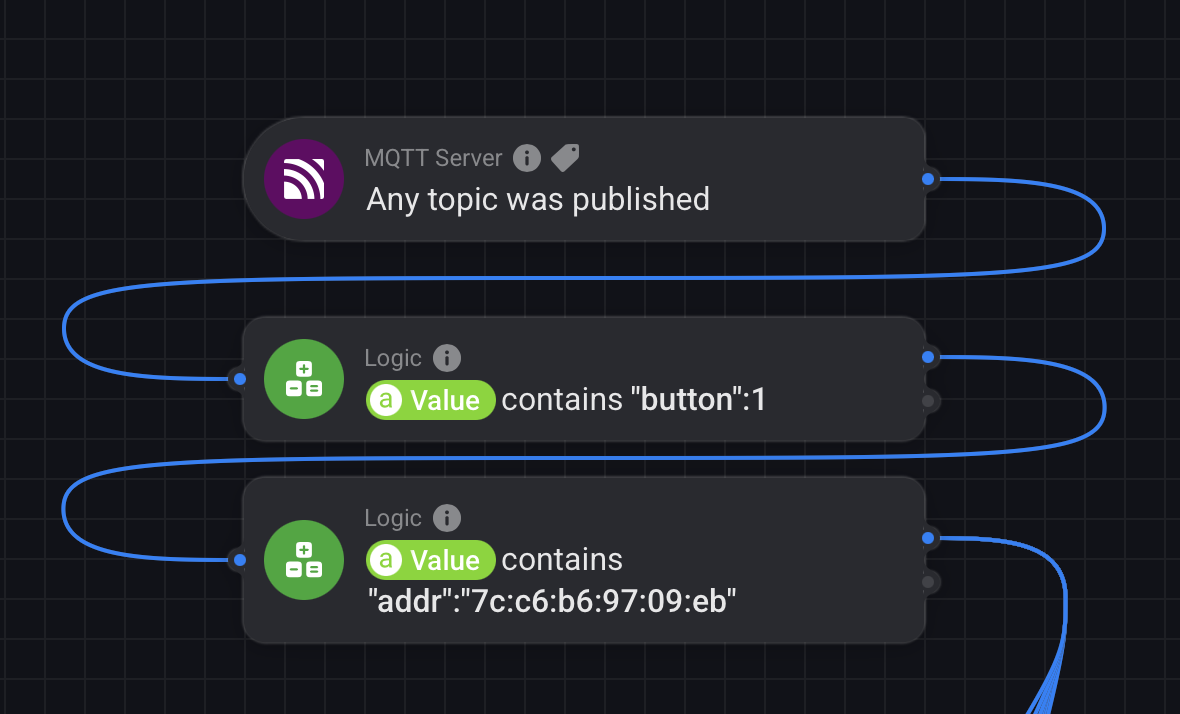
I tried to create a more complex Flow to process the data from the MQTT message, but I didn’t know how to start using variables. It’s not clear to me how Homey processes an incoming message via the MQTT server and how the MQTT client can provide the necessary information for me to use in a Flow.
-
Using MQTT Explorer, I verified that the data arrives on the
SHELLY/eventstopic and contains all the necessary information (e.g., MAC address, RSSI, and battery status). This means that the hardware and MQTT communication are working perfectly.
-
Summary of the Problem
Everything points to the problem not being in the MQTT configuration or hardware, but in the Homey software itself. I have a feeling that the MQTT Client app in Homey is not properly translating the data from the MQTT message into a format that a Flow can work with.
Does anyone have a similar experience or can recommend an effective solution?
Thank you for any help.