hello evevybody,
I added this Aqara smart thermostat E1 on my Homey pro with the installed aqara App !
I can use all the icons below, temperature, status, flow, …
BUT
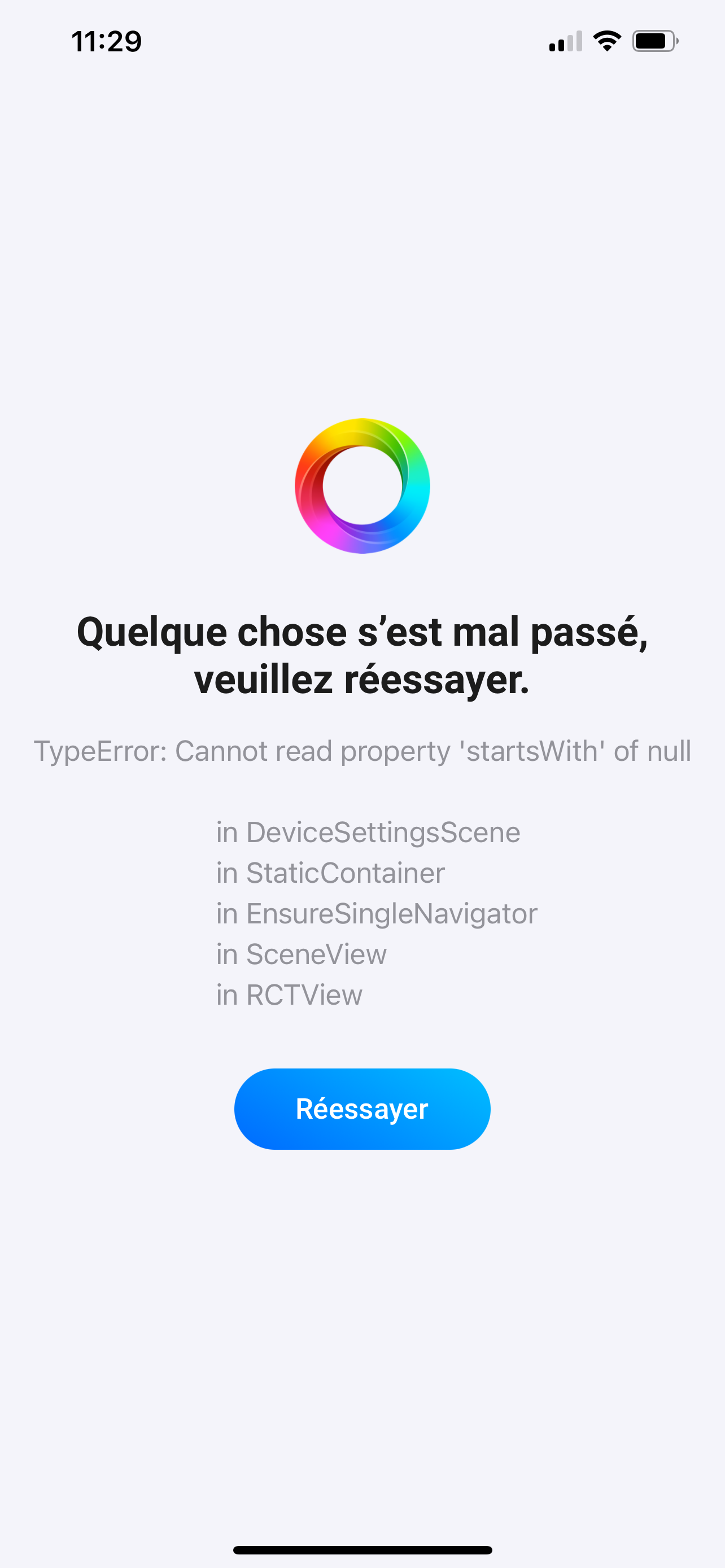
if I push on the parameters wheel right above, it gives direct the message in attachment !!!
Then I can not configure the agenda and other parameters …
I tried with 2 other E1, I have the same issue.
Could you help me please because following your list, Homey pro supports Aqara thermostat E1 !
Thank you in advance for your feddback.
Best regards,
Christian
please find the attachment. when I try to change the parameters and click on the wheel, it gives this message.
That’s a known issue with the Android app, you have to wait for an update.
Well I use IOS app in fact ! same issue I suppose ?
Or I have to buy an Aqara hub ?
Athom has suggested this was an Android-only issue. I guess not…
This is a problem in the Homey app.
I ran into a similar situation with another device and this work-around worked for me. It may work for you as well:
- Access Homey via the web app (so not the mobile app);
- Go to the device’s settings section (gear icon);
- Change the value of the ‘What’s plugged in’ setting temporarily to something else and save the change;
- Now access Homey via your mobile app and check if you can open the device’s settings without getting the error. If so, then you can change the ‘What’s plugged in’ setting to the original value. If not, well, then unfortunately my suggestion does not work in your case.
I mean I use iOS app and I have the same issue
Yes, I understand. You have to wait for Athom to fix it.
Thank you for the tip !! I will try it this evening and let you know.
Hello,
then I would like to know what is the best smart thermostat product the most compatible with Homey Pro ? With possibility to configure
smart schedules / Agenda for example ?
Thank you in advance.
The Aqara is not the problem, other thermostat devices are suffering from the same issue you reported.