I was trying to add the device using the Homey app on my Mac, and that’s where I kept getting the handshake timeout error. When I tried the exact same steps using the Homey mobile app on my phone, the device connected successfully and worked right away.
So I have the Xiaomi Smart Doorbell 3 (model: madv.cateye.mowl3g when looking into the cloud extracting the token) and have done a pcap-capture and trying to use the miiocli pcap-arser but I get no decrypted traffic/properties from that.. anyone knows if the miiocli tools needs an update or the Doorbell doesn’t “speak” miio?
Any suggestions on how to proceed to be able to integrate it in the app?
Try with next test version 3.4.47- based on log the empty water tank has been detected but override by the app logic, as it’s not always reliable indication.
I changed the water. Xiaomi apps do not show errors. Homey status error -water tank empty. Now there is some kind of filter error( xiaomi nothing about this error) Robot working…
6c20aebb-8c5a-4b89-90f0-a4f366fe2c10
I will add:
The error about water tank empty was changed after work.
Filter error has not changed.
When you go to the device settings, which threshold you have defined for Alarm ?
Currently, your filter life is 17% and default threshold is set to 20%
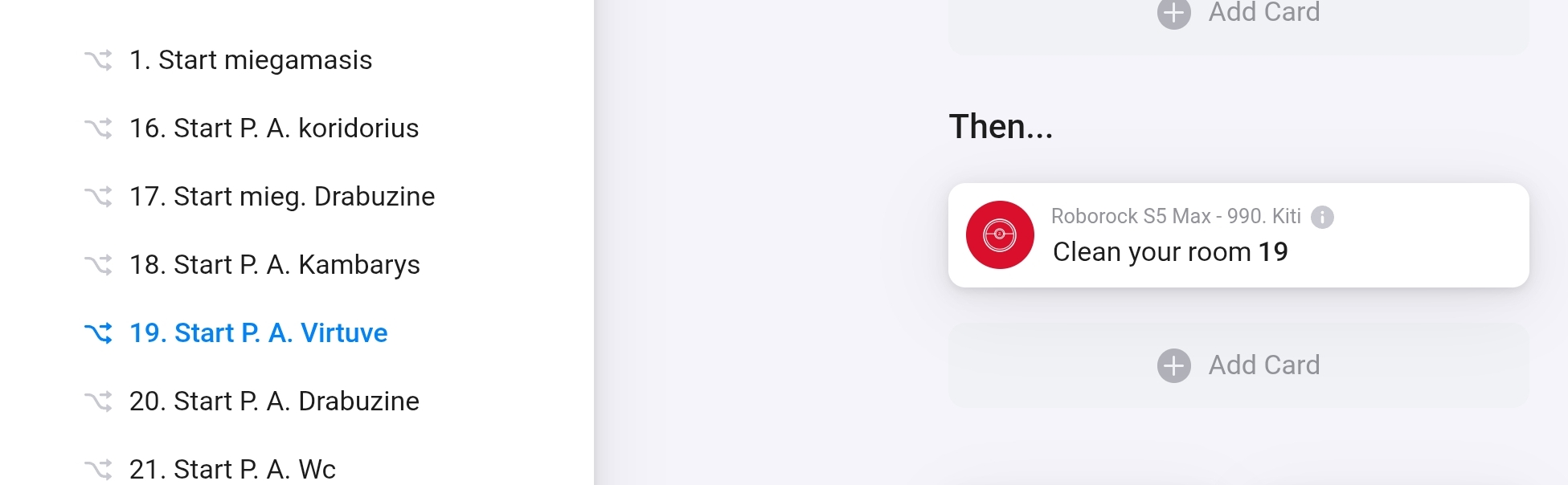
I just got a Roborock S5 (I know it’s not super recent) and I integrated with Homey. However it looks like it only recognizes the room 16. It’‘s strange because with the iOS app I can see more rooms. When it starts it says “cannot find the room” and he goes back to the docking station. It works okay with room 16. Can somebody help me?
X20. The problem of water tank empty remained.
I noticed that when the robot is working, the homey app state is docked. Does not notify when charging, when working or stopped. Always “docked”
I can’t get a token no matter what I do. I didn’t have this problem about a month ago.
I tried the token app I have for Windows (Login step 2 failed). I downloaded the app for Android ( 5.8.16 (vevs & rezmus ), but it doesn’t see the newly added devices. Am I doing something wrong? Is it just me?