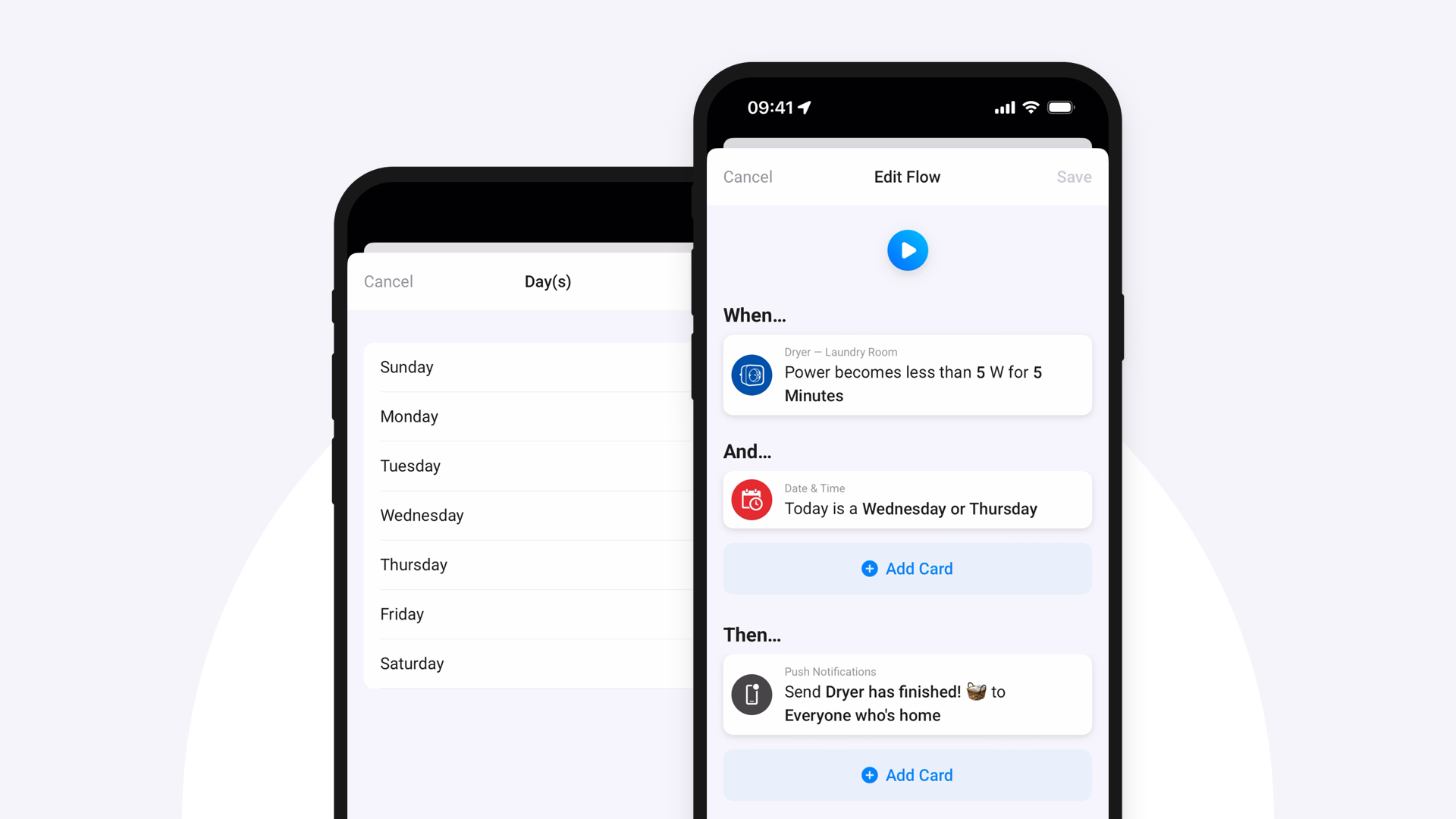
I was wondering if you could make this feature available, I have soooo many flows with the countdown counter app in it (door sensors / motion sensors)… I see this feature as a good alternative, now I see it only on battery level for x period, but want a door open for 30 minutes in a flow:
Homey Flow just got two new features to help you create smarter, more precise automations. You can now check if a value holds over time and choose multiple options in a single Flow card.
Flow cards for sustained values
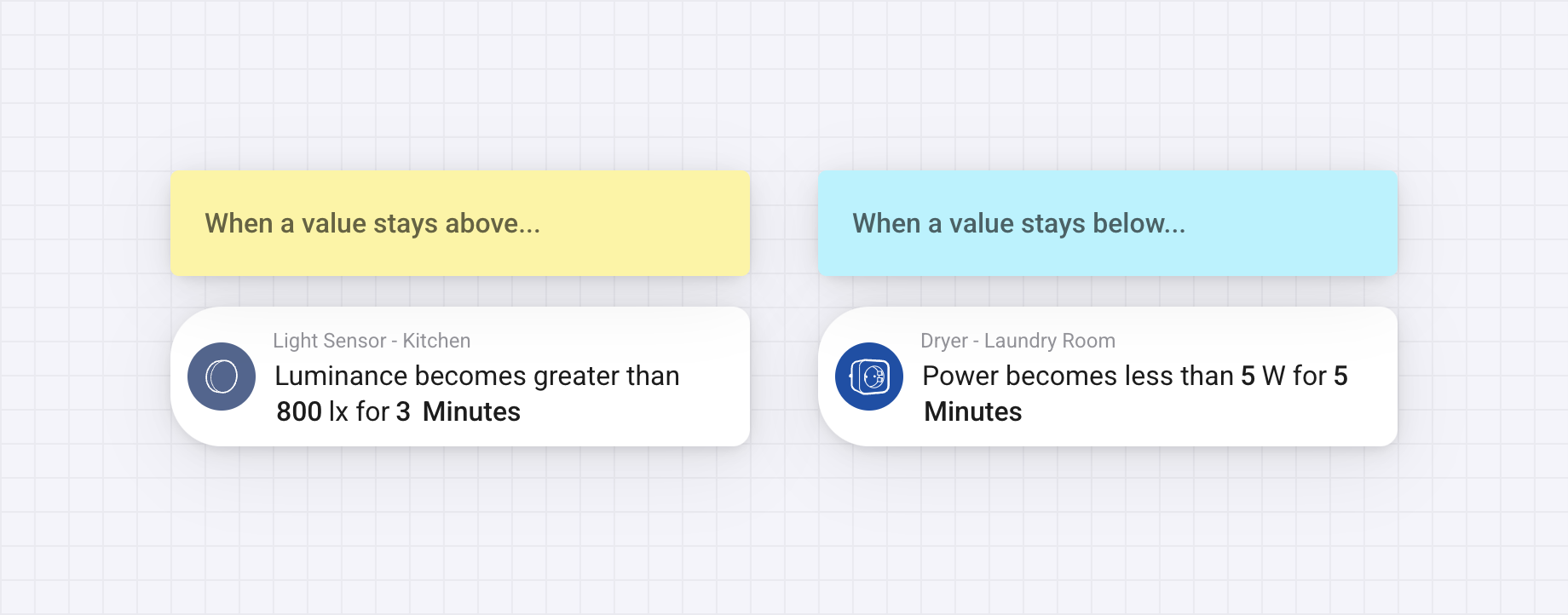
Sometimes you want to wait and see if a condition really holds. Therefore, you can now pick two new When cards for devices with numerical values, like power, temperature, or humidity:
When [Capability] becomes greater than [Value] for seconds or minutes
When [Capability] becomes less than [Value] for seconds or minutes
This lets you create Flows that respond only when a value stays above or below a threshold for a set time. It’s useful for acting on lasting changes rather than brief spikes or dips.
yes, didn’t know that this was homey wide functionality and since I both heavily use countdown in relation with Zigbee / Xiaomi devices wanted to plee to both developers of the app
First off, I want to applaud for all the hard work you’ve put in this app. Absolutely great!
Second, I find that the motion sensor aren’t always responding correctly. Most of the time they work fine, but a couple of times a day they fail to pass their info to homey. They register a motion, as I can verify in the Xiaomi app, but somehow this information isn’t passed through to homey. I’ve made a diagnostic report, filled under 30e58d23-8407-437c-8679-2b51894561aa.
Hope you can find the time to look into this problem. Thank you very much in advance.
The last update gave me some extra options with my feeder 2. For that thanks. Amazing. But there are still a few things that don’t work. The eaten today says 11 grams but the 11 gram is what is left. Eaten today is 75 gram. Hope you can fix it. And the other values are ampty. Not sure what you can do with this. And when I start a flow to feed them I get an error. You can see this error in the pic. I hope you can fix it. Can you send your PayPal in pm.
Trying to get token from a q Revo robot using Xiaomi Cloud Token Extractor, I’m sure I put all the credentials correct but it always gives me invalid log in, I’ve extracted tokens using this method like 2 months ago or something…can anyone confirm this is not working anymore or is it just on my side?
Also: do you need the Xiaomi (Android/iOS) app to integrate it into Homey or can you also use the Dreame app? Or are these apps actually the same under the hood?
However, seems that DREAME is removing some of the local API access, which this legacy app is using and switching partially or fully to cloud only, so I would not bet on newest devices, unless someone share his experience (or can even extend this app by Cloud connector). Also, me without having device itself or local access to Homey (via port fwd), I can’t support at all.
What is even worse, seems that now some of the Xiaomi devices are manufactured by Dreame…
Are the other functions working, do you get updates on any values ? In the logs I see unfortunately only “Error: user ack timeout”, which is the same as yours, unfortunately coming from the old MiIO library. Maybe someone with S10 vacuum cleaner would comment.