### Device model / 设备型号
xiaomi.feeder.iv2001
### Component version / 插件版本
1.0….15
### HA core version / HA版本
2025.3.3
### Integrated mode / 集成方式
Automatic (自动模式)
### The problem / 问题详情
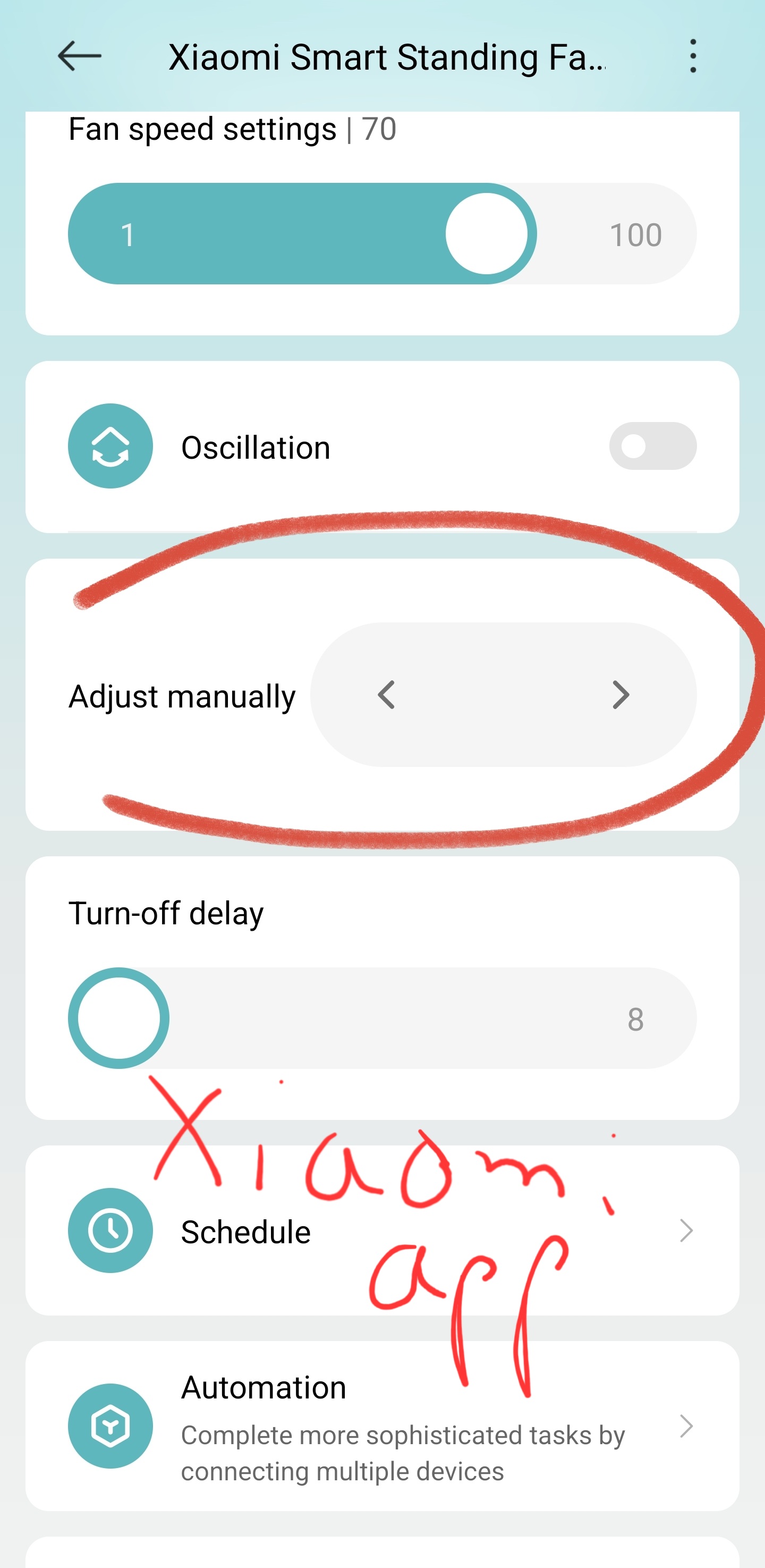
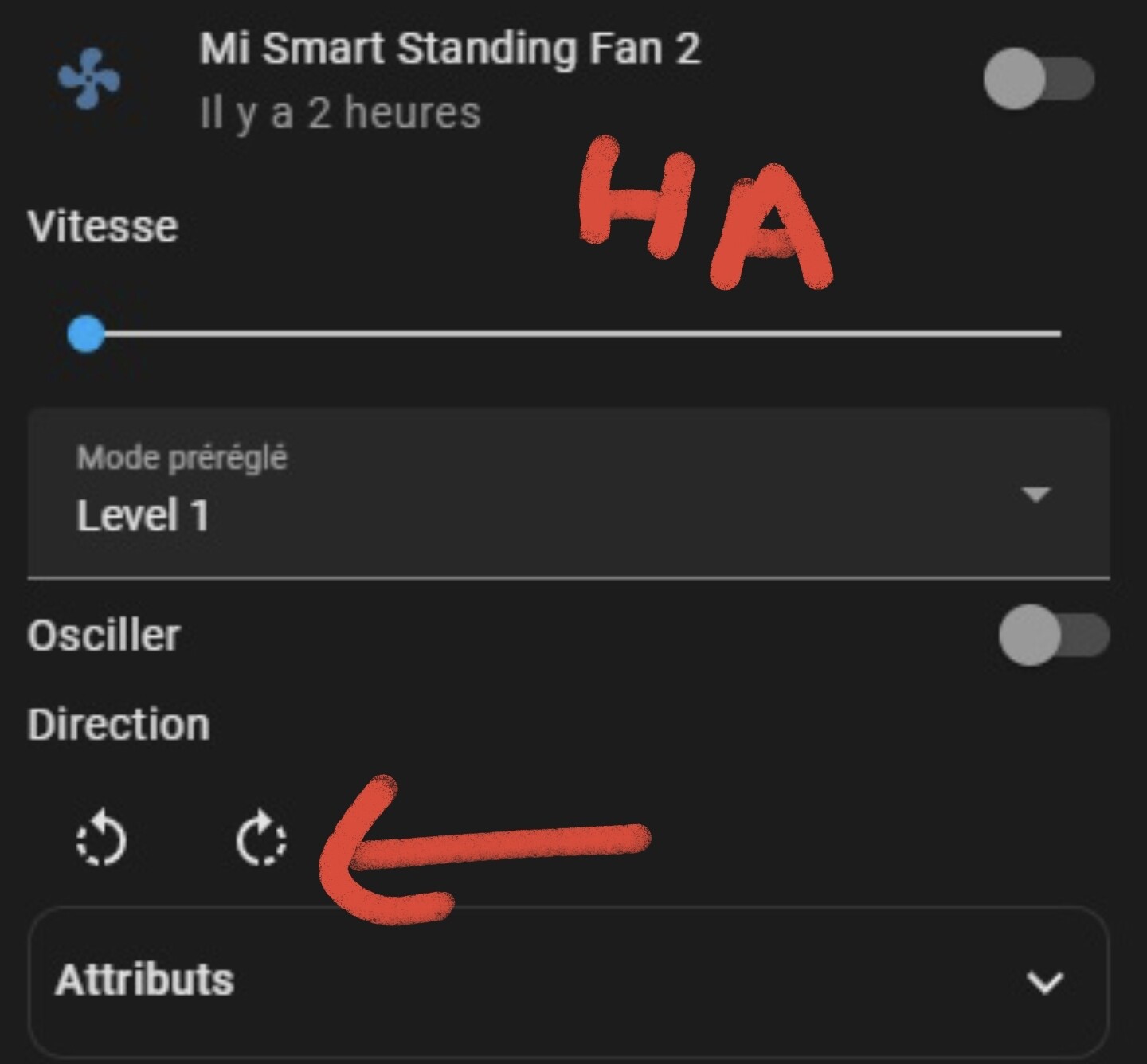
Hello there! Following issue #2415, I can confirm my device has a lot of missing/weird/empty entities.

### Entity attributes / 实体属性
```yaml
device_class: update
icon: mdi:information
friendly_name: Distributeur de croquettes Info
button.info: "Distributeur de croquettes "
model: xiaomi.feeder.iv2001
did: "644051547"
mac: DC:ED:83:B1:47:E0
lan_ip: 192.168.1.3
app_link: mihome://device?uid=6155526561&did=644051547
miot_type: urn:miot-spec-v2:device:pet-feeder:0000A06C:xiaomi-iv2001:1
available: true
home_room: Cuisine
updater: local
updated_at: "2025-03-21 09:51:35.030475+01:00"
feeder_schedule-5-1: "[1,08000201,12000101,16000201,20000101]"
add_meal_state-5-3: 0
plan_process_display-5-4: 0
food_intake_rate-5-5: 10
food_intake_state-5-6: 1
max_schcdule_num-5-7: 35
schedule_state-5-8: 1
add_meal_cycle-5-10: 6
food_out_progress-5-11: 100
compensate_switch-5-12: 1
prevent_accumulation-5-14: 1
schedule_progress-5-15: 25
add_meal_triggertime-5-16: 6
device_timezone-5-17: 3600
desiccant.desiccant_left_level: 0
desiccant.desiccant_left_time: 0
battery_level: false
physical_controls_locked: false
physical_controls_locked.mode: 0
pet_feeder.fault: 0
pet_feeder.pet_food_left_level: 0
target_feeding_measure-2-7: 10
pet_feeder.status: 0
pet_feeder-2.food_out_status: 0
add_meal_notify_status-2-13: 0
pet_feeder-2.food_heap_status: 0
pet_feeder.eaten_food_measure: 0
pet_feeder-2.eaten_food_measure: 0
eaten_food_measure-2-22: 0
eaten_food_measure-2-23: 0
pet_feeder-2.status: 0
pet_feeder-2.status-28: 0
pet_feeder-2.status-29: 25
pet_feeder-2.status-31: 0
pet_feeder-2.status-32: 0
converters:
- button.info
- sensor.pet_feeder.status
- switch.physical_controls_locked
- sensor.battery_level
- sensor.pet_feeder.pet_food_left_level
- sensor.feeding_measure
- sensor.pet_feeder-2.food_out_status
- sensor.add_meal_notify_status-2-13
- sensor.pet_feeder-2.food_heap_status
- sensor.pet_feeder.eaten_food_measure
- sensor.pet_feeder-2.eaten_food_measure
- sensor.eaten_food_measure-2-22
- sensor.eaten_food_measure-2-23
- sensor.pet_feeder-2.status
- sensor.pet_feeder-2.status-28
- sensor.pet_feeder-2.status-29
- sensor.pet_feeder-2.status-31
- sensor.pet_feeder-2.status-32
- sensor.desiccant.desiccant_left_level
- sensor.desiccant.desiccant_left_time
- sensor.status
- sensor.food_out_progress-5-11
- sensor.schedule_progress-5-15
- binary_sensor.pet_feeder.fault
- switch.physical_controls_locked.mode
- switch.plan_process_display-5-4
- switch.food_intake_state-5-6
- switch.compensate_switch-5-12
- switch.prevent_accumulation-5-14
- switch.add_meal_triggertime-5-16
- number.target_feeding_measure-2-7
- number.food_intake_rate-5-5
- number.add_meal_cycle-5-10
- button.pet_feeder.pet_food_out
- button.pet_feeder.weigh_manual_calibrate
- button.desiccant.reset_desiccant_life
customizes:
button_actions: pet_food_out,reset_desiccant_life,weigh_manual_calibrate
number_properties: target_feeding_measure,add_meal_cycle,food_intake_rate
sensor_properties: >-
feeding_measure,pet_food_left_level,food_out_status,food_out_progress,food_heap_status,eaten_food_measure,desiccant_left_level,desiccant_left_time,schedule_progress,status
switch_properties: >-
mode,plan_process_display,add_meal_triggertime,compensate_switch,prevent_accumulation,food_intake_state
select_properties: set-screen-display
binary_sensor_properties: fault
info: null
```
### Home Assistant Logs / 系统日志
```
2025-03-21 09:47:34.591 INFO (MainThread) [custom_components.xiaomi_miot.core.device.xiaomi.feeder.iv2001] Device write data: [{'button.info': None}, {'method': 'update_status'}]
2025-03-21 09:47:34.592 DEBUG (MainThread) [custom_components.xiaomi_miot.core.device.xiaomi.feeder.iv2001] Update miot status: {'use_local': [True, True, <MiotDevice: 192.168.1.3 (token: 4fee8ba39bdfa719d77b3ecb3c219980)>], 'use_cloud': [False, False, None], 'mapping': {'feeder_schedule-5-1': {'siid': 5, 'piid': 1}, 'add_meal_state-5-3': {'siid': 5, 'piid': 3}, 'plan_process_display-5-4': {'siid': 5, 'piid': 4}, 'food_intake_rate-5-5': {'siid': 5, 'piid': 5}, 'food_intake_state-5-6': {'siid': 5, 'piid': 6}, 'max_schcdule_num-5-7': {'siid': 5, 'piid': 7}, 'schedule_state-5-8': {'siid': 5, 'piid': 8}, 'add_meal_cycle-5-10': {'siid': 5, 'piid': 10}, 'food_out_progress-5-11': {'siid': 5, 'piid': 11}, 'compensate_switch-5-12': {'siid': 5, 'piid': 12}, 'prevent_accumulation-5-14': {'siid': 5, 'piid': 14}, 'schedule_progress-5-15': {'siid': 5, 'piid': 15}, 'add_meal_triggertime-5-16': {'siid': 5, 'piid': 16}, 'device_timezone-5-17': {'siid': 5, 'piid': 17}, 'desiccant.desiccant_left_level': {'siid': 6, 'piid': 1}, 'desiccant.desiccant_left_time': {'siid': 6, 'piid': 2}, 'battery_level': {'siid': 4, 'piid': 1}, 'physical_controls_locked': {'siid': 3, 'piid': 1}, 'physical_controls_locked.mode': {'siid': 3, 'piid': 3}, 'pet_feeder.fault': {'siid': 2, 'piid': 1}, 'pet_feeder.pet_food_left_level': {'siid': 2, 'piid': 6}, 'target_feeding_measure-2-7': {'siid': 2, 'piid': 7}, 'pet_feeder.status': {'siid': 2, 'piid': 10}, 'pet_feeder-2.food_out_status': {'siid': 2, 'piid': 11}, 'add_meal_notify_status-2-13': {'siid': 2, 'piid': 13}, 'pet_feeder-2.food_heap_status': {'siid': 2, 'piid': 15}, 'pet_feeder.eaten_food_measure': {'siid': 2, 'piid': 18}, 'pet_feeder-2.eaten_food_measure': {'siid': 2, 'piid': 20}, 'eaten_food_measure-2-22': {'siid': 2, 'piid': 22}, 'eaten_food_measure-2-23': {'siid': 2, 'piid': 23}, 'pet_feeder-2.status': {'siid': 2, 'piid': 26}, 'pet_feeder-2.status-28': {'siid': 2, 'piid': 28}, 'pet_feeder-2.status-29': {'siid': 2, 'piid': 29}, 'pet_feeder-2.status-31': {'siid': 2, 'piid': 31}, 'pet_feeder-2.status-32': {'siid': 2, 'piid': 32}}}
2025-03-21 09:47:35.049 INFO (MainThread) [custom_components.xiaomi_miot.core.device.xiaomi.feeder.iv2001] Device updated: {'switch.plan_process_display-5-4': 0, 'number.food_intake_rate-5-5': 10, 'switch.food_intake_state-5-6': 1, 'number.add_meal_cycle-5-10': 6, 'sensor.food_out_progress-5-11': 100, 'switch.compensate_switch-5-12': 1, 'switch.prevent_accumulation-5-14': 1, 'sensor.schedule_progress-5-15': 25, 'switch.add_meal_triggertime-5-16': 6, 'sensor.desiccant.desiccant_left_level': 0, 'sensor.desiccant.desiccant_left_time': 0, 'sensor.battery_level': False, 'switch.physical_controls_locked': False, 'switch.physical_controls_locked.mode': 0, 'binary_sensor.pet_feeder.fault': 0, 'sensor.pet_feeder.pet_food_left_level': 'normal', 'number.target_feeding_measure-2-7': 10, 'sensor.pet_feeder.status': 'normal', 'sensor.pet_feeder-2.food_out_status': 'normal', 'sensor.add_meal_notify_status-2-13': 'normal', 'sensor.pet_feeder-2.food_heap_status': 'no', 'sensor.pet_feeder.eaten_food_measure': 0, 'sensor.pet_feeder-2.eaten_food_measure': 0, 'sensor.eaten_food_measure-2-22': 0, 'sensor.eaten_food_measure-2-23': 0, 'sensor.pet_feeder-2.status': 'idle', 'sensor.pet_feeder-2.status-28': 'single', 'sensor.pet_feeder-2.status-29': 25, 'sensor.pet_feeder-2.status-31': 'empty', 'sensor.pet_feeder-2.status-32': 'idle', 'only_info': False}
2025-03-21 09:47:35.050 DEBUG (MainThread) [custom_components.xiaomi_miot.core.hass_entity] sensor.xiaomi_iv2001_47e0_pet_feeder: Entity state updated: normal
2025-03-21 09:47:35.050 DEBUG (MainThread) [custom_components.xiaomi_miot.core.hass_entity] sensor.xiaomi_iv2001_47e0_battery_level: Entity state updated: False
2025-03-21 09:47:35.050 DEBUG (MainThread) [custom_components.xiaomi_miot.core.hass_entity] sensor.xiaomi_iv2001_47e0_pet_food_left_level: Entity state updated: normal
2025-03-21 09:47:35.050 DEBUG (MainThread) [custom_components.xiaomi_miot.core.hass_entity] sensor.xiaomi_iv2001_47e0_food_out_status: Entity state updated: normal
2025-03-21 09:47:35.050 DEBUG (MainThread) [custom_components.xiaomi_miot.core.hass_entity] sensor.xiaomi_iv2001_47e0_add_meal_notify_status: Entity state updated: normal
2025-03-21 09:47:35.050 DEBUG (MainThread) [custom_components.xiaomi_miot.core.hass_entity] sensor.xiaomi_iv2001_47e0_food_heap_status: Entity state updated: no
2025-03-21 09:47:35.050 DEBUG (MainThread) [custom_components.xiaomi_miot.core.hass_entity] sensor.xiaomi_iv2001_47e0_eaten_food_measure: Entity state updated: 0
2025-03-21 09:47:35.050 DEBUG (MainThread) [custom_components.xiaomi_miot.core.hass_entity] sensor.xiaomi_iv2001_47e0_eaten_food_measure_2: Entity state updated: 0
2025-03-21 09:47:35.050 DEBUG (MainThread) [custom_components.xiaomi_miot.core.hass_entity] sensor.xiaomi_iv2001_47e0_eaten_food_measure_3: Entity state updated: 0
2025-03-21 09:47:35.051 DEBUG (MainThread) [custom_components.xiaomi_miot.core.hass_entity] sensor.xiaomi_iv2001_47e0_eaten_food_measure_4: Entity state updated: 0
2025-03-21 09:47:35.051 DEBUG (MainThread) [custom_components.xiaomi_miot.core.hass_entity] sensor.xiaomi_iv2001_47e0_status: Entity state updated: idle
2025-03-21 09:47:35.051 DEBUG (MainThread) [custom_components.xiaomi_miot.core.hass_entity] sensor.xiaomi_iv2001_47e0_status_2: Entity state updated: single
2025-03-21 09:47:35.051 DEBUG (MainThread) [custom_components.xiaomi_miot.core.hass_entity] sensor.xiaomi_iv2001_47e0_status_3: Entity state updated: 25
2025-03-21 09:47:35.051 DEBUG (MainThread) [custom_components.xiaomi_miot.core.hass_entity] sensor.xiaomi_iv2001_47e0_status_4: Entity state updated: empty
2025-03-21 09:47:35.051 DEBUG (MainThread) [custom_components.xiaomi_miot.core.hass_entity] sensor.xiaomi_iv2001_47e0_status_5: Entity state updated: idle
2025-03-21 09:47:35.051 DEBUG (MainThread) [custom_components.xiaomi_miot.core.hass_entity] sensor.xiaomi_iv2001_47e0_desiccant_left_level: Entity state updated: 0
2025-03-21 09:47:35.051 DEBUG (MainThread) [custom_components.xiaomi_miot.core.hass_entity] sensor.xiaomi_iv2001_47e0_desiccant_left_time: Entity state updated: 0
2025-03-21 09:47:35.051 DEBUG (MainThread) [custom_components.xiaomi_miot.core.hass_entity] sensor.xiaomi_iv2001_47e0_food_out_progress: Entity state updated: 100
2025-03-21 09:47:35.051 DEBUG (MainThread) [custom_components.xiaomi_miot.core.hass_entity] sensor.xiaomi_iv2001_47e0_schedule_progress: Entity state updated: 25
2025-03-21 09:47:35.051 DEBUG (MainThread) [custom_components.xiaomi_miot.core.hass_entity] binary_sensor.xiaomi_iv2001_47e0_device_fault: Entity state updated: 0
2025-03-21 09:47:35.051 DEBUG (MainThread) [custom_components.xiaomi_miot.core.hass_entity] switch.xiaomi_iv2001_47e0_physical_control_locked: Entity state updated: False
2025-03-21 09:47:35.052 DEBUG (MainThread) [custom_components.xiaomi_miot.core.hass_entity] switch.xiaomi_iv2001_47e0_mode: Entity state updated: 0
2025-03-21 09:47:35.052 DEBUG (MainThread) [custom_components.xiaomi_miot.core.hass_entity] switch.xiaomi_iv2001_47e0_plan_process_display: Entity state updated: 0
2025-03-21 09:47:35.052 DEBUG (MainThread) [custom_components.xiaomi_miot.core.hass_entity] switch.xiaomi_iv2001_47e0_food_intake_state: Entity state updated: 1
2025-03-21 09:47:35.052 DEBUG (MainThread) [custom_components.xiaomi_miot.core.hass_entity] switch.xiaomi_iv2001_47e0_compensate_switch: Entity state updated: 1
2025-03-21 09:47:35.052 DEBUG (MainThread) [custom_components.xiaomi_miot.core.hass_entity] switch.xiaomi_iv2001_47e0_prevent_accumulation: Entity state updated: 1
2025-03-21 09:47:35.052 DEBUG (MainThread) [custom_components.xiaomi_miot.core.hass_entity] switch.xiaomi_iv2001_47e0_add_meal_triggertime: Entity state updated: 6
2025-03-21 09:47:35.052 DEBUG (MainThread) [custom_components.xiaomi_miot.core.hass_entity] number.xiaomi_iv2001_47e0_target_feeding_measure: Entity state updated: 10
2025-03-21 09:47:35.052 DEBUG (MainThread) [custom_components.xiaomi_miot.core.hass_entity] number.xiaomi_iv2001_47e0_food_intake_rate: Entity state updated: 10
2025-03-21 09:47:35.052 DEBUG (MainThread) [custom_components.xiaomi_miot.core.hass_entity] number.xiaomi_iv2001_47e0_add_meal_cycle: Entity state updated: 6
2025-03-21 09:47:35.053 DEBUG (MainThread) [custom_components.xiaomi_miot.core.hass_entity] button.xiaomi_iv2001_47e0_info: Entity state updated: Distributeur de croquettes
2025-03-21 09:47:35.053 DEBUG (MainThread) [custom_components.xiaomi_miot.core.device.xiaomi.feeder.iv2001] Finished fetching dc:ed:83:b1:47:e0-a3f0945cc8c1f4b38d45fbf6e3a7a277-miot_status data in 0.461 seconds (success: True)
2025-03-21 09:47:35.053 DEBUG (MainThread) [custom_components.xiaomi_miot.core.coordinator] Distributeur de croquettes (xiaomi.feeder.iv2001): Coordinator updated: ['dc:ed:83:b1:47:e0-a3f0945cc8c1f4b38d45fbf6e3a7a277-miot_status', [{'did': '644051547', 'siid': 5, 'piid': 1, 'code': 0, 'value': '[1,08000201,12000101,16000201,20000101]'}, {'did': '644051547', 'siid': 5, 'piid': 3, 'code': 0, 'value': 0}, {'did': '644051547', 'siid': 5, 'piid': 4, 'code': 0, 'value': 0}, {'did': '644051547', 'siid': 5, 'piid': 5, 'code': 0, 'value': 10}, {'did': '644051547', 'siid': 5, 'piid': 6, 'code': 0, 'value': 1}, {'did': '644051547', 'siid': 5, 'piid': 7, 'code': 0, 'value': 35}, {'did': '644051547', 'siid': 5, 'piid': 8, 'code': 0, 'value': 1}, {'did': '644051547', 'siid': 5, 'piid': 10, 'code': 0, 'value': 6}, {'did': '644051547', 'siid': 5, 'piid': 11, 'code': 0, 'value': 100}, {'did': '644051547', 'siid': 5, 'piid': 12, 'code': 0, 'value': 1}, {'did': '644051547', 'siid': 5, 'piid': 14, 'code': 0, 'value': 1}, {'did': '644051547', 'siid': 5, 'piid': 15, 'code': 0, 'value': 25}, {'did': '644051547', 'siid': 5, 'piid': 16, 'code': 0, 'value': 6}, {'did': '644051547', 'siid': 5, 'piid': 17, 'code': 0, 'value': 3600}, {'did': '644051547', 'siid': 6, 'piid': 1, 'code': 0, 'value': 0}, {'did': '644051547', 'siid': 6, 'piid': 2, 'code': 0, 'value': 0}, {'did': '644051547', 'siid': 4, 'piid': 1, 'code': 0, 'value': False}, {'did': '644051547', 'siid': 3, 'piid': 1, 'code': 0, 'value': False}, {'did': '644051547', 'siid': 3, 'piid': 3, 'code': 0, 'value': 0}, {'did': '644051547', 'siid': 2, 'piid': 1, 'code': 0, 'value': 0}, {'did': '644051547', 'siid': 2, 'piid': 6, 'code': 0, 'value': 0}, {'did': '644051547', 'siid': 2, 'piid': 7, 'code': 0, 'value': 10}, {'did': '644051547', 'siid': 2, 'piid': 10, 'code': 0, 'value': 0}, {'did': '644051547', 'siid': 2, 'piid': 11, 'code': 0, 'value': 0}, {'did': '644051547', 'siid': 2, 'piid': 13, 'code': 0, 'value': 0}, {'did': '644051547', 'siid': 2, 'piid': 15, 'code': 0, 'value': 0}, {'did': '644051547', 'siid': 2, 'piid': 18, 'code': 0, 'value': 0}, {'did': '644051547', 'siid': 2, 'piid': 20, 'code': 0, 'value': 0}, {'did': '644051547', 'siid': 2, 'piid': 22, 'code': 0, 'value': 0}, {'did': '644051547', 'siid': 2, 'piid': 23, 'code': 0, 'value': 0}, {'did': '644051547', 'siid': 2, 'piid': 26, 'code': 0, 'value': 0}, {'did': '644051547', 'siid': 2, 'piid': 28, 'code': 0, 'value': 0}, {'did': '644051547', 'siid': 2, 'piid': 29, 'code': 0, 'value': 25}, {'did': '644051547', 'siid': 2, 'piid': 31, 'code': 0, 'value': 0}, {'did': '644051547', 'siid': 2, 'piid': 32, 'code': 0, 'value': 0}]]
2025-03-21 09:47:35.053 INFO (MainThread) [custom_components.xiaomi_miot.core.device.xiaomi.feeder.iv2001] Device write result: [{'button.info': None}, None]
```

 In the past you mentioned “Pet Feeder version 2” … which is too vague. You used driver xiaomi.feeder.iv2001 based on your log - which is Xiaomi Smart Pet Food Feeder 2 - https://home.miot-spec.com/spec/xiaomi.feeder.iv2001