Hi @Peter_Jensen1 ,
Thank you for reply!
I will try to contact Velux directly, not being a programmer, what should I ask him specifically?
Thank you and have a nice day!
Hi @Peter_Jensen1 ,
Thank you for reply!
I will try to contact Velux directly, not being a programmer, what should I ask him specifically?
Thank you and have a nice day!

Thanks for app.
Shame that VELUX allow open and close VELUX windows from Apple Home, and only close window from our favorite Homey.
Hi,
Just to be safe if it would be enough, or definitely not: you are mentioning that VELUX ACTIVE with NETATMO is required.
I however see also you can buy the app control separtly, as there is already another climate device in the room from another brand. Is the separate app control enough to let them close via a flow?
Thanks for the info
Hi Liam
I was not aware that you could buy it alone. It should work fine. 
Best
Peter
Thanks for the info! Didn’t use the app yet (no app control in house yet), but it’s great this exists without the need of a Somfy box or something!
Hello,
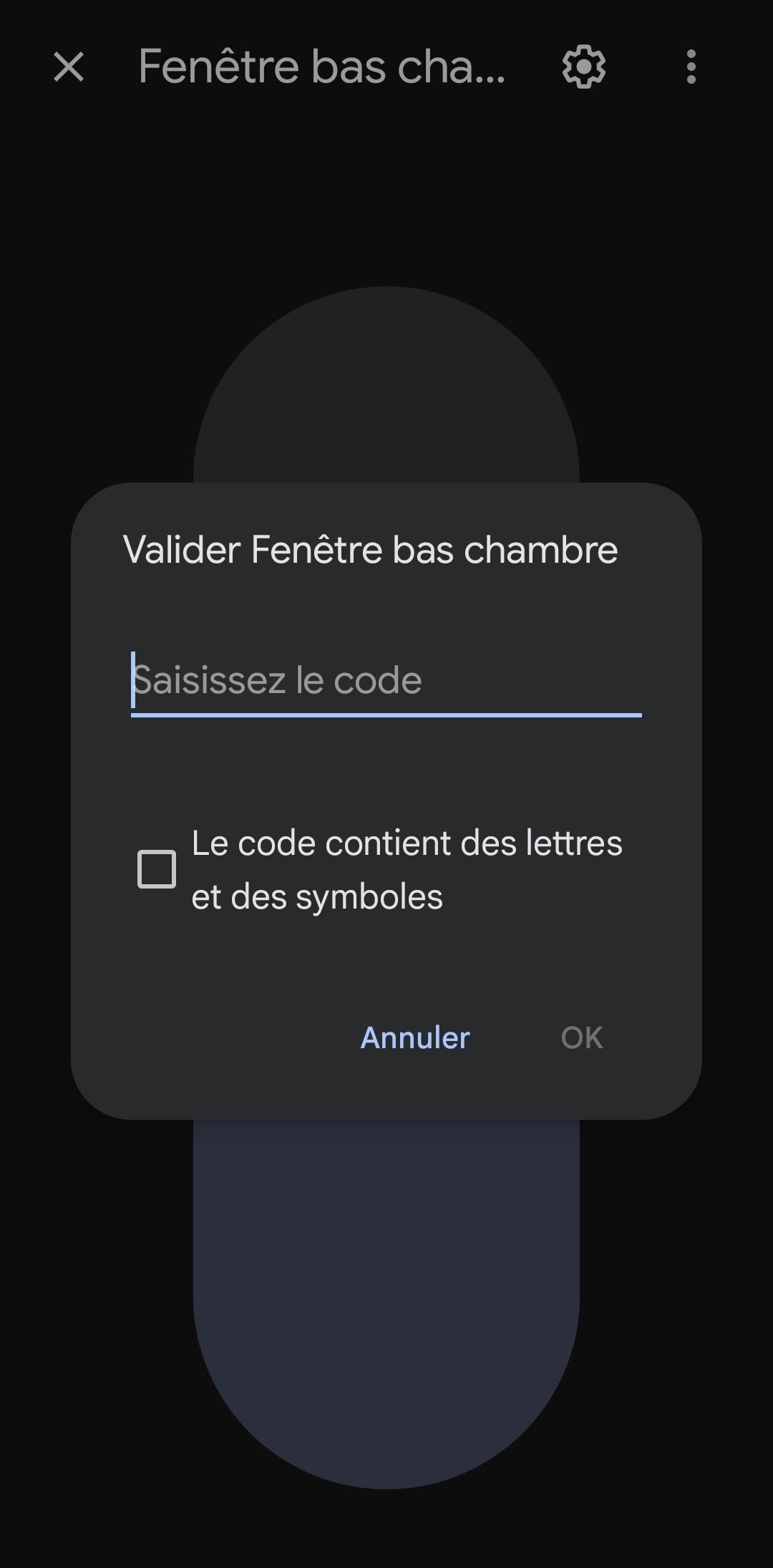
I have install velux apps but one think i can not do is to open the velux because the velux apps ask the code, so it sais that you do not have autorisation to open.
Can we make a flow to open it with the code? or have you a other solution?
Thanks for your Help
If you would share a little more information, more people could help you:
What homey do you have?
Which Velux app do you have?
What kind of device from Velux?
What protocol does this device have?
I have a Homey pro 2023
I have some Velux, Store, Different probre (Temp, Co2, Humidity) from manufacture Velux and i use VELUX ACTIVE NETATMO i think it is io-homecontrol® (SOMFY)
in can use and see every Probe but the only thing is not working is to open the Velux due to the code that you need to give to open it.
when you use the apps velux no problem.
If i use goolgle home i need to give the code that the velux accepte to open.
So in suppose that Homey need to do the same.
we can maybe when we open the velux do a flow that open the code…
Thanks for your help
Hi Jeff, I do my best to explain the situation in the top of this thread: [APP][Pro] Velux
Thanks Peter
For me i have no problem to close the velux but only to open due to the code protection.
I have such a device (lock/unlock) if the insights are still needed. Need to overcome the credentials part myself (settings area is correct and homey restarted) because devices list isnt loading at this moment.
Hi, bjbakker1984, I have reached out via the diagnostic report you have sent.
Best,
Peter
Hello Peter,
I have problems with connecting to devices. I have successfully connected to my Velux active account (got warning email from Velux), but when I try to list any of my devices, Homey finds nothing.
Maybe there is a problem that the Velux gateway is on other subnet (reserved for IoT) that the Homey is.
How does it works? Does the Homey need to communicate directly with Velux gateway or is it communicating over internet?
Thank you very much.
Hello @Peter_Jensen1 , hello everybody,
I have Velux windows whose opening is controlled by Velux Active. However, with the Velux Active app for Homey, we can close the Velux windows but not open them (Velux block, supposedly for security reasons with almost all home automation boxes including Homey …).
Would you know a workaround solution to open these Velux windows using Homey?
PS : I thought of making a Homey flow with a THEN that sends a command to my Google Home account, so as to ask Google Home to Open the Velux and then give the code requested, but I guess it’s impossible to do such a flow with Homey 
Hi @Herve69 i write a bit about the issue in the first post [APP][Pro] Velux
I the only workaround I know here: [APP][Pro] Velux - #15 by Peter_Jensen1
Hi @Kamil_Sykora I will need to take a look at your logs, PM me if this is still an issue for you.
Hi Peter, hi everybody,
I’ve found a workaround to open the IO Velux window with Homey Pro, and it works great 

I also close the windows via the SomfyBox. Is it possible to slow down the movement? In the Velux app, you can set the movement to slow, but the window always opens quickly via Homey (which then wakes me up in my sleep). Is there a solution for this?
Hello @Doekse and @Peter_Jensen1 - how was the virtual coffee? Did you manage to talk with Velux? I’m just really hopefull and interested and wanted to ask if there was anything I - as a both Velux- and Homey Pro customer/techie user - could help with?