ok. It was just a thought. So happy with already seeing live streams on dash. Thanks for quick reply
What exactly does “live stream” mean? Do I see permanently live or only a stream of a couple of seconds?
When I go to the live stream with my Reolink camera, I see approx. 3 - 5 seconds live, then it’s done. If live thinks it’s permanent, what could be the reason?
My reolink cameras keep the feed going. Sometimes the image breaks up/corrupts for a few seconds, but it generally recovers.
My HikVision camera just works flawlessly providing a constant stream.
As the connection is between the camera and the Homey app via the lan, it must be one of those causing the problem and not Homey. Homey just acts as a intermediary that joins the two together and then steps back.
Hi Adrian, thank you for your feedback.
When I watch via the Reolink app (iPhone), there are no interruptions and it runs smoothly.
The problem only exists when I watch via the Homey app (iPhone). This indicates to me that the problem must be with the Homey app (iPhone), or am I misunderstanding? Do you have any tips on what I can try to find out the cause?
I would also think that this is an issue with the Homey app. But you have to contact Athom about this, since apps have nothing to do with the mobile app itself.
It’s working. Thanks!
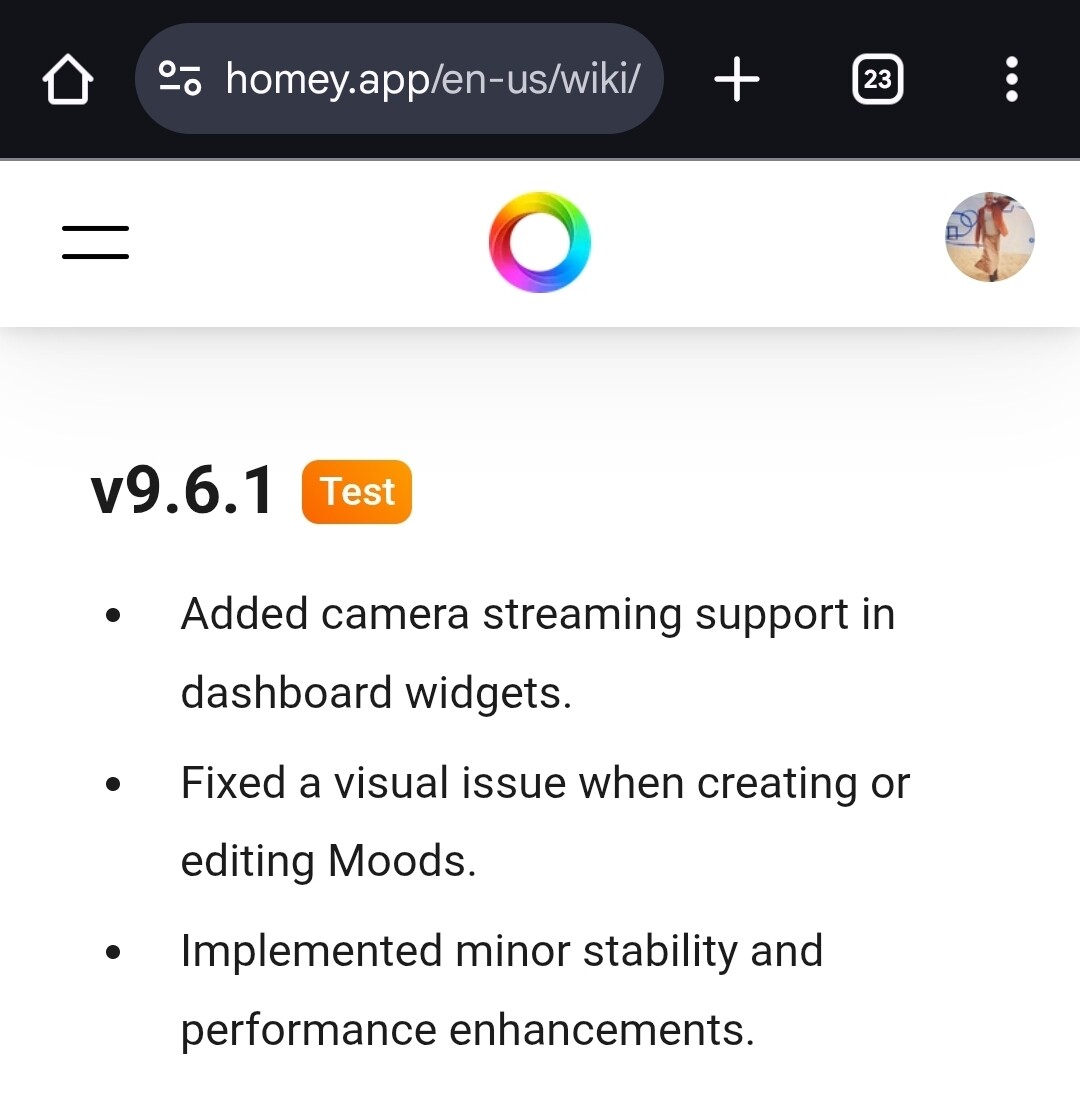
Now I need to find out how to show a live stream in the dashboard

I will do that, thanks
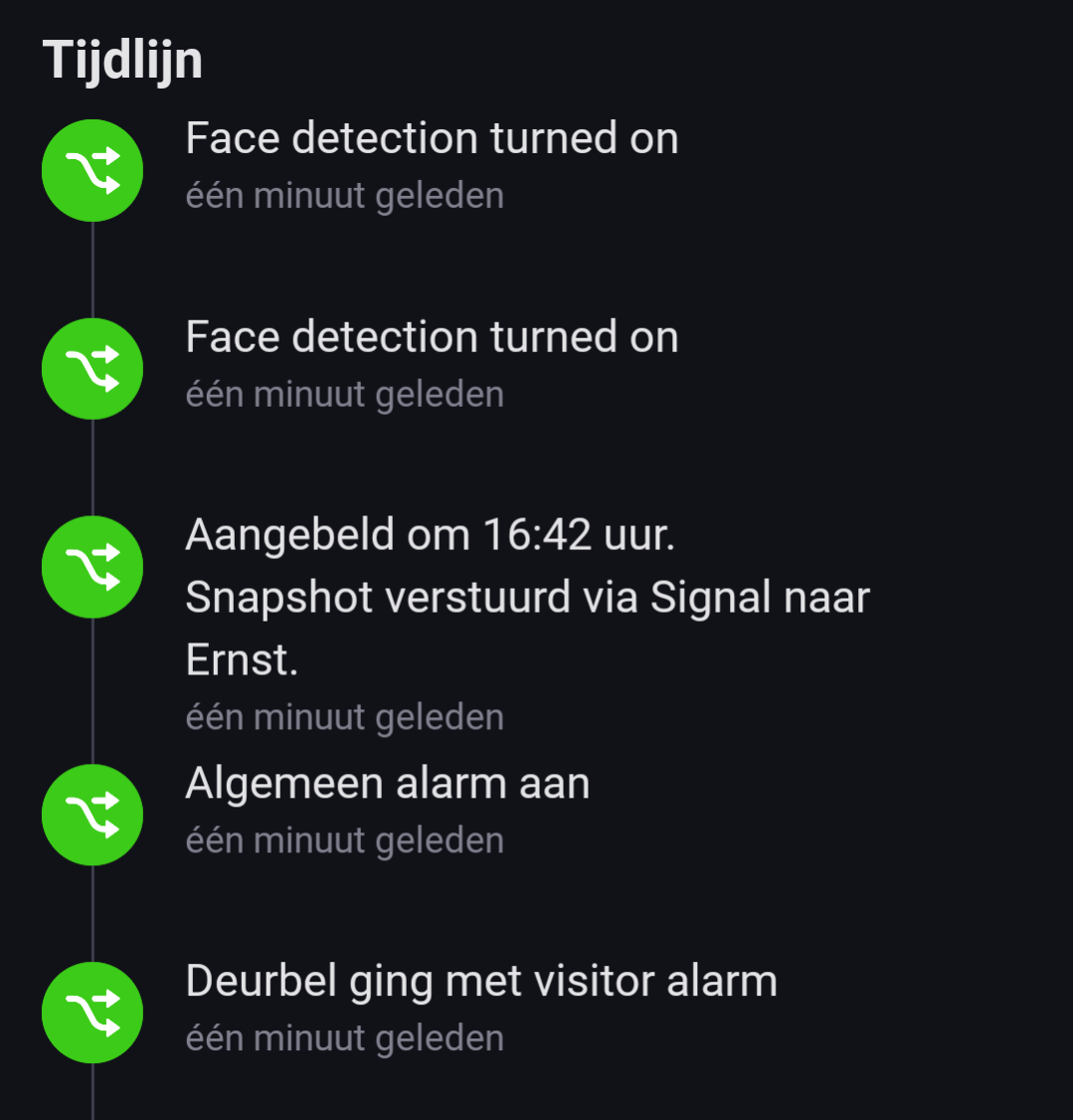
Just out of curiosity: Did you manage to trigger flows with the ‘doorbell rang’ event?
At first I thought this wasn’t possible, but it just occurred to me the “Visitor Detected” alarm is acting as the “button pressed” event.
It needed some configuration on the Reolink phone app to get it right.
In my advanced flows I use this trigger for the Reolink Doorbell:

So, you are saying you are using a different card?
Yes I use the Visitor Detected trigger. With “Common Alarm” I think it triggers with any of the (motion) alarms as well.
But that all depends on your configuration of the cam in the mobile Reolink app.

I can add my UniFi doorbell as livestream, but can’t add the onvif(rtsp) stream? Don’t see the camera in de the widget?
Where is it hidden?
Thanks
Which Homey model?
2023 Model
Does this answer your Q?
Yes!
Needed to have the latest Homey firmware, beta App version and Homey App, and I now have live view from my Reolink Doorbell in Dashboards!
For now it works only local 
Hi Adrian,
JFYI Probably due to the v12.7.1 firmware update, the “skip Homey 2016-2019” function doesn’t seem to work anymore with the Onvif Cam app:
The “Videos are not supported on this Homey” error reappeared;
I felt free to send you a full log in advance.
EDIT Whoops, I forgot the “always restart Homey after a firmware update when issues arise” rule: restarting as we speak.
EDIT2 Restart didn’t make a difference.
Ok, I will check with Athom if there’s another way.
