Without a Homey flow. Roller was still moved through a PowerView schedule. So the limits disappeared just by importing the roller into Homey.
@RobbyMoody I’m trying to understand the issue.
What do you mean by. importing into Homey?
Can you describe what you did, so I can try to reproduce maybe?
Hi all
The powerview hub gen 3 is very expensive
Dies it work with other manufacturers also ( somfy for example ) or just luxaflex ?
I have somfy / luxaflex / brel … would be nixe if something can be combined …
@Dennis_H74 luxaflex is a closed off ecosystem, so you can’t combine these products with other brands
Okidokie …. Hub nr 3 then 
Installing the PowerView app in Homey and adding my shades in ‘devices’ without
making any flows.
@RobbyMoody also when you only add the hub and not the individual shades?
Haven’t tried that. But to test I just reinstalled powerview and added the hub. Will see…
@RobbyMoody my guess is that that will work. In the powerview API there’s a strange behaviour which breaks the limits of a device (when controlling individually). It’s really unpredictable. Only adding the hub should be fine and you’ll be able to run Scenes from Homey 
I believe you are right. Since I added just the hub but not the individual shades everything seems to work fine.
Do you have any options to fix this issue? (Probably not because it’s API related…)
@RobbyMoody no unfortunately not. Already reported to Luxaflex
@martijnpoppen
After two weeks the roller lost it’s limits again. So the bug is also present when only using scenes and not individual shades.
Unfortunately this renders the Powerview app useless in my situation.
@RobbyMoody this is something i already send to HD. But no reply in that. Will have a check with what i can do
Can you send a report of the app to me?
I already removed the app from Homey…
@RobbyMoody alright !
Hi
im intressted to know why Powerview gen.3 from Hunter douglas/luxaflex dosent work with an Athom Homey Bridge?
Im in the market to buy a new Homey and i have read it only works with Homey Pro?
Hi @David_bergqvist
I have a call with Hunter Douglas this wednesday about that topic
Hello @martijnpoppen ! I am trying to add my shades. Within the homey app i cannot find them, so I need to enter the IP address of the hub; what I did, after that, I’m getting the following error: Cannot read properties of null (reading ‘length’). Could you please help?
Diagnostisc report: 0149146a-d93a-4b0a-90fd-f1478a1e873a
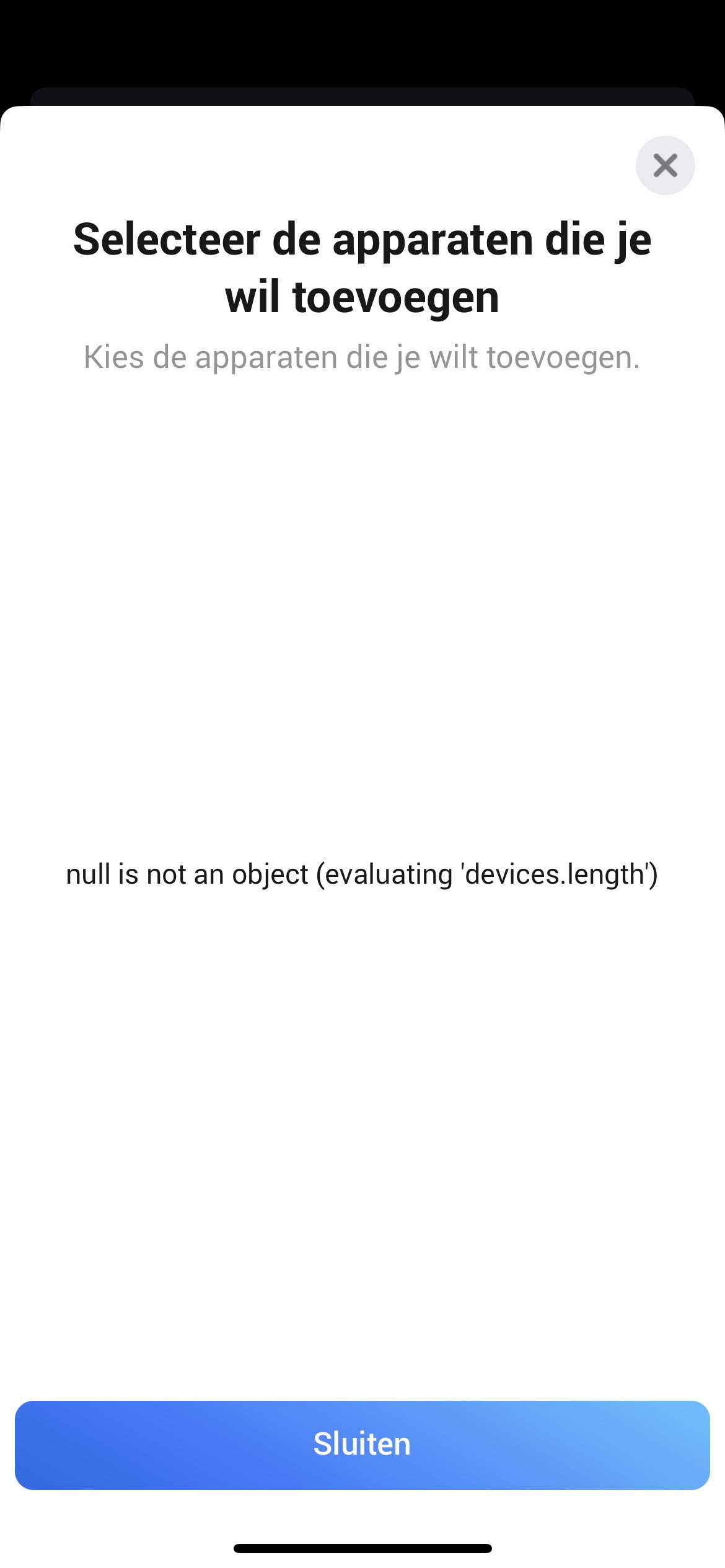
@Joe.ri Did you connect your Hub/Gateway first?
New app update (LIVE: 2.7.2):
Changelog:
NEW:
1: FIX: Shade pairing
If you find any issues, send a report via the mobile homey app
More - apps - Powerview - settings wheel right top - send diagnostic report (put your email in the input field to make it easier)
