OK, thx. Will try
Okay, really weird. Didn’t do anything but suddenly the IP address in de Powerview app (not Homey) changed to 192.168.178.30. So I changed the IP address in de Powerview Homey app to this and now I can add the devices again.
Don’t know why and how, but it’s working again.
Thanks for your patience ;).
@Scoovey on restart of the PowerView app in homey it tries to find the IP in your network and will update it
This saves a lot of hassle if it fails.
So maybe for next time first restart the app in homey 
Edit: oh sorry, you meant PowerView itself
Yeah had that as well that’s why the restart of the hub helps
I haven’t set an IP address, but I use powerview-hub.local This works for me.
@martijnpoppen Is this still the case? Two sliders for position 1 and 2 is not really intuitive. Also in my case the position 2 slider does not work, I suppose it should control the top section of my Luxaflex Duette Shades.
I found two issues:
- Once I searched for new devices with your app, multiple luxaflex duette shades were found. I tried to add them all at once, unfortunately only the first one I was able to be set to a zone. All the others I could click on a zone, but nothing happens.
- Position 1 slider controls bottom section, position 2 doesn’t do anything, it should control the top section right.
I made a diagnostic report 6e338cc8-9143-461e-a63c-af06830144f6 - In the Android powerview app I can set two favorites positions per duette shades. Is it possible to set the position to one of these favorites with a Homey flow? I can only find to set a scene, but favorites are not part of them.
Would be perfect to have a control like the right picture of the powerview app.

Yes still the case. There had been no update to the homey UI. I know this is requested before but no idea if Athom is working on it
@Doekse are there any plans to introduce more sliders/controls for smart window coverings?
- Not much I can do about zoning that’s a homey app thing not related to this app
- You can change the motor it controls in the device settings

- There’s no way to set favourite positions but you can control custom positions per shade. Using the flow cards per device
The only thing I can say is that we are planning to have a good look at our device controls in the future.
Thx, didn’t know and now it seems to work.
However I get many times unable to set shade, when I try to move position 2 (set to secondary motor) which is the upper section of the duette shades: 224709b7-2653-49d0-b1e3-76baf02392cb
Many devices uses an upper and bottom section, so I hope Athom will give it a higher priority than the last few years.
@rvdeijk sorry didn’t know the report was yours
But as you probably saw already replied in the mail
But I would suggest trying to change the motor settings to see if that fixes the issue


@YSL and what if you click one of the devices ? What message do you see?
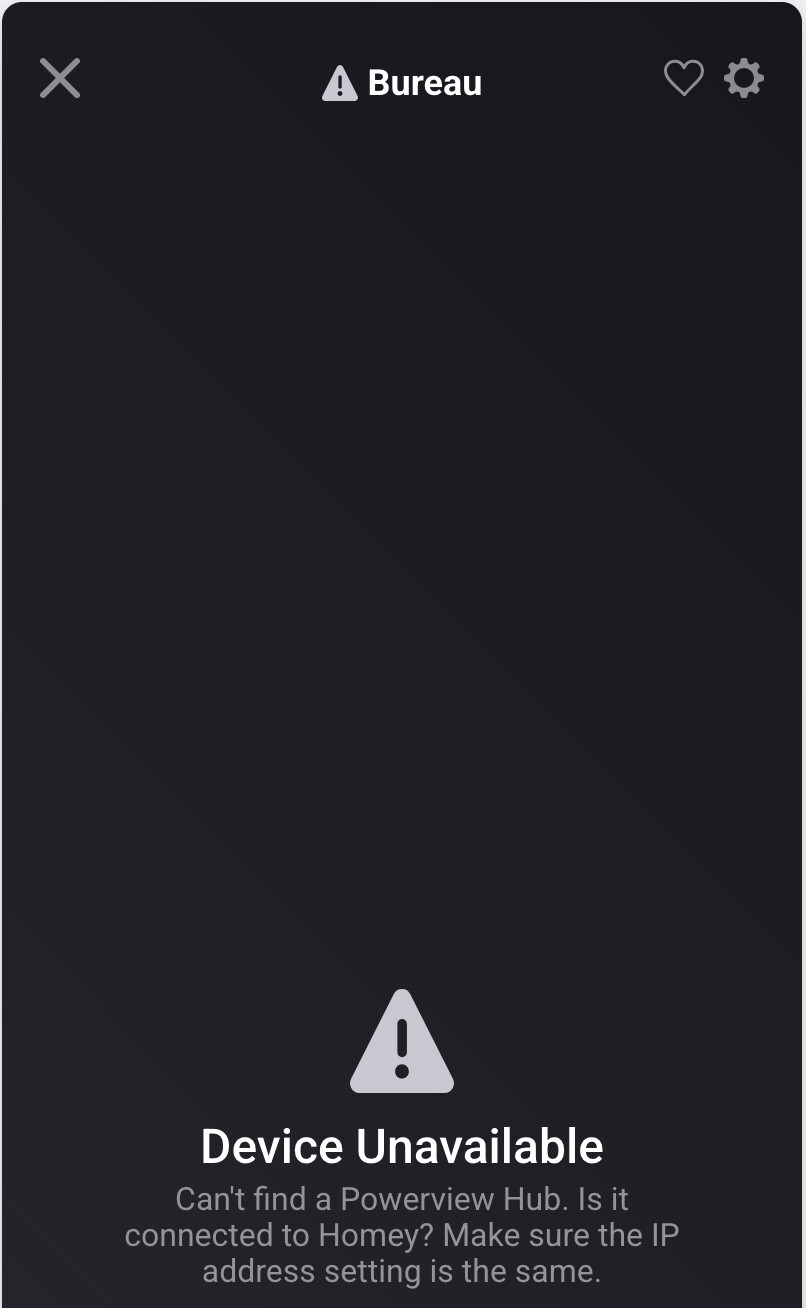
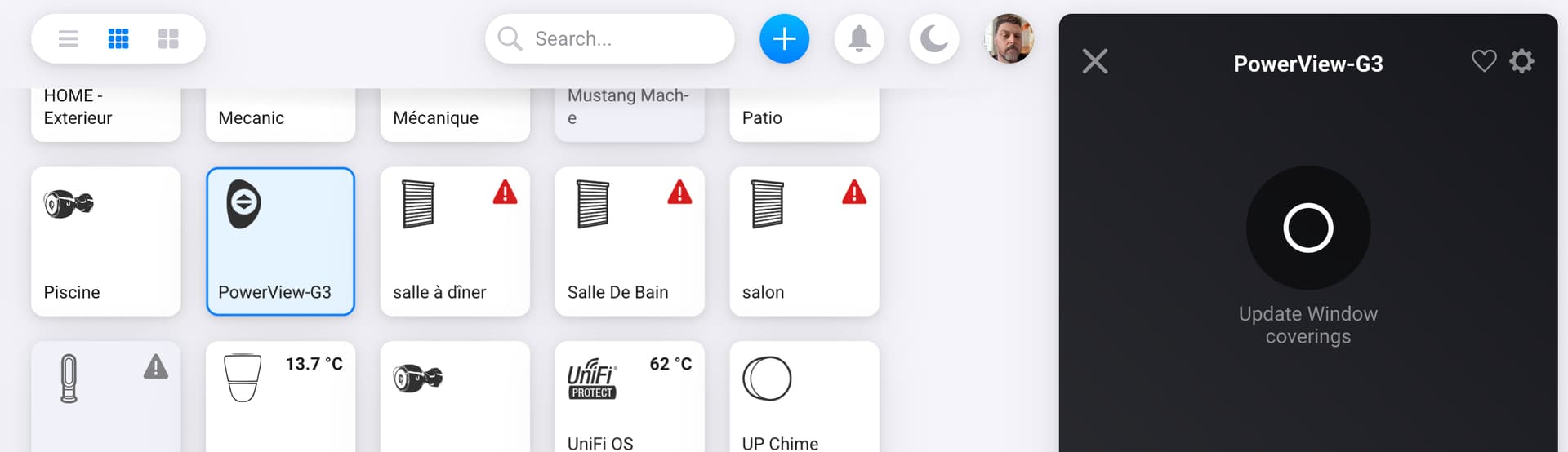
@YSL there’s a message there saying that you need to verify the IP address
But if you hub works; go to the device settings of the hub (in homey) click the update window coverings IP and then save
Or restart the PowerView app in homey and it’s should update the IP addresses as well
Hi, and thank you for the help. I have successfully configure it back after a complete wipe of PowerView on Homey, a reboot of Homey and redoing the setup with PowerView app. I hade to restart the Homey app and it worked.
Another questions about the Homey.app
the Roller& Screen Shades stores are behaving very strangely, only position 1 work…
If I position 1 is set to 50% only Screen Shade goes to that position

If I position 1 is set to 100% Screen Shade and roller set to complete close position.

If I set position 1 to 0% Screen Shade and roller set to complete open position

I do not seams to be able to close the Screen to 100% and the Shade to 25% or anything else then 100%
Similar situation with Duette & Applause Honeycomb shade
Position 2 does nothing. Is that expected to not be able to control Screen Shade independently of the Roller?
@YSL depends on the shade but in the device settings of every shade (in homey) you can change the motor settings to your liking
well, Roller& Screen Shades stores have only 1 motor that control 2 shade on the same role. Settings, as fare I have tested do not consider it as only 1 motor but 2 shades….
@YSL I don’t know all different types
How does this work in the native app of PowerView?
Yes, it is. On the native remote, “close” close both shade one after the other as they are on the same roller. “Down Arrow” close the first shade only. Opaque shade, the second one, can be set to any position as long as the first shade is completely close. It is basically 2 shades on 1 roller with one motor.
@YSL ok but I’m curious about the app not the remote
Did you already try changing the motor settings in homey ?
