

@Erik_Rutten I can’t see that in a screenshot please Explain, what you did and send a diagnostic report
Did you change this?

@martijnpoppen your screenshot is different from mine. In your screenshot you have the “positionkind”. I don’t have that option in the advanced settings of the blinds. These are my options in which I don’t seem to be able to change the primary or secondary rail in the positionkind
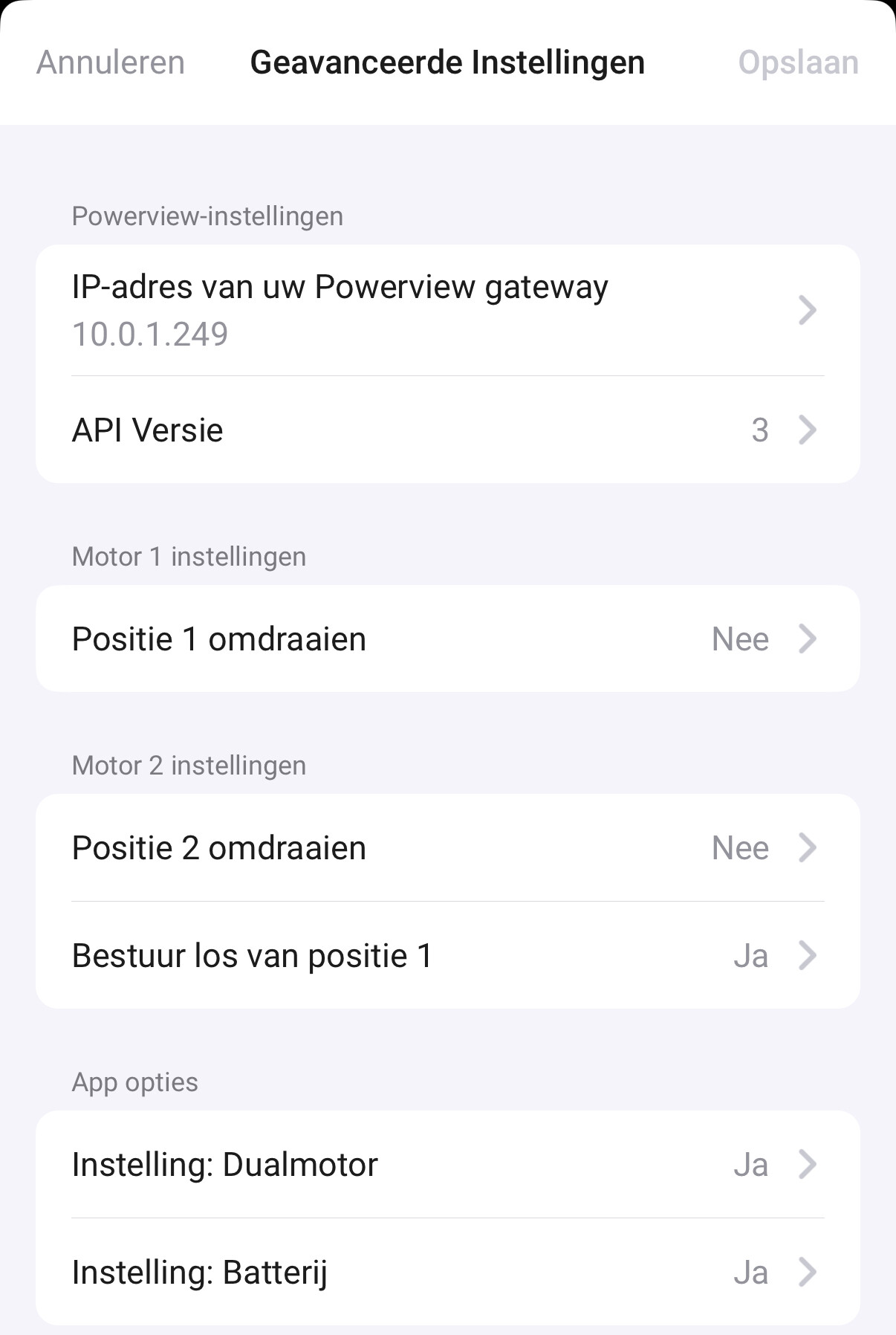
And when I click the option “bestuur los van…”
I only have:
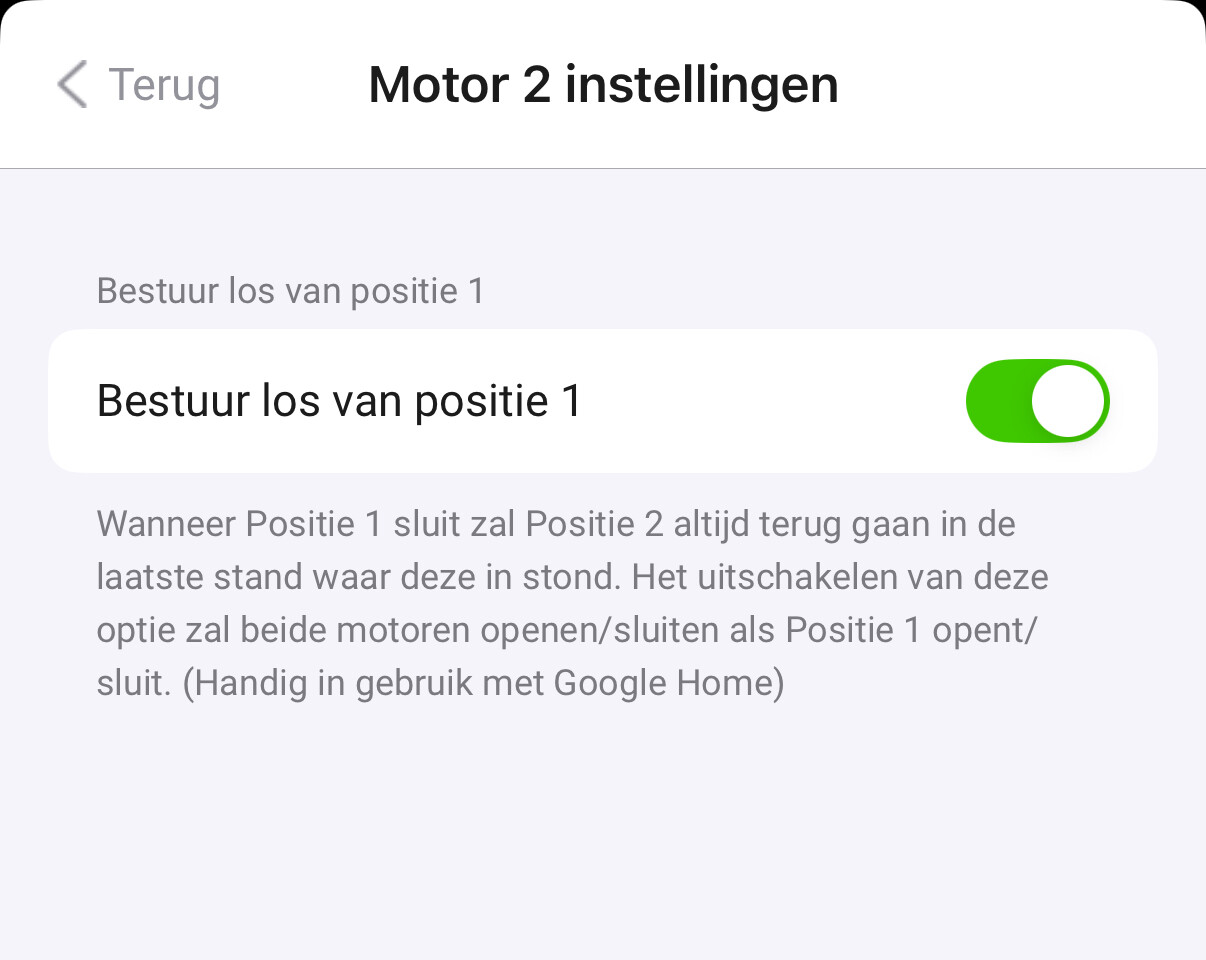
@RVJ can you send a new report? I’ll check the settings
@Erik_Rutten English please…
Did you change the settings as I asked ?
@martijnpoppen ofcourse. Here it is:
266c2d0a-28e0-4253-a4d5-458a23e2756e
Yes, I changed the wheel from position 1 to position 2. The tilt position does not change after setting a different percentage for position 2.
Rgds
Erik
Verzonden vanaf mijn Galaxy
-------- Oorspronkelijk bericht --------
@Erik_Rutten check the messages i sent earlier. I’m not talking about a wheel…
Please check the device settings:

@Erik_Rutten ah it’s a gen 3 device
Ok will check the report
@Erik_Rutten @RVJ looks like both of you have shades which are not properly recognised
I’ll check with Hunter Douglas for the right data.
When I have a update I’ll come back to you
Ok, thanks.
Rgds,
Erik
Verzonden vanaf mijn Galaxy
-------- Oorspronkelijk bericht --------
@martijnpoppen thank you. We have three different kind of smart windowshades in the house from luxaflex. We have curtains, we also have the shades which are in the dutch language called ‘jaloezieën’ (the horizontal shades that should be able to tilt) and we also have the vertical ones which in the dutch language are called ‘lamellen’. They also should be able to ‘tilt’ but that is more like turning instead of tilting.
Hi @martijnpoppen any news on these shades?
@RVJ no. Had holidays, also it’s only been 6 days 
First of all I don’t know when you have holidays and second I think I am allowed to just ask the question if there is any news. I did not mean anything by that. i was just wondering 
@RVJ I understand but I also said I would come back to you when I have an update on that. Please be patient. It’s still voluntary work
New app update ( TEST: 2.10.0):
Changelog:
NEW:
1: NEW: add motor settings for Gen 3. This allows the user to override the slider to a different motorFIXES:
1: None
If you find any issues, send a report via the mobile homey app
More - apps - Powerview - settings wheel right top - send diagnostic report (put your email in the input field to make it easier)
With this release it’s now possible to select a different motor per slider.
By default the app handles this automatically, if this doesn’t work as expected you can override it yourself.
In the device settings you’ll see the following:
- Type: This is the type number given from Powerview API
- 1st Motor setting (if automatic): This is the motor for the type of shade based on the API
- 2st Motor setting (if automatic): This is the motor for the type of shade based on the API (if it has dual motors)

This is the part where you can override the motor settings:


If everything works as it should leave it on automatic. The app will take care of it. Otherwise feel free to overwrite 
@RVJ @Erik_Rutten see update above with instructions. Unfortunately I can’t fix this dynamically and it requires a manual input from the user. Hope this works, let me know the results 
Most of the time (from experience with gen 1 and gen 2) you should change the second motor to Tilt or to Secondary. It’s just based on your needs.
Hi Martijn, thanks, setting it to tilt works out Ok for position 2. I however now get an error message on position 1: typeSettings is not defined.
