Dear @martijnpoppen, I edited my question to English and here is the reportcode:
d3b39592-5760-4a8f-b615-851c6747cb7a
I first restarted the powerview app in Homey. After that I made him search for devices again and after the message in the screenshot, I created the report
That is the IP address of the second hub (the one I bought last week to act as an extra bridge, since the main hub was not enough to reach the whole house). The IP Address of the main hub is 10.0.1.249 (but that one is not found anymore by homey. Homey only finds the second one).
By the way. I still have to change these addresses in my router, bevause I want their IP addresses to be fixed/static ones. But I haven’t had the time to do that yet.
@martijnpoppen I just did that. Restarted the app after that and did another search for devices. Still no results.
d99a7ee8-0be1-412a-bf7a-4b9980e99461
@martijnpoppen yes (off course). I am an IT guy myself, that’s why I am reaching out to you because this one issue is above my head. . The Homey Pro has IP address 10.0.1.225 (and the extra homey bridge has 10.0.1.210). And besides that, the homey does see the powerview hub, just not the actual blinds.
@martijnpoppen not at first (since IP address 252 is from the second hub - the extra one) but when I changed it to 249 then i did get a result which I sent to you in the free text field of diagnostic report f285e50d-c673-4cd6-be4c-d334e1485b6a.
In here I saw all the shades. So I thought, let’s try again, but stil no result in finding devices.
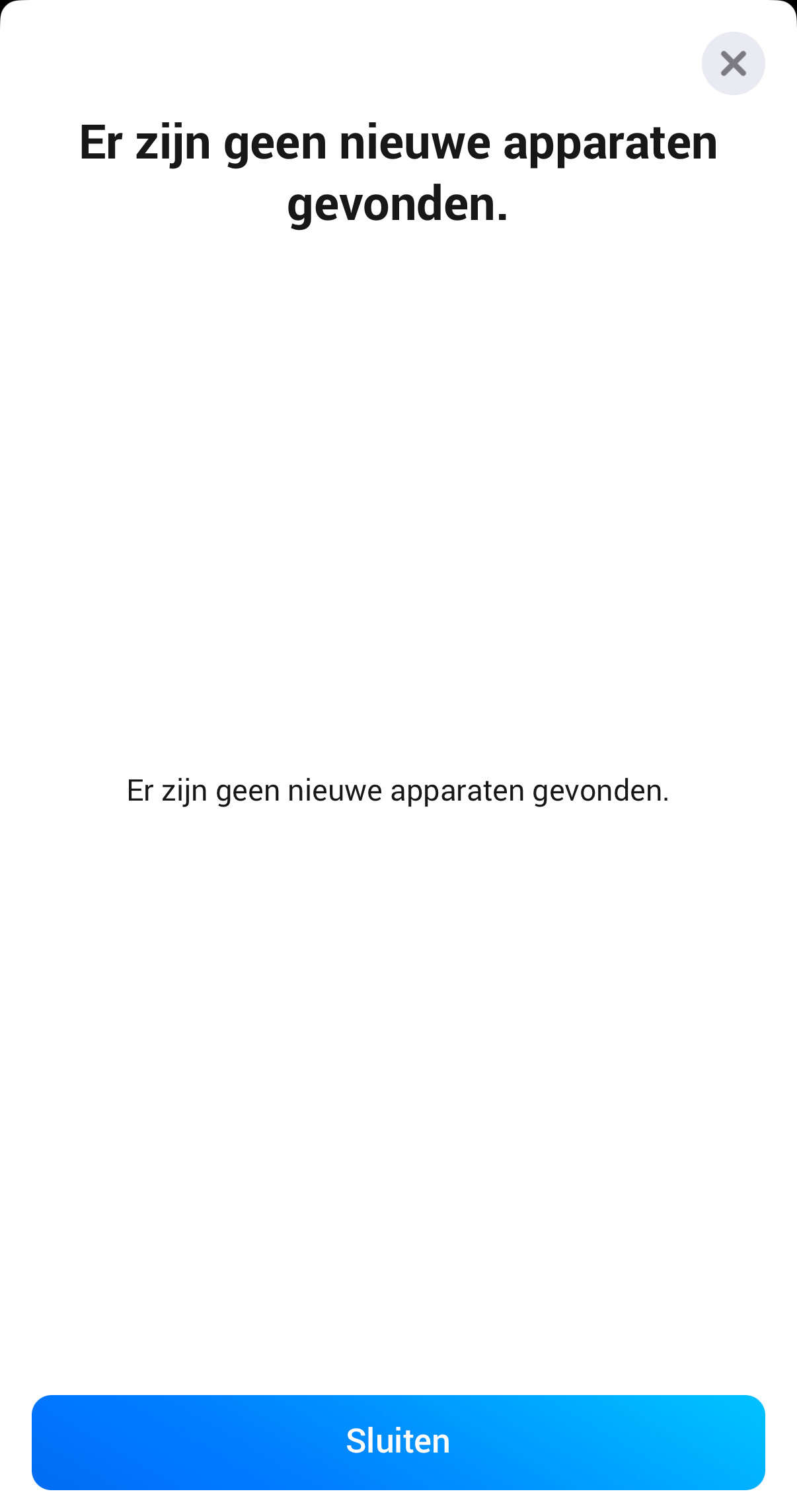
@martijnpoppen I did update it this afternoon. Immediately after we saw that it was the wrong one. And since than the powerview app in the homey show this
@martijnpoppen Yes, multiple times. Directly after the manual IP change, also after your refresh URL and somewhere in between also. And just now again. No change in discovering devices.
@martijnpoppen sorry for the late response but yesterday I did not have the time anymore to do that. I just did the exact steps you asked (I restarted the app, twice even, I searched again for new devices) and this time it did find my eight devices. How is this possible? Since yesterday I also restarted the app multiple times (even after changing the IP manually). The shades are now responding again. The only thing I do not understand yet is why position 2 of my vertical shades (lamellen) is not responding at all. I can’t change the pivot position of the vertical shades, bur position 1 (close or open) works perfectly now. Here is the diagnostic report: d6656156-d3b9-4ba5-bdc3-c5ef06797840
Hi, I recently installed Luxaflex Powerview Venetian blinds. They show up in Homey Pro and I can change the high low position. Changing the tilt position is however not possible. I can add Position 2 as a slider, but nothing is happening when I change the slider. It’s not possible to add the tilt position as a slider. Can you help? Rgds, Erik Rutten
@Erik_Rutten you can change the type of motor in the device settings. So there you can select which motor should be controlled by the first slider and which by the second
 . The Homey Pro has IP address 10.0.1.225 (and the extra homey bridge has 10.0.1.210). And besides that, the homey does see the powerview hub, just not the actual blinds.


