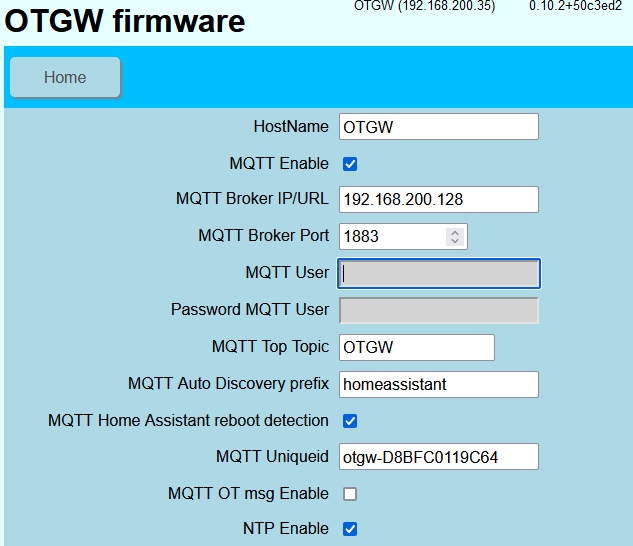
Hi there, I tried to get this OTGW with wifi from Nodo shop to work with my homey. The problem though is that It seems not possible to save the settings on the OTGW itself via the web interface. When I try to change the MQTT settings (enabling it and give in the right ip/user/port) it fails to save it. When i press save, it waits a long time and than the settings have not been changed. I tried all browsers I could think of, like chrome/firefox and ie, but no luck.
Any idea how to get this to work? Am I doing something wrong here?
And if I cannot get this to work via the webinterface, is there another way like with telnet/ssh?
Would the upgrade of the firmware to 6.6 (it has now 6.5) maybe help? And if so, is it save to upgrade the firmware via the web-interface (as it seems not to stable configuring the settings for now).
Yes that is the page I mean. If I change it and enter the save button it doesn’t save. The save button disappears after clicking it and when I push settings again old values appear again. So a bit stuck there.
Would it be useful to upgrade the firmware to 6.6 if the current one is corrupted or is that risky as I might get stuck somewhere?
Do I better upgrade via USB or can I do it via the webinterface. I see the option to do it. I have an arduino usb cable here.
Solved it finally. It was something with the browser I guess. It only works on my Samsung mobile when I connect with it I can save the settings.
Now my it works. I can see some things as boiler temperature tapwater on etc.
Where I want to use this device for is adjusting the set boiler temperature as normally is done via opentherm from the thermostat. I use a multiroom heating system which doesn’t work always ideal.
I some cases I want to override the set boiler temp(opentherm set point I guess) to a lower value. That is all that I want. It does now by itself(opentherm) fluctuate the boiler temp but it needs a bit of help sometimes.
Any idea how to do that? I tried the standard flowcards but I get fault messages on that, I guess because the boiler or thermostat doesn’t accept it.
Try commands instead of the flows. Not shure how yet, still working on the same but for Max Heating Temp.
I want a lower max on CV (heatpump actually) watertemp…
I’m going to dig in to the commands and see what can be done there.
Seeing the documentation this should do the job: CS=temperature
Control Setpoint — Manipulate the control setpoint being sent to the boiler.
CS command with a value of 8 or higher must be repeated at least every minute as long as adjustment is needed. This is a vigilance check to prevent runaway heating in case the controlling program loses its connection, or crashes.
Ok, I need to update after my last reply. I got it working using the ‘command’ card.
I need to send the watertemp I want every 58 seconds, then te temperature starts to rise in the heatpump.
I actually build a ‘heating curve’ and have the best of two worlds. I can use the ‘heating curve’ and adjust the temperature with the thermostat.
It all by all became quite a complicated flow, but it works like a cham. The heatpump now uses 30-40kWh a day instead of 50 or more…
I am using the OTGW and Homey app for a while now and see many updates in MQTT explorer.
Multiple per second usually.
Is there a way to decrease the amount of updates?
Hi,
I am using the gateway/monitor for a while now, and added some logging to Simple Log.
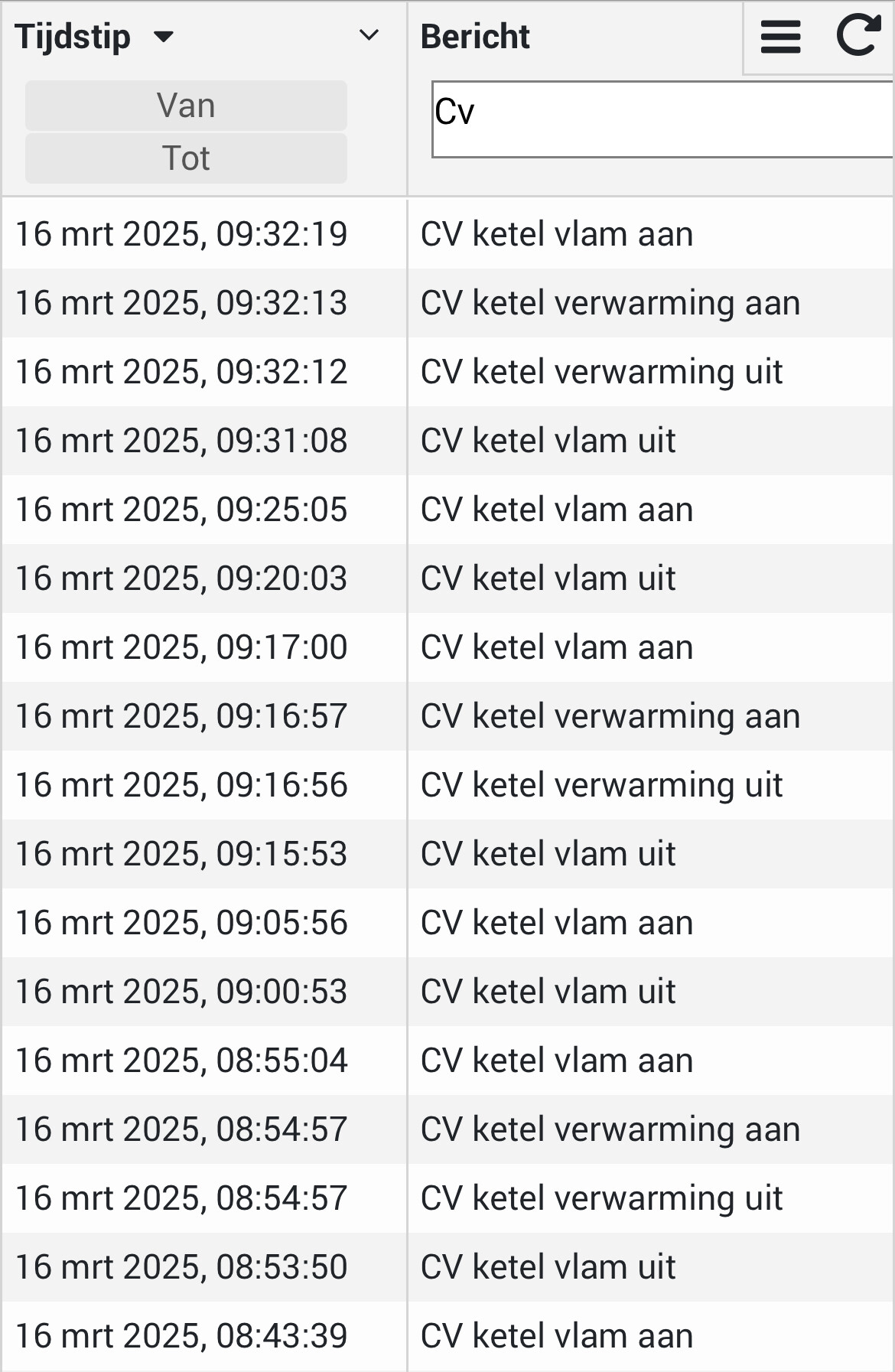
If I look at the logs, it seems my CV is turning on and off quite often.
Now I am not sure if it has always been like this, or that the gateway is causing this.
This is what I see:
Not sure w/o knowing your heating setup.
I’ve got a heatpump and OTGW only shows ‘CV uit’ when it actually shuts off, wich it does only a few times a day, since it’s a heatpump.
A regular CV could actually go on/off several times an hour if it has an on/off themostat.
What does ‘Brander modulation’ show at the times the CV flame goes off ?
I have an Intergas heater 24/18.
The whole house has floor-heating (dry-version for wooden floors) divided into 6 zones (living-room/kitchen, hall, bathroom, bedroom 1, bedroom 2 and office)
Each zone has it’s own thermostat. (Modulating)
In the livingroom it’s a Honeywell evohome Wifi, all other zones have a Honeywell round wifi)
Heating is normally managed by the Evohome and Homey only overrides on events (door open for too long, presence)
Everything works perfect and I added the OpenTherm gateway only hoping to get more info on the usage (%) of the different zones.
Unfortunately the gateway doesn’t share this info either, but I already expected that as it’s all Evohome config.
The Homey Evohome app doesn’t give any info one zone usage either.
Only the main display has a hidden feature to see this. (Screenshot)
That is quit normal behavior.
The peak power of your CV is determined by the required tapwater. That requirement is multiple times higher than the power needed to heat your house.
The modulation factor of your CV determines how far back it can modulate. But in most cases that is still much more power than needed.
I selected a intergas extreme 36 because it can modululate from 36 all,the way back to 4kw. But that is still too much for my house.
So what happens is: the 4kw power easily heats up the Water of your heating system to the set temperature. And than it switches of…
If you look at the insight graphs of the OTG and look at the kettle temperature you can see it happen…
I also have an evohome, at around 19:34 a additional room is requesting heat (valves open) so more water start flowing.