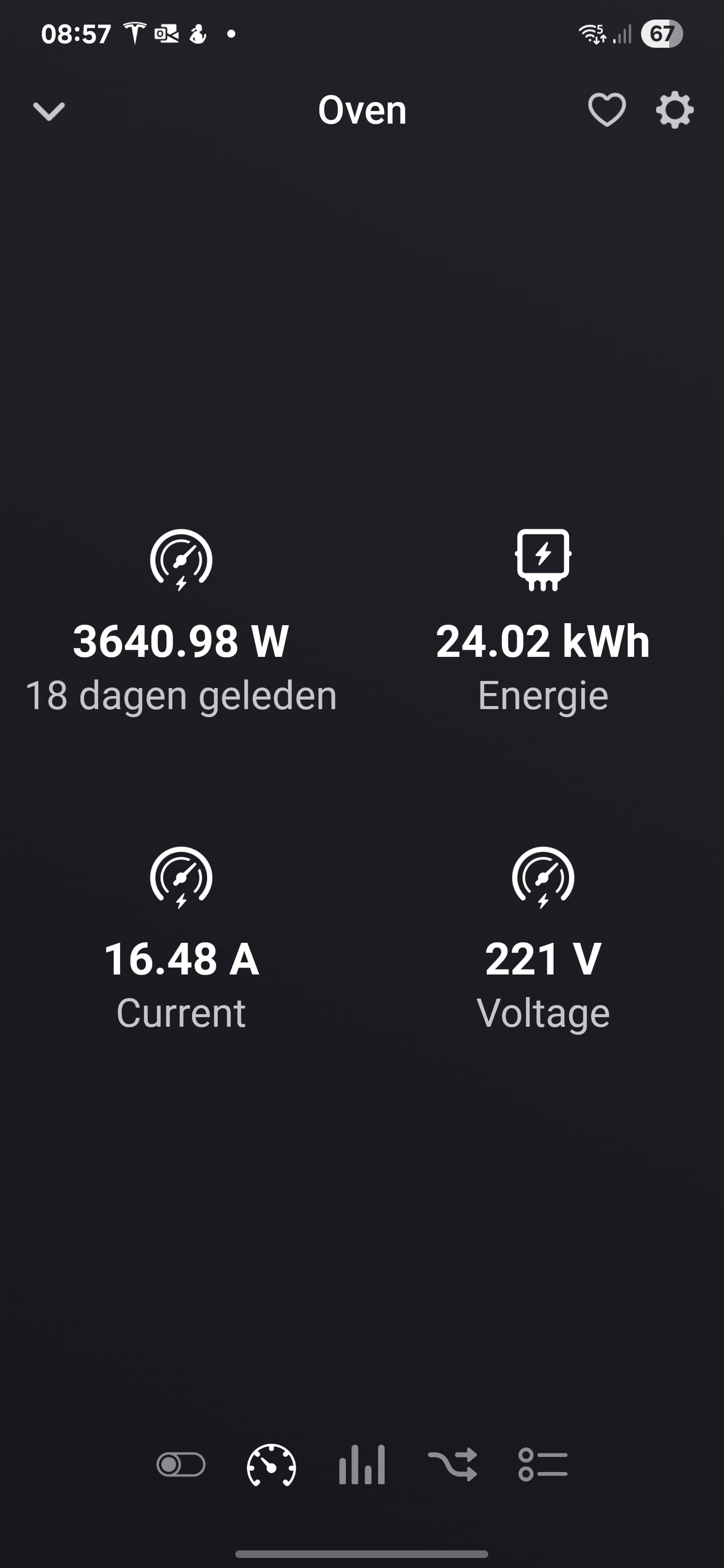
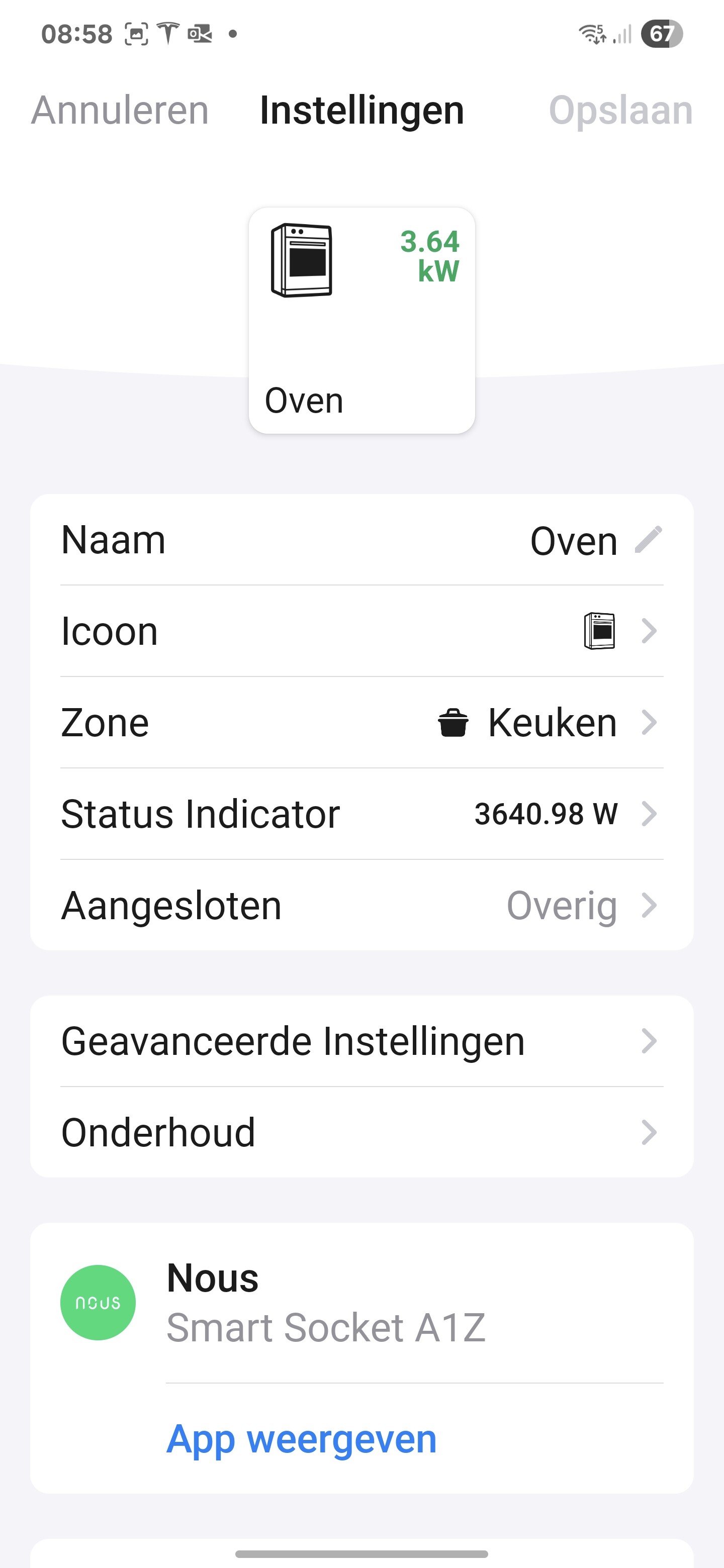
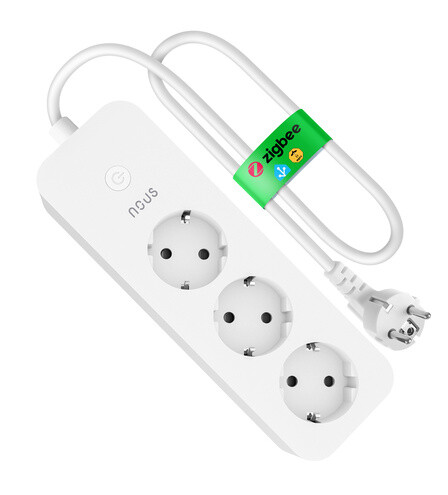
Not sure if this has been pointed out already, but I have an issue with some of the smart sockets.
I specifically picked the Nous devices in order to use them for the oven, heat pump and some other devices that can have a high peak current. Some of them are pretty much tucked away. And that is when the issue becomes annoying.
Every now and then, power metering is not being reported. I have to “repair” the device and for that unplug it and reconnect it. Especially with the smart sockets tucked away, that is an issue.
I understand you’re talking about your Nous A1Z devices ?
Can you send me as App log just afetr you notice power metering just stopped being reported ?
To send App logs, on your mobile phone Homey app, go to ‘… Plus’ (bottom right corner), select ‘App’, open ‘Nous’, then open settings (top right corner) and tap on ‘Send Report diagnostic’.
You can try now but I think 18 days is too long to get informations, you should wait for next time.
What is the distance between your Nous A1Z plug and your Homey box ?
Have you got other Zigbee plugged devices between them ?
You must understand that Zigbee network working distance can be lower than other technologies. But the good new is that most Zigbbe plugged devices act as ‘routers’ and relay all Zigbee signals, as repeaters. So, if your problem is related to distance, you should try to plug another A1Z between your Homey box and your oven, to see if it resolves the case…
Hey @SergeP, fyi the answer from Homey support about my NOUS Matter device:
This shows that the device does not generically work with Energy values. In the meantime I have learned that Tuya is the brand behind Nous and creates custom clusters for power measurement via Matter.
That is also the reason power measurement does not function with these devices. The Homey Matter integration works with devices that have standardized capabilities which are generically supported.
At this time the Nous app only supports Zigbee devices. If Matter devices are also supported by this app in the future, power measurement should also become available for these devices.
For now this is all I can do for you, which is why I’m closing your ticket.
Would be great if we can work with your app to add matter device, i’d love to have power measurement on my socket
I got your diagnostic log.
We’ve got errors indicating device become sometimes unreachable.
Error: Het apparaat reageert niet. Is het van stroom voorzien? Error: The device is not responding. Is it connected to a power source?
As you’ve got full working A1Z devices, you could try to switch one working with one not responding and see what happens. There could be interference because of the environment (your oven for example).
Ok, that’s good to know. Thank you for looking into it.
Next to these I also have Zigbee plugs from other brands and Z-Wave plugs. I will exchange some of them. Then I will keep track of where the 2 devices that currently are not reporting came from and where they went to. That way we can determine if it is the device or the location that is causing the stop of reporting.
I took out the plug from the oven and from the pump of the floor heating and replaced them with entirely different ones.
The Nous ones I have now put in a different place, but made a note where they originally came from. So far everything still seems to work. There is still one Nous power node that is malfunctioning, but it is in my technical room. So that would mean taking down the internet.
I can confirm that currently I have no issues. Don’t know if something has changed to the apps. However, the devices that are now using the Nous plugs don’t get “stuck” on a specific power usage.
And the devices that did have the Nous plugs get “stuck” now have different smart plugs that don’t show issues. I do think that the power usage reported of those plugs is on the low side, but that is a different matter
I’m happy to hear you managed to solve your problems, congrats.
Nothing changed on Nous App for A1Z but Zigbee network sometimes needs few attentions…
For Power usage, you can choose in settings if displayed power is the device native one or is calculated. If you choose calculated power values, please note that you’'l get apparent power value (P=U*I), without considering phase shift.
Hi
I have a question regarding the Nous A1Z plugs.
On the homey app website they are listed as max load 16A - 3680W. Smart Plugs – Best Buy Guide | Homey .
On the Nous website on the other hand, they are listed as 10A - 2500W max load.
I would like to use it to control my oven, which exceeds 2500W. Not by much, but still. So I don’t want to take any chances with overheating of the device and it causing to shut down or even worse.
Can we clarify this? (or change the Homey app webpage if this is an error?)
Kind regards!
Roel
Thank you for your reply! I don’t know how that got on the homey web page then (the information is usually very good), but thank you for this information! That is clarifying!
Hello, using the Nous App a few months and since two weeks the whole app stops working once or twice a day. After restarting its working again. Any Ideas what I can do ?
I’m sorry about that and I know there is a lot of problems with Zigbee on Homey 2019 (you can find many posts on Homey Forum about that).
All users using Homey 2023 don’t have any problem with Zigbee, but I often have feedback from users on H2019 with Zigbee network problems.
After many tests with some of them, all problems were about Homey 2019 Zigbee driver, none on Homey Nous App (I’m using last Homey 2023 and have no problem).
You can try to reset Zigbee network, it could work, but be aware of devices and flows loosing.
Or simply move to Homey 2023.