Hi Edwin,
As you suggested, I ran a network scan using Net Scan, and as expected, the MHI Wi-Fi modules are quite unreliable. That said, they do always recover eventually—no warning icons appear. The rest of my Fritz!Box network, both wireless and wired, runs without issues. It took me some time to verify this, hence the delay in my reply.
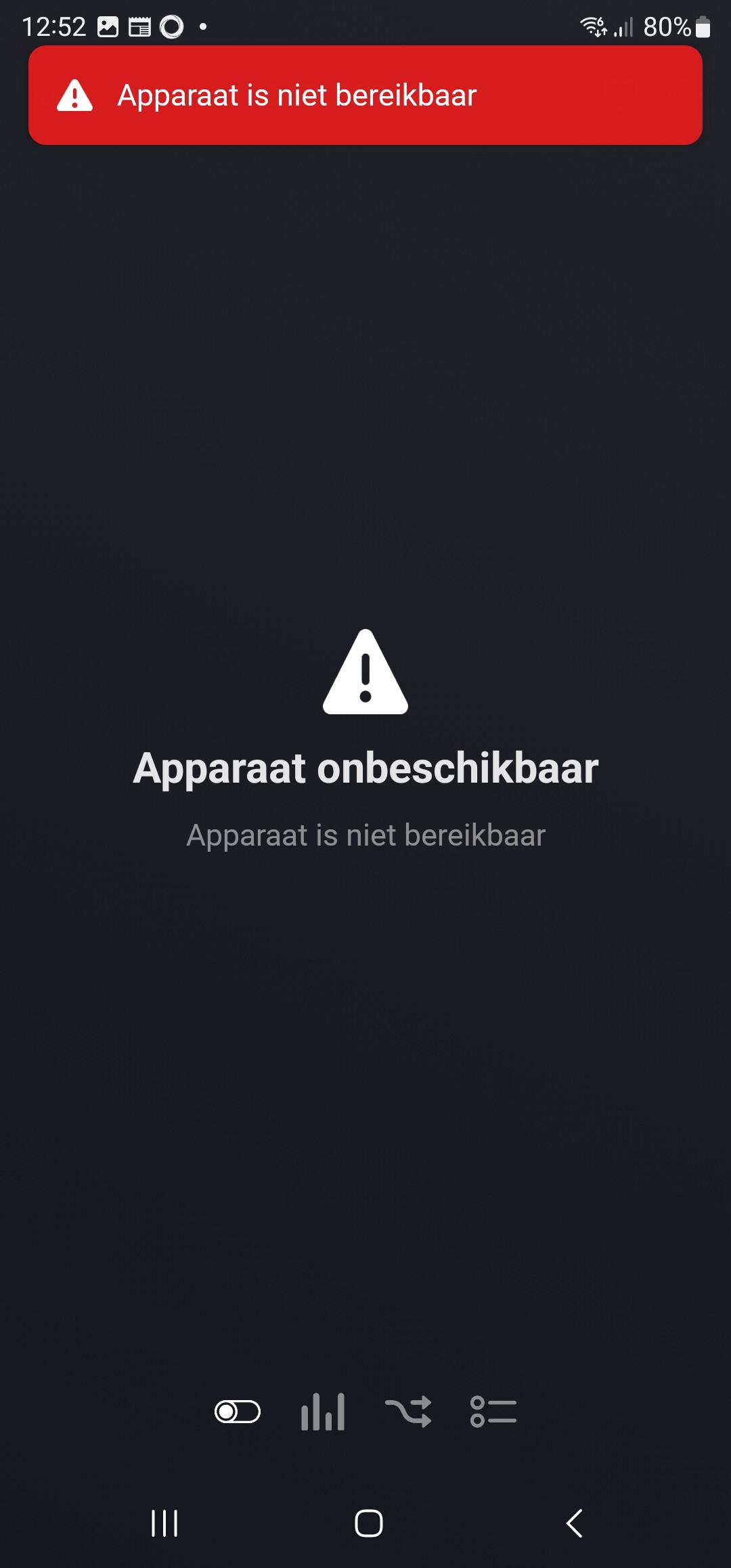
To test your hypothesis about a possible Wi-Fi-related issue, I temporarily blocked the airco’s Wi-Fi. Naturally, the unit didn’t respond during this time, but once Wi-Fi was reactivated, everything resumed normal operation. I generated some reports during these tests—hopefully they are still accessible.
At this point, I feel confident the issues we’re experiencing aren’t caused by Wi-Fi instability.
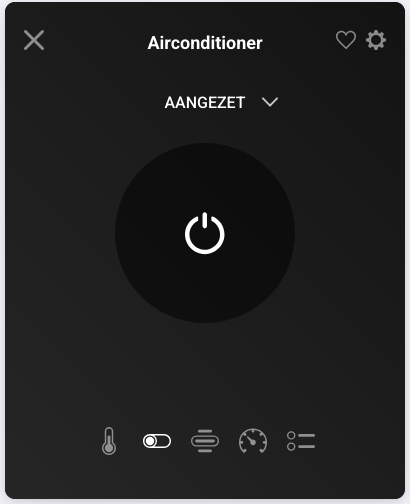
While checking the two units, I noticed that the ones I had previously reinstalled in Homey stopped working again. As before, the number of devices (“Aantal apparaten”) dropped from 2 to 1.
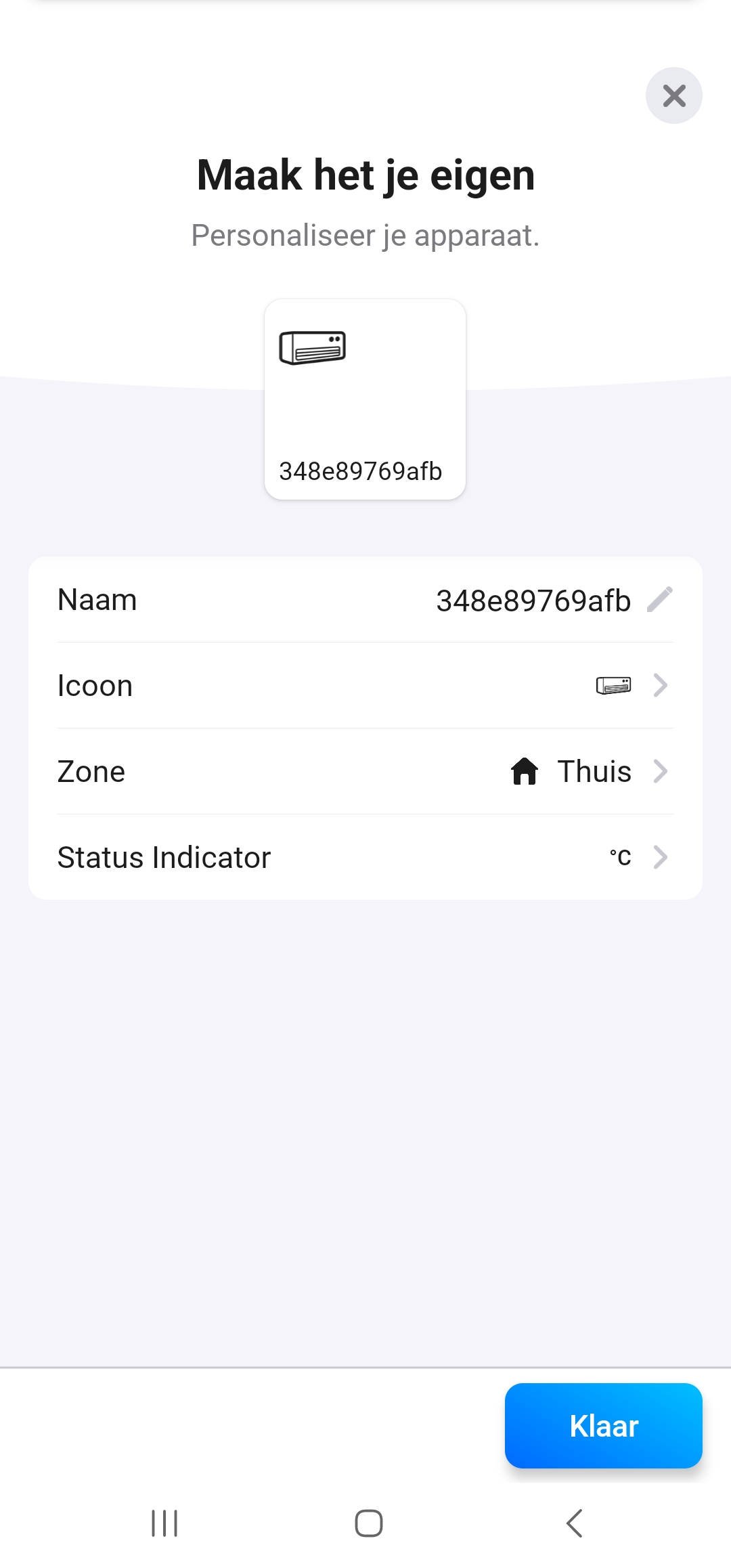
I proceeded to reinstall IP “70” (removed it from Homey, re-added it, and fixed the flows), and it worked again. For error logging purposes, I operated IP “69”, which did not respond, and IP “70”, which did.
I’ve created a report: bdd38d19-745d-4899-86be-f7bc46129a0d — perhaps your new logging system can glean something useful from it or compare it with earlier ones I sent.
I believe we’re down to two possible causes:
-
The app somehow unregisters itself as the controller on the airco unit.
-
Smart M-Air is severing the Homey device connection in some way.
Rather than focusing solely on the root cause for now, perhaps there’s a practical workaround you could implement for the affected users. Would it be possible to add a feature to your app that helps recover or reconnect lost airco devices—without requiring full removal and setup? I’ve seen similar functionality in other Homey apps, and it would really help mitigate the issue for many of us.
Thanks for your time and continued support.
Kind regards,
M. van Barneveld.