Ik zag vandaag in de Homey App dat de WF-RAC automatisch geüpdatet is naar v1.3.3. Sindsdien werkt de airco helaas niet meer. Meer mensen met deze problemen? ‘Apparaat is niet beschikbaar’. Airco werkt wel via de smart-m-air dus hij is online.
Yes, zie dit ook, sinds de 1.3.3 update krijg ik bij alle airco’s een rode driehoek (ongeveer na 5 minuten als de plugin herstart is). Als ik de plugin dus herstart werkt het even maar na een paar minuten hetzelfde probleem. Werkte daarvoor beter.
Via Smart-M wel, en ze hebben vaste ip’s allemaal.
Nothing to do with slower networks… the mitsubishi WF RAC module is simply the worst I’ve ever worked with (and im in IT) It keeps connecting, disconnecting (if I look at the logs of the network) every couple of minutes, does not matter which WiFi settings you use (2.4, 5ghz, static ip or not, advanced settings etc). Here a screenshot of the network logs (and this wifi network is set to 2.4Ghz only, and close to the Airco units):
Reply van Mitsubishi over WF RAC: ”MHI QA have responded as follows:
The connection condition between the router and WF-RAC is normal as the specification of the interface (WF-RAC) doing connect / disconnect every one hour.
This is because to avoid too much cache by the communication and this operation should not affect the application.’
Everything in my house is UniFi AP 7 Pro XG with gigabit speeds and 10gb connections on LAN. When I compare this with Daikin (which I had in my previous house), that was 10x better, but yeah it is what it is I guess Thanks for the work on this plugin!
A few days ago they installed two new airco’s. The strange thing is that one of them works fine but the other one has the same problem as described above. They both have the build in wifi, i gave both of them a static IP, and they both are working fine in the Smart M-Air app.
Hal boven: Mitsubishi Heavy Industries - SRK50ZS-WF ← This one has the same problem as described above
Tweede verdieping: Mitsubishi Heavy Industries - SRK35ZS-WF ← This one is working fine
I’ve generated a report and can send the code if needed.
Issue here as well. I’ve got two SRK’s. One is working fine since whenever the app came out and is still running fine. I finally had the time today to put the wifi module in the other machine. Works fine in Smart M Air, it has a fixed IP and after it finds it in Homey, it immediately gives a Invalid_setting_type
Normally, I don’t submit feedback because the application has worked flawlessly for years. Unfortunately, since the latest update, I randomly see red triangles by my devices cards. This occasionally happened in previous versions as well, but it would disappear after a few seconds. Now the issue persists and only restarting the app resolves it, and even then only temporarily.
And by the way, thank you for your time and for the great work on this app. I really appreciate it!

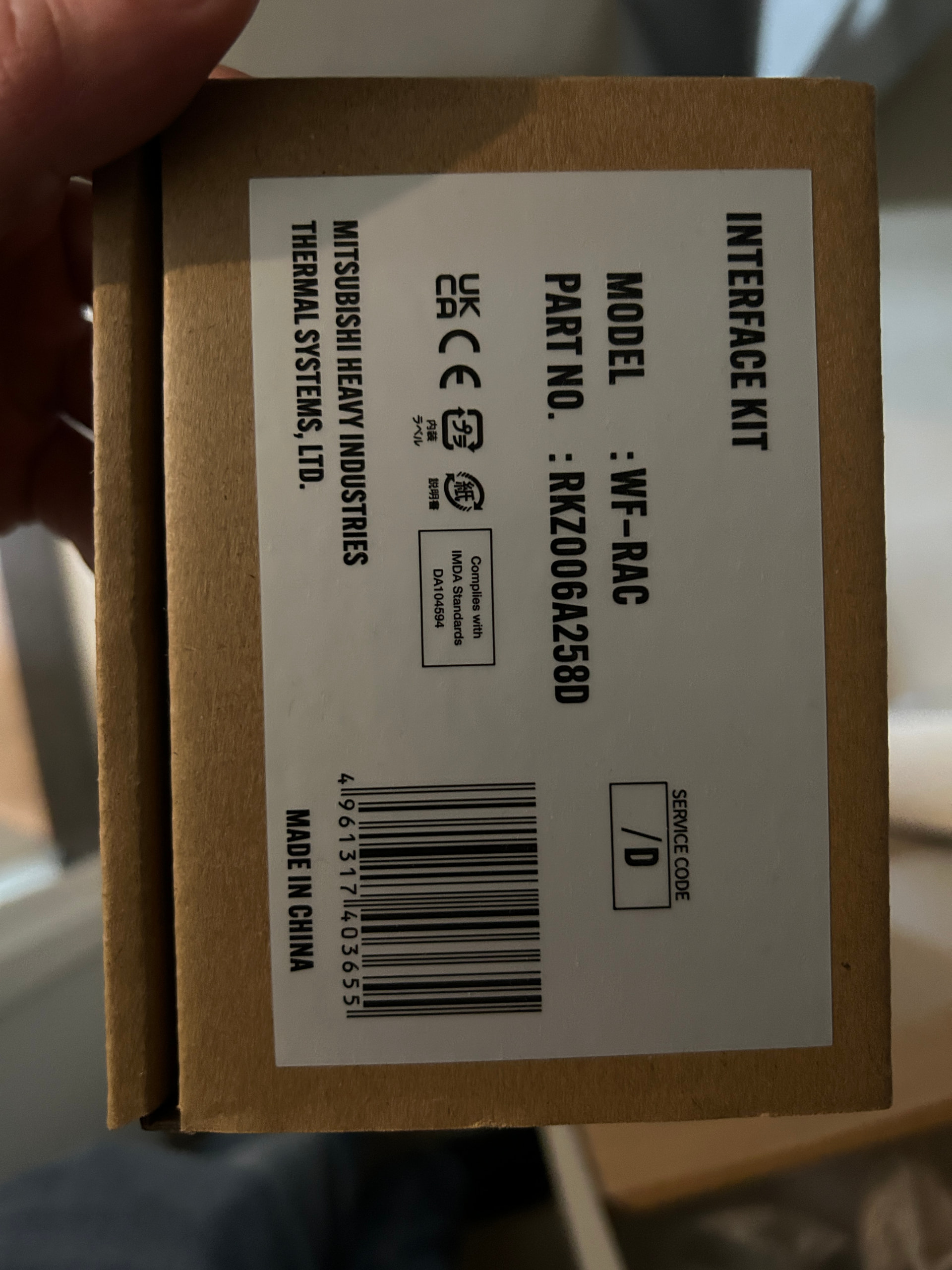

 tip if you have connection problems reboot / update your wifi routers / `repeaters .
 It keeps connecting, disconnecting (if I look at the logs of the network) every couple of minutes, does not matter which WiFi settings you use (2.4, 5ghz, static ip or not, advanced settings etc). Here a screenshot of the network logs (and this wifi network is set to 2.4Ghz only, and close to the Airco units):

