30e83a80-8ac8-4d95-a39f-25aa376e59b0
Restart done but still not working

But a timeout is still a network error. The log also only shows timeouts.
I did not get yours, can you try that again please?
I made a new cable for the EW11. Now it’s working again. Hopefully, it will continue to work. I do find it strange that it worked, if it’s the cable.
e785b0c2-797c-4ed3-a340-a963d4c14409
This is a new one
@Kaoh is it possible your latest version of the app is not published ? I can only download version 1
Use the test version


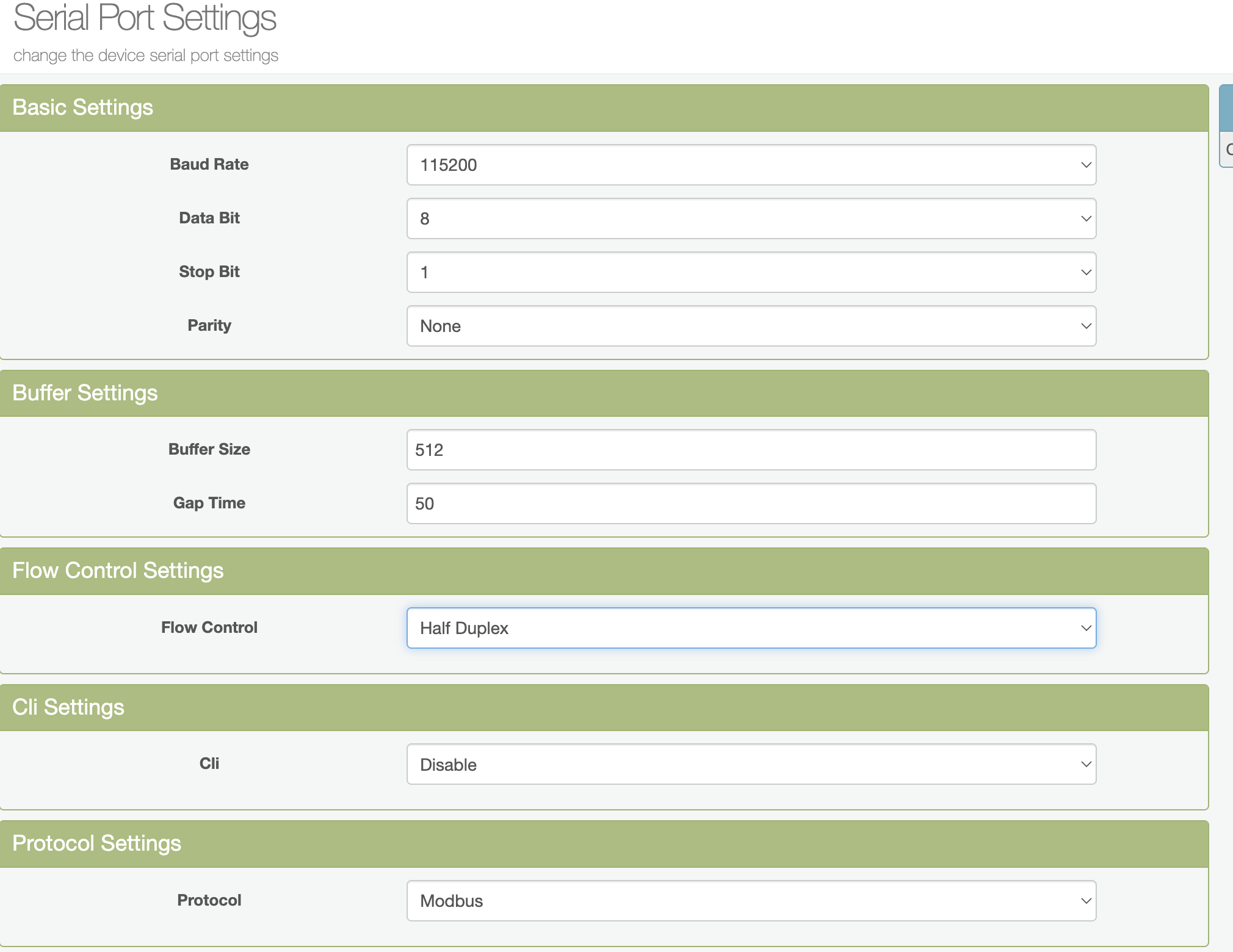

Not working
6d6d279f-0351-4154-9928-d1cca6d1444d
Your modbus settings seem ok, and the connection to your EW11 seems to be available to Homey (I do not see connection errors). But your modbus setup is refusing to give answer to all the device registers values. That is the illigal address message you see. Normally that means the V3 you have uses different registers. A notice the community has been mentioning also. But the weird thing is that @Stijn_Van_Heeswijk also has the V3 and it works for him
Can you both share your firmware version? I really think it is weird that it works for one but not the other.
Your last log share is from the 1.0.8 according to my info AND the log is clean showing no errors so it looks like it is working to me. I do seem to miss some info in the log I norammly would expect.
Can you restart the app (check again the version, should be 1.0.8 and marked experimental), press restart. Check your battery device, if still offline go back to the app settings and create a new diagnostic report.
I did a new version with a fix for a scenario that might cause your crash, please update to 1.0.9 from the test.
My V3 is running on firmware version 114. Hope that helps a bit.
I had the same error message 3 days ago. Around that time, my battery was updated to V139. It might just work for me, after the update.
Is there some way to force an update?
ask for the update via feedback in device settings.
Okay will try. Takes a few days I guess, if you get a response.
8 days in my case. Then i got e-mail.
