For some more clarification
Wow, that really sucks. During testing and use of the app more and more situations will be known where encryption of endpoints has changed. So you have to adapt the app over and over. Or you have to build in a procedure to continuously test whether an endpoint is encrypted or not. And in the case it is, start a decrypting procedure. Otherwise the data can be used as it is.
Does this also mean that the Eufy devices had a risk on those endpoints, concerning privacy?
I really , really, don’t understand why Eufy doesn’t want to cooperate with using their device on the Homey. That would also be good for them.
Where can I find the latest test version of your app? I’ve 3.5.2 installed, from a week ago. Is this the latest one? I ask this because I’ve seen before that you release new versions more frequently  . The app App version checker normally also shows test versions in its updates.
Mainly that, as soon as a endpoint goes down I’ll notice. But they made a V2 endpoint and took the V1 down. and everybody was still using V1
But I’m using this library: GitHub - bropat/eufy-security-client: This shared library allows to control Eufy security devices by connecting to the Eufy cloud servers and local/remote stations over p2p. and also helping out with fixes where I can → FIX: support V2 for getPassportProfile (V1 deprecated) by martijnpoppen · Pull Request #282 · bropat/eufy-security-client · GitHub
That library is also used by HomeAssistant, IoBroker and Homebridge, so there are a lot of people using it  (and a lot of people having issues)
@Roger_Gorissen there is no test version yet 
I made some updates to the library myself and trying that and hopefully it keeps working and then I’ll make a test version
 Update
This uses the API decryption methods but might be that your login doesn’t work. Please let me know 
New app update (test: 3.6.0):
Changelog:
NEW:
1: NEW: update library (Decrypt API methods)
2: NEW: add 2FA support
3: NEW: enhanced the pairing process (due to 2FA)
FIXES:
1: FIX: cloud stream
2: FIX: App startup process due to recent API changes
3: FIX: event helper errors

If you find any issues, send a report via the mobile homey app
More - apps - Eufy Security - settings wheel right top - send diagnostic report (put your email in the input field to make it easier)
You can install the test version by clicking the link above and press install
Don’t want to be part of this test version? Install the live version → Eufy Security | Homey
Hoi Martijn,
Ik heb een tweede account aangemaakt, met deze zie ik via https://mysecurity.eufylife.com/#/device alle devices. Echter wanneer ik deze wil toevoegen in mijn Homey Pro blijf ik de melding krijgen dat er geen devices. Ik heb al gewisseld tussen EU en US niets helpt.
Hi @Peter_Pennings
Please keep this thread in english or use the Dutch subtopic
Currently there are issues with Eufy as you can see
here: [APP][Pro] Eufy Security - #3174 by martijnpoppen
and here [APP][Pro] Eufy Security - #4 by martijnpoppen
and here: [APP][Pro] Eufy Security (nl) - #717 by martijnpoppen
Hi Martijn,
The latest update 3.6.0 is working. My devices are back again. Thanks.
@Robert_Vermaat thanks for letting me know! Nice 
Did you need to repair the devices or just install and voila? 
I updated also to the 3.6.0 and my devices are also back. Did not have to do anything, just update wait and they are back and responding to on/off
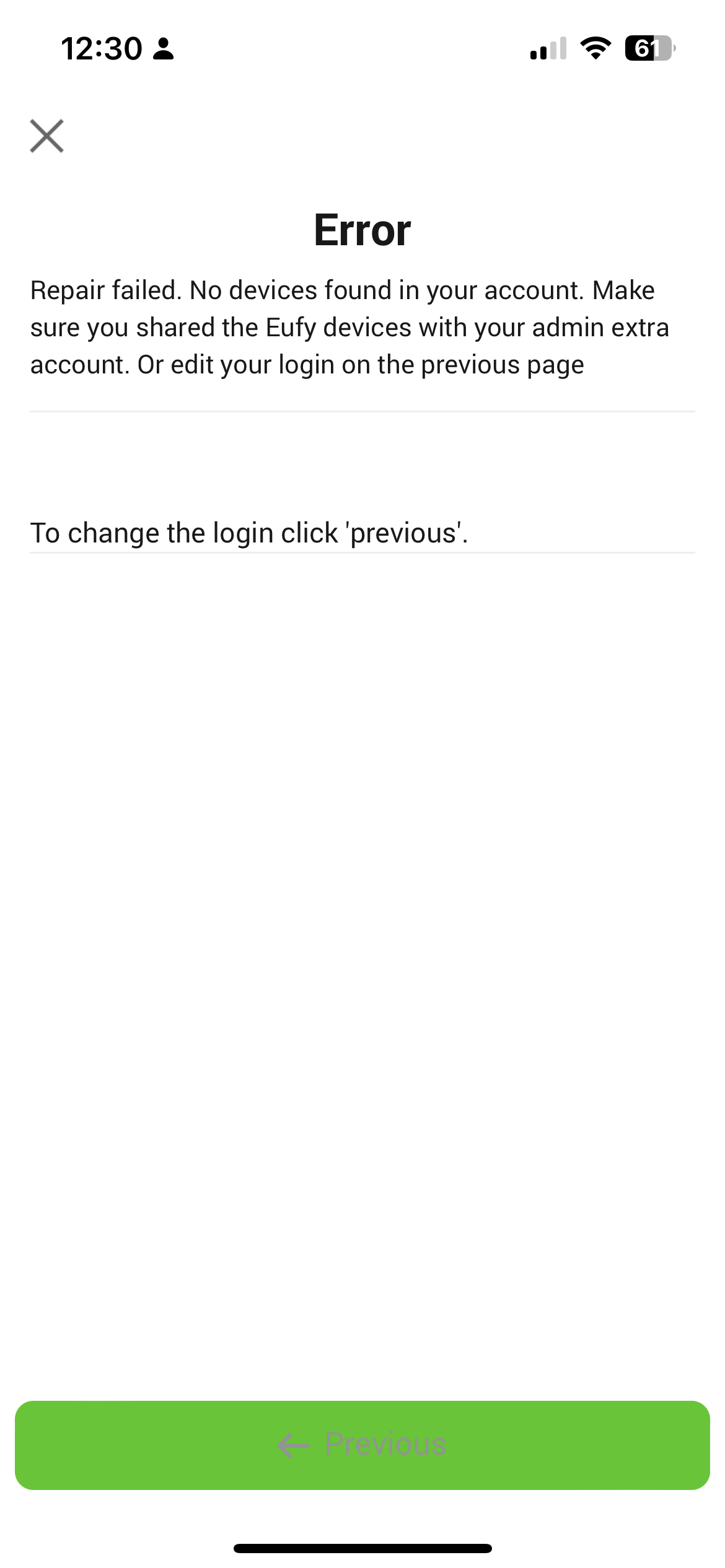
@Jonathan_Draper can you send a report?
Hi Martijn same issue here:51c64af4-4eec-4d89-a3ae-06ef2d4ee90b
@Rens_Hoekema I see a Email address or password incorrect.
Had that too while testing, can’t really explain why it does that…
Do you have another account to test with maybe?
Also seems like your captcha failed twice
I tried deleting the Homebase device and re adding. Report for that is 2f9b2ccb-302e-4ca2-83d0-ab5741326ec3
@Jonathan_Draper yeah same for you:
[EufyLibrary] Response code not ok { code: 26006, msg: 'Email address or password incorrect.' }
[EufyLibrary] Response code not ok { code: 26006, msg: 'api request limit' }
Will have a look if I can reproduce this!
@Jonathan_Draper Oh and btw! I see you’re trying to add the Homebase 1 instead of the Homebase 2
Not sure if that’s intended
Install and repair.
@Rens_Hoekema @Jonathan_Draper I think I found it, will make a new update soon!
