Yes. I have tried repair, and full reinstall. No effect
@Mark_Saxling can you send a new report after restarting the app ?
I Got a few iCloud notifications last night, like the app have been restartede from your end. Now it workes.
Report: 6bc24e47-9420-43f0-a84d-04a5ebebf85d
Hi @martijnpoppen first I wanna thank you for a great app!
Suddenly the app stopped to update my iPad, have worked perfectly fine before. I have restarted the app and repaired, still not updating..
Diagnostic 83eb202e-9a0d-46a3-aa2e-24df12d6cbe4
@Daniel_Fille can you run a repair and then send a new report? 
Did another repair and now it have update, strange 
I awaiting to see if it keep update and get back to you
Thanks!
@martijnpoppen Just an update! It works fine again!
Hi Martin.
I have som issues. I am unable to login to the app.
It have worked before, but stopped updating.
So i tried a repair, no dice, then an reinstalle but I am still not able to login.
Report:
2d9a5f37-543f-473a-821e-ead3c23b0558
@Mark_Saxling can you do a restart and send a new report?
Just did another restart.
Report: 7ca751e6-2bf4-47f1-8386-73780b03e450
@Mark_Saxling I don’t see any errors
Can you try to add it via a different device? Like via the homey webapp
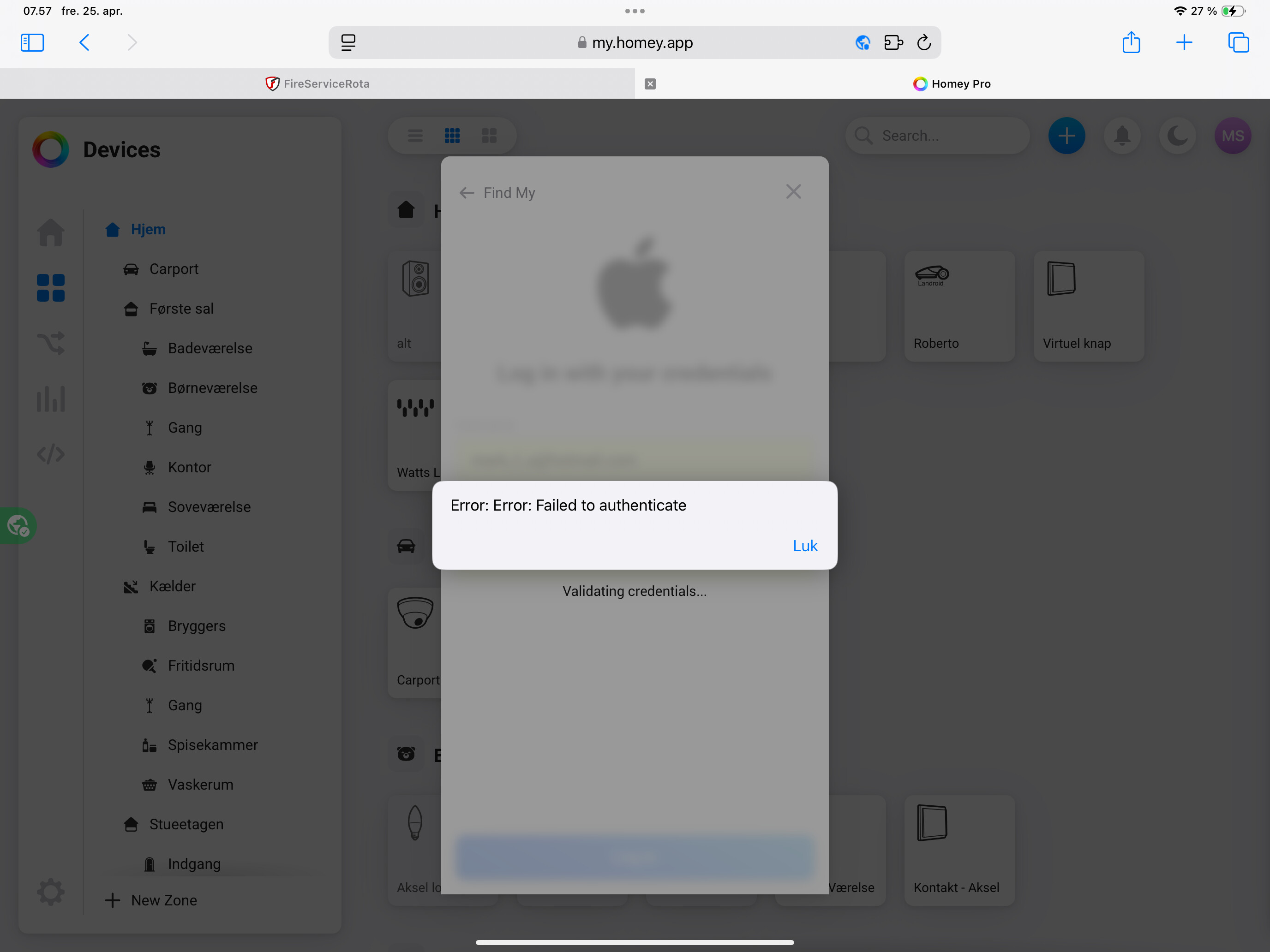
@Mark_Saxling Most of the time this is due to special characters in the PW. You could try changing the PW and see if that works.
Login here works? Find Devices - Apple iCloud
@Mark_Saxling you don’t have to send the same message again to get my attention…
I have no clue why this happens please try to reinstall the app
Problem solved: when typing the login and password manually (instead of copy-paste) I could login again without any problems. The app is running without errors for a few weeks now.
hello! Isent anyone abit conserned with giving away our apple passwords? or is there a workaroud that im missing?
@Henrik87 to whom are you giving your password away?
will i not be login in thru the homey app?
@Henrik87 yes you will, but the data is on your homey same as the password. Which is also encrypted. So nobody can get it.
Next to that I disabled all the logs for passwords so even if you would send me a report then I won’t be able to see it. Only I know the encryption key, and I can’t see your password so it’s useless to me and others.
Hope this gives some more clarity
Good to know. Since I’m not very familiar with encryption and security, is it possible to create a separate, secondary Apple ID that’s only connected to Find My without affecting anything else?
@Henrik87 hmm not that I aware of. Maybe if you share the devices via find my.
