I don’t agree. Many community devs write waaay better and more extensive apps. Some devs have more knowledge about Homey than Athom has
BUT, this is just my humble opinion.
I don’t Hue, but from several Huesers I’ve read they recommend using the Hue bridge with Homey. It’s zigbee network is pretty solid, and when Homey has a day off, you still can operate your Hue stuff.
You can add it as Matter device btw.
No. If you don’t use Homey zigbee, it doesn’t transmit signals. And zigbee and 2.4GHz wifi have settable channels, you’d select in a smart way.
Search the net for “Wifi vs zigbee interference”
This is just a users forum, don’t count on Athom (the manufacturer) to read your post. And users can’t help you with it, can they?
So, it’s better/best to write to https://homey.app/support instead.
When you make such statements here, please describe them, if not, you’re just trolling imho.
The word surprise tells me you didn’t read any decent source of information / reviews before buying Homey. Youtube / ToxTic is not decent/reliable.
Deciding purely on a company’s own marketing material can be called naive.
I’ve never seen ads which are 100% honest.
Please don’t get me wrong, I don’t like Athom’s marketing at all, b/c they “forget” to mention the very crucial ‘but’ and ‘however’ and ‘please note this and that’ parts.
Thank you Peter, very detailed and nice reply.
If anyone else have his 2 cents about getting the Philips Hue Bridge or not experience I’ll be happy to read it!
I waited near 6 months before buying Homey. Watched all Homey’s official videos and lot of others tests. I wish I could get more technical tests about getting the Philips Hue Bridge.
I just learnt how to check what to buy by checking the supported device by an App first. The ZigBee and Z-Wave logos aren’t enough indeed.
So if I got it well, you’re using the Bridge only in case of Homey problems, right? Is it the only reason? Any other reasons I should go with the Philips Hue Bridge? Feel free to talk about it!
@Asterix: can you connect the Bridge using Wi-Fi only or, is Ethernet required as I see in lot of YouTube guides?
I hope that you might help me with my Hue bridge, please.
Is there a tutorial how I connect my Homeypro with the hue bridge?
I tried the hue app but could not find any devices. Also a pairing code for matter did not work.
@Asterix
I connected my Hue bulbs via Matter, since I read that integration via the official Philips Hue app sometimes can lead to delays when e.g. trying to switch lamps on/off due to the polling interval.
However, I would feel a little more comfortable with using the official app (don’t know why, probably due to the more “guided” approach of using an official app), but I also do not want to have these delays I read about.
Since you wrote that you integrated the Hue bridge without matter: Did you experience these delays or any other negative effects?
Since I can’t know how long your delays are, I can’t judge whether one or the other is better.
For my feeling, there is actually no delay when I turn on the lamps. Only when I open the Homey app for the first time, it is delayed by just under 1 second.
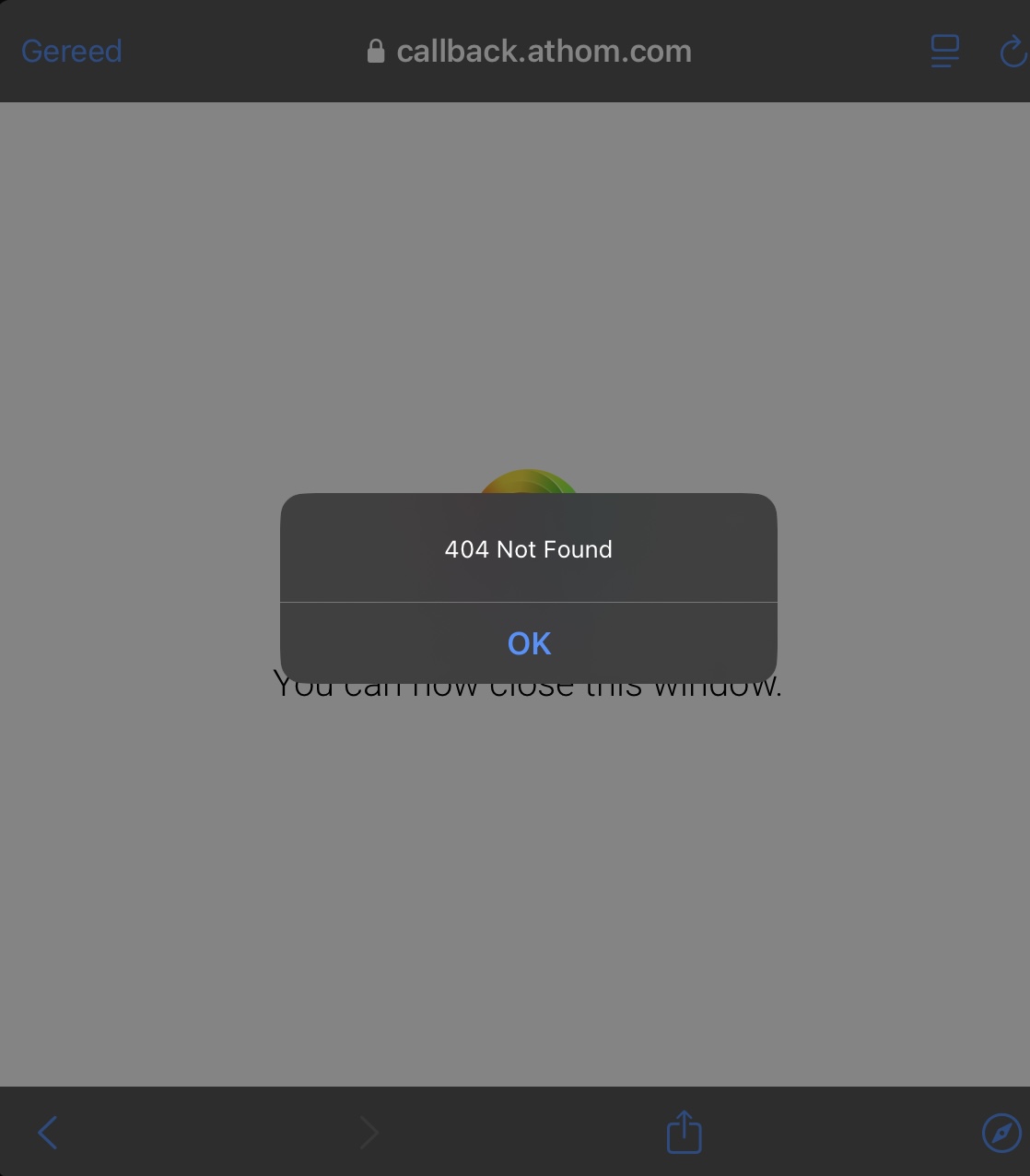
Have checked credentials, I am using the right passwords. When logging in to Hue there’s a page confirming Homey has access to my Hue, and access has been granted today at 20:47, which was when I received the attached error message…
Maybe you need to clear the cache in your browser. 404 usually means that the webpage cannot be found.
And if Signify have deployed an update it might have caused some connections to be renewed.
Just a thought.
Still same problem with adding the lights back. Either in the app or with a browser. Don’t know what to try anymore, and if its not fixed soon, it is the end of my smart home - according to my wife.